


Cost / License
- Free
- Open Source
Platforms
- Linux
- Flathub
- Flatpak
- Meta Quest


+3


I've been using Linux for a year now. I do use CLI tool and the terminal but I'm super used to GUI and I do understand why you might don't want to bother with Terminal and stuff ! Here is my list of useful tools for beginners on Linux ! The same list for https://alternativeto.net/software/mac-os/ : https://alternativeto.net/list/29658/my-macos-setup/ https://alternativeto.net/software/windows-10/ : https://alternativeto.net/list/29653/my-windows-setup/
If you don't know where to start. Here is a limited selected choice for beginners!
Stop searching for the perfect distro, use something stable widely used with great community support!

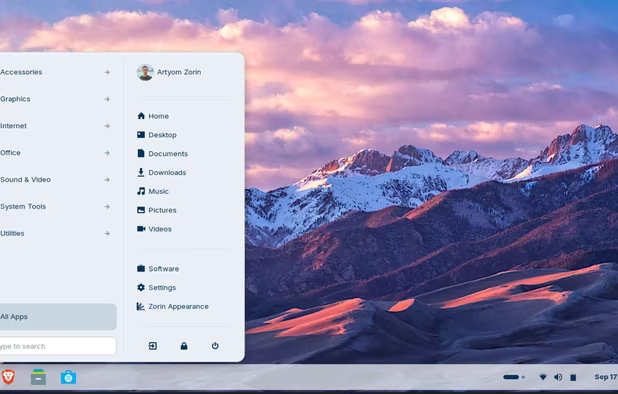
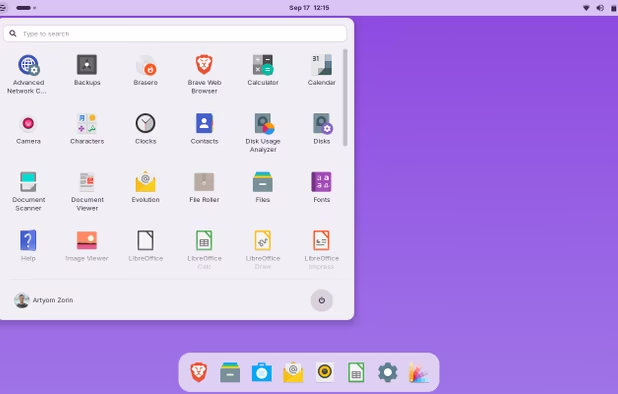
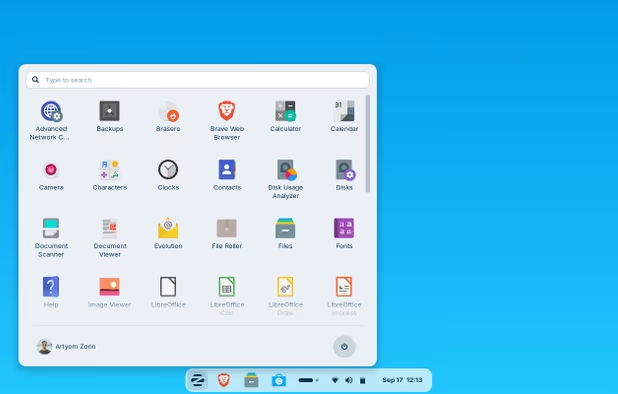
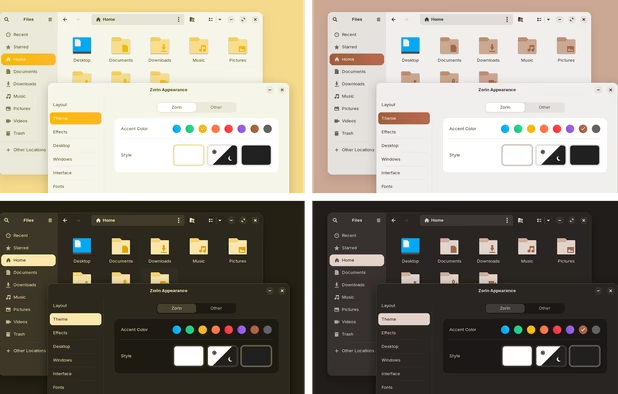
Stable - Not for cutting-edge hardware (except with new major upgrade usually) Now that ZorinOS 17 is out it is again a great recommendation as it update the kernel and brought more hardware support ! One of the most polished distro as of today ! The Pro version is optional and simply a way to supports the developement of the OS by basically bringing you premium layout such as macOS-like.
Howver when Zorin 18 will release you will probably have to pay again as it wasn't possible to upgrade from 16 Pro to 16 Core. It's based on Ubuntu (which is based on Debian) which have tons of ressources for beginners !

Stable - Not for cutting-edge hardware (except with new major upgrade usually)
If you're a  Windows 10 Kubuntu is a wonderful distro to start. It's based on the battletested Ubuntu just like Zorin with a familiar UX thanks to KDE Plasma, however you can easily customize it to your desires.
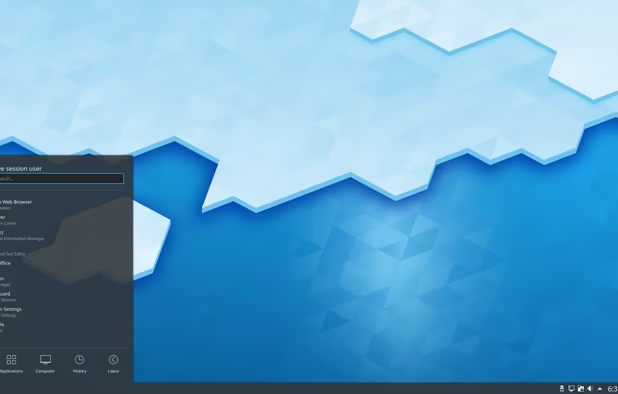
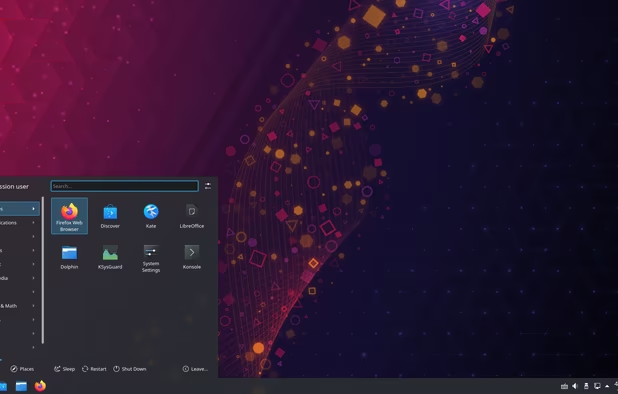

Stable - Not for cutting-edge hardware (except with new major upgrade usually)
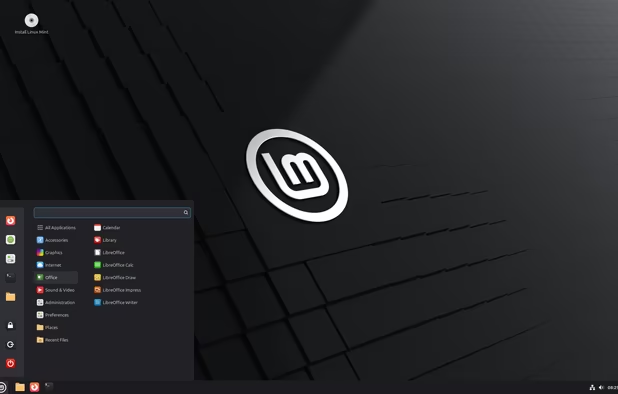
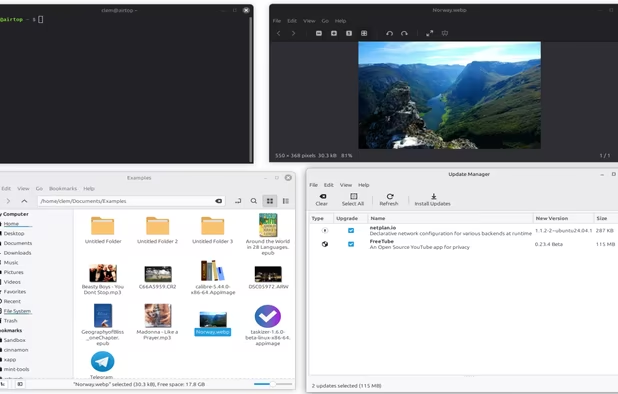
If you're a Windows 10 Linux Mint is a great start. If you have a good PC go with Cinnamon, if your machine is quiet old I'll recommend you the xfce edition. It's based on Ubuntu (which is based on Debian) which have tons of ressources for beginners !
The UI is a bit old but not outdated and on Linux you can tweak it as your liking.


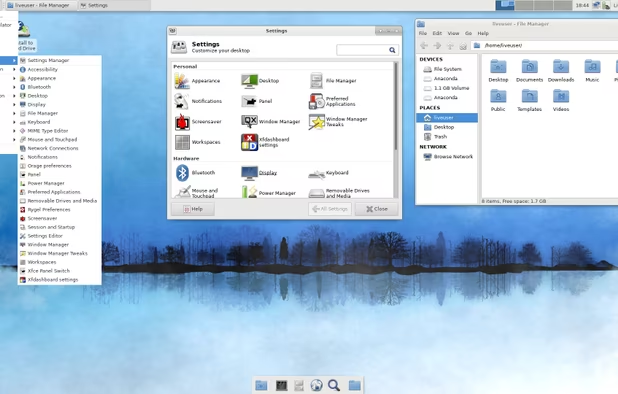

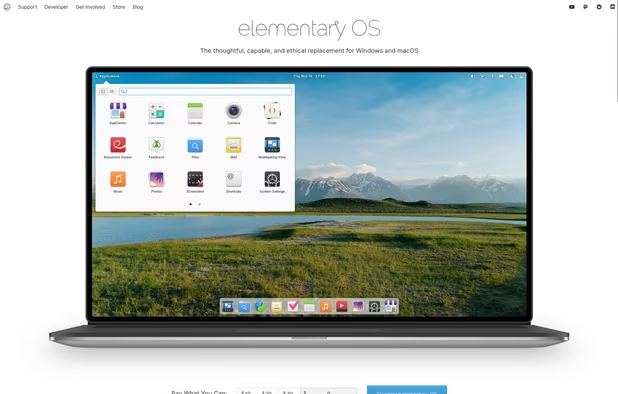
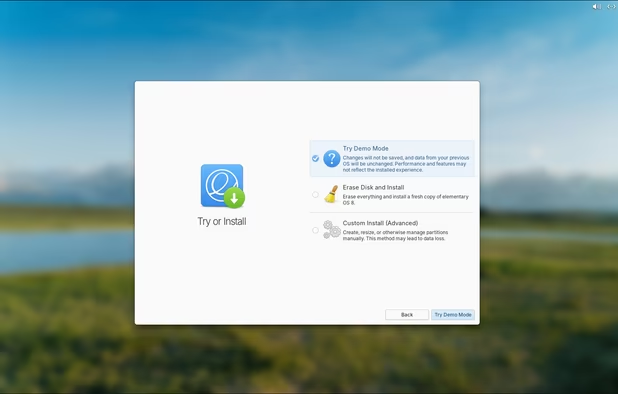
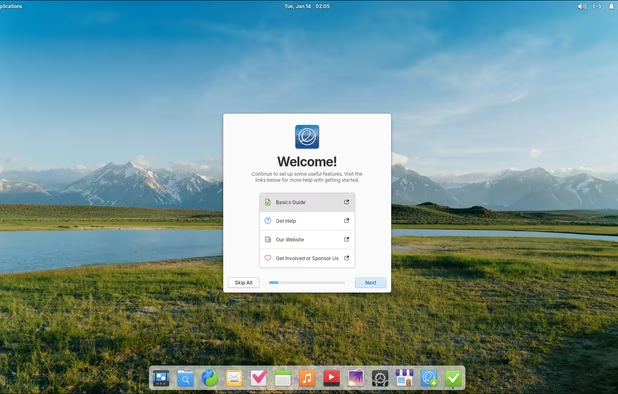
If you are a  macOS Guy (or Girl, or anything) elementary OS is the distro for you. The default look is a bit outdated by default in my opinion but you're on Linux and their's tons of tutorial on how to customize it and make it looks more modern ! elementary OS has the closest UX with macOS while not copying it and being super stable and suitable for beginners !


Based on Fedora, bazzite has become a popular distribution for gamers by providing a good OOTB experience with plenty of tools installed by default. While being a fairly young project you can't deny it's impact on the linux gaming community.


A modified version of Fedora oriented to gamers and content creator (Out of the box DaVinci Resolve support) with the Cachy-Linux kernel. This distro is made by Glorious Eggroll known in the linux-gaming community for his work on GE-Proton. The official version come with a modified GNOME DE that will be closer to a Windows UI/UI.


A gaming distro made by a french community. Based on Nix this new linux gaming distribution is quite interesting.

If you wanna try Arch without the headaches these are great entry points

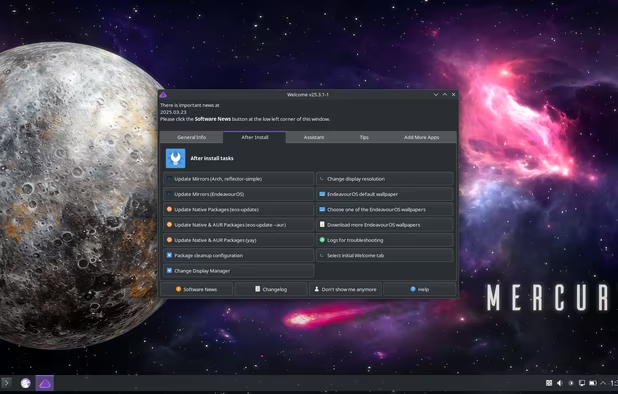
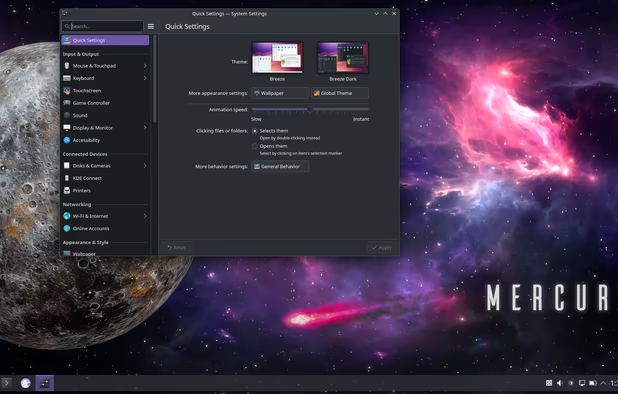



Firefox is my go to browser for Linux don't forget to disable telemetry in settings and install  uBlock Origin ! Arkenfox is a great ressource if you want to harden your FF browser !
Worth mentioning :
 LibreWolf
 Brave
Brave
 ungoogled-chromium + uBlock Origin





If like my you use multiple browsers daily this one will be useful. Set it as your browser by default and when clicking on a link it will prompt which browser you want to open. It let you also choose for other software such as email client, image viewer, file explorer, etc...
Worth mentioning :  Braus for Arch users


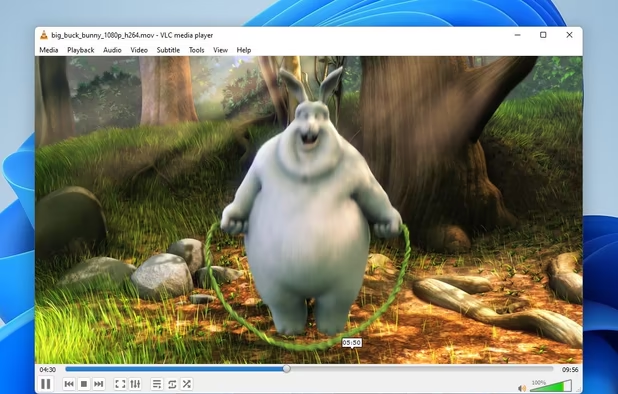

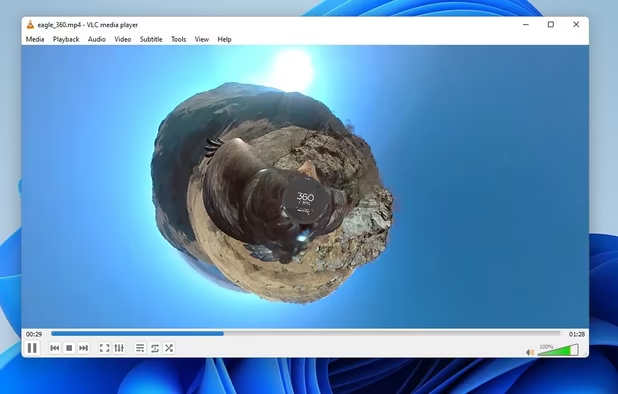


If the image visualizer that come with your distro not suit your needs look at the KDE one !


You can choose between many different ways to install softwares on linux. It can be confusing for new comers ! I would personally recommend Flatpak first. It's universal (works with any distro), tends to deliver more up to date versions of softwares and integrate well with your default Linux App Store. Just download any flatpak from  Flathub 's website, install it and now they should be added in your AppStore !


The Launcher for Linux gamers. Enable Steam Play (Proton) in the steam settings and you will be able to play most steam games without any other tweaking !


Epic Games does not have Linux client so Linux gamers made one ! Works with  GOG.com too and other stores.


Collects and logs details about game performance in games using OpenGL/Vulkan. Can display live statistics in overlay.


If you have RGB on your gaming RIG this helps you manage them for any constructor like Razer, AORUS, ASUS, MSI, etc...


Comments
Kick out mozilla for librewolf, which now gives option to use containers and store cookies and site data.