


Kubuntu
298 likes
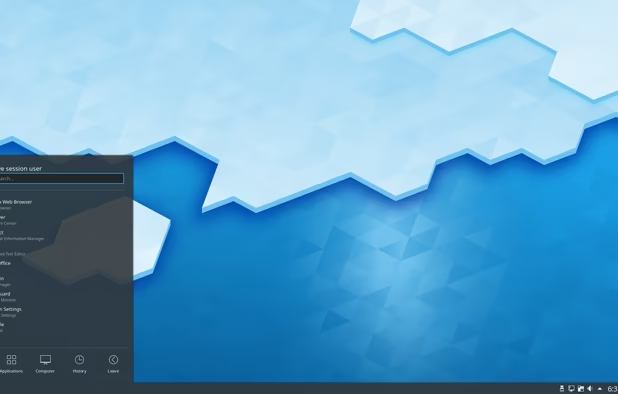
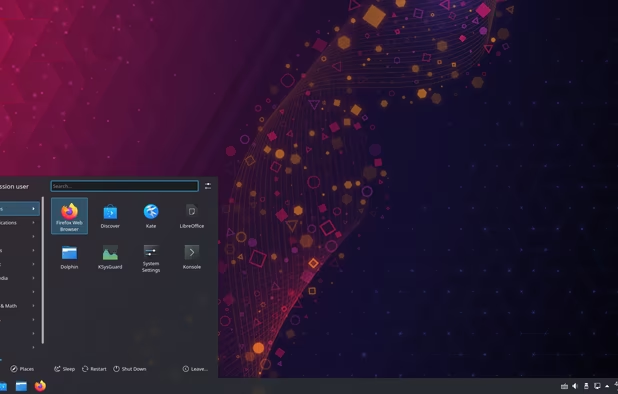
Kubuntu is an official "flavor" of Ubuntu that uses the KDE Plasma desktop environment. This gives it a completely different look and feel.
Cost / License
- Free
- Open Source
Application typeApplication types
Platforms
- Linux

Features
Highlights All activities
Kubuntu News & Activities
Recent News
- Fla published news article about Kubuntu
- Mauricio B. Holguin published news article about Ubuntu
- Paul published news article about Ubuntu


Recent activities
- humble-advisor liked Kubuntu
 Lucas Gabriel added Kubuntu as alternative to Prototype Linux
 alessandropatane added Kubuntu as alternative to Linux PataOS
- Nam Pham liked Kubuntu
 Korbs added Kubuntu as alternative to Mainstream OS
 rhY added Kubuntu as alternative to Spaced Linux





The linux setup for everyone (freeware with GUI only and distro recommendations)
THIS LIST HAS BEEN DELETED DUE TO A BUG, SO IT MISSES SOME HONORABLE MENTIONS !
I've been using Linux for a year now. I do use CLI tool and the terminal but I'm super used to GUI and I do understand why you might don't want to bother with Terminal and stuff ! Here is my list of useful tools for beginners on Linux !
The same list for
macOS :
Windows 10 :
DeMicrosoft Your Life
How are you?
In this list I bring you a variety of alternative software to those from Microsoft, and also that these free and open source programs
So enjoy this list!
(I will be updating it every day)


Privacy-Respecting Apps and Services (Computers)
Choose freedom and continued democracy by switching away from big tech in your personal digital lives.
Not all apps and services listed will be open source or even free (as in free beer), but they will at the very least be privacy-respecting.
Of course, there will be a few exceptions, simply because they are necessary for some people, like for work.
BUT, THEY ARE NOT NECESSARY FOR YOUR PERSONAL LIFE. Work-life balance is important.
This list will get updated from time to time.
Each section lists my recommendations in order of best (in my opinion) to good enough. Except for the Docs and OS sections, which are listed from easiest for beginners to better for creatives, techies, and professionals. These and the Video Conferencing section, which is listed based on needed for work to good enough for personal use.
Lastly, the Linux operating systems (or distros) are at the end of the list because no matter which you choose, the majority of these apps can be installed on Windows, and can certainly be installed on any of the distros.


Developed by
 Canonical
 Licensing
Open Source and Free product.Rating
Average rating of 4.4Alternatives
221 alternatives listedNews
6 news article related to KubuntuBadge
Get an embeddable badge for KubuntuSupported Languages


Comments and Reviews
The aesthetics are more familiar for myself than vanilla Ubuntu, plus I use a ton of KDE apps like Krita and
  Kdenlive which feel native here. Most importantly for me though, there's a KDE extension for live wallpaper that feels native as well. It works seamlessly across multiple desktops and has no issues with compositor effects unlike previous attempts. Not everyone likes video as their desktop wallpaper, but it's a nice feature and one that can potentially improve the desktop experience substantially. For example, someone new to Linux could have a video on their desktop that highlights keyboard shortcuts or shows helpful commands for the terminal.
Unfortunately, many KDE extensions are now buggy or old enough that they don't work anymore. KDE also seems to have a few extra issues with bugs that Gnome doesn't share. For myself at least, it's all drastically improved since KDE's earlier days. KDE's now receiving significant attention through funding so the future looks especially bright.
[Edited by Ugotsta, November 01]
[Edited by Ugotsta, November 01]
In order to get most of the packages, users need to resort to LTS versions. Just like Ubuntu.
A distro I would recommend (next to Mint and Zorin) for those coming from Windows.
I tried various Linux distributions and this was the first one which reliably did everything I wanted, mostly out of the box, allowing me finally to make the switch from Windows. It has sensible defaults and feels familiar to a former Windows user. I might migrate to more technical linux distributions in the future, but for somebody who isn't super comfortable installing apps via the command line or debugging esoteric settings just to get a trackpad scrolling in the way I like, Kubuntu seems pretty great.
I have switched from Windows OS long time ago and Kubuntu is still my favorite Linux distro. Fast. simple, stable powerful. I can recommend Kubuntu as your first Linux OS.
When choosing a distribution (=a flavor of Linux) the DE (Desktop, look) and the base distro are important.
KDE Desktop: Very customizable, modern, Windows7-11 like interface (with the best of all choosable and customizable). You can make it look like any other DE pretty much or however you want. A lot of awesome presets can be downloaded.
Ubuntu Distro: More modern than Debian, support for the most common .deb Linux install file, Flatpak and Snap support in Discover, very big user base, best app support I would say
KDE Apps: some gems here, Dolphin Explorer, Krita Image Editing and drawing, Kate Editor, lots more
When switching to Linux, choose this distro as your first. You will have the least struggles with application support, the UI is similar to Windows but more customizable and the Distro is pretty stable but also modern with important updates.
Regular Ubuntu with (modified) Gnome Desktop may have less to no bugs, but thats because of the lack of customizability. Gnome is very MacOS / Android like, so choose this when migrating from that.
the best performance / eye candy ratio. Has everything working.