
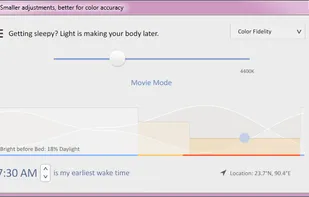
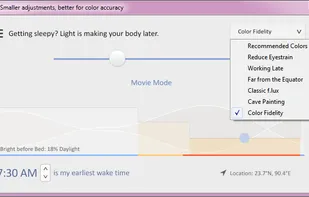
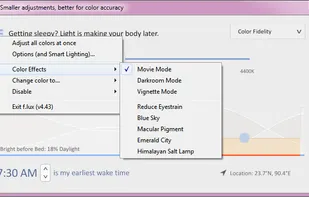
Software that makes the color of your computer's display adapt to the time of day, warm at night and like sunlight during the day.
Cost / License
- Free
- Proprietary
Application types
 United States
Platforms
- Mac
- Windows
- Linux
+5
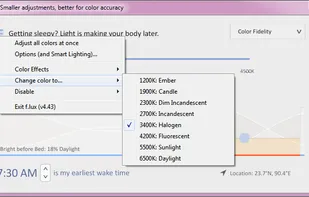


Software that makes the color of your computer's display adapt to the time of day, warm at night and like sunlight during the day.

Professional Windows diagnostic tool offering real-time hardware monitoring and comprehensive device information, ideal for experts and integrators.
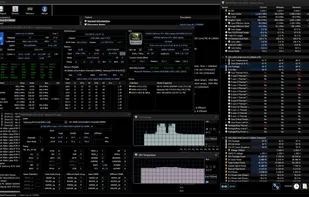
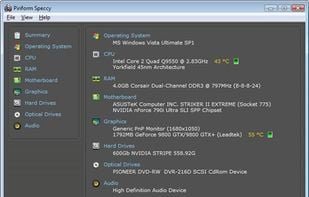
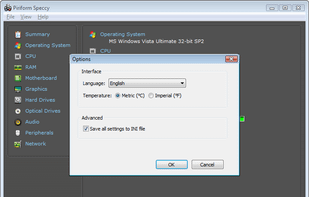
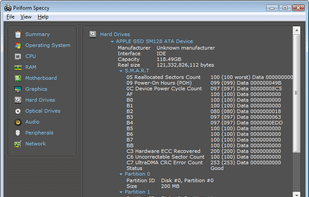
Advanced system info tool offering fast, lightweight scans and detailed hardware overview with real-time temperature monitoring. Portable and ad-free.

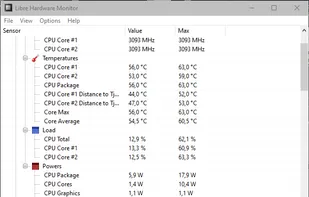
Libre Hardware Monitor, a fork of Open Hardware Monitor , is free software that can monitor the temperature sensors, fan speeds, voltages, load and clock speeds of your computer.

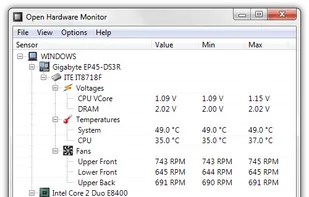
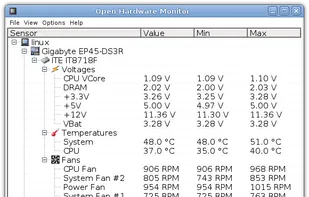
The Open Hardware Monitor is a free open source software that monitors temperature sensors, fan speeds, voltages, load and clock speeds of a computer.

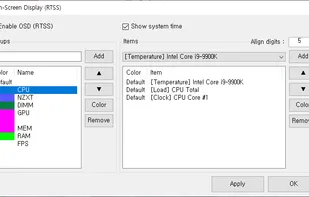
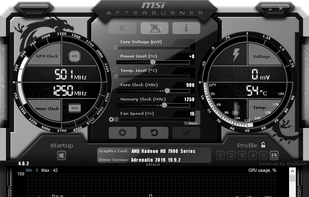
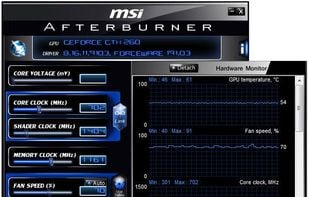
Advanced tool for GPU overclocking, video capture, and screen recording. Supports Nvidia and ATI cards, includes Kombustor stress test, portable and ad-free.

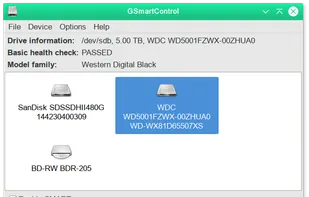
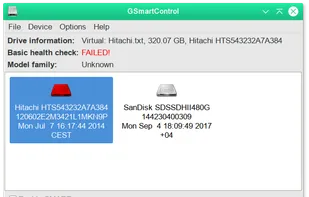
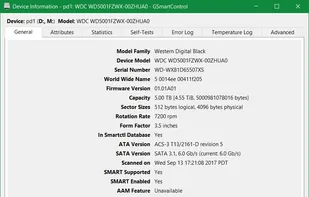
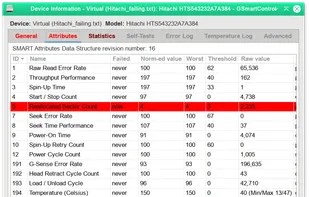
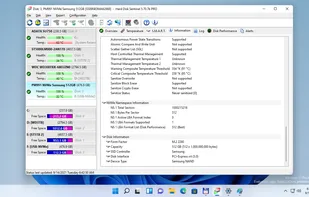
Graphical interface for smartctl, part of smartmontools, enabling SMART data monitoring, drive health inspection, and diagnostic tests on hard disks.
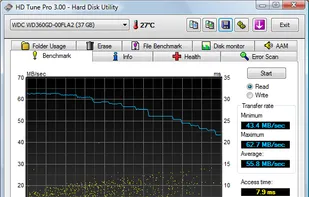
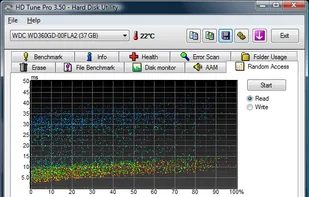
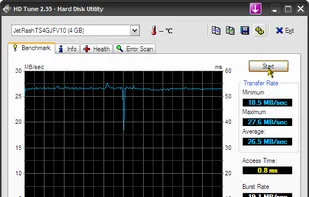
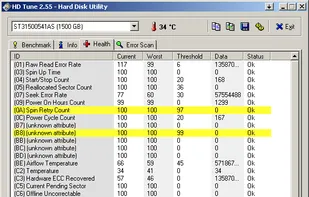
HD Tune is a hard disk / SSD utility with many functions. It can be used to measure the drive's performance, scan for errors, check the health status (S.M.A.R.T.), securely erase all data and more!.

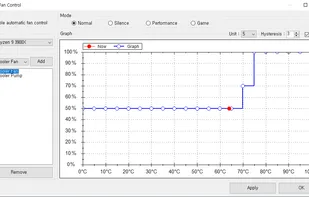
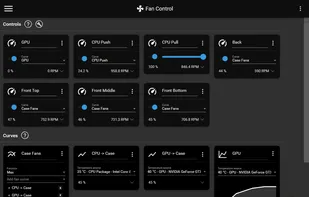
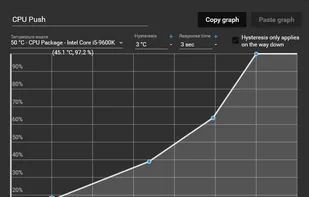
Fan Control is a focused and highly customizable fan controlling software for Windows. It supports multiple temperature sources in min, max and average configurations, and fan curve functions, including but not limited to, linear, graph, and mix to control a single fan.

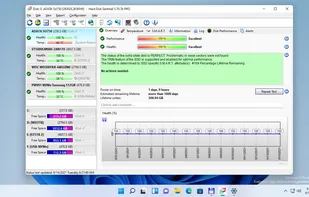
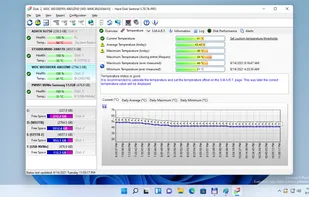
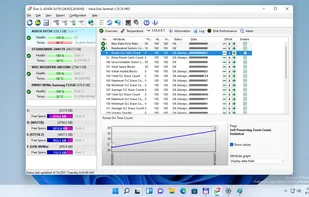
Monitor hard drive health, predict failures with S.M.A.R.T. diagnostics, schedule backups, run performance tests, log temperatures, and repair errors.

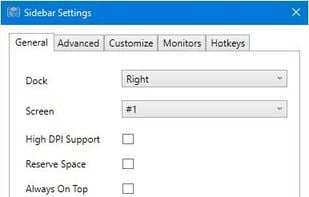
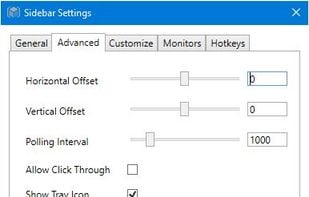
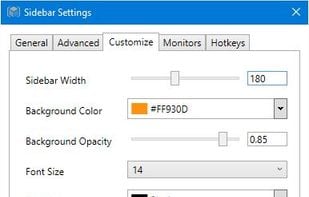
SidebarDiagnostics - A simple sidebar for Windows desktop that displays hardware diagnostic information.

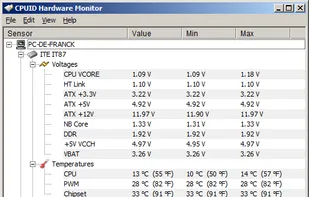
HWMonitor for Windows® x86/x64 is a hardware monitoring program that reads PC system's main health sensors : voltages, temperatures, powers, currents, fans speed, utilization, clock speeds…

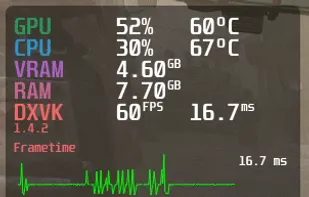
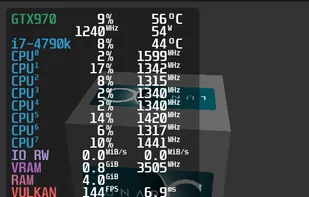
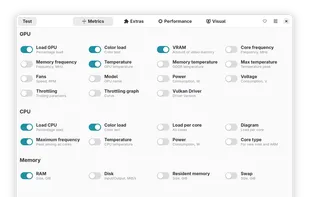
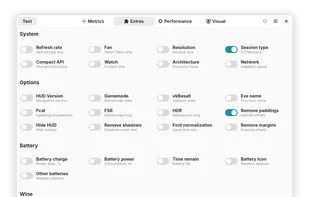
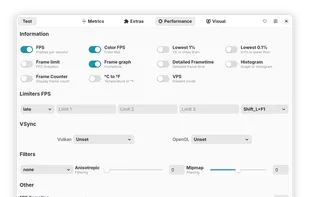
A Vulkan and OpenGL overlay for monitoring FPS, temperatures, CPU/GPU load and more. Discord: https://discordapp.com/invite/Gj5YmBb - flightlessmango/MangoHud


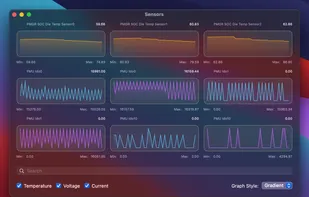
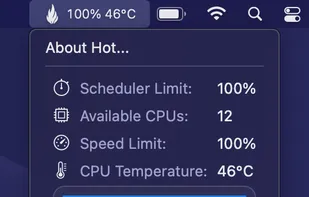
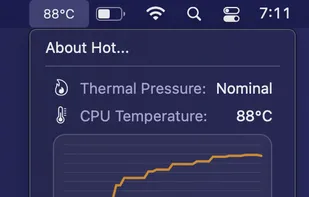
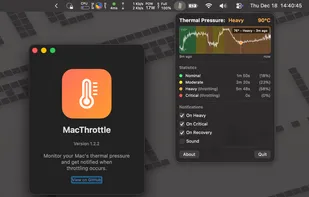
Lightweight menu bar utility monitors macOS thermal pressure, displays real time CPU temperature, fan speed, and thermal state stats, with alerts and no admin rights required.

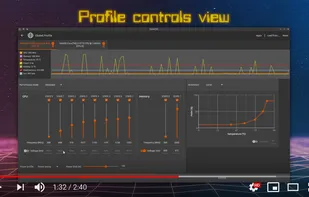
CoreCtrl is a Free and Open Source GNU/Linux application that allows you to control with ease your computer hardware using application profiles.

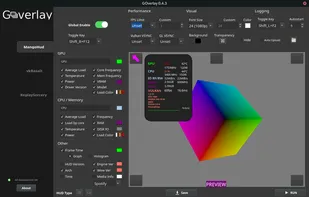
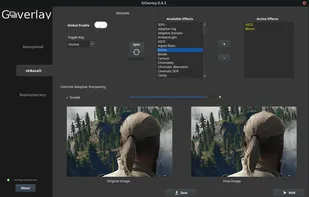
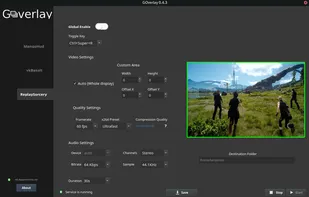
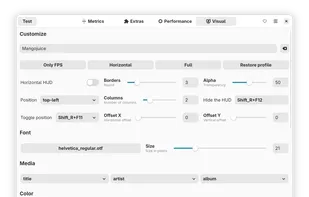
Goverlay is an easy graphical interface to configure MangoHud, vkBasalt, and OptiScaler. Goverlay helps Linux gamers get the most out of their systems by providing an easy-to-use graphical interface to configure MangoHud, vkBasalt, and OptiScaler.


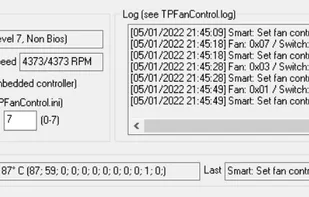
An updated version of TpFanControl that runs on most Lenovo ThinkPads and a few other Lenovo PCs (including single-fan laptops). Includes some features from a competing fork: https://github.com/FanDjango/TPFanCtrl2

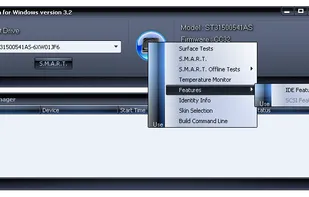
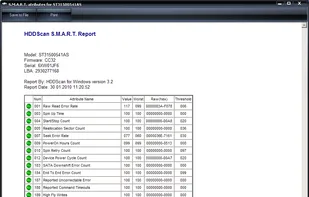
HDDScan is a freeware utility for storage devices diagnostics (HDD, RAID, Flash). The program can scan storage device for bad blocks, show S.M.A.R.T. attributes and change some HDD parameters such as AAM, APM, etc.
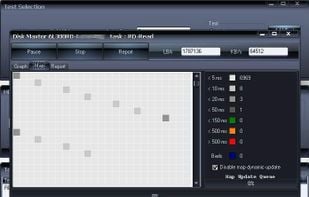
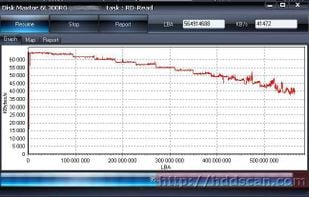

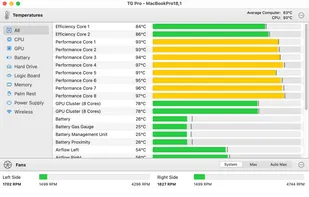
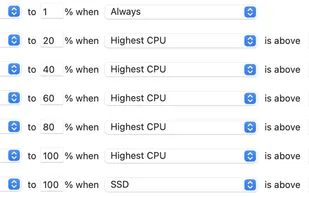
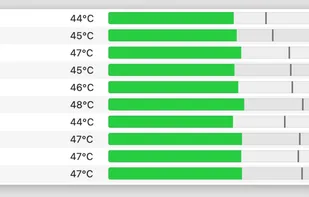
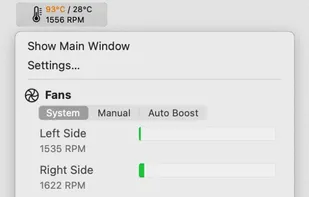
Monitor Mac internal temperatures for potential overheating. Automatically or manually adjusts fan speeds to keep your Mac cool, ensuring optimal performance.

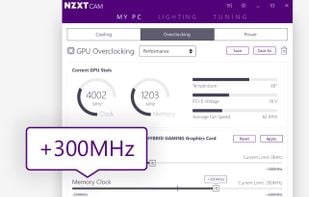
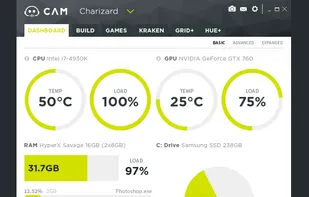
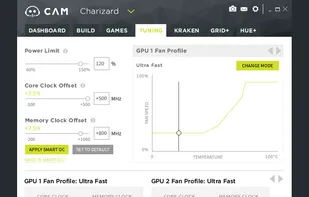
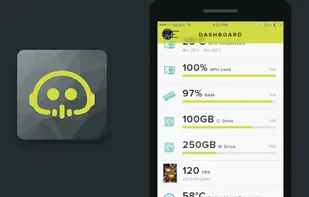
Manage performance, temperatures, and devices all from a single application. NZXT CAM is fast, efficient, and easy-to-use, allowing you to control every aspect of your computer.

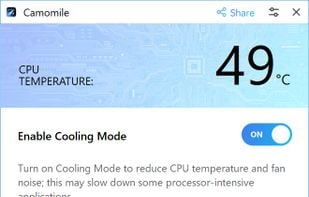
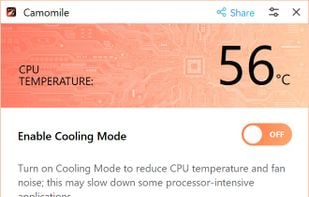
Camomile, developed by Outbyte, is a comprehensive CPU optimization application designed to enhance the performance and longevity of your laptop. It effectively manages system loads, maintaining optimal temperatures to prevent overheating and extend hardware lifespan.

 Slovakia
 EU
EU
 United Kingdom

 Germany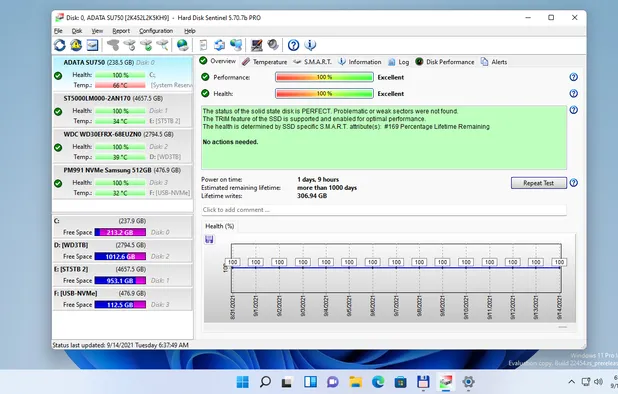


 Taiwan

 Ukraine
 Netherlands
 Canada
 Hungary

 France



 Portugal


 Russia


 Australia

 Switzerland