File Management Page 8 of 49

All apps in File Management category. Use the filters below to narrow down your search. 

Popular filters:

Copy a direct link to this comment to your clipboard
  1. QuickHashGUI icon
     14 likes

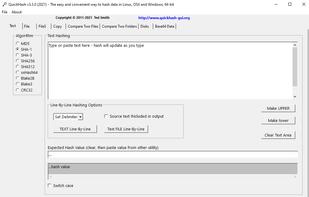
    Linux, Windows, and Apple Mac GUI that enables rapid selection & hashing of files (individually or recursively), text and physical disks.

    • FreeOpen Source
    • Mac
    • Windows
    • Linux
    QuickHashGUI screenshot 1
    6 alternatives
  2. File Juggler icon
     21 likes

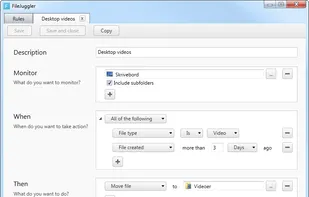
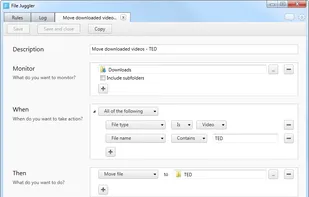
    File Juggler is a Windows utility for automatic file management. Set up rules and have filejuggler move your files to their correct locations automatically.

    File Juggler screenshot 1
    12 alternatives
  3. KRename icon
     19 likes

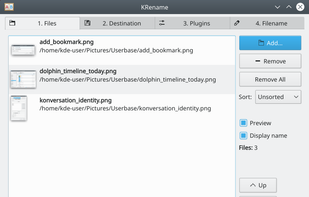
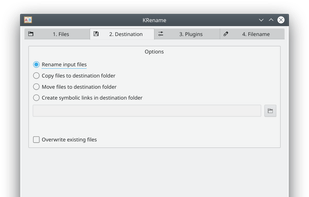
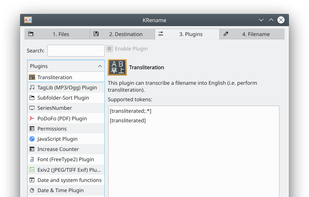
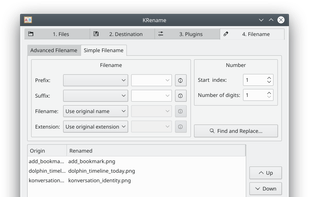
    KRename is a powerful batch renamer for KDE. It allows you to easily rename hundreds or even more files in one go. The filenames can be created by parts of the original filename, numbering the files or accessing hundreds of informations about the file, like creation date or Exif...

    Files page
    71 alternatives
  4. Playbook.com icon
     4 likes

    Make your cloud storage beautiful. Playbook declutters, auto-tags, and intelligently organizes your creative work. Seamlessly browse, collaborate on, and share what you need with friends, colleagues, clients—or the whole world!

    Playbook.com screenshot 1
    66 alternatives
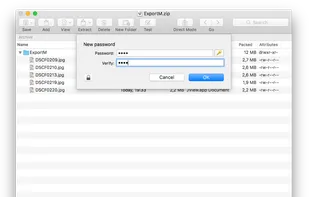
  5. Zarchiver icon
     22 likes

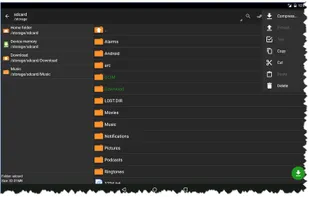
    ZArchiver - program to manage archives in android. The program has a simple and functional interface. It lets you create 7z (7zip), zip, bzip2 (bz2), gzip (gz), XZ, tar archives, decompress 7z (7zip), zip, rar, bzip2, gzip, XZ, iso, tar, arj.

    Zarchiver screenshot 1
    36 alternatives
  6. allTags icon
     16 likes

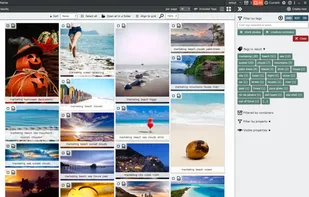
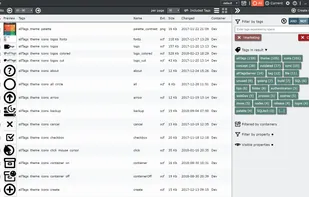
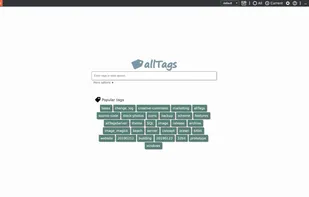
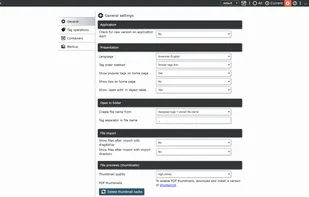
    allTags is a free, tag based file management application. It was designed to speed up file handling even in very large file sets.

    • Discontinued
    • FreeProprietary
    • Windows
    Image gallery
    18 alternatives
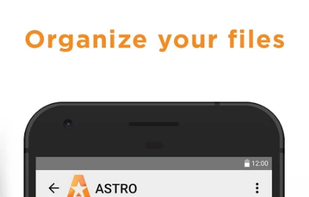
  7. The ASTRO File Manager helps you get the most out of your Android smart phone.

    It allows you to manage files on your phone without the need for a computer. Operations you can perform: copy, paste, move, delete, open with other apps, create and folders, etc. What’s convenient ab.

    ASTRO File Manager screenshot 1
    ASTRO File Manager screenshot 2
    ASTRO File Manager screenshot 3
    53 alternatives
  8. Noid icon
     3 likes

    Managing your files shouldn’t be complicated. Noid is designed to give you a clean, intuitive, and efficient way to organize, search, and manage your files effortlessly. Whether you're sorting documents, clearing storage, or quickly accessing important files, Noid makes it...

    Noid screenshot 1
  9. gzip icon
     15 likes

    GNU Gzip is a software application used for file compression and decompression. It is based on the DEFLATE algorithm, which is a combination of LZ77 and Huffman coding.

    24 alternatives
  10.  2 likes

    A user-friendly, faster, more capable grep replacement. Includes a TUI, Google-like Boolean search with AND/OR/NOT, fuzzy search, hexdumps, searches (nested) archives (zip, 7z, tar, pax, cpio), compressed files (gz, Z, bz2, lzma, xz, lz4, zstd, brotli), pdfs, docs, and...

    • File Search Utility
    • FreeOpen Source
    • Linux
    • Homebrew
    • MacPorts
    • Termux
    • BSD
    • FreeBSD
    • OpenBSD
    • NetBSD
    • Alpine Linux
    • Chocolatey
    • Windows
    ugrep screenshot 1
    43 alternatives
  11. Araxis Merge icon
     43 likes

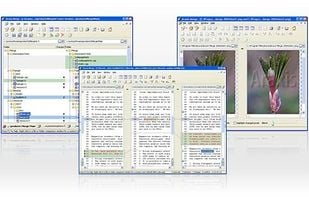
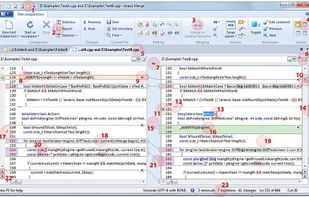
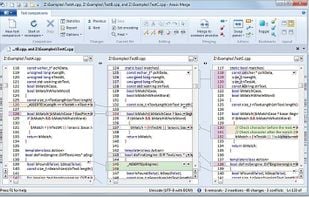
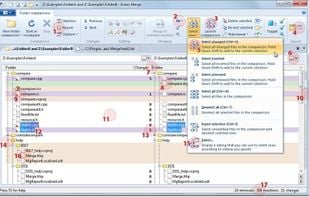
    Merge is the visual file comparison (diff), merging and folder synchronization application from Araxis. Use it to compare and merge source code, web pages, XML and other text files with native application performance.

    Overview
    62 alternatives
  12. TaskSpace icon
     15 likes

    TaskSpace is a simple Windows application intended to group ANY applications in a single window(task space) to provide fast and easy access to multiple applications simultaneously(no Alt+Tab switching and/or searching for a program in the taskbar is required).

    TaskSpace screenshot 1
    20 alternatives