File Management Page 4 of 49

All apps in File Management category. Use the filters below to narrow down your search. 

Popular filters:

Copy a direct link to this comment to your clipboard
  1. Ultracopier icon
     77 likes

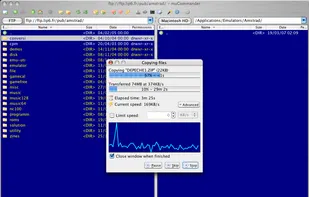
    Ultracopier replaces Windows explorer file copy and adds many features: Transfer resuming, transfer speed control, transfer speed computation, better transfer progress display, faster transfers, copy list editable while transferring.

    Copy Window
    30 alternatives
  2. DropIt icon
     76 likes

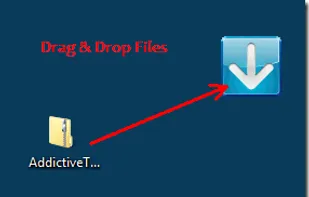
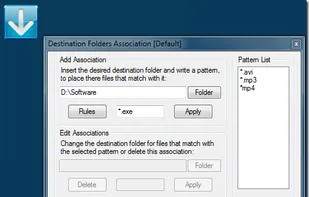
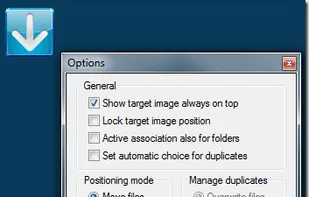
    When you need to organize files, DropIt can eliminate much of the drudgery of searching and manually opening folders and moving files around.

    Main UI
    16 alternatives
  3. Multi Commander icon
     113 likes

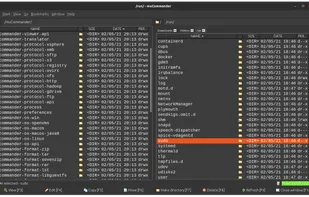
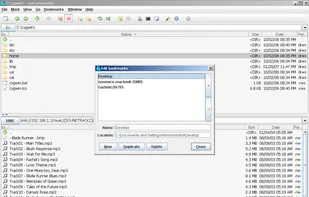
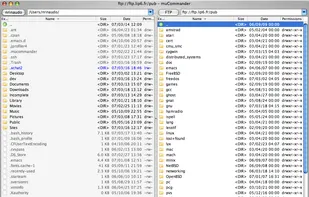
    Multi Commander is a multi-tabbed file manager and is an alternative to the standard Windows Explorer. It uses the very popular and efficient dual-panel layout.

    Multi Commander screenshot 1
    83 alternatives
    3.6
    Good13 reviews
  4. xplorer² icon
     103 likes

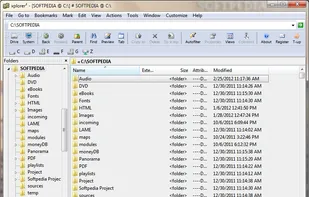
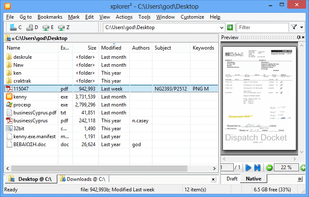
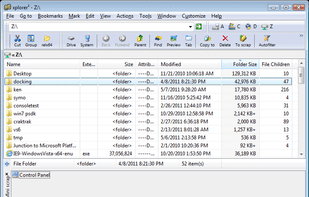
    xplorer² is a desktop file manager combining the simplicity of Windows explorer with the speed and efficiency of traditional dual pane file managers.

    xplorer² screenshot 1
    92 alternatives
    4.1
    Very Good7 reviews
  5. CyberChef icon
     13 likes

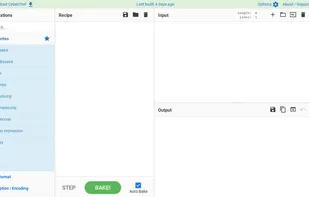
    CyberChef is a simple, intuitive web app for carrying out all manner of "cyber" operations within a web browser. Runs client-side in your browser via the website or as a downloadable html file.

    • FreeOpen Source
    • Online
    • Self-Hosted
    CyberChef screenshot 1
    18 alternatives
  6. AntiDupl icon
     62 likes

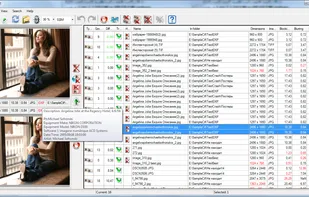
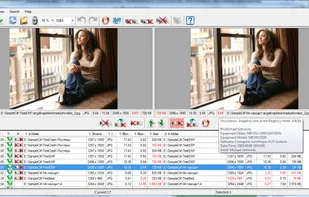
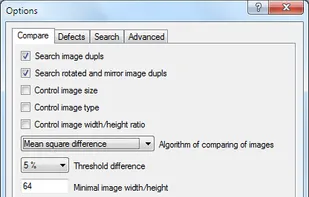
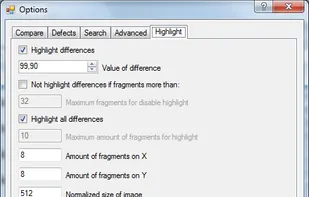
    AntiDupl.NET can find and display duplicate images in the main graphic formats: JPEG, GIF, TIFF, BMP and PNG. The comparison is based on the contents of the files, so the program can find not only almost identical, but similar images.

    Main Window
    60 alternatives
    4.6
    Excellent9 reviews
  7. ClipPocket icon
     6 likes

    Clipboard manager for macOS storing all copied items locally, offering quick search, file support, type detection, favorites pinning, and keyboard shortcut access.

    ClipPocket screenshot 1
    57 alternatives
  8. Bat icon
     16 likes

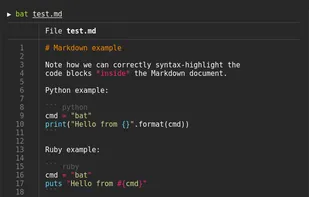
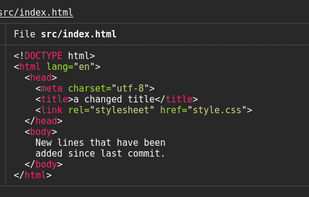
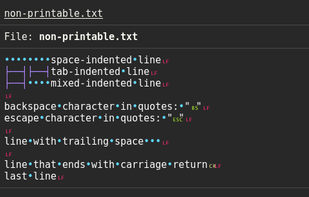
    Command-line tool with syntax highlighting, Git integration, automatic or disabled paging, and support for showing non-printable characters in the terminal.

    • FreeOpen Source
    • Mac
    • Windows
    • Linux
    • BSD
    • FreeBSD
    • MacPorts
    • Homebrew
    • Chocolatey
    • OpenBSD
    Bat screenshot 1
    4 alternatives
  9. grepWin icon
     75 likes

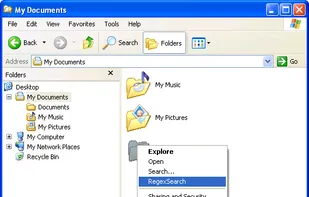
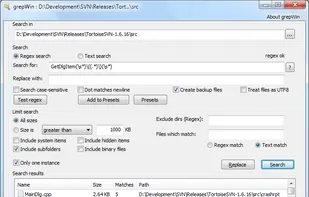
    grepWin is a simple search and replace tool which can use PCRE regular expressions to search for strings of text within files. grepWin adds an entry to the shell context menu to easily search selected folders.

    Context menu.
    35 alternatives
  10. Tabbles icon
     78 likes

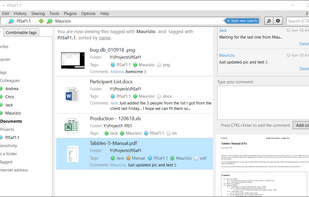
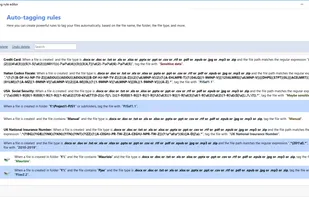
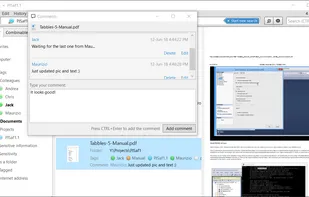
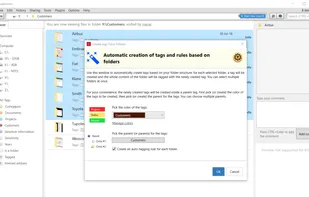
    Categorizes files and folders using visual tag bubbles without moving or duplicating them, enabling dynamic search and intuitive organization by combining tags.

    • File Manager
    • FreemiumProprietary
    • Windows
    • Microsoft Outlook
    Main window
    35 alternatives
  11. Albert icon
     70 likes

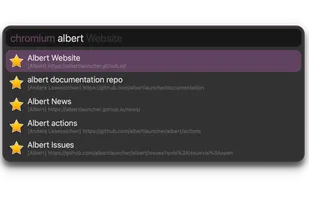
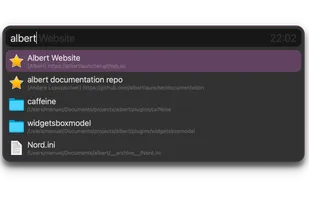
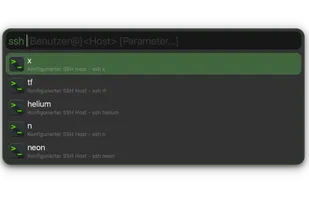
    Albert is a C++/Qt based desktop agnostic keyboard launcher that helps you to accomplish your workflows in a breeze. Its goals are usability and beauty, performance and extensibility.

    chromium triggered
    62 alternatives
  12. Clapgrep icon
     9 likes

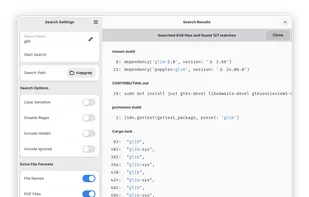
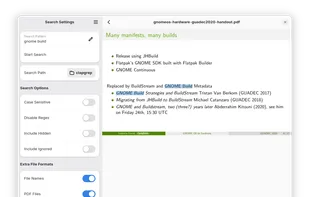
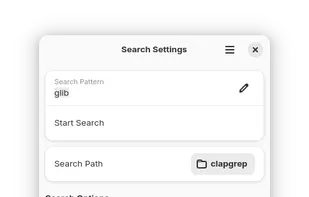
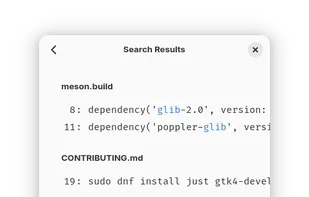
    Ever had a folder full of PDF files, where you knew, somewhere in there, is what you're looking for. But you did not know in which file. So you had to search each of them at a time…

    Clapgrep screenshot 1
    58 alternatives
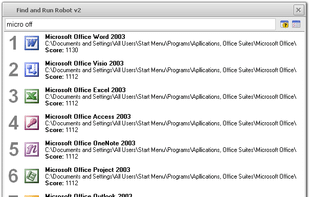
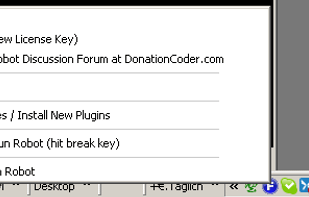
  13. FARR also lets you quickly run web searches, send email, manipulate files, control on-screen windows, and much more. Build and share custom commands or install plugins to add tons of new features, like live search features for your clipboard history and your internet bookmarks;...

    Search result window
    59 alternatives
  14. ranger icon
     58 likes

    Terminal file manager with VI key bindings. It provides a minimalistic and nice curses interface with a view on the directory hierarchy. The secondary task of ranger is to psychically guess which program you want to use for opening particular files.

    ranger screenshot 1
    33 alternatives
  15. VisiPics icon
     102 likes

    VisiPics does more than just look for identical files, it goes beyond checksums to look for similar pictures and does it all with a simple user interface. First, you select the root folder or folders to find and catalogue all of your pictures.

    Main UI
    57 alternatives
    4.3
    Very Good6 reviews
  16. Catfish icon
     41 likes

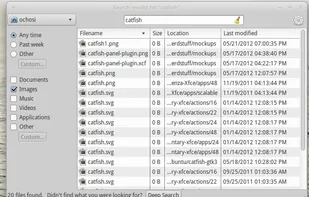
    Catfish is a handy file searching tool for Linux and Unix. The interface is intentionally lightweight and simple, using only GTK+3. You can configure it to your needs by using several command line options.

    Catfish screenshot 1
    33 alternatives