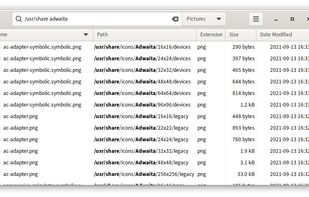
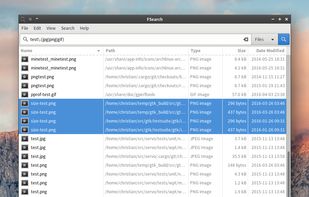
FSearch is a fast file search utility for GNU/Linux operating systems, inspired by Everything Search Engine. It's written in C and based on GTK+3.
Cost / License
- Free
- Open Source (GPL-2.0)
Application type
Platforms
- Linux
- Flathub
 Germany
 EU
EU




+1
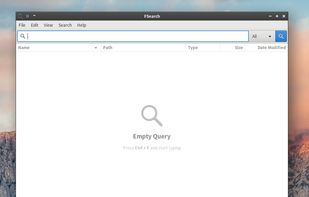


Apps similar to Clapgrep include FSearch, which is free and open source. Other options are Listary, DocFetcher, Agent Ransack and Recoll. You're spoiled for choice with File Search Utilities like Clapgrep: we list more than 50 alternatives for Windows, Mac, Linux, Android and iPhone.
FSearch is a fast file search utility for GNU/Linux operating systems, inspired by Everything Search Engine. It's written in C and based on GTK+3.
GermanyEU
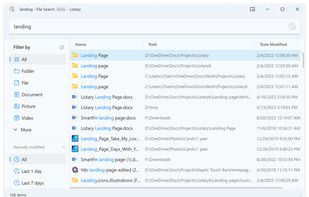
Listary is a revolutionary search utility for Windows that makes finding your files and launching applications blazing fast, for casual and power users alike!.
 China
China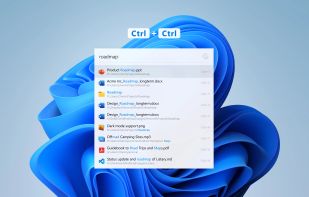
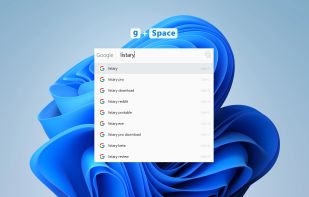


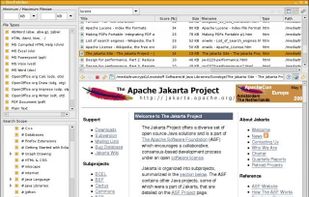
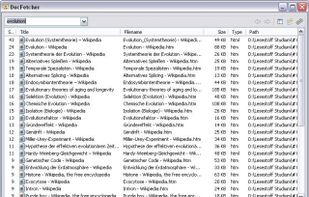
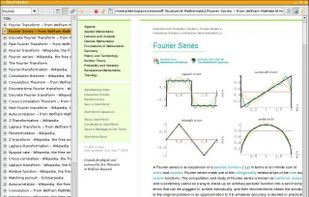
DocFetcher is an Open Source desktop search application: It allows you to search the contents of files on your computer. — You can think of it as Google for your local files. The application runs on Windows, Linux and macOS, and is made available under the Eclipse Public License.
GermanyEU


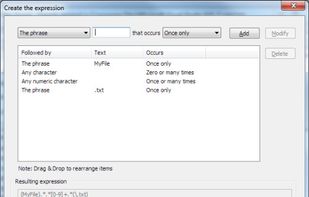
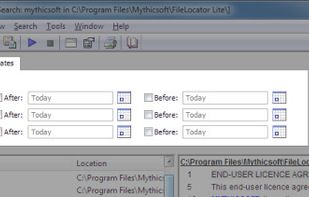
Agent Ransack is a tool for finding files and information on your hard drive fast and efficiently. When searching the contents of files Agent Ransack also displays the text found. Users can then quickly browse the results without having to separately open each file!
 United Kingdom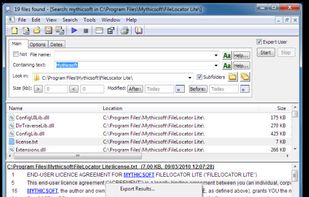



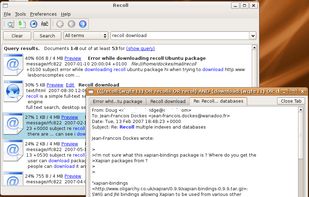
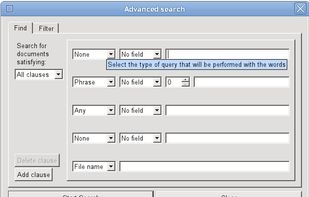
This package is a personal full text search package which is based on a very strong backend (Xapian), for which it provides an easy to use and feature-rich interface.
 FranceEU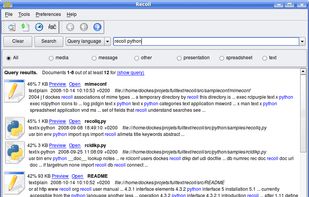



 South Korea

 GermanyEU


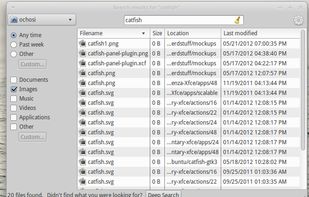
Catfish is a handy file searching tool for Linux and Unix. The interface is intentionally lightweight and simple, using only GTK+3. You can configure it to your needs by using several command line options.
GermanyEU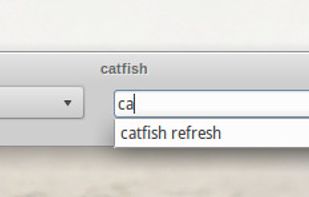


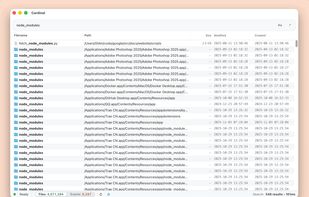
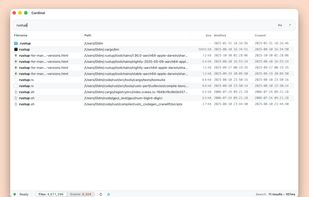
Quick macOS file searching with substring, prefix, suffix, exact, and path-mixed patterns, case-sensitive or regex search modes, instant language switching, keyboard shortcuts, Quick Look previews, Finder integration, clipboard copy, and open-source code.
China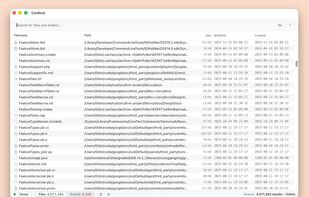


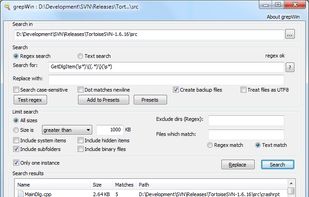
grepWin is a simple search and replace tool which can use PCRE regular expressions to search for strings of text within files. grepWin adds an entry to the shell context menu to easily search selected folders.
 Switzerland


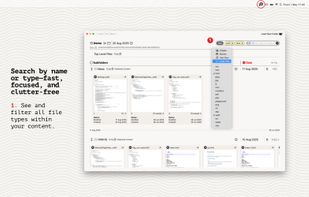
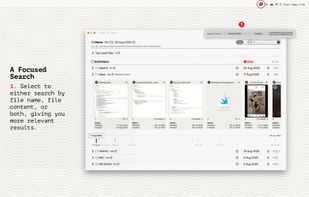
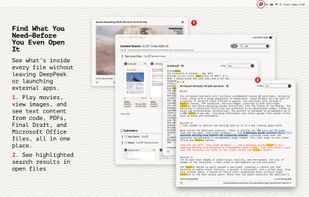
Seek, peek, and preview to find your work instantly — even if it's buried in folders, or you've lost track of it over the months.
United Kingdom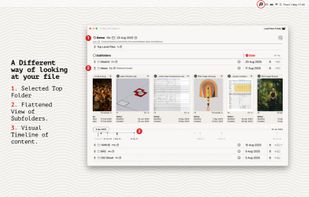


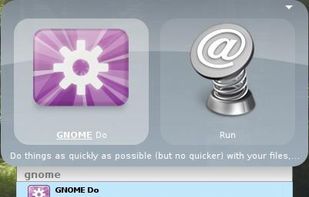
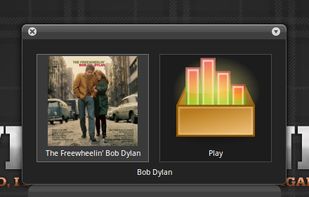
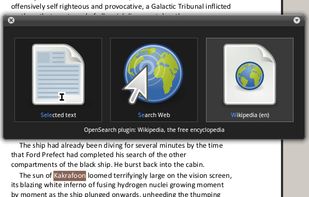
GNOME Do allows you to quickly search for many items present on your desktop or the web, and perform useful actions on those items.