


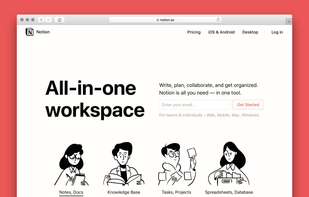
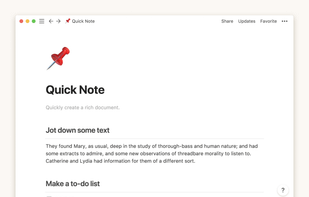
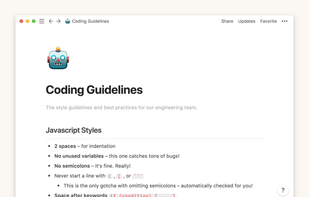
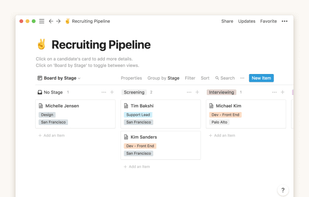
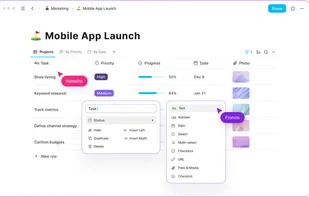
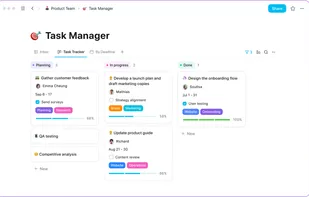
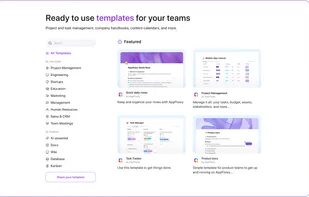
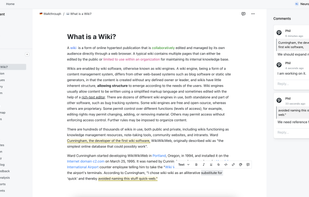
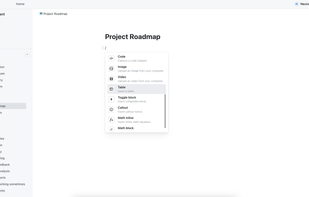
Enhance team collaboration and content organization with Notion. Experience real-time access, intuitive drag-and-drop functionalities, and visually simple interfaces designed for productivity in managing tasks, notes, and databases effectively. Ideal for teams of every size.
Cost / License
- Freemium
- Proprietary
Application types
 United States
Platforms
- Mac
- Windows
- Online
- Android
- iPhone
- Android Tablet
- iPad
- Software as a Service (SaaS)


Notion vs Microsoft OneNote Comments
Biggest feature of Onenote is drawing & typing everywhere, which Notion doesn't support. Notion is good to store highly structured data, while Onenote is more like a digital paper.
Notion is better for vizualisation and is free, but the huge drawback is the desktop application. It is an embedded browser (Chrome actually), so its RAM and CPU usages are far behind OneNote : around 1% CPU average for Notion, vs OneNote with 0% average ; 300Mb RAM usage, vs 60Mb for OneNote. This impacts directly user experience and battery life, and also loading times. OneNote is loading quasi instantly, and Notion is taking 5s to load.

- Notion is Freemium and Proprietary
- Notion is Customizable


 Switzerland


 Singapore







 France
 EU
EU









 India
India











 Israel





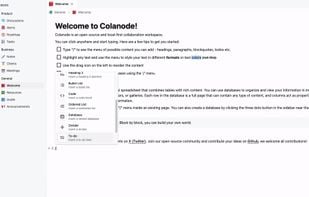

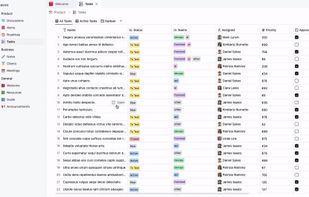
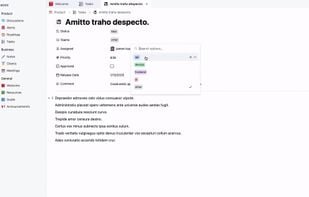

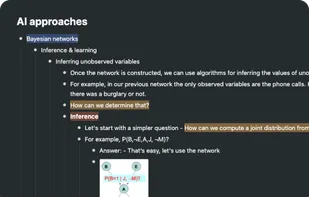
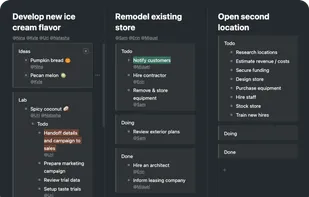
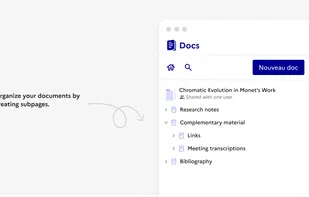
Better visualization and flexible organization. Keeps your information in a multi-hierarchical wiki, not in notes,