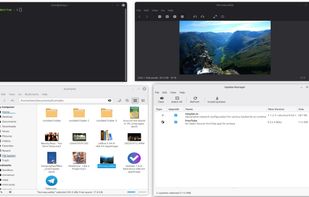
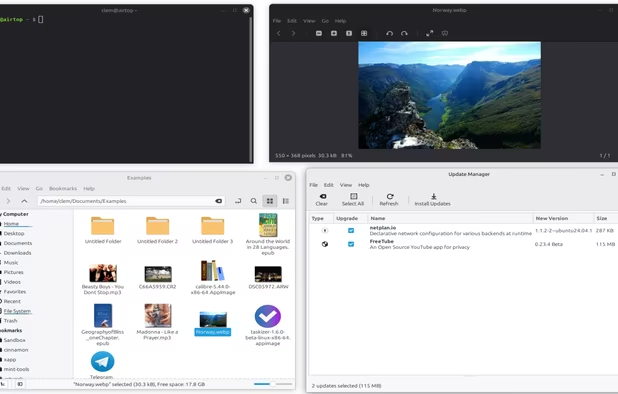
Desktop-focused Linux system offering custom menus, multimedia codecs, browser plugins, native DVD playback, and integrated software manager with user-friendly tools.
Cost / License
- Free
- Open Source
Application typeApplication types
Platforms
- Linux
Throughout the years, we have been relying on big companies like Google, Microsoft, Meta and others to give us access to their products to use our computers and phones, communicate on the online web, and store our files. However, as things have gotten worse with the years and the rise of gen-AI only making things worse, people are starting to question if they can even move to new services. However, the journey can be hard and there are so many options that non-tech savvy people are going lose patience and give up.
That is why I made this long and comprehensive list of mostly open-source alternatives to different things from computer OS, social media, to even TV. Many things are easy to move to, others are for more tech-savvy people, and this list doesn't even have all of the available options in any category! However, this is a great first step into trying new things and to slowly move away from big tech. You don't need to do it all at once, go step by step, decide if there are some services you can't stop using and which ones could use a switch and have fun!
First things first, it is time to escape into Linux. Microsoft and Apple are trying to steal our data, breaking our privacy to sell us ads and stalk us. However, since Linux is open-source, there are so many os or distros made by the community, all with their differences.
For this list, I will give you multiple distros with the recommended computer specs so you can pick which one to use. These distros are easy to install and have communities willing to help with any issues.
If you want to check them out, look at https://distrosea.com/ to see how they look and operate.
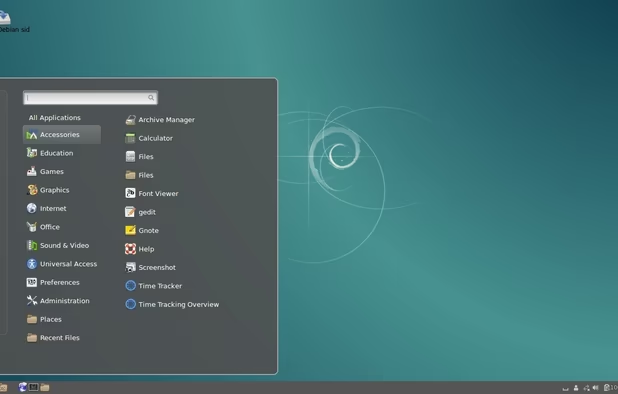
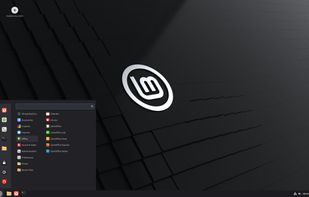
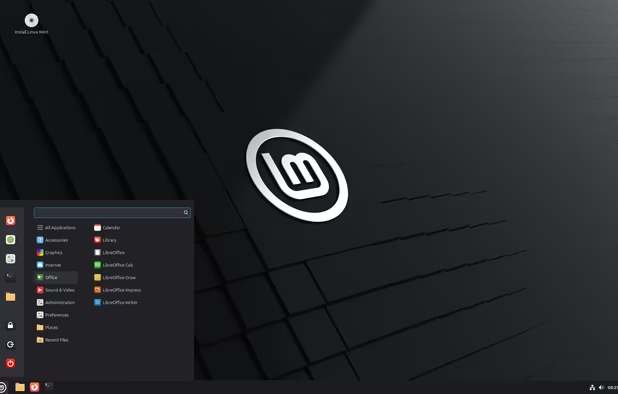
Desktop-focused Linux system offering custom menus, multimedia codecs, browser plugins, native DVD playback, and integrated software manager with user-friendly tools.


This is for 64bit computers with over 4GB of RAM.
Linux Mint is the famous distro for newbies, mostly because it does most of the work for you. You don't need to do much, if any, changes to make it work. The community is large and solid with a forum willing to answer your questions. If your computer can handle it, this one is the best.
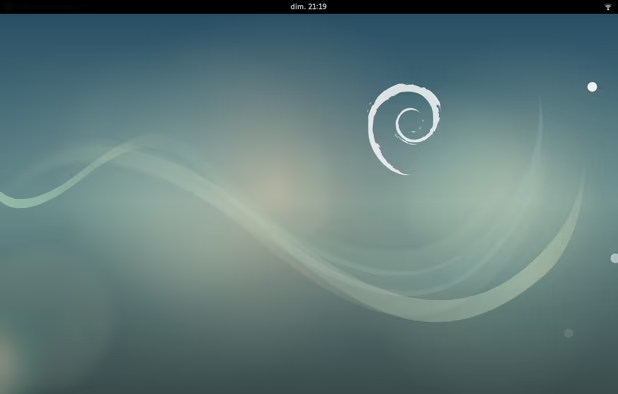
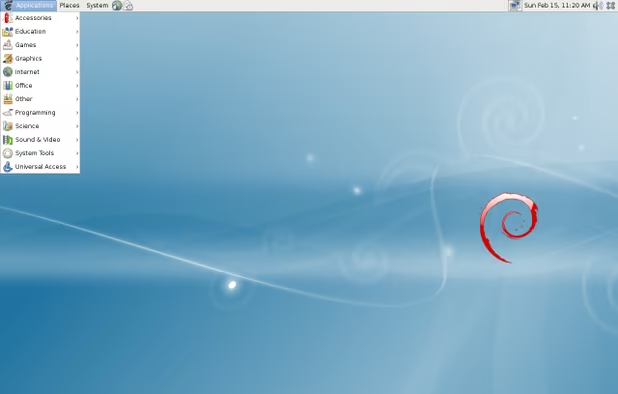
The Debian Project is an association of individuals who have made common cause to create a free operating system. This operating system that we have created is called Debian.


This is for 64bit computers with over 1GB of RAM.
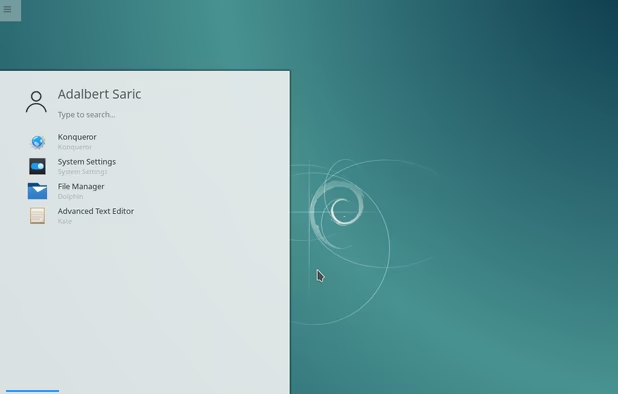
Debian is an old-school distro, and the original distro most of the other Linux distros are based off of. While it doesn't have the newest version of the applications because it is behind, it is very stable and perfect for low-end computers. It also has a large community that will help you with any issues.
Fast and powerful operating system based on the latest technologies while offering highly productive desktop environment. We focus on security, reliability, long-term stability and conservative integration of verified new features.


This is for 64bit computers with over 1GB of RAM for the Plasma Desktop Environment version. This is for computers with over 256MG of RAM for the Trinity Desktop Environment version.
This distro is a long-running champ, dedicated to revive weaker and older computers. This is based on Debian, so while it is a weaker Debian, it has neat changes. The Plasma version has a environment that gives you lots of customization while the Trinity version sacrifices that customization to run on much older computers.
Puppy Linux is a unique family of Linux distributions meant for the home-user computers. It was originally created by Barry Kauler in 2003.


This is for 64bit computers with over 1GB of RAM. This is for 32bit computers with over 512MG of RAM.
Another long-standing Linux distro. Unlike the other distros, which have 2 to 3 versions that only change the environment, Puppy Linux is a collection of different distros based on different popular kinds of Linux distros. It has a large community when it comes to the lightweight distros, so it is easy to find help. Plus, it supports 32bit computers, so older computers can come back to life with it. To figure out which version is right for you, check out DistroSea.


This is for 32bit computers with over 256MG of RAM.
This guy is extremely small, perfect to bring back those old and weak machines. You can still use web-browsing in this thing, and it is great if you just care about that. Tiny Core Linux even has a layout that is similar to Mac OS, so it doesn't feel ancient. Check it out.
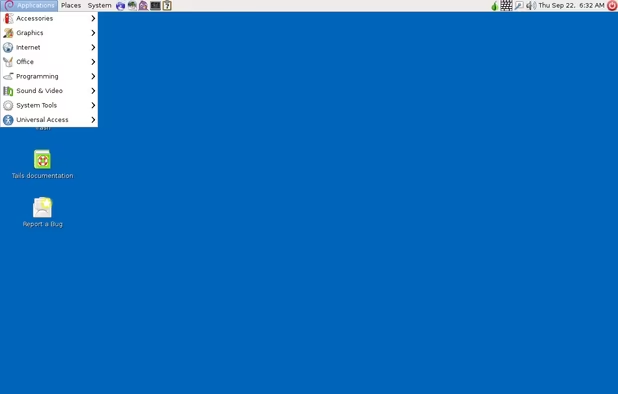
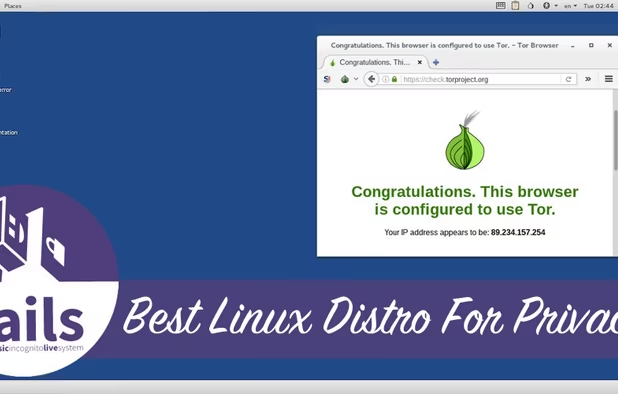
Tails is a Debian based live CD/USB with the goal of providing complete Internet anonymity for the user.


This is for a USB of at least 8GB of space.
This is a very interesting distro, because it fully runs on an USB! The purpose of Tails is that every time you connect the USB, Tails opens like you are a completely new user, and deletes all the history when you unplug it. This is excellent for privacy issues. Try it out!
Gmail and Outlook are always shoving ads down your throats, and with how Google and Microsoft are going, the public can't be sure they aren't reading our emails. So it is better to just move on and get emails focused on privacy and encryption.
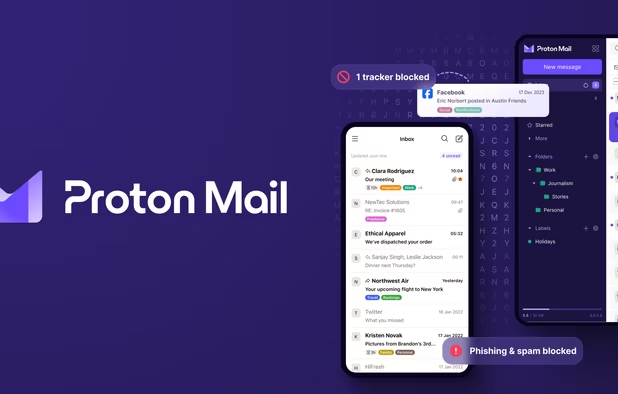
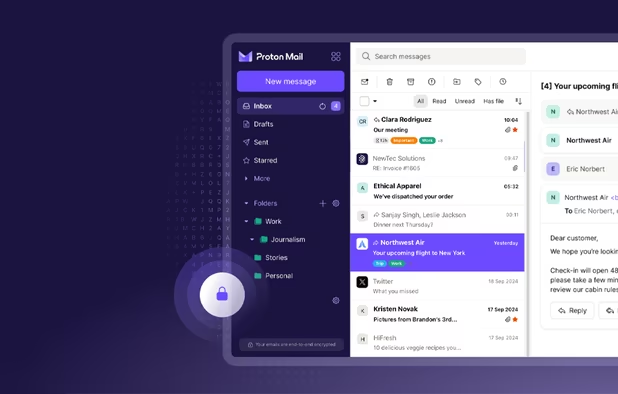
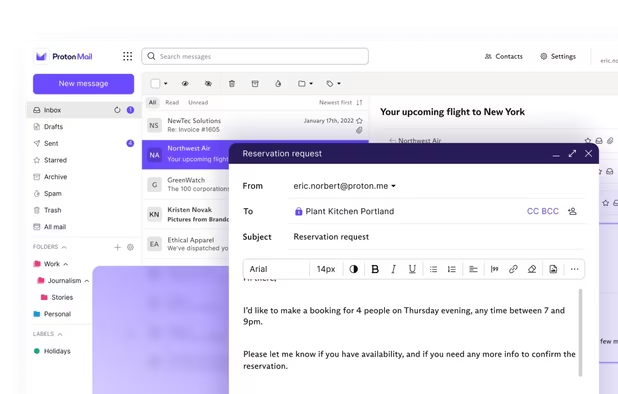
Secure Swiss-based email with end-to-end encryption and zero third-party access. Available across devices, offering a free version to promote privacy.


Proton Mail is part of the Proton brand, which is dedicated to end-to-end encryption and privacy. While there are paid upgrades, the free option is honestly more than enough for a single person. It has a dedicated phone app to stay connected as well.
Available on Android phones and tablets.
End-to-end encrypted app for email, calendar, and contacts, requiring no personal data, with open source code and quantum-resistant security.


Tuta is dedicated to keep your privacy safe with end-to-end encryption. Like Proton Mail, it has upgrade plans but the free option is perfect. It also has a phone app.
Available on Android phones and tablets.
K-9 is an open source email client for Android with multi-folder sync, email signatures, Bcc-to-self, return-address configuration, keyboard shortcuts, Exchange Support, message flagging, IMAP deletes, saving attachments, configurable notifications and more.


An e-mail client to have access to your Gmail and OutLook accounts if you can't leave.
Only on Android phones and tablets.


End-to-end encryption for Proton Mail users.
Available on Android phones and tablets.
*Not open-sourced (Yes, everything else of their stuff is open-source except the calendar for some reason. Why is the calendar app the one thing you decide not to share?).
Organize events with encrypted privacy, zero-knowledge and no tracking. Features include multi-device sync, multiple views, and offline support.


End-to-end encryption for Tuta Mail users.
Available on Android phones and tablets.


An offline, non-encrypted mail app.
Only on Android phones and tablets.
Microsoft is shoving AI down all of its office products, ruining their usefulness and making user question if their files are even safe from being read by Microsoft. This section will work on giving you alternatives that will make the transition easier.
A versatile open-source word processor with robust formatting, style options, and cross-platform availability, ideal for both memos and complex book publishing.


Replaces Microsoft Word.
LibreOffice Calc is the spreadsheet program you've always needed. A fork of OpenOffice.org Calc, professional data miners and number crunchers will appreciate its comprehensive range of advanced functions.


Replaces Microsoft Excel.
Impress is a truly outstanding tool for creating effective multimedia presentations. Does linear or non-linear presentations with the included Presenter Console extension. Your presentations can be enhanced with 2D and 3D clip art, special effects and transition styles...


Replaces Microsoft PowerPoint.
Comprehensive writing tool for notes, citations, and drafting with privacy-first features and multi-language support, perfect for diverse writing tasks.


Replaces Microsoft OneNote.
novelWriter is a Markdown-like text editor designed for writing novels and larger projects of many smaller plain text documents. It uses its own flavor of Markdown that supports a meta data syntax for comments, synopsis and cross-referencing between files.


Replaces Microsoft OneNote. Focus on novel writing.
Handwritten notes and PDF annotation app with pen input, shape drawing, customizable toolbar, image insertion, audio recording, and multi-platform support.


Replaces Microsoft OneNote on tablet with drawing for writing.
The Kate project develops two main products: KatePart, the advanced editor component which is used in numerous KDE applications requiring a text editing component, and Kate, a MDI text editor application.


Replaces Notepad.
Base is a full-featured desktop database front end, designed to meet the needs of a broad array of users, for all kinds of usages, such as keeping track of collections of objects,maintaining customer information databases,maintaining student grade and curriculum...


Replaces Microsoft Office Access.
Math is LibreOffice's formula editor, and can be invoked in your text documents, spreadsheets, presentations and drawings, enabling you to insert perfectly formatted mathematical and scientific formulas.


An extra math program.
Draw lets you produce anything from a quick sketch to a complex plan, and gives you the means to communicate with graphics and diagrams. With a maximum page size of 300cm by 300cm, Draw is a an excellent package for producing technical drawings, general posters, and much else.


Replaces Microsoft Visio.
LibreOffice is the best free office suite on the desktop, and is now available on Android as a native application. The software is backed by a dynamic community, represented by The Document Foundation, a not for profit entity based in Germany.


Use LibreOffice on the go.
Only on Android phones and tablets.
Emphasizes privacy with end-to-end encryption, Proton Drive safely stores, synchronizes, and shares files across devices via web and mobile applications.


Replaces Microsoft OneDrive and Google Drive with end-to-end encryption.
Available on Android phones and tablets.
Cloud-storage service with end-to-end encryption, selective synchronization, and shared folders without ads. Works offline and supports 2FA.


Replaces Microsoft OneDrive and Google Drive with end-to-end encryption.
Available on Android phones and tablets.
*Not open-sourced.
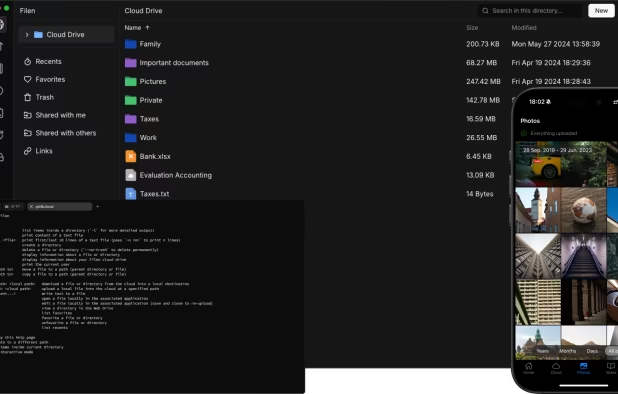
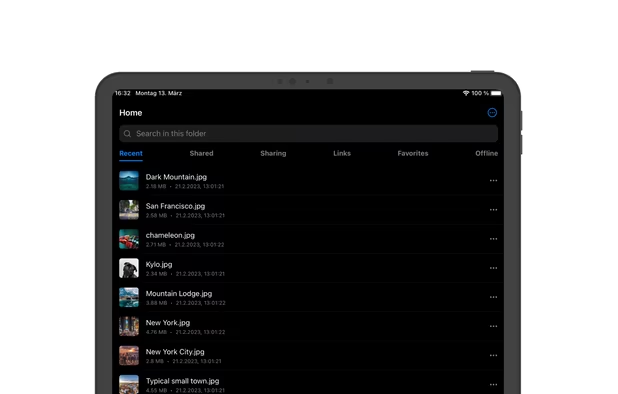
Filen is a cutting-edge cloud storage provider that offers client-side, end-to-end, zero-knowledge encryption. Headquartered and operated entirely in Germany, Filen is at the forefront of combining comprehensive features with uncompromising privacy and security.


Replaces Microsoft OneDrive and Google Drive with end-to-end encryption.
Available on Android phones and tablets.
Free open-source tool offers secure, end-to-end encrypted file and message sharing over local networks across major desktop and mobile operating systems.


Free open-source tool offers secure, end-to-end encrypted file and message sharing over local networks across major desktop and mobile operating systems.
Available on Android phones and tablets.
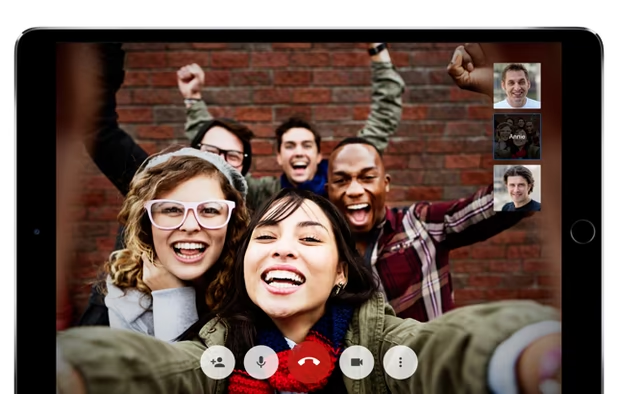
Free, open-source conferencing with end-to-end encryption, group chat, screen sharing, Etherpad integration, customizable setup, and privacy by default.


Replaces Microsoft Teams, Google Meet and Zoom.
Available on Android phones and tablets.
Offers end-to-end encrypted video calls, no tracking, guest links, privacy features like background blur, easy scheduling with calendar integration, and supports up to 50 free participants.


Replaces Microsoft Teams, Google Meet and Zoom.
Available on Android phones and tablets.
This repository contains a build file to generate FLOSS release binaries of Microsoft's Visual Studio Code - Open Source ("Code - OSS") project, the open source core of the proprietary Visual Studio Code.

Replaces Visual Studio Code.
While the previous options are excellent, they lack one thing: online connectivity. Google online programs allow multiple people to share the same file and edit it together. Unless you have your own server, it is difficult to find free options. However, I did my best to find open-source alternatives.
Cryptomator provides transparent, client-side encryption for your cloud. Protect your documents from unauthorized access. Cryptomator is free and open source software, so you can rest assured there are no backdoors.


Encrypts files before you put them in Google Drive, just in case you can't leave Google Drive.
Available on Android phones and tablets.
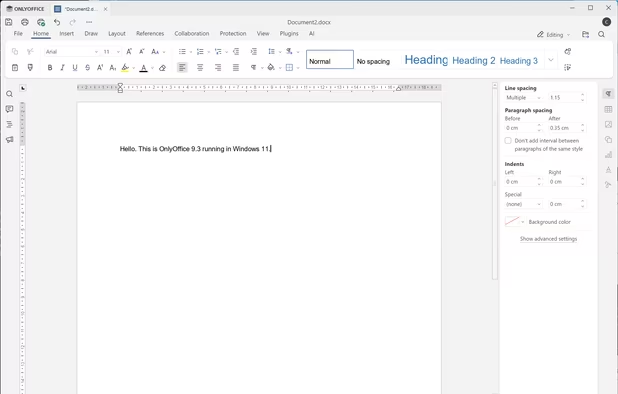
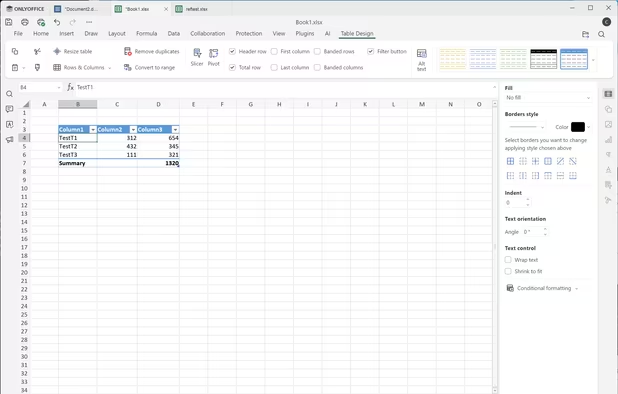
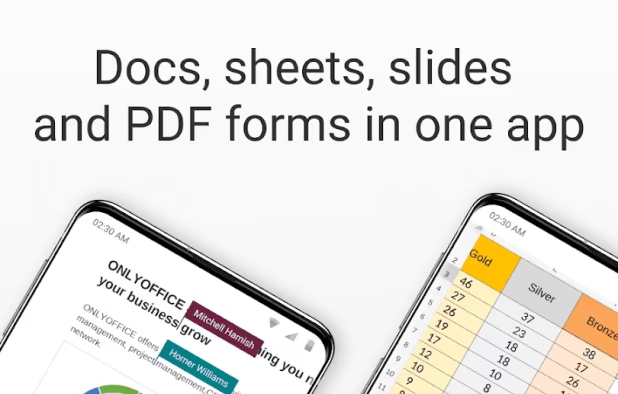
Open-source suite for editing documents, spreadsheets, presentations, forms, and PDF files with co-editing modes, plugin support, AI assistant, and integration across 40+ platforms.


Replaces Google Docs, Sheets and Slides.
Available on Android phones and tablets.
Docs in Proton Drive are end-to-end encrypted so your work stays safe from data breaches, online surveillance, and can never be fed into AI models.


Replaces Google Docs.
End-to-end encrypted online spreadsheets enabling secure, real-time collaboration, access management, automatic calculations, and cross-device sharing for team data analysis.


Replaces Google Sheets.
Excalidraw is an open-source whiteboard tool that lets you easily sketch diagrams that have a hand-drawn feel to them. Available directly online as a web app and also through CodeSandbox to easily see how the code works, and the app is available for self-hosting.


Replaces Google Draws.
An end-to-end encrypted note-taking by Proton. Offline access, unlimited sync across devices, tagging, passcode and biometric security, plus advanced premium privacy features.


Replaces Google Keep.
Here are more Google stuff to replace.
Metasearch engine aggregating results from 251 services with strong privacy, script and cookie flexibility, Tor support, and user-controlled search preferences.


Replaces Google search engine.
Google Translate alternative frontend that enhances privacy, supports 108 languages and includes Text-To-Speech features for versatile language translation needs.


Replaces Google Translate.
Available on Android phones and tablets.
Browse, search and edit worldwide map data for roads, paths, places, buildings and natural features, then reuse it under an open data licence.


Replaces Google Maps.
CoMaps is a new community-driven map app project born out of the desire to create a truly open, transparent, and community-focused navigation app.


Replaces Google Maps.
Available on Android phones and tablets.
Restricted WebView wrapper for Google Maps web version, blocking trackers, forcing HTTPS, clearing private data on close, with optional location permission.
Replaces Google Maps.
Only on Android phones and tablets.
uMap let you create maps with OpenStreetMap layers in a minute and embed them in your site. Add custom annotations, lines, shapes, import and add custom layers (KML, CSV, GPS, ...) and other data.


Replaces Google MyMaps.


Replaces Google Forms.
Fontsource is a collection of open-source fonts that are packaged into individual NPM packages for self-hosting in your web applications.

Replaces Google Fonts; online format.
TypeCatcher allows you to search, browse, and download Google webfonts for off-line use. You can preview fonts with adjustable size and text.


Replaces Google Fonts; application format.
Thank you so much for going through this list! I know this list is huge and all-encompising. As I said, this doesn't have all available options, so you could explore out there. What is important is to slowly learn to rely less on big tech companies and work on finding and supporting projects that respect our privacy. If you have any other recommendations, please let me know. Have a great day!
No comments so far, maybe you want to be first?