

Free and open-source tool for screen capture and recording; enables file uploads, annotation, dark mode, 4K support, and customizable themes.
 United States
+29

4.5
Excellent62 reviews


Free and open-source tool for screen capture and recording; enables file uploads, annotation, dark mode, 4K support, and customizable themes.

Open-source screenshot tool with cross-platform support, customizable interface, built-in editing, CLI access, and direct Imgur uploads.
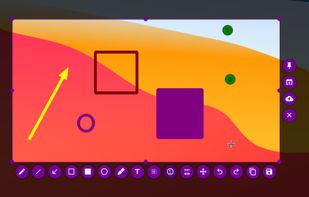

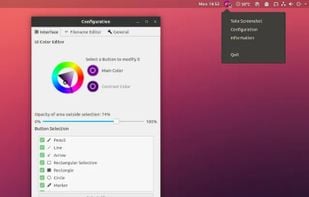
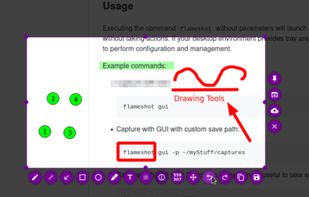

Efficient screenshot tool providing OCR, exports to Office apps, supports image editing and sharing, occupying minimal space with 32 languages.
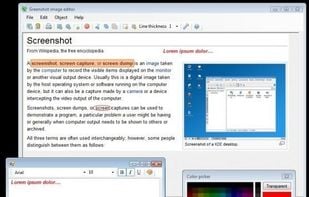
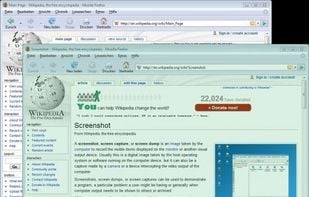
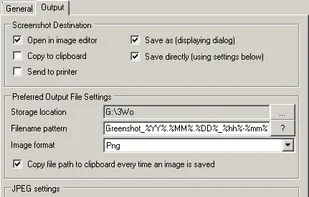
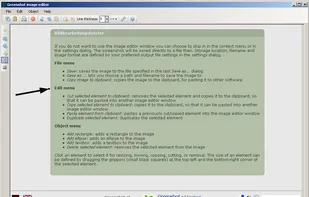

Ksnip is a Qt based cross-platform screenshot tool that provides many annotation features for your screenshots.
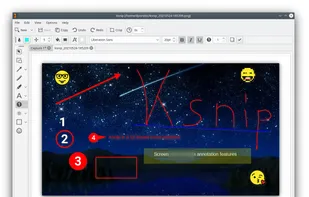
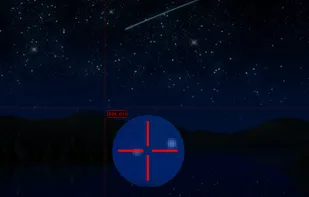
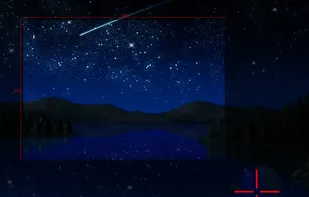
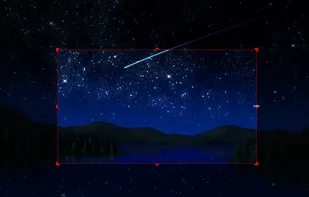

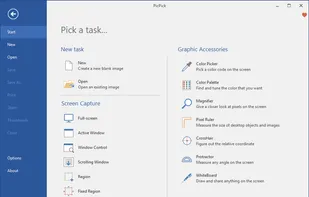
Offers multi-mode screen capture, integrated image editing, color selection tools, on-screen measuring utilities, hotkeys, sharing options, and a simple interface.
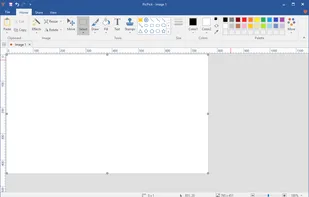
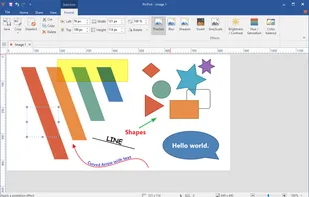
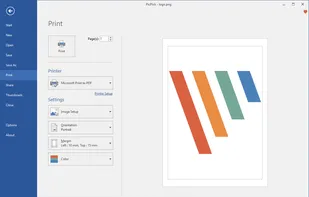

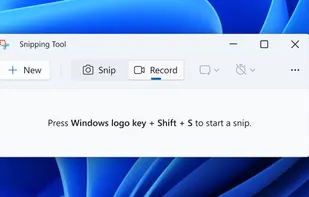
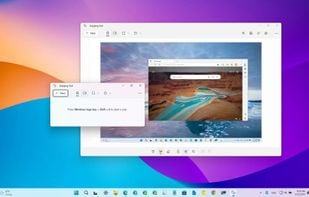
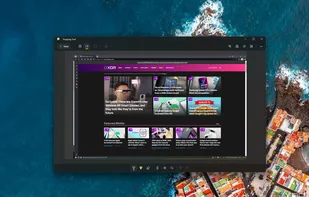
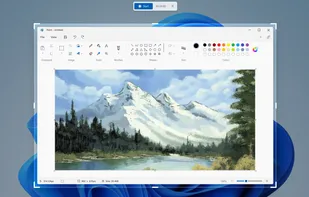
Snipping Tool is a screen capture utility that allows users to take screenshots of specific objects or full screens, annotate them, and save or share the captured images or videos.

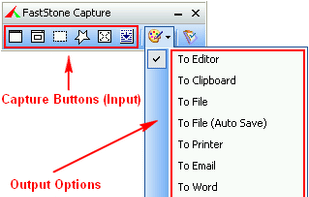
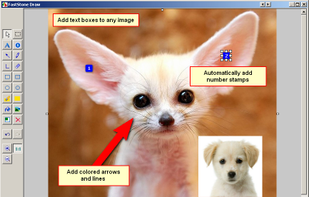
FastStone Capture is a powerful, lightweight, yet full-featured screen capture and screen recording tool that allows for capturing and annotating anything on the screen including windows, objects, menus, full screen, rectangular/freehand regions and even scrolling windows/web...


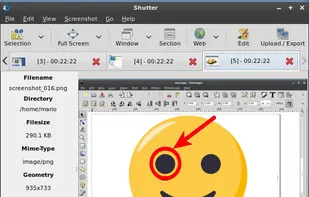
Shutter is a feature-rich screenshot program for Linux based operating systems. It is free, open-source, and licensed under GPL v3.
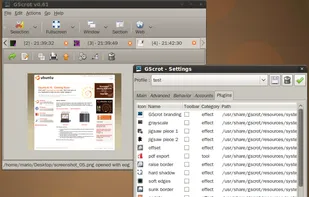
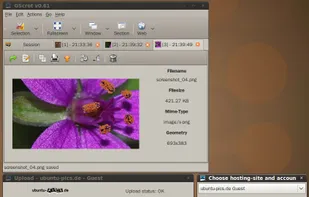
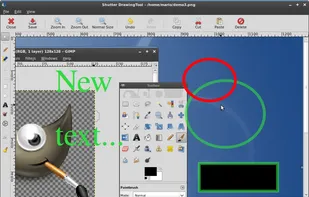

Captures customizable screen areas, enables instant online upload, sharing via short URLs, quick edits, local saves, and seamless browser add-ons.
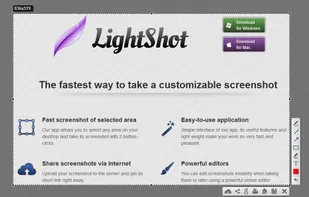
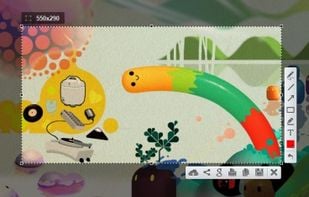
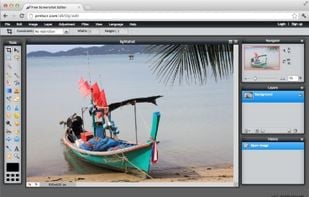
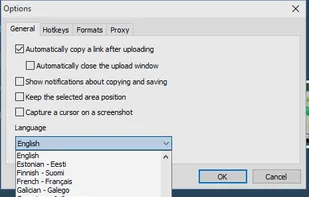

Capture and edit any image or video from the screen, add callouts and effects, and easily organize and share visual content across various applications.
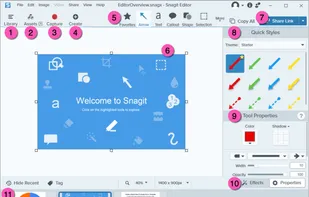
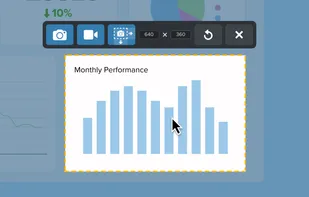
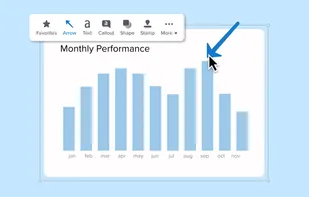
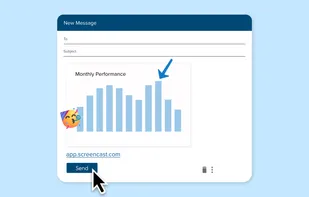

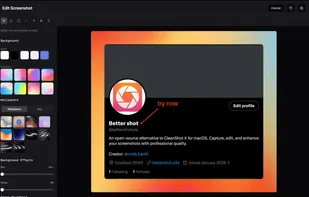
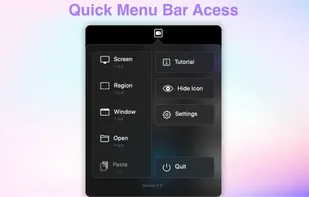
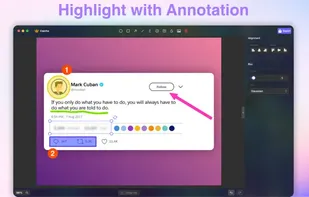
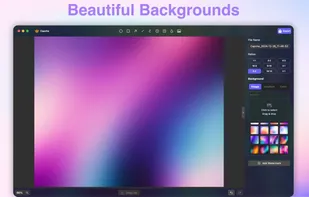
Open-source tool for macOS with region, window, and fullscreen capture modes, local OCR, fast annotation, customizable backgrounds, and menu bar access.
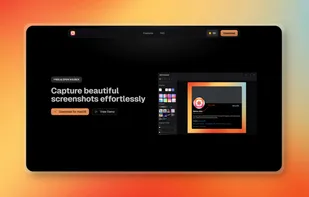

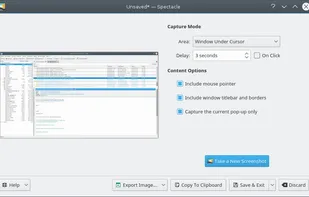
Spectacle is a simple application for capturing desktop screenshots. It can capture images of the entire desktop, a single monitor, the currently active window, the window currently under the mouse, or a rectangular region of the screen.



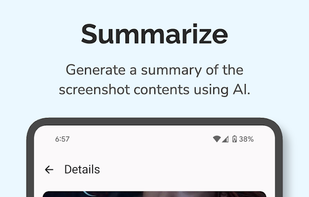
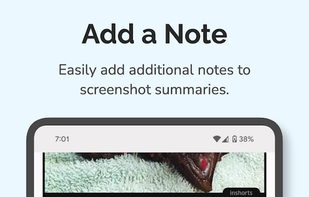
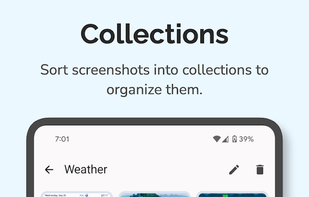
AI-driven app that categorizes, summarizes, and tags screenshots for streamlined management while ensuring local privacy and secure cloud processing.

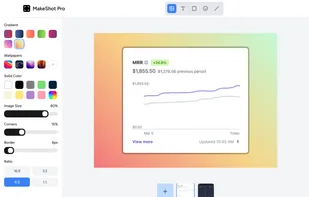
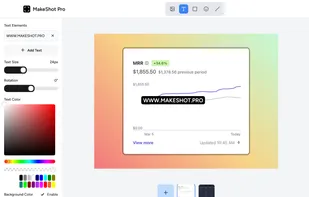
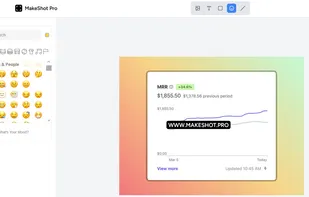
Instantly edit screenshots online with MakeShot Pro. Upload your screenshot. Add a background, text, rounded corners, or emojis. Download or share on social media. Simple, fast, and free!.
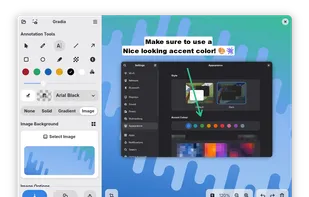
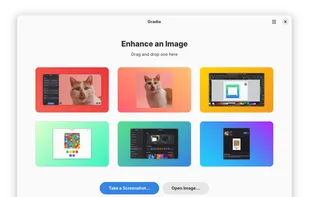
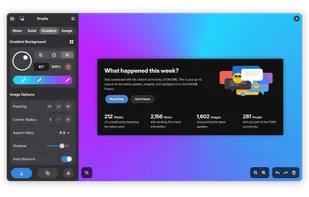
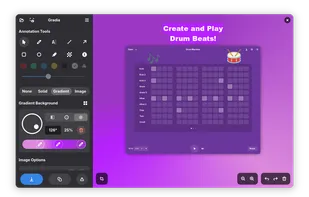
 Gradiaand

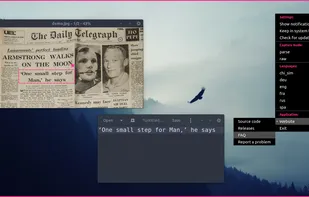
 Greenshot
 Gradiaand

Screenshot tool with local storage, editing after capture, precision tools, grouping, collage creation, and full history, requiring no login or cloud.
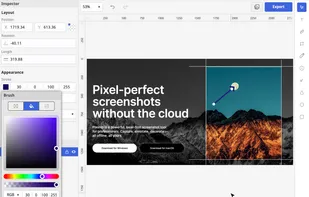
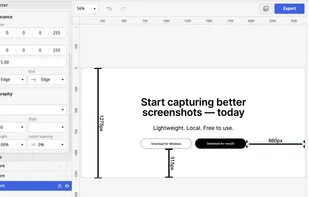
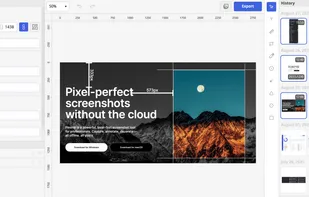
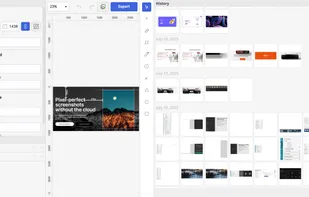

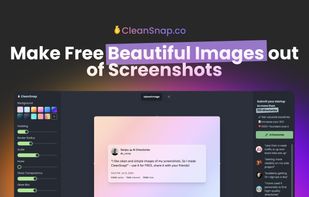
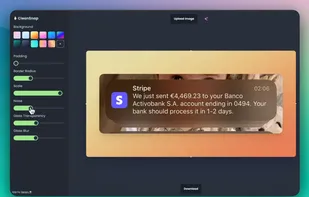
CleanSnap is a cutting-edge AI Images maker that allows you to effortlessly transform your screenshots into stunning images in just seconds. With CleanSnap, you can create professional-looking visuals without any watermarks and share your creations on popular social media...


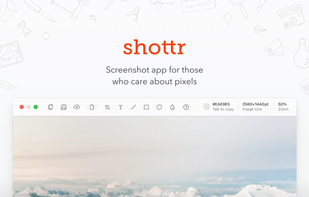
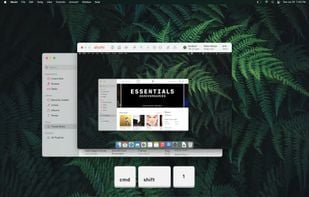
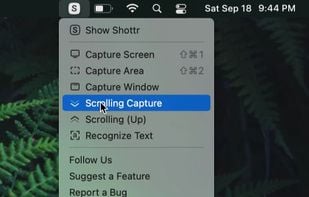
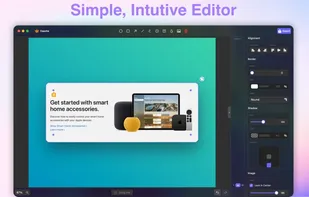
Shottr is a small, fast, human-sized screenshot app built for those who care about pixels. It was crafted with Swift, optimized for M1, and is completely free at the moment.

 Gradiaand
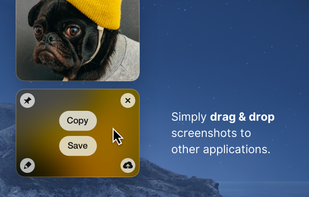
Lightweight screen recording and capture tool for Mac, offering easy screen recording and screenshot capturing with features like Quick Access Overlay.


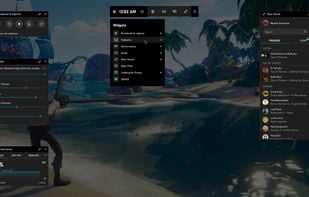
Take control of your gaming activities—such as screenshots, capturing clips, and streaming—by pressing Win+G on your keyboard.


 Germany
 EU
EU

 South Korea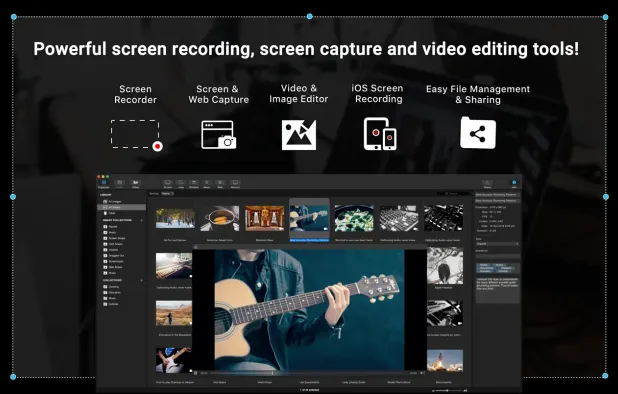


 Canada
 Belgium


 Russia

 India
India

 Switzerland


 Sweden


