Apps with 'PDF annotation' feature Page 7 of 15

All apps in Apps with 'PDF annotation' feature category. Use the filters below to narrow down your search. 
Copy a direct link to this comment to your clipboard
  1. Notate icon
     4 likes

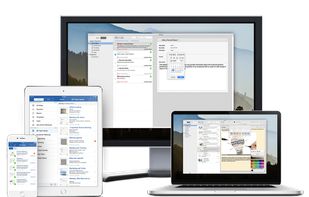
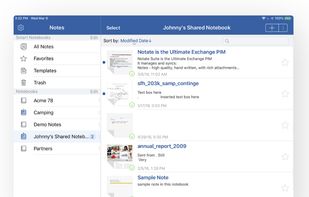
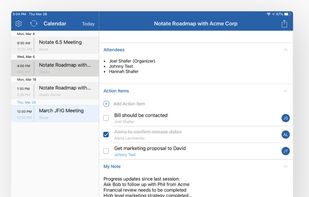
    Notate allows you to capture, organize and share all your ideas. All information remains secured within your own network. No additional servers are required.

    Cost / License

    • Paid
    • Proprietary

    Platforms

    • Mac
    • Windows
    • Android
    • iPhone
    • Android Tablet
    • iPad
    • Microsoft Office 365
    Notate screenshot 1
    Notate Notes
    Notate Tasks
    +4
    Notate Calendar
    15 alternatives
  2. PDFescape icon
     17 likes

    PDFescape is your free, online PDF reader, editor, form filler, & form designer. Without required downloads or installations! Without watermarks! Without required registration!

    Cost / License

    • Freemium
    • Proprietary

    Application types

    Platforms

    • Windows
    • Online
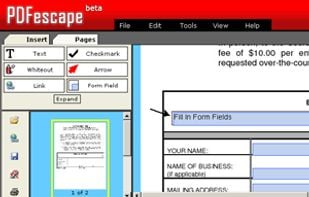
    PDFescape PDF Editor Interface
    PDFescape Information
    92 alternatives
  3. UbikReader icon
     5 likes

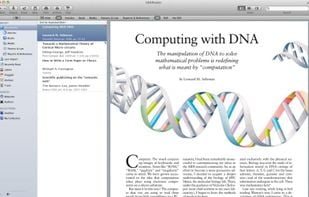
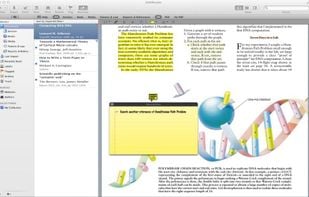
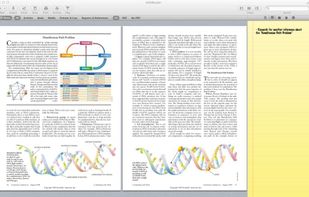
    UbikReader is the new way to organize your documents. Multitask while you read, annotate, write notes and share your documents with ease. No more worrying about how to manage your large, cluttered library of documents.

    Cost / License

    • Paid
    • Proprietary

    Application type

    Platforms

    • Mac
    • iPhone
    • iPad
    UbikReader screenshot 1
    UbikReader screenshot 1
    UbikReader screenshot 2
    33 alternatives
  4. Multi-monitor pdf presentation tool. This Qt-based presentation viewer shows a presentation and notes for the speaker in separate windows. The modular interface supports different forms of notes and interactive tools.

    Cost / License

    • Free
    • Open Source

    Application type

    Platforms

    • Windows
    • Linux
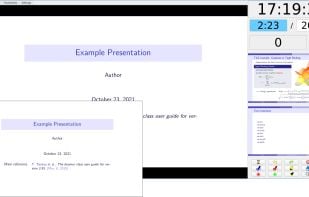
    The small window in this image is the presentation window that is usually shown on a projector. In this configuration previews of the next slides are shown to the speaker.
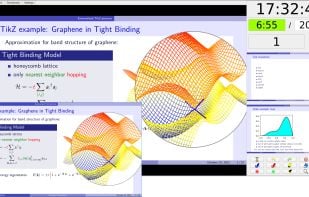
    Different highlighting tool, including magnifier, torch and pointer, can be used to draw attention to parts of your slide.
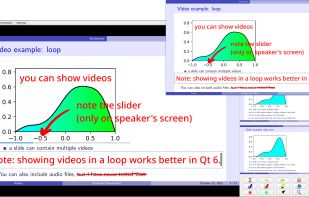
    PDF documents can include videos, sounds, slide transitions and some primitive animations. These features are partially supported by BeamerPresenter.
    7 alternatives
  5. Filestage icon
     19 likes

    Filestage is the review and approval software that runs itself. You can share any content, set your due dates, then let the feedback come to you – freeing you up to focus on what you do best.

    Cost / License

    • Paid
    • Proprietary

    Platforms

    • Mac
    • Windows
    • Linux
    • Online
    • Android
    • iPhone
    • Chrome OS
    • Android Tablet
    • iPad
    • Software as a Service (SaaS)
    Filestage’s digital proofing software makes stakeholder management a breeze. Instead of chasing reviewers on email and setting up spreadsheets to keep track, you can see everything in your dashboard in real time. Every file, version, change request, and approval, all in one place.
    Tired of consolidating feedback and missing important comments? With Filestage’s creative proofing software, you can compare versions of your content side by side. So you can check the comments, see what’s changed, and make sure the latest version hits the mark.
    Filestage’s online proofing service includes free reviewer accounts for all your stakeholders. This gives them a clear list of every file awaiting their review, prioritized by the due date. And with automated reminders when deadlines are looming, you can rest assured that feedback will arrive on time, every time.
    30 alternatives
  6. pdfDocs icon
     30 likes

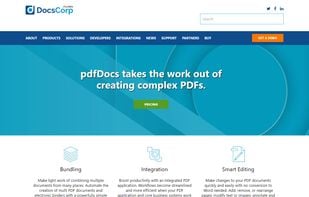
    pdfDocs integrates with business systems to efficiently assemble, secure and distribute documents in PDF and PDF/A format.

    Cost / License

    • Paid
    • Proprietary

    Application types

    Platforms

    • Windows
    • Microsoft SharePoint
    • Worldox
    Main Page
    41 alternatives
  7. IDMarkz icon
     1 like

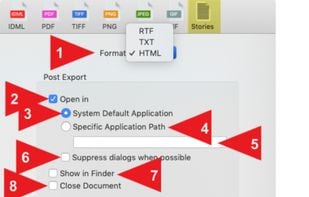
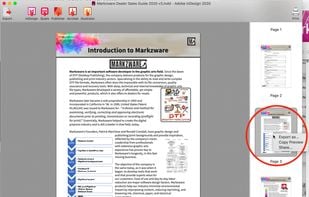
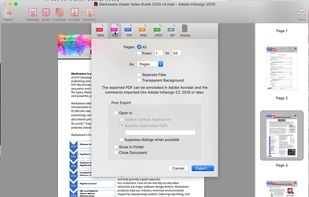
    IDMarkz standalone app lets you preview, export & open Adobe InDesign documents in many other file formats & apps. Export InDesign to QuarkXPress, Affinity Publisher, older InDesign versions, Acrobat, Illustrator, IDML, PDF, TIFF, PNG, JPEG, GIF, ...

    Cost / License

    • Paid
    • Proprietary

    Application type

    Platforms

    • Mac
    • Windows
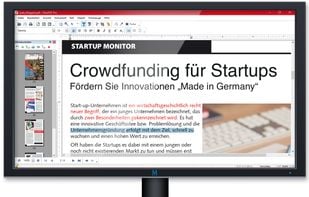
    IDMarkz screenshot 1
    IDMarkz screenshot 1
    IDMarkz screenshot 2
    5 alternatives
  8. AINotes icon
     1 like

    AINotes is an open-source notebook application similar to OneNote but focused on improving the experience for students.

    Cost / License

    • Free
    • Open Source (MIT)

    Application type

    Platforms

    • Windows
    1 alternatives
  9. BAUSW icon
     1 like

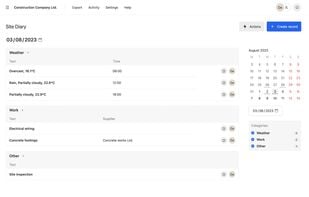
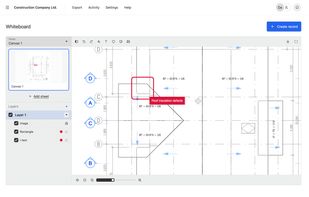
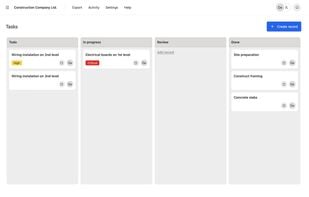
    BAUSW is a no-code platform for creating business solutions, management workflows and apps engineered for the construction and manufacturing industry. BAUSW helps streamline processes across teams, connect all project stakeholders and improve site-to-office communication and...

    Cost / License

    • Paid
    • Proprietary

    Platforms

    • Online
    • Software as a Service (SaaS)
    • Self-Hosted
    Site diary
    Drawings and floor plans
    Kanban, todos and tasks
    3 alternatives
  10. Trevnoctilla icon
     1 like

    Trevnoctilla lets you edit, merge, split, compress, and annotate PDFs directly in your browser—no downloads or installations required. Fast, secure, and completely free.

    Cost / License

    • Freemium
    • Proprietary

    Platforms

    • Online
    13 alternatives
  11. BePDF icon
     7 likes

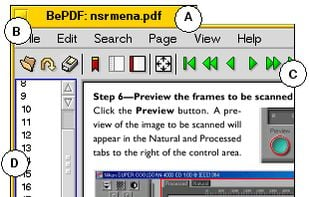
    BePDF is a PDF viewer for the BeOS, Haiku & Zeta. Besides viewing, it supports annotating and user-defined bookmarking for unencrypted PDFs. It's fully localized for 20 languages at the moment with additional languages being easily added via text files.

    BePDF is based o.

    Cost / License

    • Free
    • Open Source

    Application type

    Platforms

    • Haiku
    BePDF screenshot 1
    48 alternatives
  12. Carbone icon
     1 like

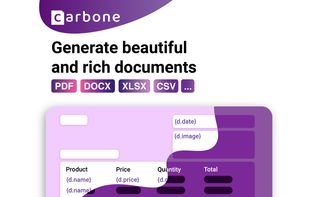
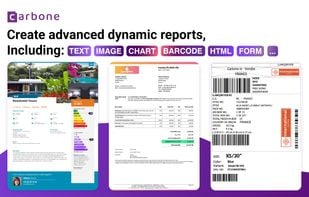
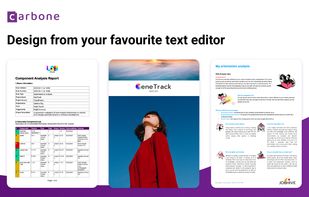
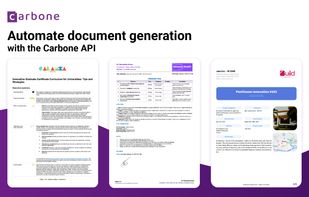
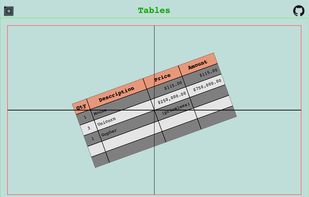
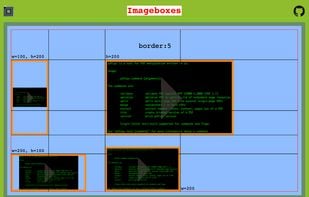
    Automate the generation of documents from a universal templating engine. Create templates with your favourite text editor, and add dynamic content with Carbone tags (text, colours, images, graphs). Anybody can design beautiful documents.

    Cost / License

    • Freemium
    • Open Source

    Platforms

    • Self-Hosted
    • Software as a Service (SaaS)
    • Docker
    • Linux
    • Mac
    • Rest
    Carbone screenshot 1
    Carbone screenshot 1
    Carbone screenshot 2
    +1
    Carbone screenshot 3
    10 alternatives
  13. pdfcpu icon
     1 like

    A PDF processor written in Go.

    Cost / License

    Platforms

    • Mac
    • Linux
    • Docker
    • Homebrew
    • Go (Programming Language)
    • Windows
    pdfcpu screenshot 1
    pdfcpu screenshot 1
  14. zipBoard icon
     9 likes

    Annotate web pages and e-learning courses with real-time bug tracking and visual feedback, fostering collaboration and task management in development teams.

    Cost / License

    • Free Personal
    • Proprietary

    Platforms

    • Mac
    • Windows
    • Linux
    • Online
    • Android
    • iPhone
    • iPad
    • Software as a Service (SaaS)
    Responsive testing
    Visual feedback and bug tracking
    Project Management
    +5
    Task
    189 alternatives
  15. Amanote icon
     6 likes

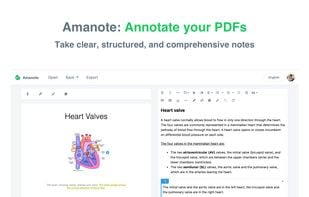
    Take clear, structured, and comprehensive notes directly on your course materials or documents (PDF, PowerPoint, etc.). Integrate Amanote into your LMS.

    Cost / License

    • Paid
    • Proprietary

    Application type

    Platforms

    • Mac
    • Windows
    • Linux
    • Online
    • iPad
    • Moodle
    • Software as a Service (SaaS)
    • Instructure Canvas
    Amanote screenshot 1
    Amanote screenshot 1
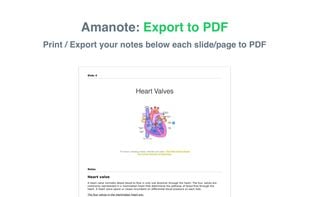
    Amanote screenshot 2
    +1
    LMS Integrations
    24 alternatives
  16. ComPDF icon
     1 like

    ComPDF is a brand under PDF Technologies (a KDAN company), offering a range of products including ComPDFKit (PDF SDK and Conversion SDK) and ComIDP (an Intelligent Document Processing solution).

    Cost / License

    • Paid
    • Proprietary

    Platforms

    • Self-Hosted
    • Software as a Service (SaaS)
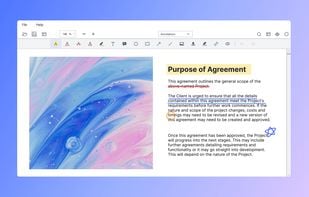
    Annotations
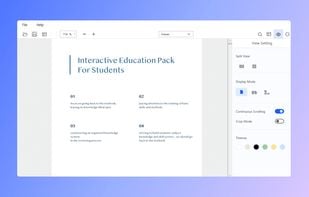
    Viewer
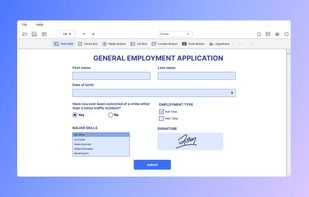
    Form
    +4
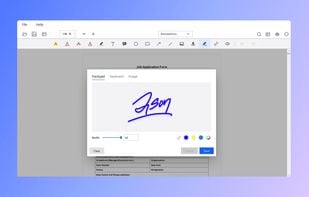
    Signatures
    3 alternatives