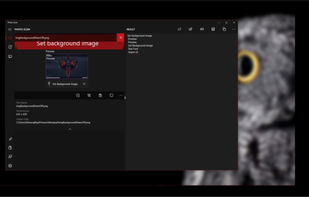
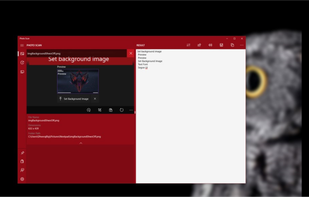
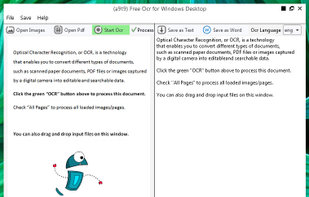
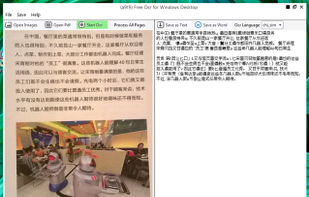
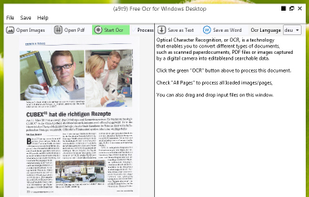
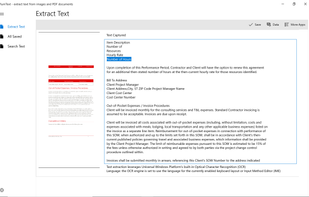
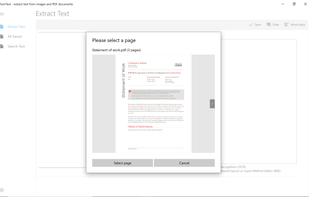
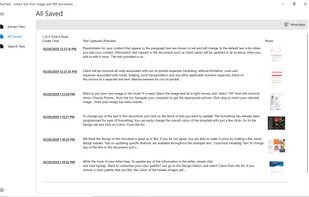
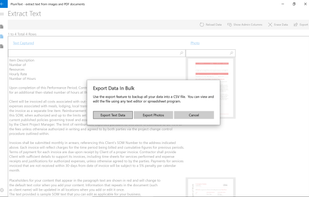
OCR software and web service to extract text from image files and PDF. The application is available as online OCR web app, OCR API, or simple to install Windows store application.
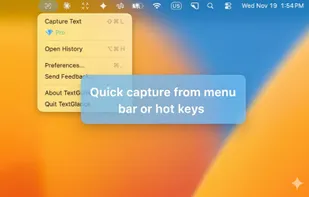
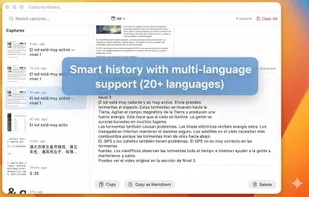
TextGlance makes it effortless to grab text from anywhere on your Mac. See text you can't select in videos, images, or PDFs? Just drag a lasso and get editable text instantly. On-device OCR, no cloud uploads.
Complete suite for document Scanning.
Any source: scanners, multifunction printers, e-mails, fax machines, web services or folders.
Automatic document classification
Data entry with assisted auto fields.
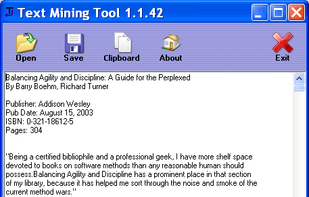
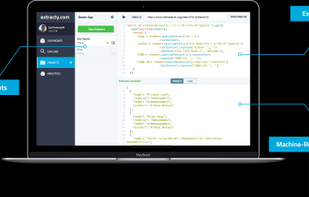
Extract text from PDF Files and convert to indexed data.
Export data to any.
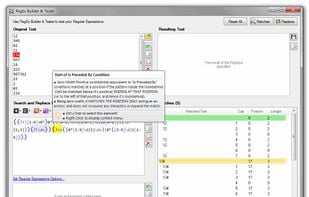
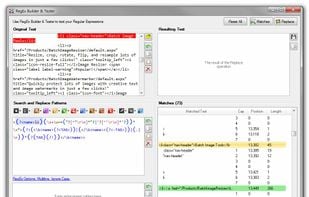
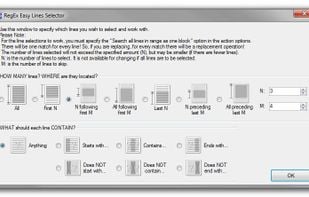
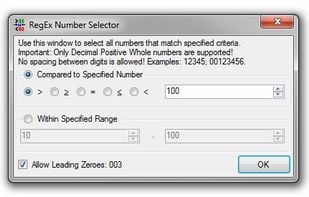
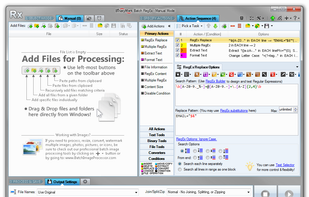
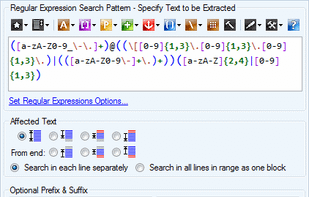
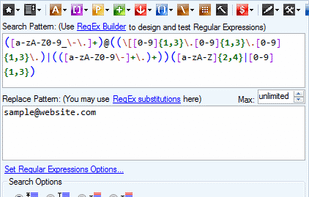
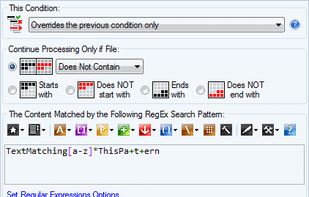
Create, edit, and test RegEx Regular Expressions. Replace, format, and extract text in files using Regular Expressions. Perform GREP-like tasks, use RegEx substitutions, extract data! Supports color syntax highlighting and contextual tooltips making it easy to design patterns.
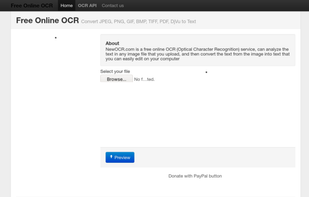
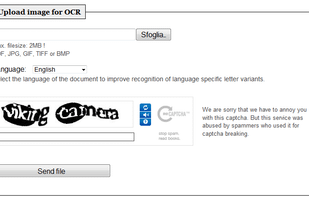
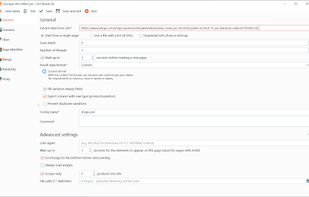
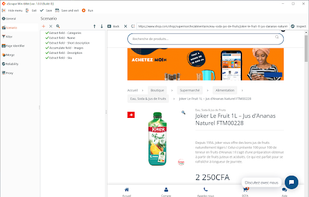
NewOCR.com is a free online OCR (Optical Character Recognition) service, can analyze the text in any image file that you upload, and then convert the text from the image into text that you can easily edit on your computer..
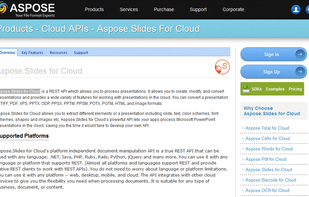
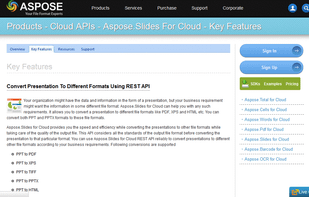
Aspose.Slides for Cloud is a REST based API that allows developers to read, write & modify a PowerPoint presentations in cloud. It is platform independent API & can be used by developers in web, desktop, mobile & cloud applications alike.
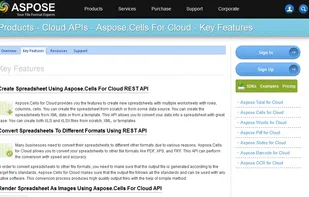
Aspose.Cells for Cloud is a REST based API for processing spreadsheets in the cloud. It allows creating, manipulating and converting spreadsheets in your web, desktop, mobile and cloud applications. It supports rows, columns, cells, text, data, images, hyperlinks, comments...
Replace, format, and extract text in multiple files using Regular Expressions. Perform GREP-like tasks including search and replace, RegEx substitutions, data extraction, and more! Built-in RegEx editors support color syntax highlighting and tips.
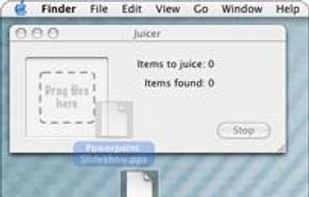
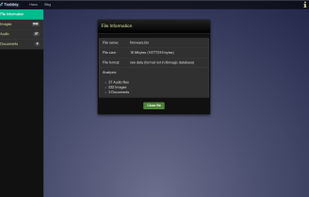
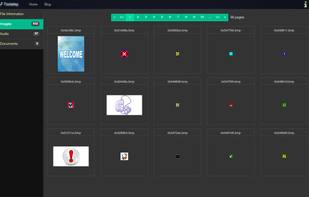
Find and extract embedded multimedia resources. Discover hidden images, audio, video or documents within files. Browser tool, no uploads and no installation necessary.
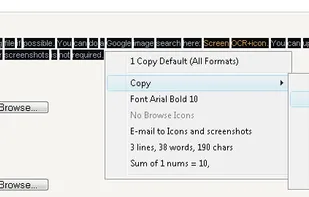
Screen OCR is a screen capture and character recognition tool. You can use Screen OCR in any way you are most comfortable with. It can be window selection, scrolling capture, simple cursor capture or rectangular selection.
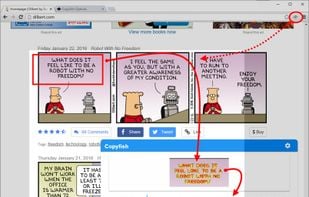
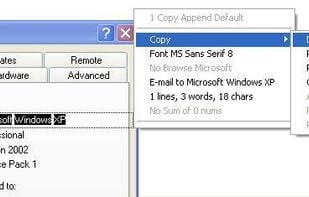
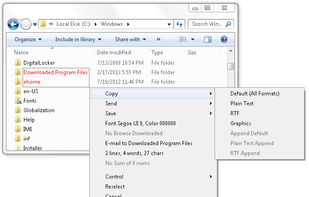
Kleptomania lets you select text anywhere on the screen, including areas that you cannot highlight with your mouse, such as columns of data from a word processor or error messages from any Windows program.


 United States
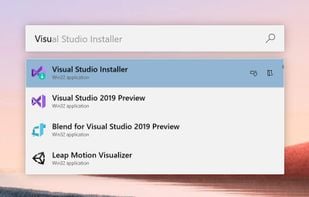
 Flow Launcherand
























 LibreOffice - Impress
 LibreOffice - Calc






 Greenshot

 Russia


 Germany
 EU
EU

 Estonia
 India
India


 United Kingdom

 Denmark


