

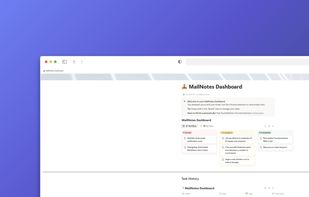
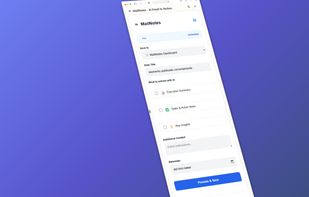
MailNotes is the missing link between Gmail and Notion. Stop wasting time manually copying emails or paying for expensive automation tools like Zapier or Make.
Cost / License
- Freemium
- Proprietary
Platforms
- Google Chrome
 Spain
Spain EU
EU




+1



Apps similar to Save To Notion include MailNotes, which has a free version. Other options are Notion Web Clipper, SureClip, Bookmarkify and Save ChatGPT to Notion. In total there are eight Note-taking Tools like Save To Notion for the web, iPhone and iPad.
MailNotes is the missing link between Gmail and Notion. Stop wasting time manually copying emails or paying for expensive automation tools like Zapier or Make.
SpainEU
 United States
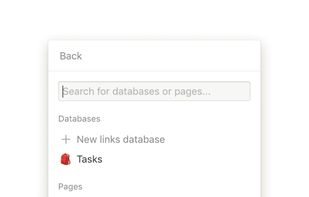
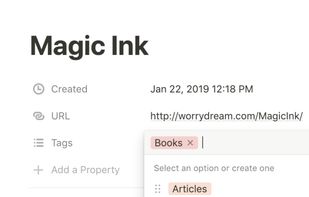



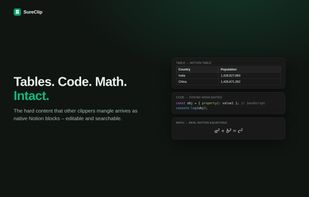
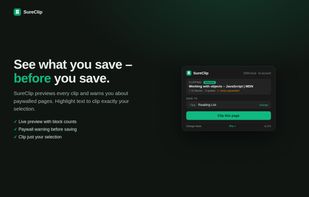
Clips full articles into Notion as editable blocks retaining code, tables, and math using the official API, exports pages or selected sections as clean Markdown, no signup required, privacy by design, Pro adds offline search, auto-fill, YAML support, and highlighting.
 GermanyEU


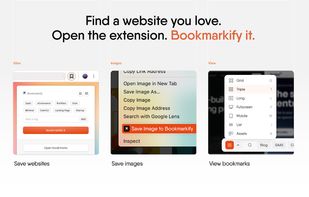
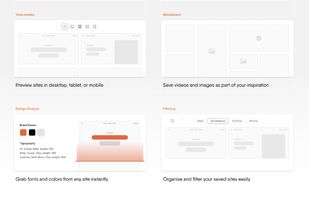
Bookmarkify is a visual bookmark manager designed specifically for web designers, UX designers, and creative professionals. Unlike traditional browser bookmarks, Bookmarkify captures full-page screenshots and offers multiple viewing modes, including grid view, fullscreen mode...
 BelgiumEU



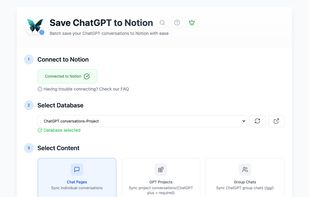
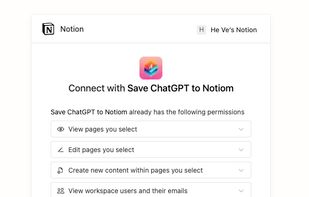
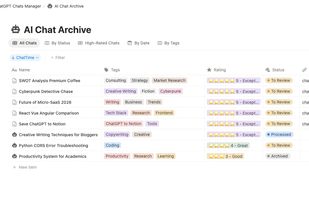
One-click Chrome extension to export and sync ChatGPT conversations (including Group Chats and Projects) to Notion for archiving, backup, and collaboration.
 India
India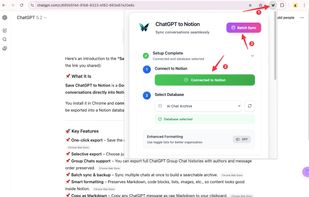


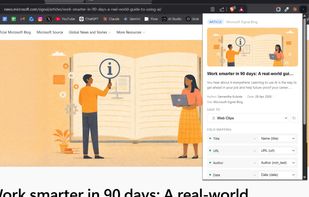
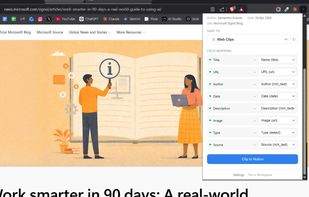
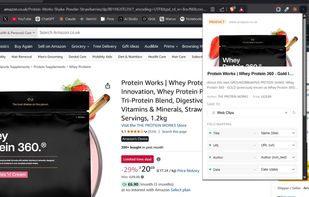
A smart web clipper for Notion that auto-fills database properties (articles, products, videos, recipes, jobs) in one click.



The zero-config AI knowledge base. See it, save it, and let AI automatically summarize and tag your screenshots and bookmarks. No folders required.


Clipno is a one-click web clipper that saves articles, videos, social posts, PDFs and even AI chats to Notion — from your browser, iPhone, or iOS Shortcuts.