System monitoring tool with TUI and historical data service.
- Process Management Tool
- Free • Open Source
- Linux
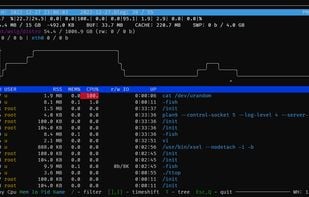


System monitoring tool with TUI and historical data service.

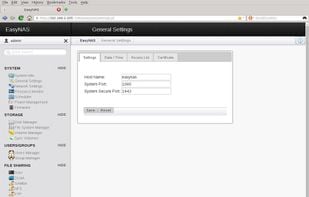
It uses openSUSE Leap as a base with the Btrfs advanced file system. EasyNAS is managed through a web-based interface and offers such features as on-line growing of file systems, snapshots and copy-on-write.
 TrueNASand
 openmediavault
Terminology is a terminal emulator for e17.
What does it do?
It emulates a slightly extended vt100 with some extensions and bling thrown in.
Most escapes supported by xterm, rxvt etc. work Xterm 256 color escapes work Backgrounds (bitmap, scalable/vector, animated.

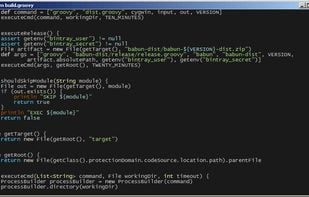
Would you like to use a linux-like console on a Windows host without a lot of fuzz? Try out babun!

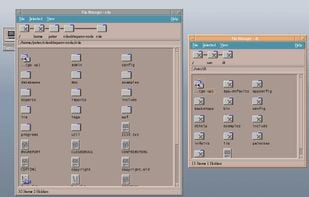
The Common Desktop Environment was created by a collaboration of Sun, HP, IBM, DEC, SCO, Fujitsu and Hitachi. Used on a selection of commercial UNIXs, it is now available as open-source software for the first time.
 KDE Plasmaand
 GNOME
GNOME
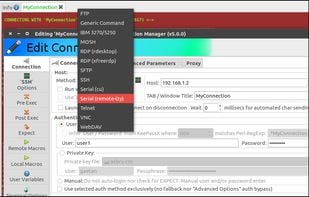
Ásbrú Connection Manager is a user interface that helps organizing remote terminal sessions and automating repetitive tasks.

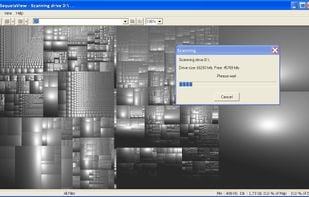
Create a visual representation of the amount of space each file is taking on your hard drive. It creates a "squarified treemap" that makes it easy to see where all your space is going.
 WinDirStatand
 WizTree
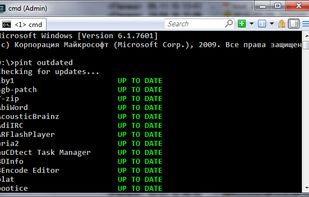
Pint (Portable INsTaller) - a minimalistic command line package manager for Windows, which fits into a single file.
 UCheck
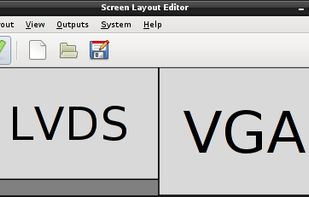
ARandR is designed to provide a simple visual front end for XRandR. Relative monitor positions are shown graphically and can be changed in a drag-and-drop way.
 wdisplaysand
 nwg-displays
 AutoHotkeyand
 Tasker
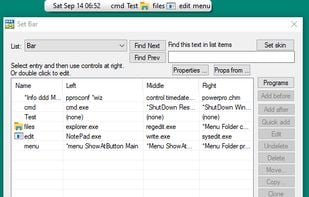
PowerPro lets you take control of how you use Windows 95/98/NT/2000/XP. Run commands and configure your system any way you want.
 Listaryand
 Keypirinha
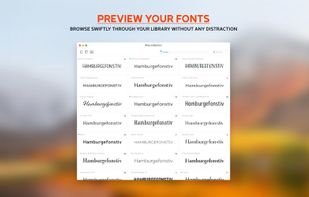
Typeface is a wonderful font manager for macOS that helps you pick the perfect type for your designs. A minimal interface and total focus on your fonts makes browsing your collection exciting and easy.
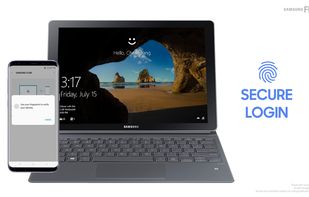
Android and Windows Apps. Allows for work started on (say) phone, to be completed on Windows Desktop. Sharing of files, screen mirroring, media, clipboard, links, output piping from one app to another. Similar also to Opera Browser's new FLOW facilty.
 KDE Connectand
 Blip
Blip
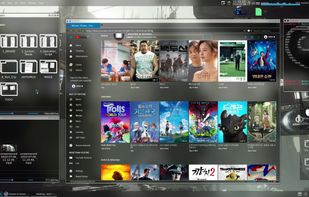
Custom OS Based On Debian Testing, With Media & Development Tool.
 Linux Mintand
 Ubuntu
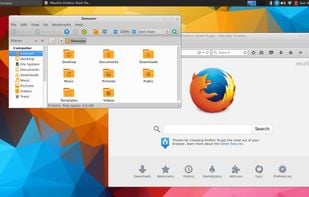
Korora is an installable Fedora Remix Live USB image which aims to provide a complete out of the box experience for new users, including support for multimedia.
 Linux MintandUbuntu
Enable darker-than-dark dimming for internal and external screens.

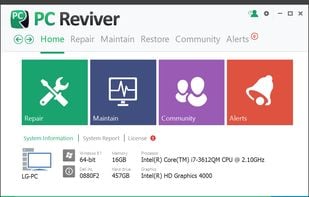
PC Reviver is a multi-purpose utility that will diagnose errors on your PC, safely repair them, and provide other maintenance and optimization recommendations.

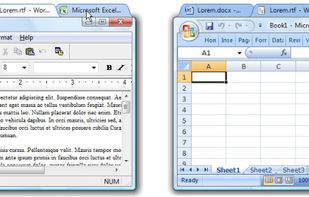
Adds browser-style tab functionality for desktop application windows, allowing grouping, dragging, and organizing multiple open programs for easier management.

This is a fork of 'Universal TV Remote' by Twinone from 2015 sources. In addition to customizable TV remote, it removes ads, tracking, accounts, uploading, and network access.
 IRemote
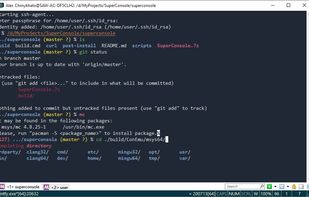
SuperConsole is a software collection based on ConEmu, MSYS2, Mintty, Zsh, Git for Windows, grml-zsh-config, Antigen and agkozak-zsh-theme projects, customized and configured for everyday use.
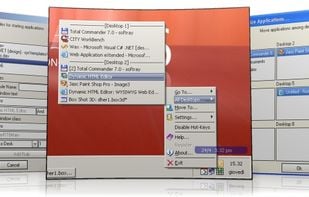
9Desks - Virtual Desktops, desktop manager, multi desktops, enhanced virtual desktops
Pictogram makes it easy to use custom app icons on your Mac. It even preserves your custom icons after your apps update themselves.
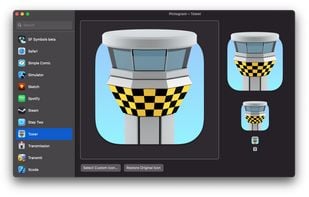
 Replacicon
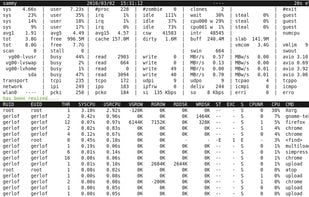
An advanced interactive monitor for Linux-systems to view the load on system-level and process-level.

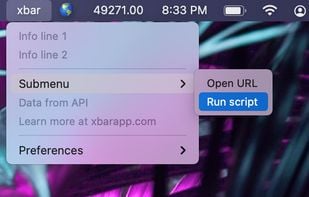
The xbar app lets you put the output from any script or program right in your macOS menu bar. And it's completely free. An impressive number of plugins have already been contributed by a wide range of developers, and this site makes it easy to find them.
 iStat Menusand
 BitBar