Word Processors for Mac

All apps in Word Processors for Mac category. Use the filters below to narrow down your search. 
Copy a direct link to this comment to your clipboard
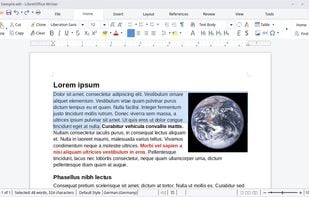
  1. LibreOffice icon
     3101 likes

    Free and open-source office suite with advanced word processing, spreadsheets, presentations, vector graphics, math formula editor, and database tools.

    • Word Processor
    • FreeOpen Source
    • Mac
    • Windows
    • Linux
    • Android
    • BSD
    • Snapcraft
    • Flathub
    • PortableApps.com
    • F-Droid
    • Flatpak
    LibreOffice Writer on Linux
    52 alternatives
    4.5
    Excellent141 reviews
  2. ONLYOFFICE icon
     637 likes

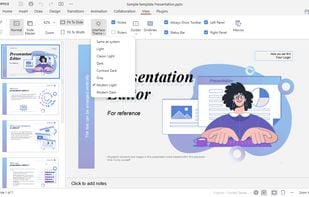
    Open-source suite for editing documents, spreadsheets, presentations, forms, and PDF files with co-editing modes, plugin support, AI assistant, and integration across 40+ platforms.

    • Word Processor
    • Free PersonalOpen Source
    • Mac
    • Windows
    • Linux
    • Online
    • Android
    • iPhone
    • Android Tablet
    • HUAWEI AppGallery
    • iPad
    • Self-Hosted
    • AppImageHub
    • Snapcraft
    • Flathub
    • Samsung Galaxy Store
    • Software as a Service (SaaS)
    • Flatpak
    • Cloudron
    ONLYOFFICE screenshot 1
    72 alternatives
    4.1
    Very Good64 reviews
  3. Microsoft Word icon
     931 likes

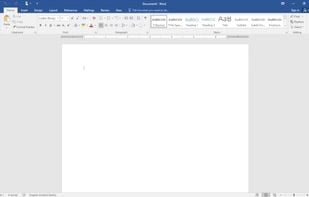
    Widely-used word processor offering extensive document editing tools, SmartArt, PDF support, and integrated search features on multiple platforms.

    • Word Processor
    • PaidProprietary
    • Mac
    • Windows
    • Android
    • iPhone
    • Android Tablet
    • iPad
    New document view
    3.3
    Fair29 reviews
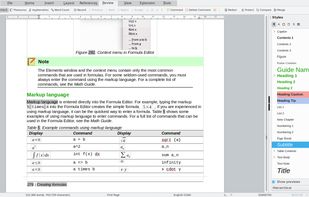
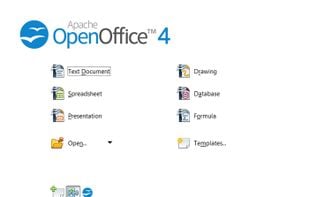
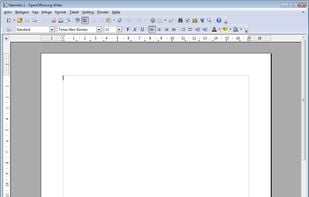
  4. Apache OpenOffice is a leading open-source office suite that offers free applications for word processing, spreadsheet, presentations, graphics, databases and more. All data is stored in an open standard format, though Open Office can also read and write files from other common...

    • Discontinued
    • Word Processor
    • FreeOpen Source
    • Mac
    • Windows
    • Linux
    • BSD
    • PortableApps.com
    Apache OpenOffice screenshot 1
    58 alternatives
    3.5
    Good21 reviews
  5. WPS Office icon
     398 likes

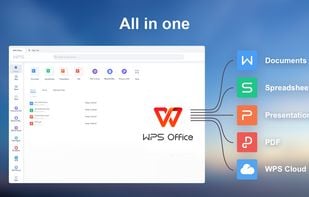
    A free, lightweight office suite offering high compatibility with files and multi-platform support. Includes features for text, presentations, spreadsheets, and PDFs.

    • Word Processor
    • FreemiumProprietary
    • Mac
    • Windows
    • Linux
    • Android
    • iPhone
    • Chrome OS
    • Android Tablet
    • iPad
    • Flathub
    • Flatpak
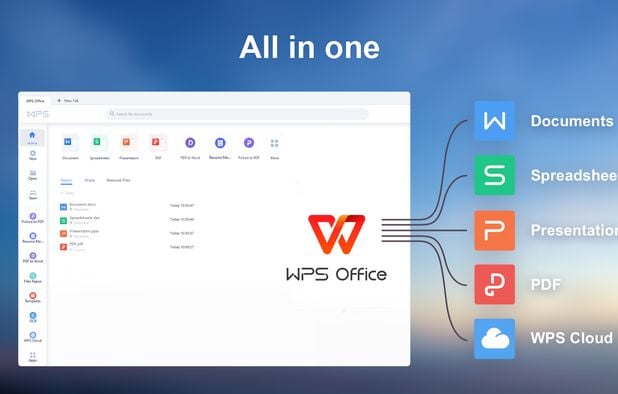
    All in one
    51 alternatives
    3.0
    Fair24 reviews
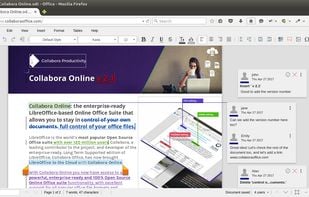
  6. Enterprise-ready on-premise suite with advanced word processing, spreadsheet, and presentation tools, maximizing interoperability and file compatibility.

    • Word Processor
    • FreemiumOpen Source
    • Mac
    • Windows
    • Linux
    • Android
    • iPhone
    • Chrome OS
    • Android Tablet
    • iPad
    • Self-Hosted
    • Software as a Service (SaaS)
    • Cloudron
    • Flathub
    • Flatpak
    Collabora Office Classic screenshot 1
    41 alternatives
  7. Scrivener icon
     262 likes

    Ideal for long writing projects with flexibility in structure, Scrivener integrates easy project outlines and allows seamless restructuring with drag and drop.

    Scrivener screenshot 1
    121 alternatives
    3.4
    Fair17 reviews
  8. Pages icon
     212 likes

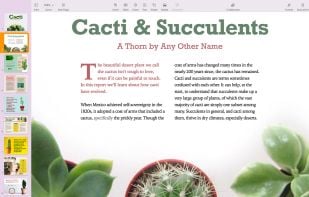
    Pages is a powerful word processor that lets you create stunning documents, and comes included with most Apple devices. And with real-time collaboration, your team can work together from anywhere, whether they’re on Mac, iPad, iPhone, or using a PC.

    Pages screenshot 1
  9. Apple iWork icon
     94 likes

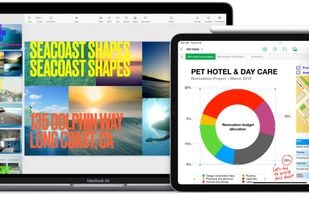
    iWork is an office suite by Apple. It includes Pages, a word processing and desktop publishing application, Keynote, a presentation package, and Numbers, a spreadsheet application.

    Apple iWork screenshot 1
    41 alternatives
  10. Collabora Online is a powerful LibreOffice-based online office suite with collaborative editing, which supports all major document, spreadsheet and presentation file formats and works in all modern browsers.

    • Word Processor
    • PaidOpen Source
    • Mac
    • Windows
    • Linux
    • Online
    • Android
    • iPhone
    • Chrome OS
    • Android Tablet
    • iPad
    • Self-Hosted
    • Software as a Service (SaaS)
    • Cloudron
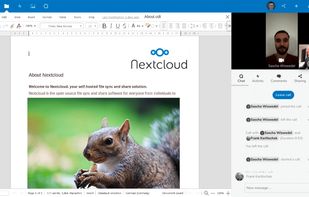
    With live video collaboration. Using Talk in the right side bar.
    24 alternatives
  11. Zoho Writer icon
     58 likes

    Cloud-based word processor featuring AI-powered assistant, editing tools, document publishing, e-signatures, mobile apps, and MS Word compatibility.

    • Word Processor
    • Free PersonalProprietary
    • Mac
    • Windows
    • Linux
    • Online
    • Android
    • iPhone
    • Chrome OS
    • Android Tablet
    • iPad
    • Google Chrome
    Zoho Writer screenshot 1
  12. NeoOffice icon
     47 likes

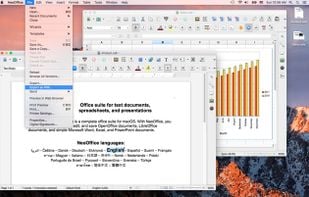
    NeoOffice is an office suite for Mac that is based on OpenOffice and LibreOffice. With NeoOffice, you can view, edit, and save OpenOffice documents, LibreOffice documents, and simple Microsoft Word, Excel, and PowerPoint documents.

    NeoOffice screenshot 1
    51 alternatives
  13. Tritium icon
     2 likes

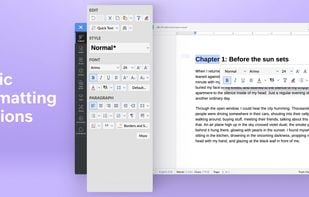
    Tritium is a desktop word processor built for transactional lawyers. Draft, review, and compare legal documents faster with real-time clause annotations, minimal redlines, and AI integrations - free for personal use.

    • Free PersonalProprietary
    • Linux
    • Windows
    • Mac
    Tritium screenshot 1
    9 alternatives
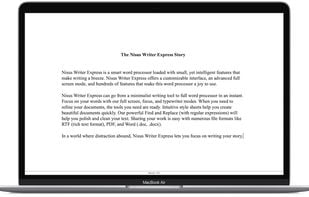
  14. Nisus Writer feels like home with support for Mac OS X autosave, document versioning, and iCloud. Built from the same core as Nisus Writer Pro, Express features the same elegant user interface and compatibility that has been universally praised by both users and press alike.

    Nisus Writer Express screenshot 1
  15. Growly Write icon
     3 likes

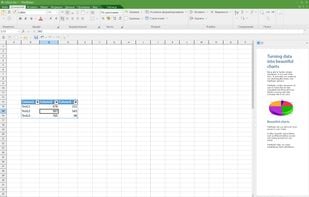
    It’s a word processor, not a nuclear reactor Perhaps the word processor you’ve been using has 100 times more features than you need. Or it won’t work the way you want it to — too many views or too few, and nothing makes any sense.
    Growly Write screenshot 1
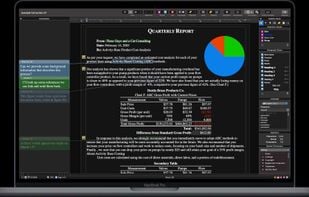
  16. Scriptable, macros, multipart selection, styles. Multilingual. Text expanding feature. Document Manager. Use any number of keys to execute menu command, e.g. press Command key, then FAU for "Find all uppercase words." Extremely customizable.

    Nisus Writer Pro screenshot 1
  17. WriteRoom icon
     51 likes

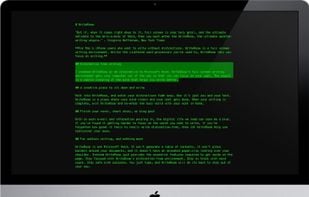
    For Mac users to write without distractions. WriteRoom is a full screen writing environment. Unlike the cluttered word processors you're used to, WriteRoom lets you focus on writing. Requires Mac OS X 10.

    Mac OS Screen
    103 alternatives