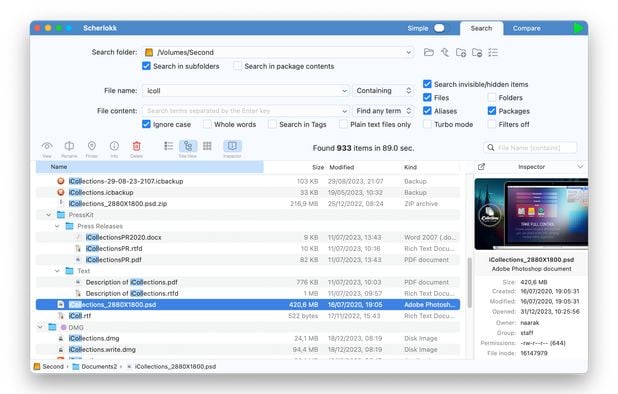
Replacement for Windows built-in search. Search files, folders and other data efficiently and easily.
- File Search Utility
- Free • Proprietary
- Windows
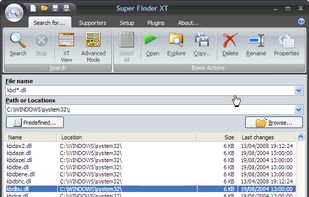
Best alternatives are  Everythingand
 Listary
68 alternativesEverythingandListary

Replacement for Windows built-in search. Search files, folders and other data efficiently and easily.
EverythingandListary
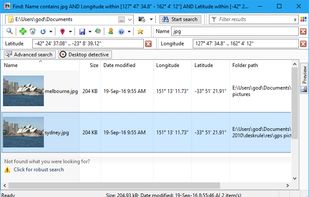
Wherever you have files DeskRule can locate them. Search your hard disk, but also in mobile phones and cameras, zipfolders, FTP, OneDrive and all the other virtual shell folders.
 Everythingand
 Keypirinha
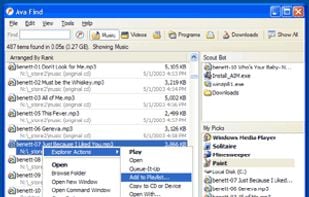
Find Instantly Search without delay.
Amazing Accuracy Sophisticated ranking shows what you want near the top.
Find New Files Automatically Scout Bot finds newly downloaded files automatically. You don't even have to enter a search!
Browse Music and Videos Do you have music.
 EverythingandKeypirinha
Fast and easy program launching and task switching, using just two consecutive keys to launch and switch to up to 40 different programs and/or files.
 ListaryandKeypirinha
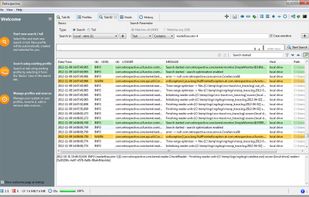
Retrospective is a lean solution for IT people to manage enterprise log data on either Windows, Mac or Linux.

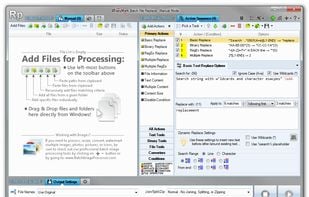
Search and replace text and raw bytes in multiple files. Features include: multi-line text entry; full support for RegEx with syntax highlighting and match substitutions; built-in hex editor to replace bytes; wildcards and case-sensitivity; Unicode.

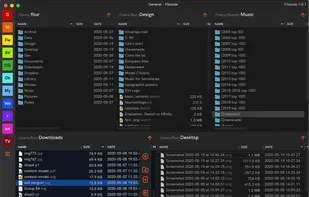
Fileside is a file manager for Mac and Windows that lets you create workspaces of tiled folders for each of your projects, collections or workflows. The folders you need will never be more than a click away.
 Double Commander
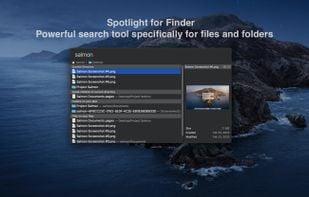
Salmon - Spotlight for Finder. Powerful search tool for files and folders with support for multiple selection. Powerful @modifiers to filter and sort.

Exalead Desktop Search Instantly locates any document stored on local resources like internal and external hard drives, network drives and USB keys .
EverythingandKeypirinha
Magican File is a professional program for Mac OS X that let you search and manage files on your disks.
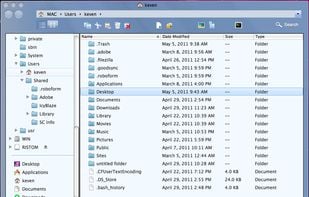 Double Commander
hunText is a powerful file manager with full text search enabled, with which you can manage your device and cloud content and do a full text search on all the files at one place.

 Everythingand
 Filezo
Get access to the documents you need, right when you need them, in a new tab. Connect FYI with G Suite, Slack, Dropbox, Box, Microsoft OneDrive, and more to search across the apps you use.


The Spotlight Search Metadata on your Mac is a truly remarkable thing. Given some text it is able to find all occurrences anywhere on the filesystem in the blink of an eye. At that this point your options are limited however.
Everythingand Alfred
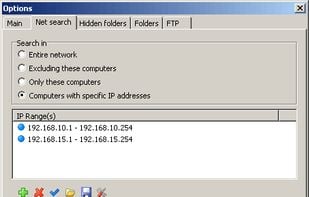
LAN Search Pro is a free and portable utility for fast file searching across your LAN. You can search for specific file names or for specific file types (e.g. all MP3 files). LAN Search Pro provides a lightning fast search engine and lets you search hidden network resources...
 EverythingandKeypirinha
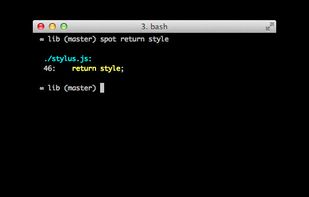
Tiny ack-style file search utility. All arguments constitute the search text. No need to wrap most searches in double quotes. Short & written in Bash - just find & grep: you can edit it easily to suit your liking.

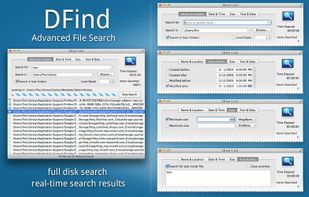
DFind lets you perform advanced file and folder searches on your Mac. Need to find all files containing a certain text? Need to find files created in the last hour? Need to find large files that take up all your disk space?
 EverythingandAlfred
Baloo is not an application, but a daemon to index files. Applications can use the Baloo framework to provide file search results.
 DocFetcherand
 Recoll
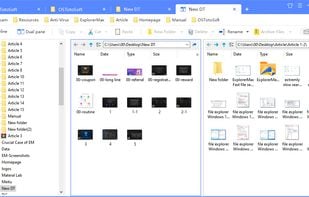
If you are frustrated by the limitations and inconveniences of built-in Windows explorer (File Explorer), ExplorerMax is your better choice. It is an enhanced Windows explorer with far more power functionalities.
 Double Commander
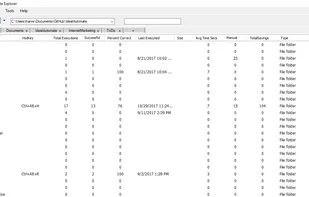
IdealAutomateExplorer is like windows explorer, except it has a lot of additional features. One feature is multiple tabs. Multiple tabs allows you to switch between views of multiple folders without having to open multiple versions of file explorer.
 Filesand
 File Explorer
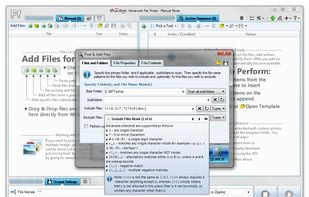
Generate file list of all files with specific name pattern, extension, properties and attributes, as well as text and binary content by recursively scanning specified directories and searching for matching files. Copy and rename found files.
 Everythingand
 dupeGuru
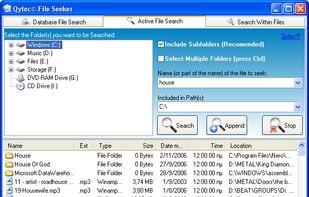
File Seeker searches hard disks for files with excellent speed, accuracy and search within feature.
 EverythingandKeypirinha
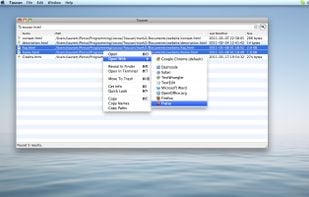
Toucan Search is an efficient solution for finding just about everything!
 Filezoand
 Search Monkey
 Everythingand
 FSearch
Context-aware Mac search utility connecting files, emails, and web data with Boolean logic, previews, and intelligent filtering seamlessly in your workflow.

 Agent Ransack
iSeek is a handy little program for Mac OS X that allows you to instantly search for anything you seek, no matter what program you are running. iSeek puts a familiar search field in your menu bar, needing just a click or keystroke to start your search!
 EverythingandKeypirinha