
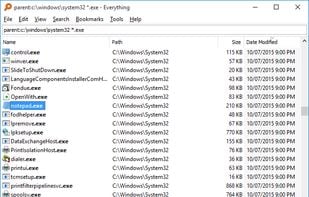
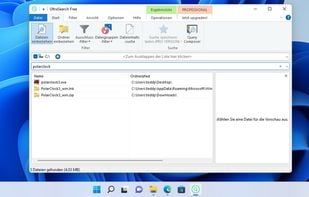
Locate files and folders by filename on Windows instantly, displaying all items on NTFS volumes and mapped network drives. Supports 19 languages.
- File Search Utility
- Free • Proprietary
- Windows
4.5
Excellent96 reviews


Locate files and folders by filename on Windows instantly, displaying all items on NTFS volumes and mapped network drives. Supports 19 languages.

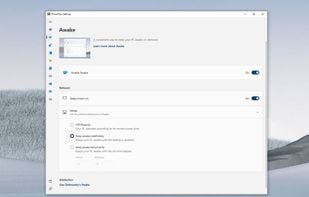
Set of open-source tools enhancing Windows with features like FancyZones, PowerRename, and Keyboard Manager. Lightweight and ad-free.
 Flow Launcherand
 Listary
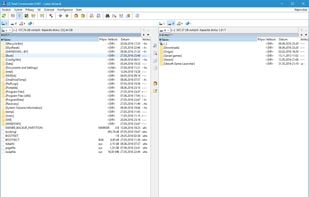
Comprehensive file manager with built-in FTP, file compare, archive navigation, multi-rename tool with regular expression support, and side-by-side windows.
 Double Commander
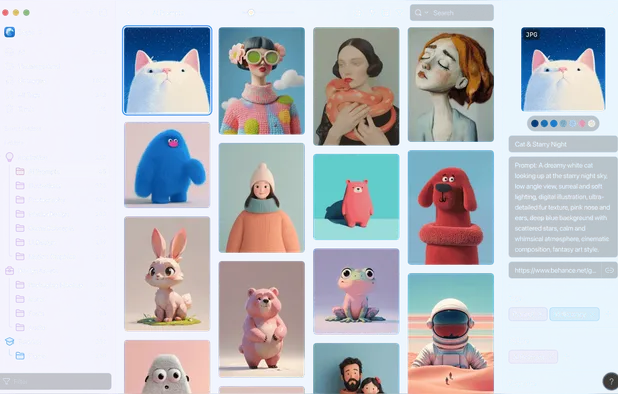
Privacy-focused, cross-platform tool for tagging, browsing and managing files or folders, with note-taking, Kanban, S3 cloud support, and web clipping.


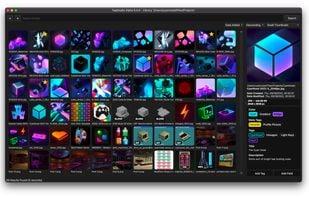
TagStudio is a photo & file organization application with an underlying tag-based system that focuses on giving freedom and flexibility to the user. No proprietary programs or formats, no sea of sidecar files, and no complete upheaval of your filesystem structure.
 Spacedriveand
 TagSpaces
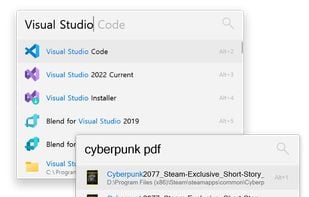
Dedicated to make your workflow flow more seamlessly. Aimed at being more than an app launcher, it searches, integrates and expands on functionalities. Flow will continue to evolve, designed to be open and built with the community at heart.
 Microsoft PowerToys
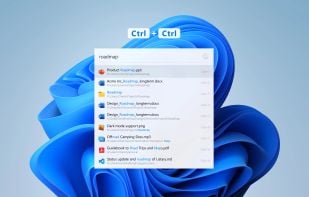
Listary is a revolutionary search utility for Windows that makes finding your files and launching applications blazing fast, for casual and power users alike!.
 Everything
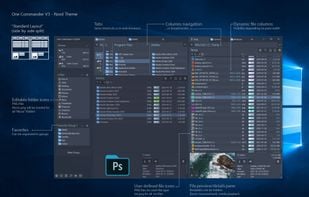
Free dual-pane file manager for Windows featuring tabs, columns, themes, long filename support, image converter, regex renaming and many other unique features.
 Double Commander
Cross-platform tool for collecting, searching, and organizing images, videos, audio, and fonts with advanced tags, smart folders, and color filters for creative asset management.

 Raindrop.ioand
 Karakeep
A lightning fast and flexible keystroke launcher for Windows. No installation required (portable). Extensible with Python3 plugins.
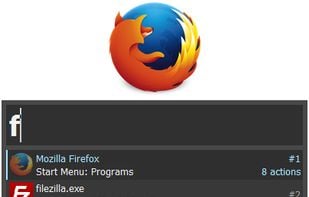 Microsoft PowerToys
Access tools with shortcuts, automate tasks with AI, and streamline productivity with Raycast's powerful Mac app. Enhance efficiency with snippets, quicklinks, and integrated commands.
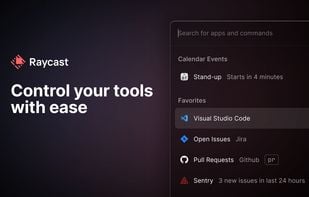 Microsoft PowerToys
FreeCommander is an easy-to-use alternative to the standard windows file manager. The program helps you with daily work in Windows. Here you can find all the necessary functions to manage your data stock.
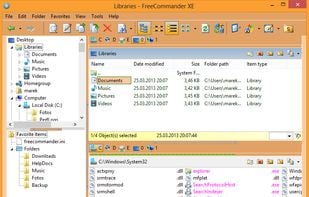 Double Commander
XYplorer is a file manager for Windows. It features tabbed browsing, a powerful file search, a versatile preview, a highly customizable interface, optional dual pane, scripting engine, and a large array of unique ways to efficiently automate frequently recurring tasks.
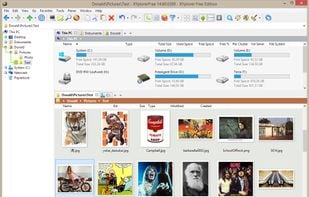 Double Commander
Directory Opus is a complete replacement for Explorer, with far more power and functionality than any other file manager available today.
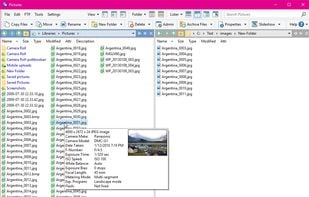 Double Commander
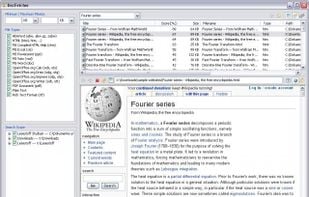
DocFetcher is an Open Source desktop search application: It allows you to search the contents of files on your computer. — You can think of it as Google for your local files. The application runs on Windows, Linux and macOS, and is made available under the Eclipse Public License.

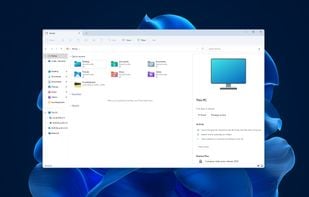
Manage files effortlessly with a graphical interface offering offline access, dark mode, ad-free usage, and zip support, optimized for Windows.
 Double Commander
Wox is a full-featured plugin-powered launcher that supports file and web searching.
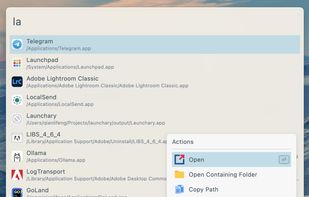 Microsoft PowerToys
Sigma File Manager is a free, open-source, quickly evolving, modern file manager (explorer / finder) app for Windows and Linux.
 Double Commander
Fluent Search is a fast and easy-to-use search application that lets you search for running applications, browser tabs, bookmarks, files, and more. Unlike Windows Start Menu, Fluent Search focuses on continuing existing work, it let you jump easily between running application...
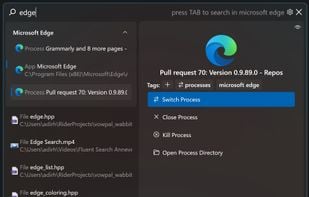 Flow LauncherandListary
Developed with the Electron framework, ueli is the type of tool that adopts simplicity, leaving out any unnecessary options and configuration settings. It creates an icon in the system tray at startup, where it sits silently throughout its runtime, without disturbing you with...
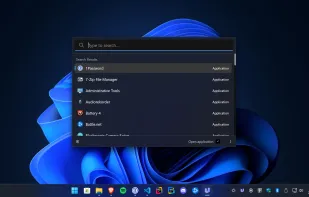 Microsoft PowerToys
This package is a personal full text search package which is based on a very strong backend (Xapian), for which it provides an easy to use and feature-rich interface.
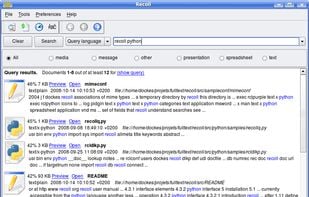 Everythingand
 DocFetcher
Agent Ransack is a tool for finding files and information on your hard drive fast and efficiently. When searching the contents of files Agent Ransack also displays the text found. Users can then quickly browse the results without having to separately open each file!
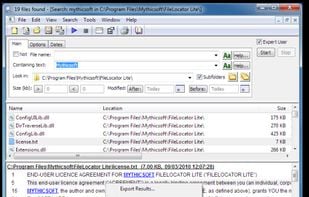 Everythingand
 FSearch
Instantly find files, apps, and web pages with a unified search interface. Access major engines like Google and Bing. Switch seamlessly between local and online content.
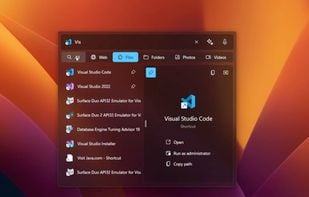 Everything
Cerebro is an open source and free electron-based productivity software alternative to Alfred and Spotlight. It is focused on speed and good UI and UX. In most cases you don't even need to open another application, because you can see results right in Cerebro, like google...
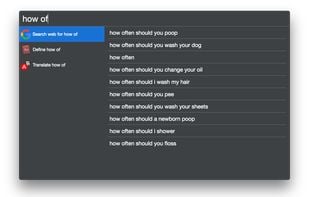

 Everythingand
 Keypirinha