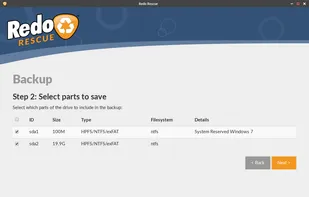
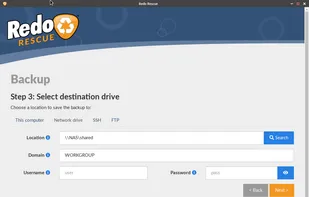
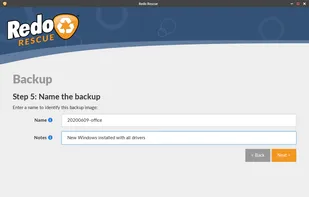
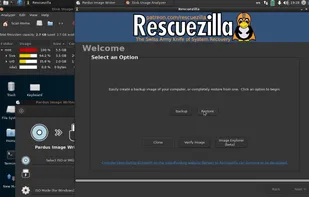
Free, user-friendly disk cloning and imaging software, boots from USB for Windows, Mac, and Linux. Supports Clonezilla backups and virtual machine images.
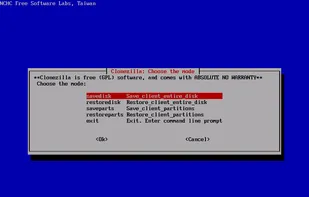
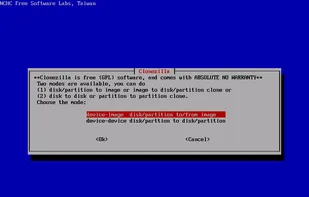
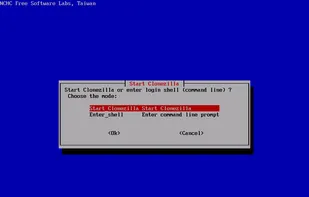
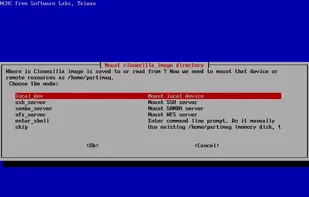
Open-source partition and disk imaging solution with multicast support, capable of cloning over 40 computers simultaneously. Offers free disaster recovery and deployment features.
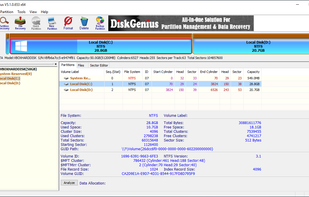
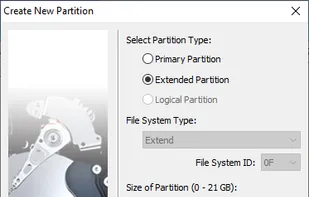
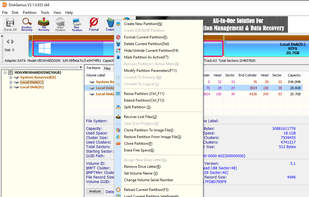
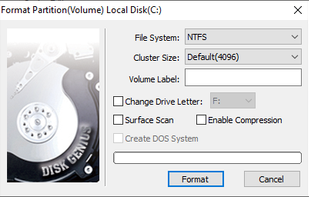
DiskGenius is full-featured partition manager. It also lets you edit UEFI entries with ease, so if you want to install a different bootloader like Clover, DiskGenius can help set it up quickly.
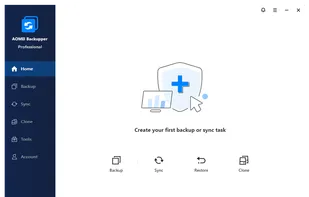
Backup, disk cloning, system migration, and bare-metal restore for Windows PCs and Servers. Automated, selective, and encrypted backup with flexible recovery.
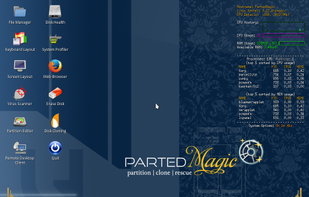
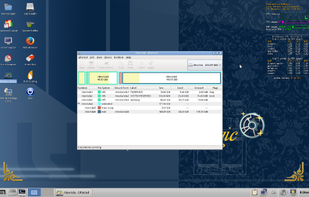
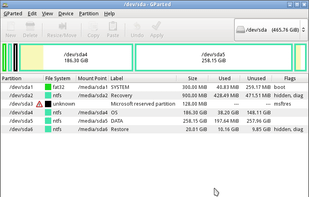
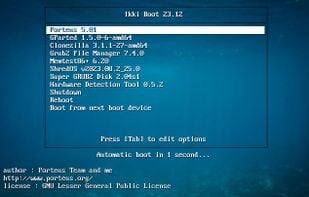
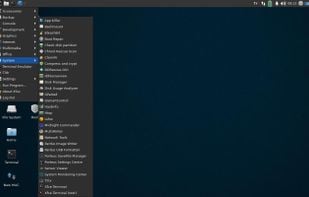
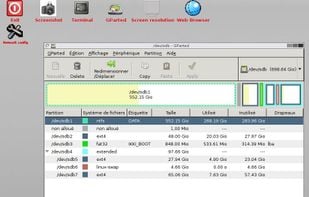
Bootable system featuring GParted, advanced partition tools, cloning, disk erasure, data recovery, benchmarking utilities, and support for multiple filesystems.
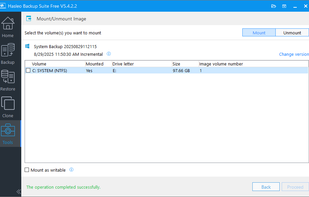
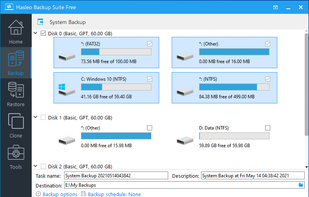
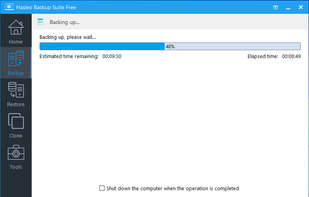
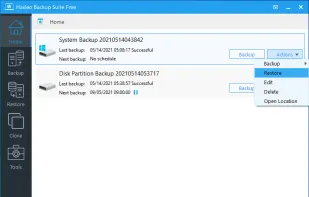
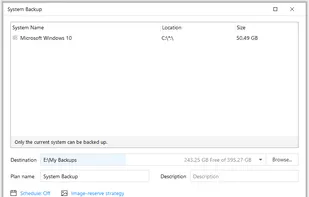
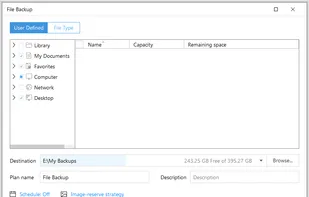
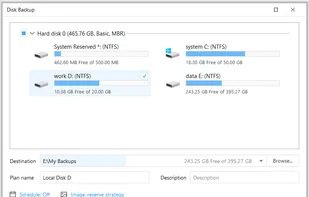
Hasleo Backup Suite Free is a free Windows backup and restore software, which embeds backup, restore and cloning features, it is designed for Windows operating system users and can be used on both Windows PCs and Servers.
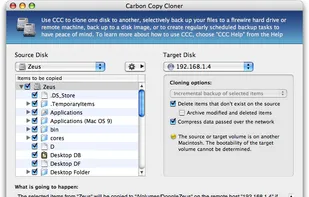
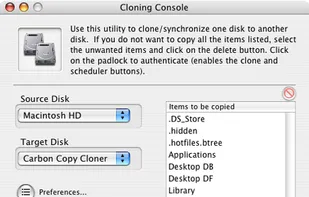
Carbon Copy Cloner (CCC) features an interface designed to make the cloning and backup procedure very intuitive. In addition to general backup, CCC can also clone one hard drive to another, copying every single block or file to create an exact replica of your source hard drive.
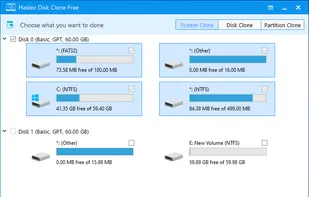
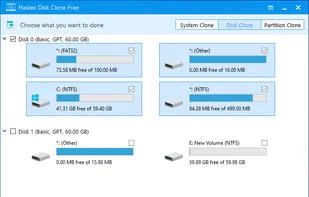
Hasleo Disk Clone is a free and all-in-one disk cloning software for Windows 10/8/7 that can help you migrate Windows to another disk, clone one disk to another disk or clone one partition to another location.
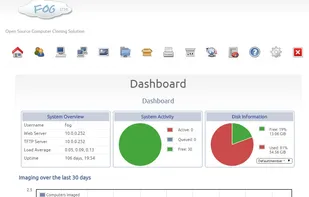
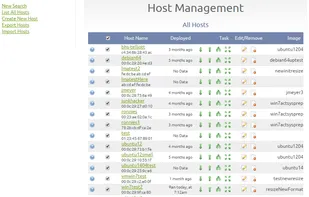
FOG is a free open-source cloning/imaging solution/rescue suite. A alternative solution used to image Windows XP, Vista PCs using PXE, PartImage, and a Web GUI to tie it together. Includes featues like memory and disk test, disk wipe, av scan & task scheduling.
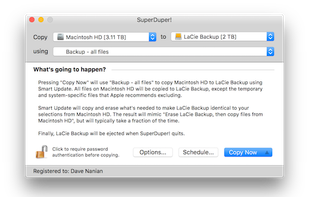
SuperDuper makes recovery painless, because it makes creating a fully bootable backup painless. Its incredibly clear, friendly interface is understandable, easy to use, and its built-in scheduler makes it trivial to back up automatically.
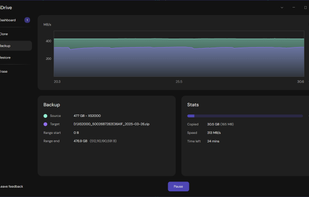
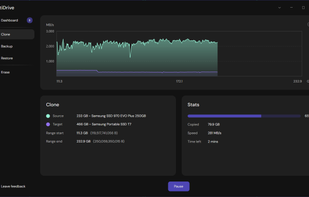
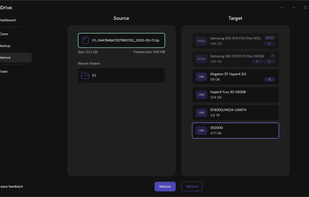
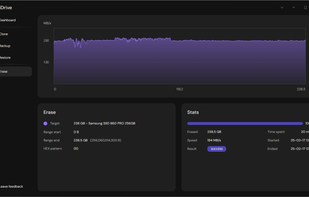
Multidrive is a free, easy-to-use disk management software with a powerful command line interface. Perfect for system administrators and advanced users. Works in Windows 10 and 11.
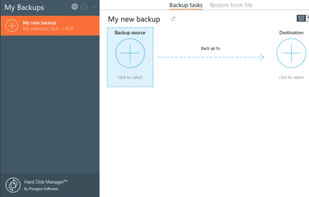
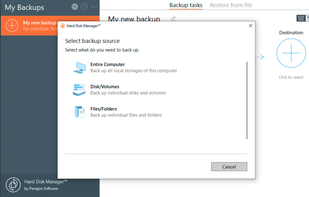
Provides disk and partition backup, cloning, secure wiping, partition management, migration, bad sector testing, file system support, and system restore for Windows.
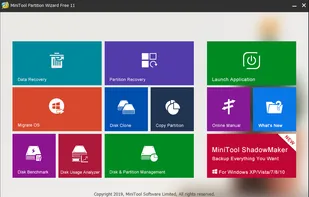
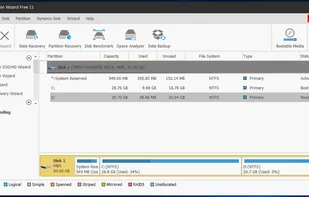
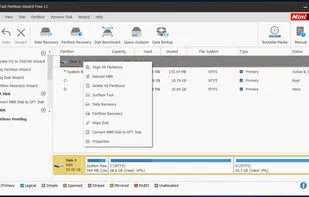
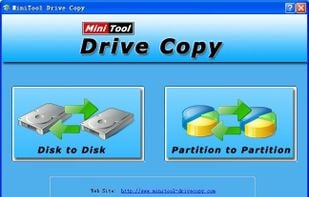
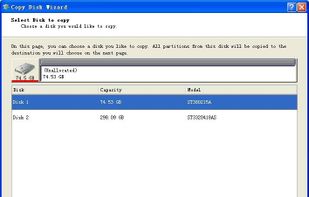
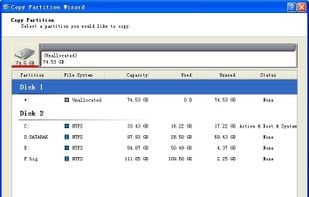
MiniTool Drive Copy is a piece of quite excellent free drive copy software which provides users with professional solutions to disk copy and partition copy. Moreover, it can give hard disk data strongest protection in the shortest time.
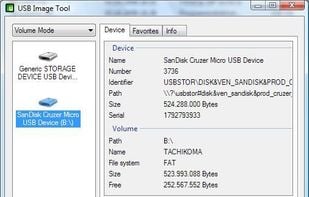
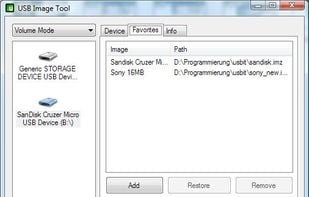
USB Image Tool can create images of USB flash drives and MP3 players, that are mounted as USB drives. It allows you switch between images with different music styles on your MP3 Player or to make an exact backup image of your USB Stick.
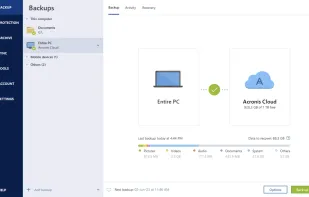
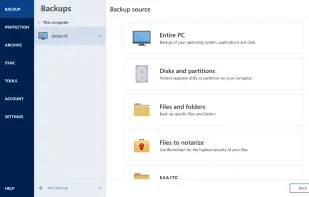
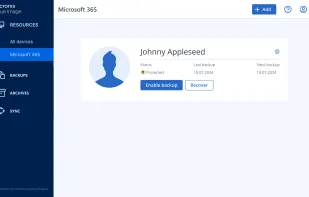
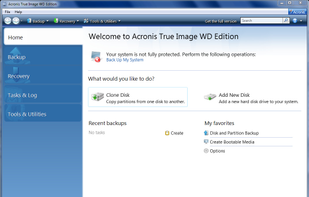
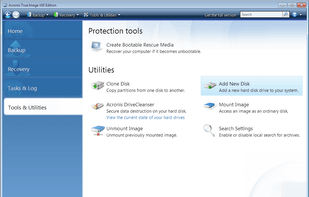
Acronis True Image for Western Digital software delivers easy, efficient, cyber protection, integrating award-winning backup with an AI-based defense against ransomware and cryptojacking attacks. Acronis True Image for Western Digital, based on .
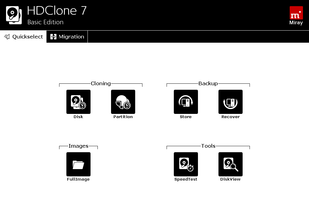
HDClone creates physical or logical copies (clones) and file images of hard disks and other mass storage media. HDClone is a perfect tool for backups and copies of entire software or operating system installations.
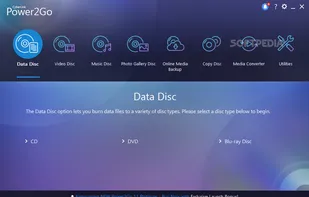
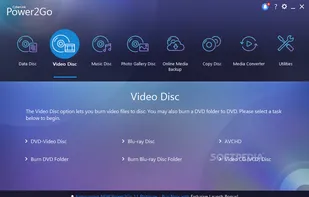
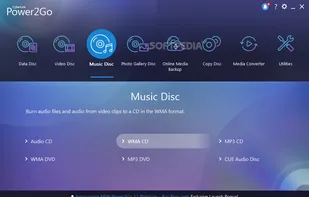
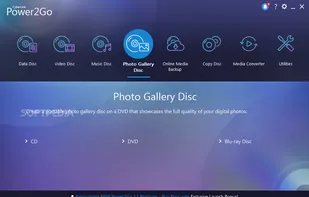
Power2Go is a simple all-in-one solution for all your disc burning, movie disc authoring, media conversion and backup needs. With unparalleled support for a wide-range of disc & mobile formats, you can drag-n-drop files to instantly burn data or movies.


 Australia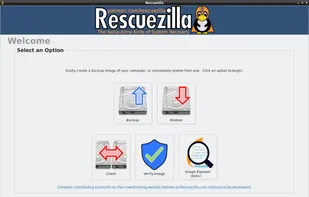
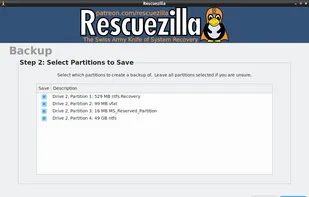
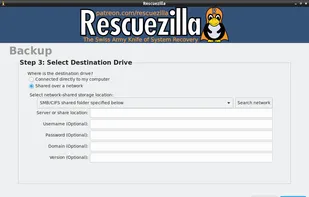
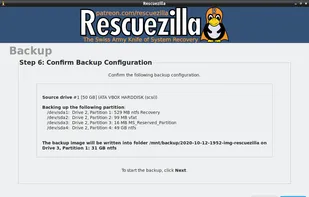


 Rescuezilla

 GParted
























 Taiwan
 United Kingdom
 Hong Kong SAR China
 Switzerland
 China
China


 United States


 France
 EU
EU

 Canada
 Germany


