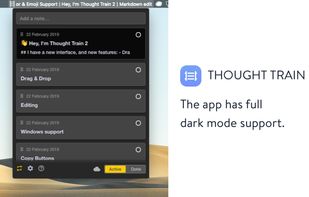
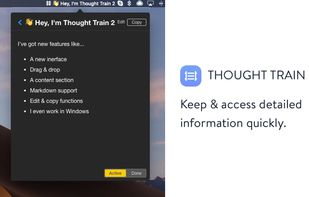
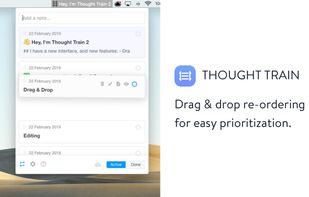
Join 11,000+ users who take quick notes with Thought Train, a humble menubar app for macOS and Windows
Cost / License
- Paid
- Proprietary
Alerts
- Discontinued
Platforms
- Mac
- Windows



Best alternatives are  Meteorite
9 alternativesMeteorite

Join 11,000+ users who take quick notes with Thought Train, a humble menubar app for macOS and Windows
Meteorite
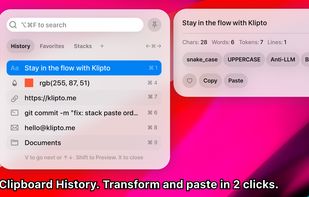
Clipboard tool for macOS built around a paste queue: collect several items, then paste them back one at a time in order, with text transformations and text capture from images.


SayCopyPaste is a dictation utility for macOS, Windows, Linux, iOS, and Android, with a cloud library accessible on the web. Press and hold the Globe key on Mac or a custom hotkey on desktop, speak, and release — your transcript lands on the clipboard, ready to paste anywhere...
 United States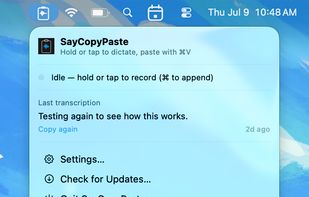







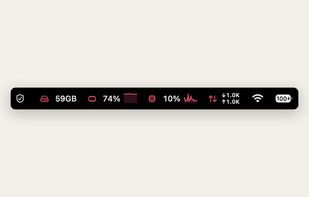
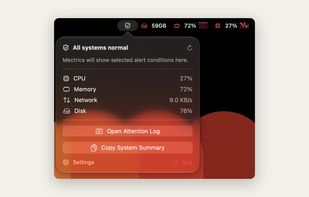
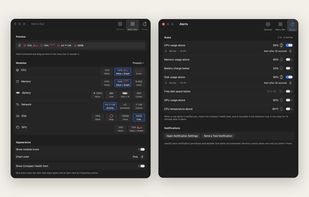
mectrics puts the readings you pick into the macOS menu bar: CPU, memory, battery, network, disk, GPU, temperature and fans. Clicking an item opens a popover with the detail behind the number, like per core load and top processes for CPU, or read and write throughput for disk.
 Türkiye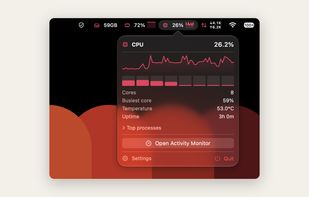



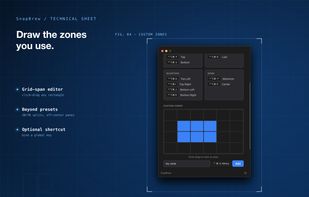
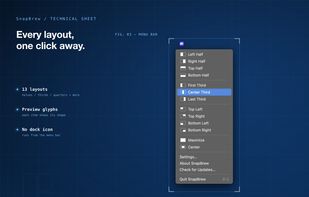
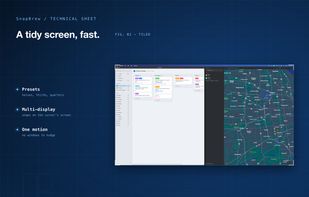
SnapBrew is a menu-bar window manager for macOS with 13 built-in layouts (halves, thirds, quarters, maximize, center) plus custom zones you draw on a grid. It works with any app via Accessibility permissions, supports multiple displays, and stores settings locally with no...
United States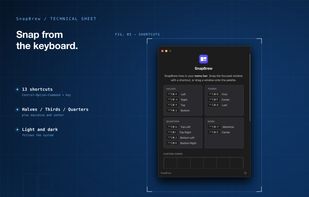

 UsageFleet
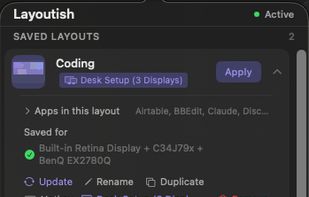
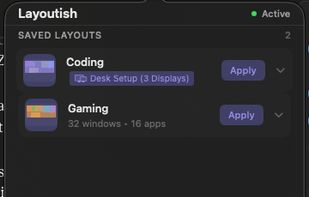
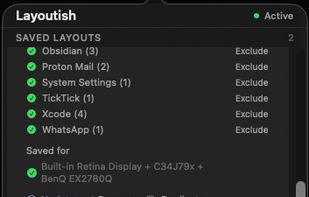
Saves complete macOS window layouts and restores them with one click or hotkey, including multi-monitor and multi-Space setups.
 United Kingdom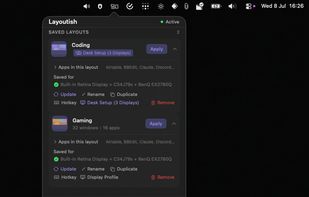
 Microsoft PowerToys
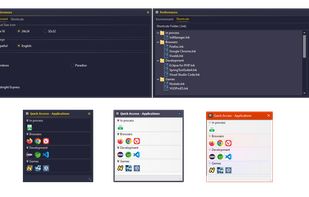
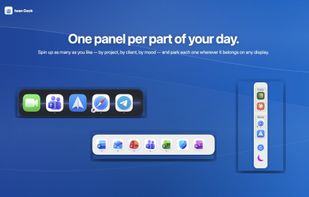
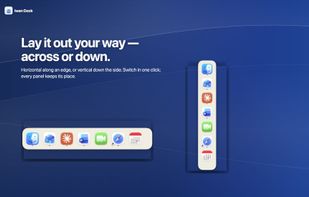
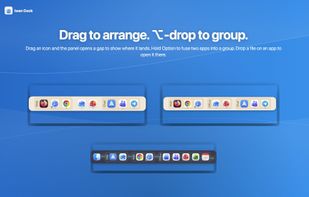
Iwan Dock is a native macOS menu-bar launcher. Instead of a full-screen app grid or a cluttered Dock, your apps live in floating panels you can arrange, lock in place, summon when you need them, and hide when you don't.
 Jordan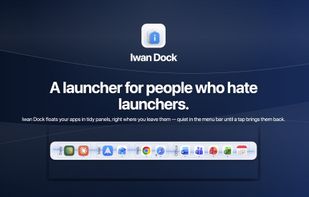

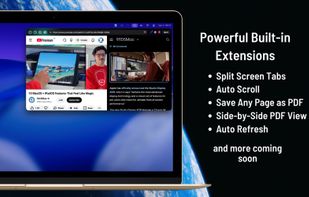
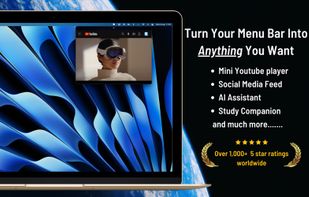
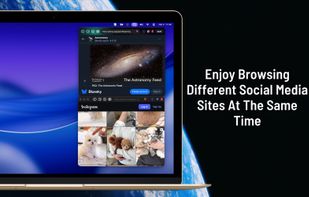
ZuriWeb is a fast and lightweight menu bar browser for Mac that lets you instantly browse, research, watch videos, and use AI tools without leaving your current app.

 Zen Browserand

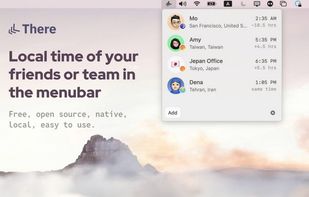
Track local time of people across time zones not abbreviation of time zones. Enter city, type a name and optionally attach a photo or type their X (Twitter) username. There! You can also add places or UTC offsets. All of them packed nicely in your menubar.





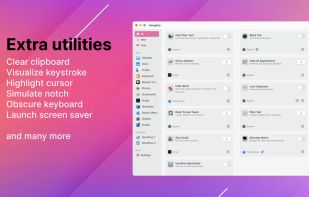
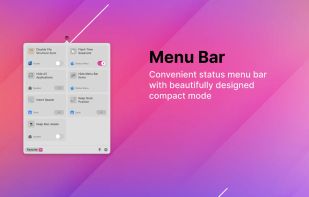
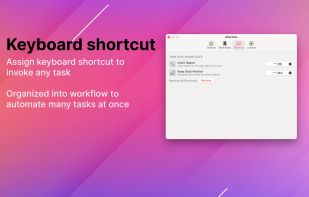
Almighty is a convenient and easy to use macOS menu bar application that exposes powerful configurations for your Mac.
 Vietnam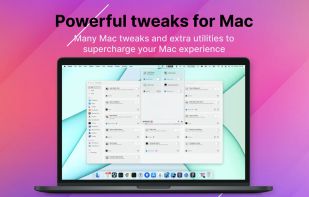


 Japan
Japan


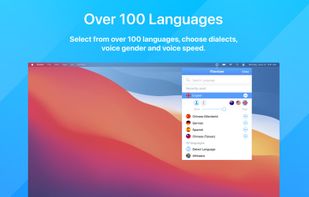
iTranslate is a comprehensive translation tool offering over 100 languages, voice output customization, multiple dictionaries for context-specific translations, Romanization of non-Latin languages, and optimized text input, available on multiple platforms and devices.
 Austria
 EU
EU


 Google Translate
See your Claude.ai and ChatGPT usage limits live in your macOS menu bar — zero setup, reads browser cookies automatically.
 PolandEU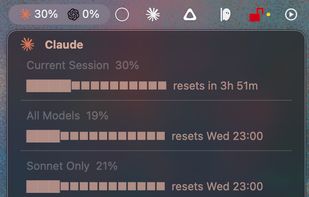

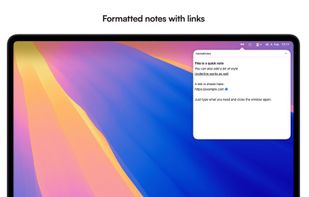
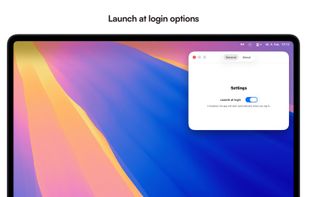
menuNotes is a tiny and lightweight notes app that lives in your macOS menu bar. It focuses on one thing: giving you a fast place to drop text you need later again. Nothing more. No complicated features, no setup, no learning curve.
 GermanyEU


Desktop system for creators with focus on simplicity, elegance, and usability. Based on FreeBSD. Less, but better!
 Linux Mintand

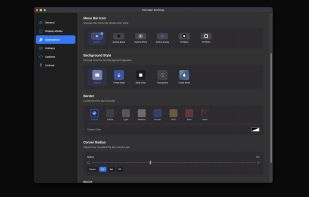
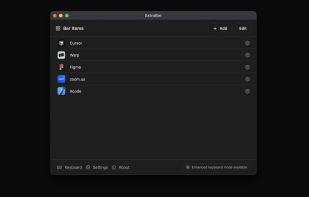
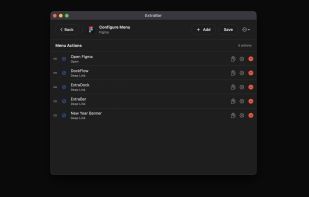
ExtraBar is a macOS productivity app that turns your menu bar into a customizable command center for quick actions.
 BulgariaEU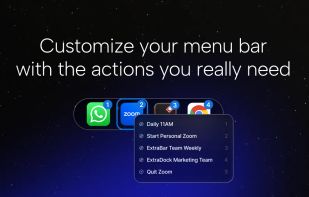


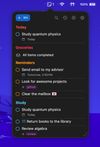
Simple macOS menu bar application to view and interact with reminders. Open Source and using Apple Reminders as a source.
 Brazil


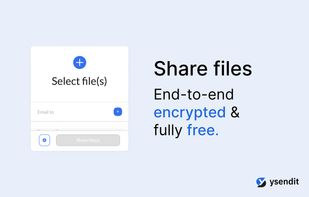
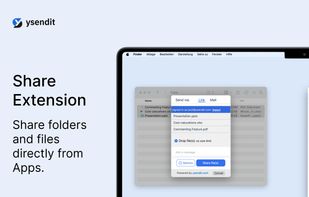
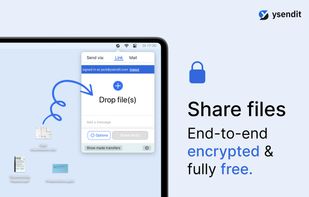
Share files of any size end-to-end encrypted and without a need to register. ysendit is a fully free file sharing service powered by you and others that love to send files. We believe in making file sending as easy and as comfortable as possible.

 Transfer.itand

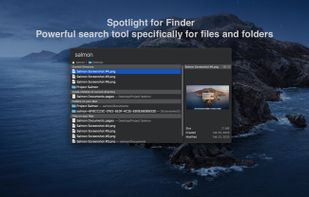
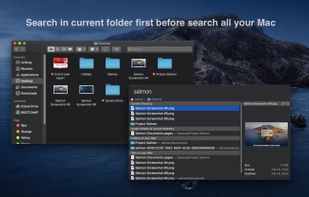
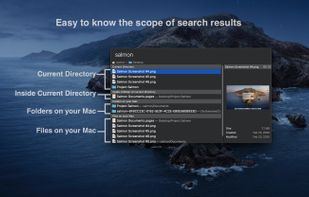
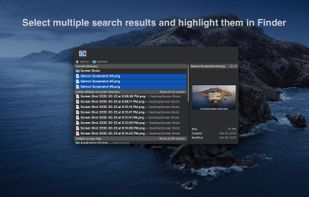
Salmon - Spotlight for Finder. Powerful search tool for files and folders with support for multiple selection. Powerful @modifiers to filter and sort.

1Focus lets you block distracting apps and websites to skyrocket your productivity. Beat procrastination and get things done by focusing on one task at a time. Ideal for students, entrepreneurs, and creative people.
GermanyEU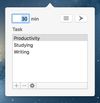
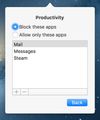



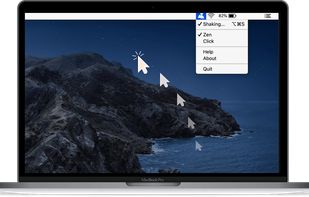
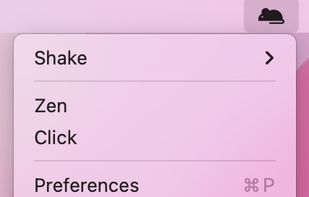
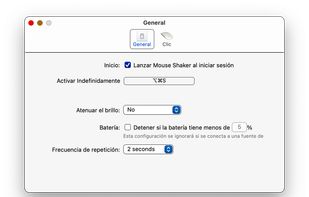
Mouse jiggler macOS app that auto moves your cursor so that you always appear online and active on messaging apps. Ideal if you need to keep your connection to citirix or your VPN active without having to reconnect.


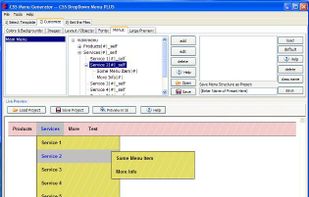
CSS Menu Generator is a free WYSIWYG menu generator. With this version of the tool you can generate horizontal or vertical drop-down (pull-down) menus. To generate your menu -- just add menu items, customize menu color and font settings, then just copy the CSS and XHTML menu...