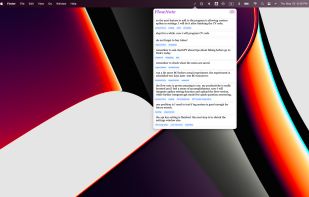
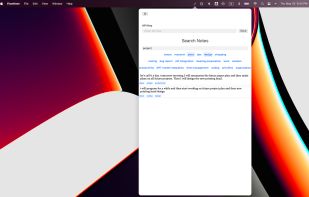
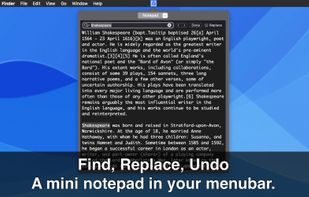
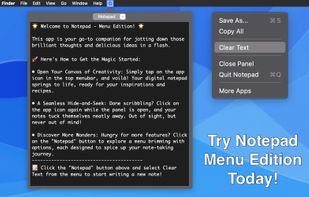
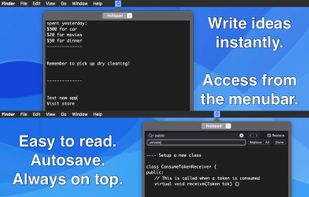
The fastest way to take notes on your Mac. Access instantly from the menu bar, without cluttering the Dock. Take notes instantly, distraction-free.
Cost / License
- Paid
- Proprietary
Application type
Platforms
- Mac
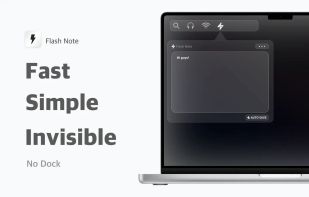

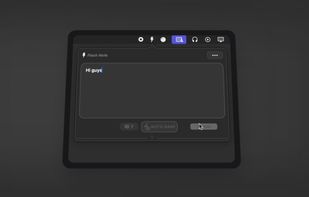


Apps similar to menuNotes include Flash Note. It's paid, but Notepad Menu Edition and Menubar Notes are free. Other options are Meteorite, FiveNotes, FIPLAB MiniNote and Quick Draft. In total there are nine Note-taking Tools like menuNotes for Mac, iPhone and iPad.
The fastest way to take notes on your Mac. Access instantly from the menu bar, without cluttering the Dock. Take notes instantly, distraction-free.

Instantly jot down thoughts with a simple, autosaving text panel that integrates smoothly into your workflow.


 Sweden
 EU
EU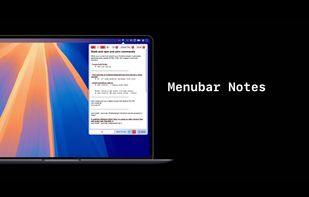
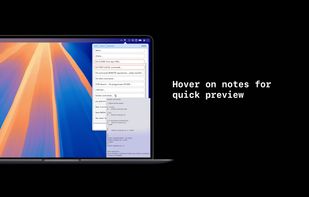
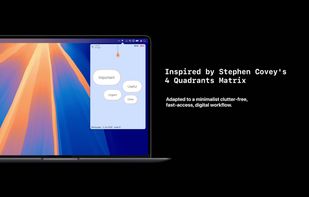
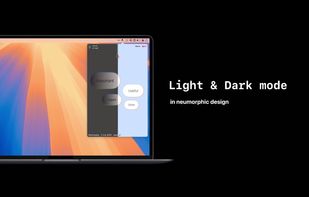


Ultra-minimal Mac menu bar note tool for fast, keyboard-only capture of thoughts, reminders, and snippets, with Markdown formatting, quick search, local privacy, light resource use, and direct export, ensuring notes are instantly accessible and private.
 Canada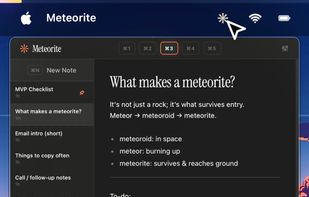
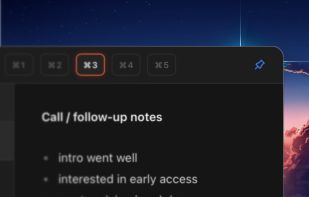
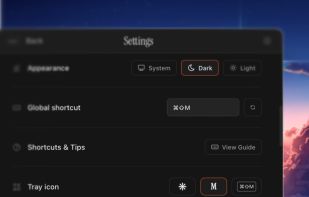
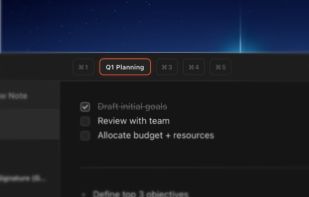


One-click Mac menubar notes app with fives easily accessible notes.
 PolandEU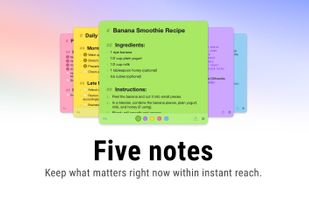
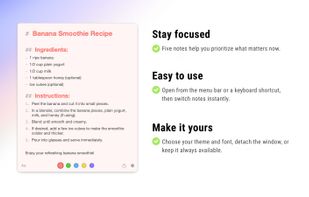
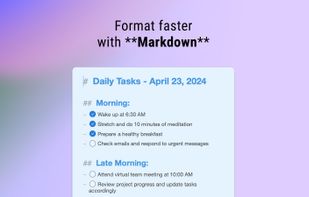
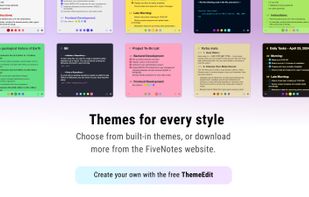


The app lives in your Mac's menubar and is always available at the click of a button. Use it to write down your thoughts and important pieces of information and be happy in the knowledge that your notes will be easily accessible when needed.
 United Kingdom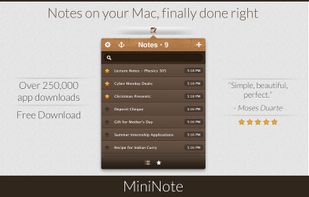


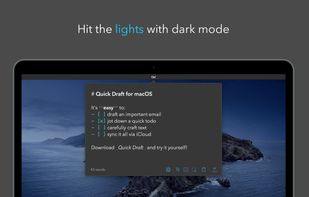
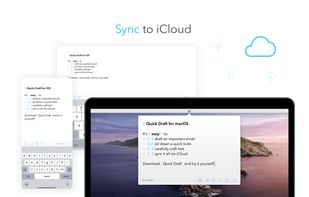
Sometimes you just need a place to jot down a quick note or draft an email or text on the fly. Write your draft and immediately copy or share to another app. When you come back, keep working or delete the note and start over.
 United States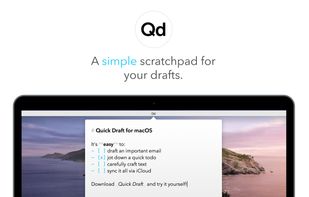



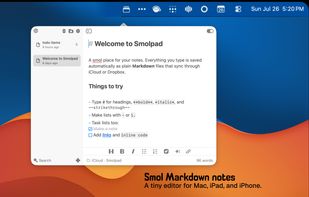
Smolpad is a menubar-first Markdown notes app for macOS, with companion apps for iPhone and iPad (universal purchase). Click the menu bar icon and a notes panel drops down; type, and everything autosaves as plain .md files stored in the user's own iCloud Drive or Dropbox.



The simplest yet clever Mac menubar note. Simply type in your notes. No navigation. No button click. No category search. New text field generates automatically for your next input. All notes are listed in time flow.