


A lightweight file and text processing tool that helps you clean filenames, apply filters, convert data, and preview results instantly.
 Ireland
 EU
EU

Best alternatives are  Bulk Rename Utility
51 alternativesBulk Rename Utility

A lightweight file and text processing tool that helps you clean filenames, apply filters, convert data, and preview results instantly.
Bulk Rename Utility
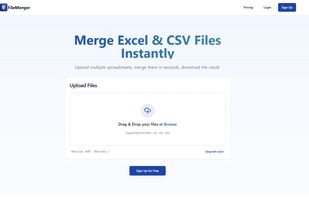
FileMerger is a fast and intuitive online tool designed to merge multiple Excel files into one clean, organized output — without installing any software. Just upload your files, choose your settings, and download the merged result in seconds.

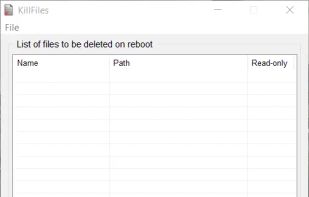
The purpose of KillFiles is to delete single or multiple files blocked, because they are constantly in use, by other applications.


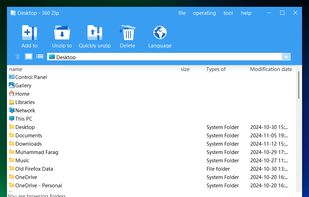
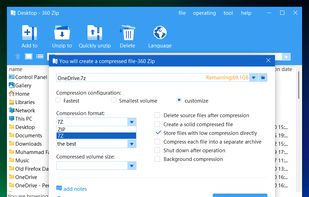
360 Zip is a free, high-speed compression software that is available for Windows. It is a good choice for anyone who needs to compress or decompress files.
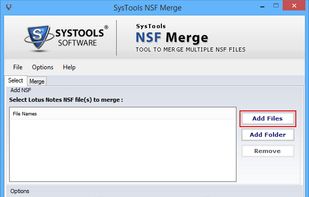
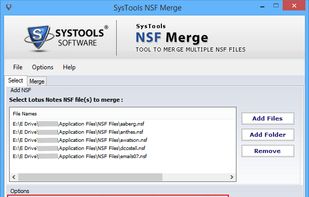
SysTools NSF Merge application allow users to combine their NSF Files into a single NSF File. With the tool you can merge your acrhives, contacts, calendars etc. Additionally you can use join method for combining two same folders separately in NSF.



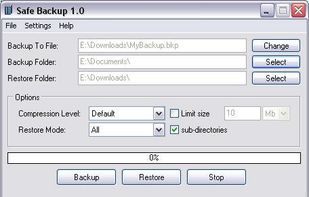
Backup and restore files and folders easily. Set compression level and restore mode. Split large backup file into several parts.


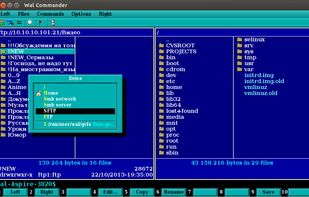
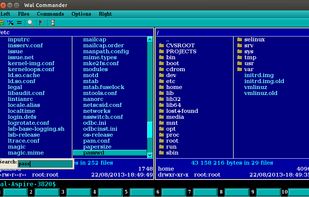
Multi-platform file manager for Windows, Linux, FreeBSD and OS X.
Advantages: has a built-in terminal! have editor with syntax highlighting has a text viewer
It has built a virtual file system (smb, ftp, sftp) there is the graphics and (version 0.18.0) cons.


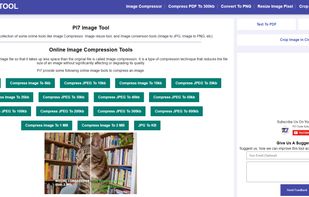
Pi7 Image Tool is a collection of some online tools like Image Compressor, Image resize tool, and Image conversion tools (Image to JPG, Image to PNG, etc).

Explorer Tabs enables you to manage your explorer windows with the ease of Chrome style tabs. Get started today with a free download!


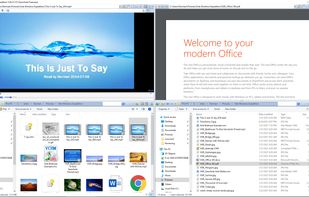
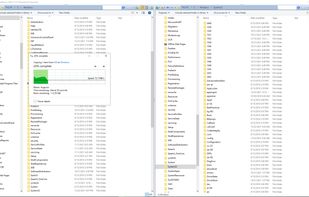
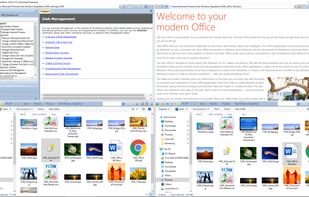
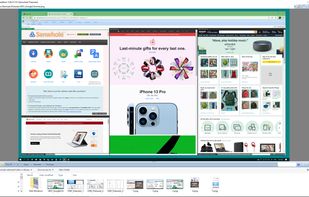
Vole Windows Expedition is a new generation file manager, dual-explorer, built-in previewer, 4K supported and one-click to get all your files and folders ready in a nicely gallery format, a more graceful way to manage documents.
 Double Commanderand


 Sweden


 China
China


 Russia


 India
India


