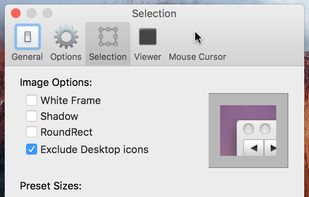
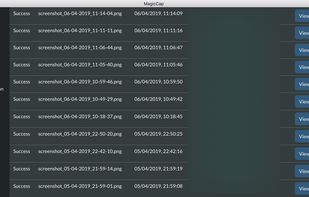
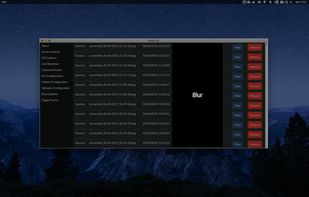
MagicCap is an image/GIF capture suite for Mac and Linux featuring screenshot manipulation options such as blurring.
Platforms
- Mac
- Linux




The top-rated alternative to Snagit is ShareX, which is free and open source. People also recommend Flameshot, Greenshot, OSS Document Scanner and MakeACopy. Screenshot Capture Tools like Snagit are a crowded field, with more than 100 alternatives for Windows, Mac, Linux, the web and iPhone.
MagicCap is an image/GIF capture suite for Mac and Linux featuring screenshot manipulation options such as blurring.



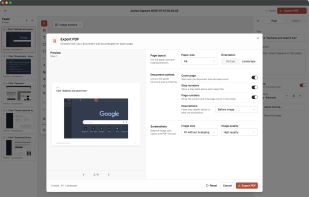
Full page screenshot, region capture, OCR text extraction, annotations, PDF export and scheduled captures. Free with $2.99 lifetime premium.


KISS is a small handy program that allows you to take screenshots, edit them and quickly upload to the Internet.
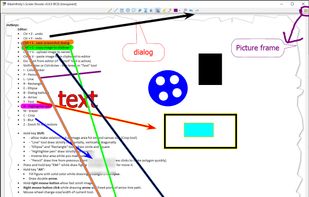




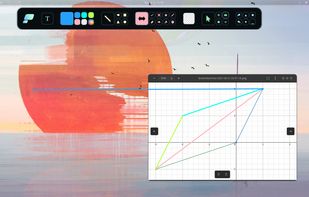
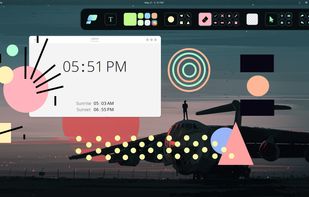
Pensela is an screen annotation tool that can also take screenshots available cross-platform.


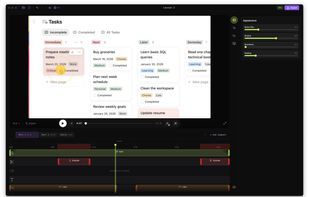
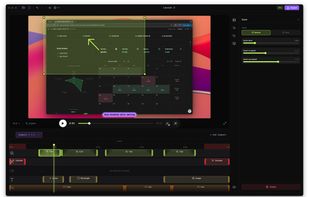
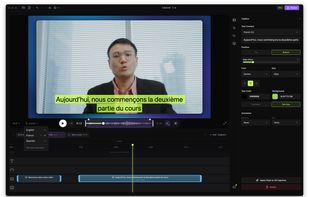
Native screen recorder for Mac and Windows with auto-zoom, segment recording, multilingual captions, and a one-time license.
 Serbia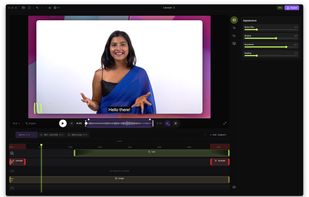


A freeware application that lets users stream high quality content similar to XSplit Broadcaster and Flash Media Live Encoder. Currently, the application is in early stages of development. This project is actively looking for dedicated testers.


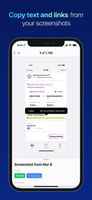
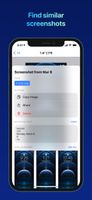
FlyScreen is a powerful screenshot manager for iOS. Search your screenshots, copy text and links, organize by tags, and more.



 India
India

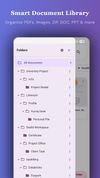


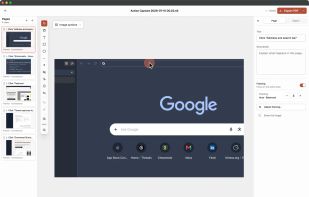
Shotomatic is a Mac app for recording a desktop task as an editable screenshot guide. Action Capture saves the target screen immediately before each accepted click, marks the action, and adds the step to a document.
 South Korea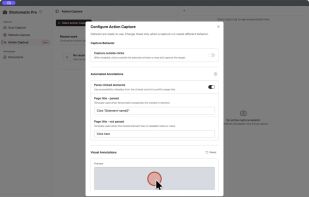
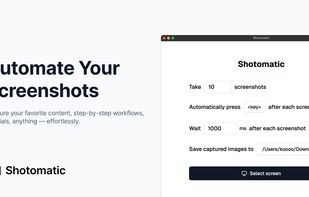


Small and free screenshot app for Mac that offers custom area and resolution presets, and much more.