Tipard Screen Capture is able to capture any video/audio. This software allows you to record any video like webcam video, streaming video or other video tutorials on PC. Besides, it allows you to adjust the size of your screen.
 Hong Kong




The top-rated alternative to Snagit is ShareX, which is free and open source. People also recommend Greenshot, Flameshot, OSS Document Scanner and Snipping Tool. Screenshot Capture Tools like Snagit are a crowded field, with more than 100 alternatives for Windows, Mac, Linux, the web and iPhone.
Tipard Screen Capture is able to capture any video/audio. This software allows you to record any video like webcam video, streaming video or other video tutorials on PC. Besides, it allows you to adjust the size of your screen.
Hong Kong
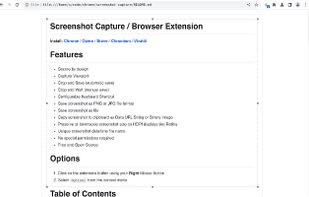
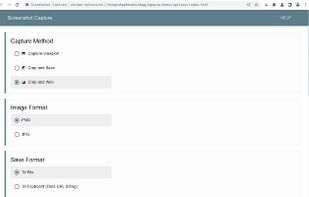
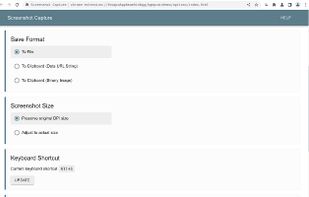



Shotbase is a screen capture workspace for macOS that brings screenshots, screen recordings and webpage captures together in one app, with a built-in editor, an organized library and instant sharing.
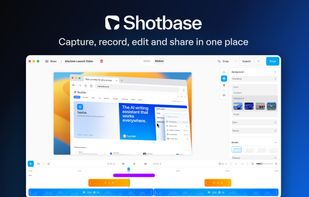
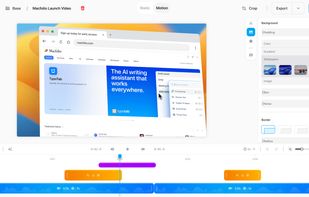
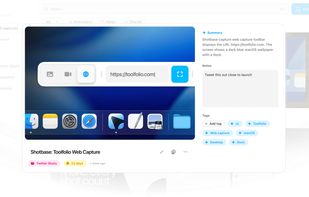
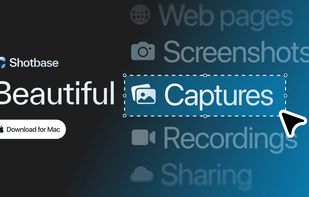

Capture and balance screenshots instantly with auto background colors, sensitive info redaction, text selection, custom shortcuts, social media sizing, history, presets, and compressed images in a native macOS app, supporting annotations and sharing.
 Singapore
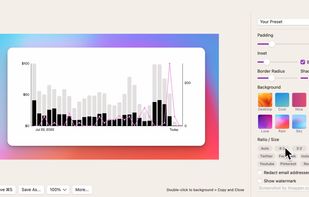
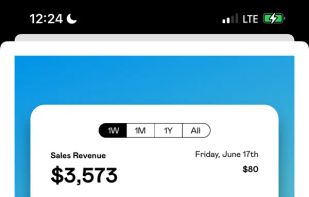
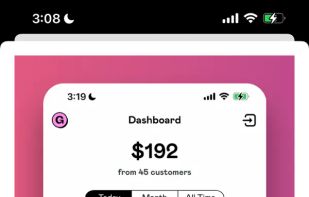


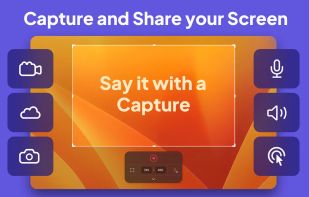
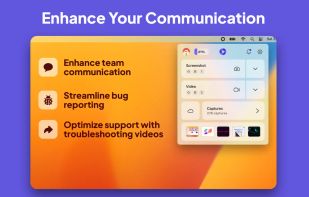
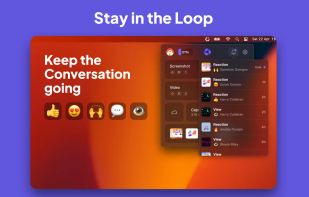
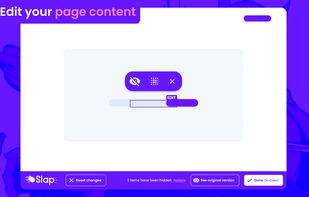
Capster helps you enhance your asynchronous communication with captures of your screen. Record your screen as you demonstrate a feature, idea, or bug, or take a screenshot and annotate it to better convey your point - and instantly share it through the cloud.



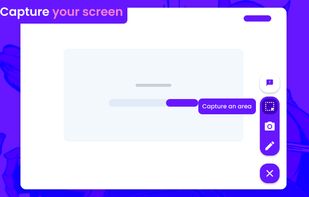
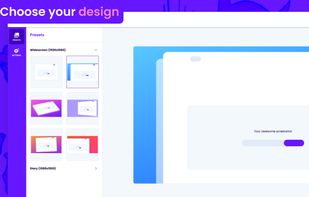
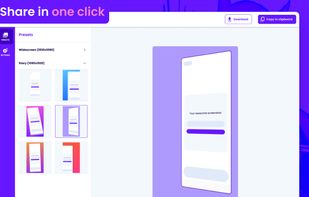


Taking screenshots with Shotty is so natural and easy, you just have to try it. Edit them in minimalistic editor and the upload them with one click. Focusing on simplicity and usability, this tool is probably the most intuitive screenshot utility out there.
 Germany
 EU




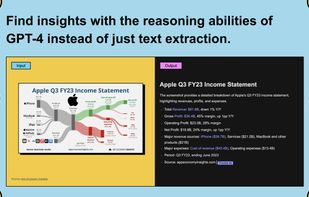
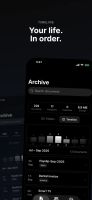
Trickle helps you summarize and organize screenshots, extracting insights for easy search and query. Transform visual chaos into an intelligent archive, allowing you to screenshot anything and effortlessly retrieve and utilize its contents later.




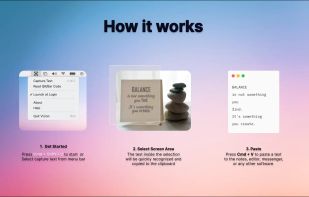
Never get annoyed by unselectable text on websites, PDFs, images or system user interfaces again. Just select the region of your screen in the same manner as you would take a screenshot and find all recognized text in your clipboard ready to get pasted anywhere.


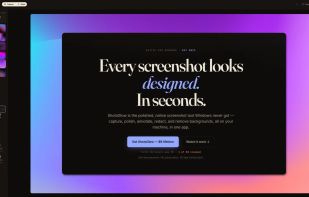
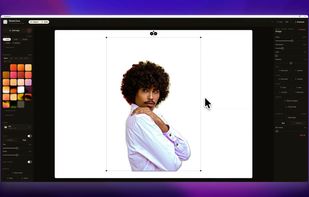
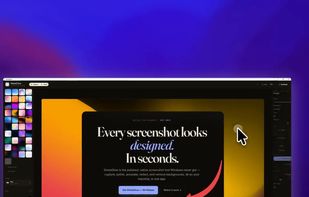
The polished, native Windows screenshot tool — capture, design, annotate, redact and remove backgrounds on-device, then export to 30 social & App Store sizes.
GermanyEU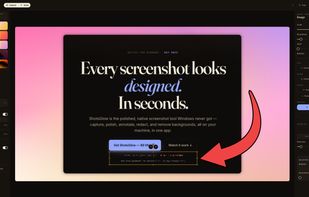

 GermanyEU




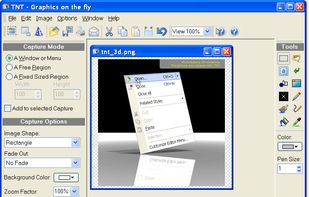
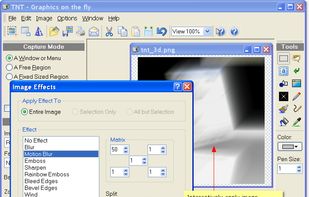
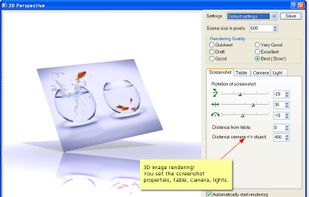
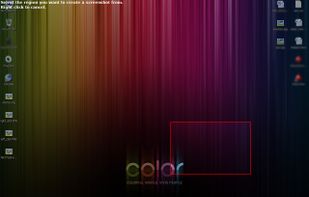
TNT Screen Capture creates screen shots that look better than the original screen.
 AustriaEU