

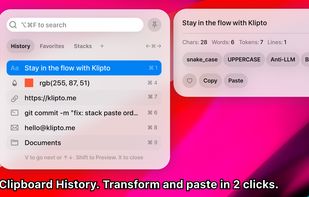
Clipboard tool for macOS built around a paste queue: collect several items, then paste them back one at a time in order, with text transformations and text capture from images.
Cost / License
- Freemium
- Proprietary
Application type
Platforms
- Mac




The top-rated alternative to Snagit is ShareX, which is free and open source. People also recommend Flameshot, Greenshot, OSS Document Scanner and MakeACopy. Screenshot Capture Tools like Snagit are a crowded field, with more than 100 alternatives for Windows, Mac, Linux, the web and iPhone.
Clipboard tool for macOS built around a paste queue: collect several items, then paste them back one at a time in order, with text transformations and text capture from images.

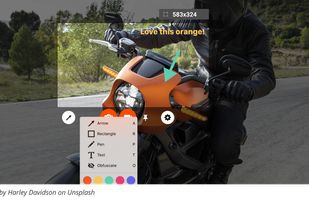
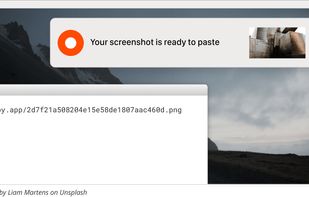
Zappy is a macOS screen capture tool made for internal use by Zapier and released free for all. It's built for speed and provides the perfect set of features for remote teams to work with screenshots and GIF recordings quickly and effectively.
 United States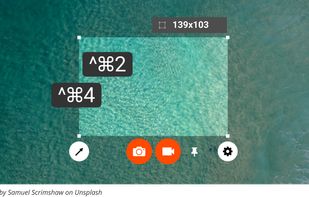



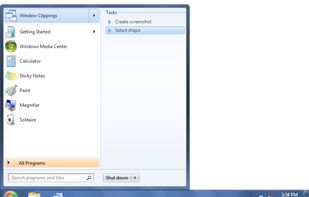
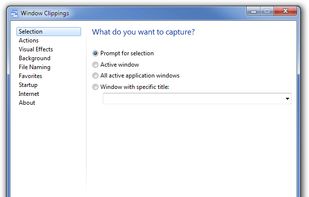
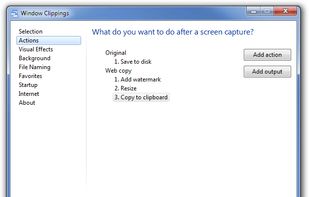
Window Clippings is screenshot app that capture the full Aero glass and shadows interface in screenshots. You can use it to capture shots of windows, menus, or even a free-form selection quickly and easily.



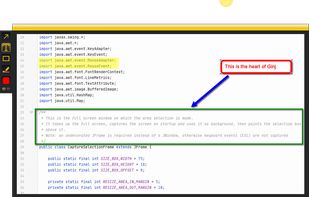
An open source multi-platform screen capture and recording tool for simple "capture / annotate / share" workflow. Ginj was inspired by Jing (now discontinued), but although there are similarities in the way both tools behave, Ginj is not Jing.


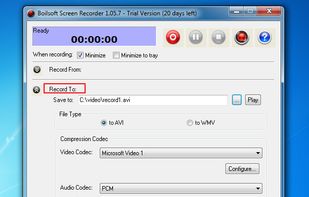
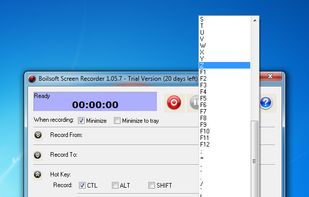
Boilsoft Screen Recorder is a screen-recording software helps to capture screen activities and record video to avi, wmv from microphone, line-in, or speakers for screen sharing.
 China
China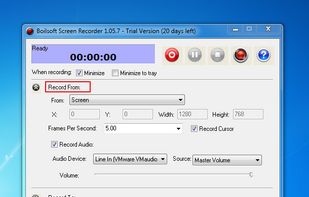


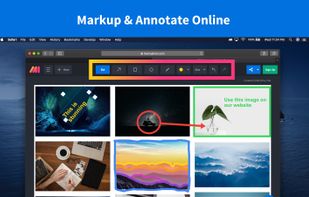
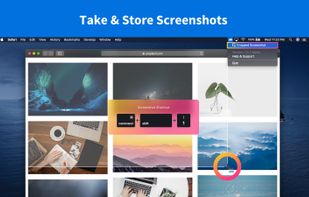
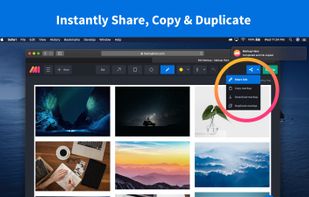
Lightning fast and ultra elegant screenshot and annotation tool that does all you need without the bloat. Made for Mac and Windows.
United States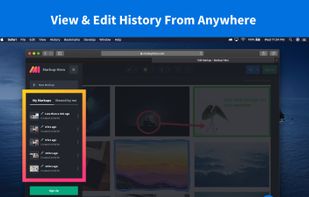

 United States
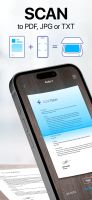



Free Screen Video Recorder is a compact, yet full-featured screen video recorder and screenshot capture tool that allows you to easily record screen activities and capture anything on the screen including windows, objects, menus, full screen and rectangular regions.
 United Kingdom


Screen Grab Pro Is a freeware screen capture tool. It features One click grab of any screen for ease of use, Timer operation, Current window selection list and more. Screen Grab Pro copies a bitmap to clipboard ready for pasting in your favorite Picture Editor.


Automatic screenshot taker/automatic screen capture program. Have it take a screenshot every X seconds, and not only have the screenshots saved to disk, but also have them e-mailed, uploaded to a web server via FTP, and uploaded to an ImageShack account.
United States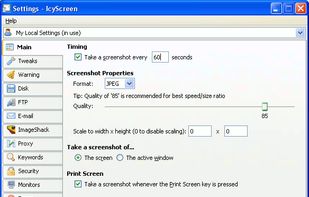


informUp screen capture is a free screen capture software for you to easily take screenshots.


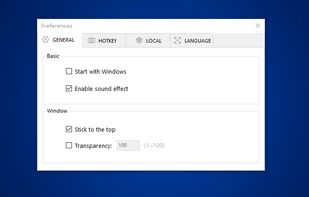
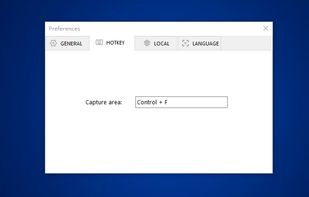
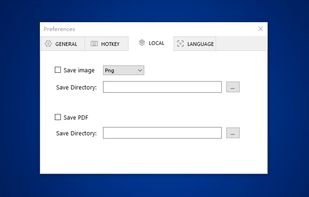
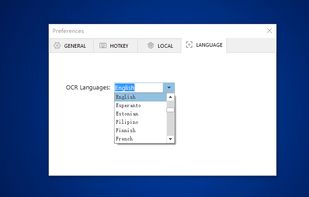
You can use Easy Screen OCR to capture a snapshot and start OCR process. this program will detect the text from the image and start OCR process immediately. You can extract the text to copy and paste in seconds.
China