


Cost / License
- Paid
- Proprietary
Application type
Platforms
- Mac



+1


The top-rated alternative to Snagit is ShareX, which is free and open source. People also recommend Flameshot, Greenshot, OSS Document Scanner and MakeACopy. Screenshot Capture Tools like Snagit are a crowded field, with more than 100 alternatives for Windows, Mac, Linux, the web and iPhone.

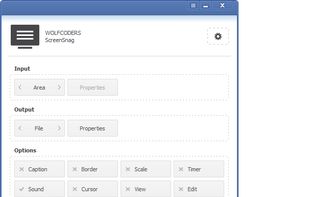
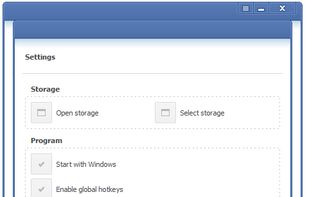
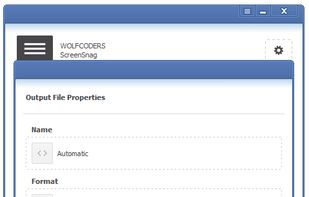
ScreenSnag provides a quick and easy way to take a photo of your computer screen. Capture the entire screen, a region of the screen, a window, or an element on the window with a single hotkey or click. You can also use Timer option to perform captures at intervals that you...


Pocket Scanner Ultimate is the stand-alone version of Kdan’s Pocket Scanner series. Search “Pocket Scanner Cloud” in the App Store and try out the app & cloud services for free!
 Taiwan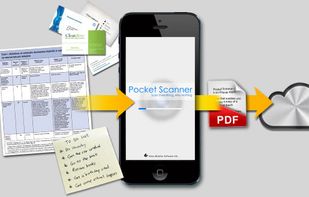


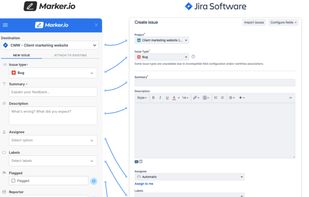
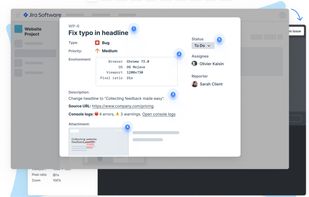
Create & annotate visual bug report tickets in your project management tool in seconds. Marker.io adds technical metadata & console logs for you, so developers can recreate & resolve faster. Developer-ready issues, even from non-technical reporters.
 Belgium
 EU
EU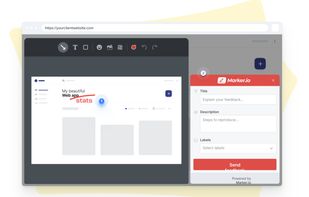


7capture is free screen capture software for Windows 7, Vista and XP. 7capture automatically handles complicated transparency problems such as rounded corners and Aero semi-transparent windows backgrounds.
No matter what Windows version you are using, 7capture will do it's m.
 FranceEU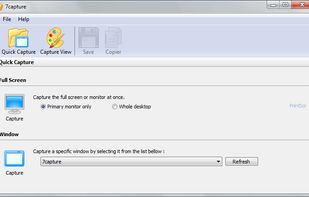


Screen capture in real time and send instantly to any destination: clipboard, file, graphic editor, studio, e-mail, web, Windows Instant Messenger, ICQ, printer/fax.


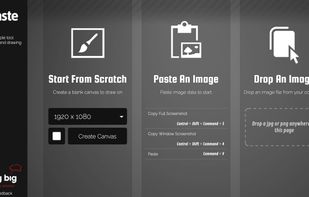


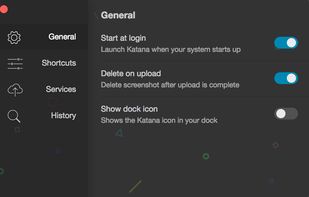
Katana is a simple, open-source screenshot utility for macOS that lives in your menubar.


Main point of this app is to scan or select existing PDF documents simply using intent or chooser. Other apps require payment to access their api/sdk or simply don't have a possible way to do it. So they rely on switching between an app ,file chooser and a scanner.


 United States


