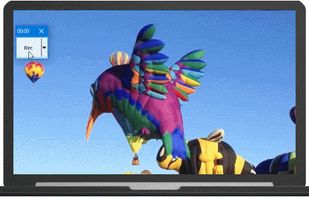
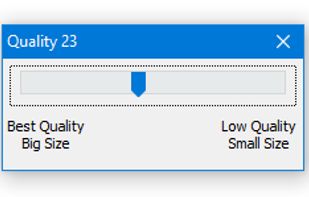
RecButton is a one button tool for capturing screen + (speaker audio or microphone or mix of both), it’s like Windows snipping tool but for capturing video & audio.
Cost / License
- Free
- Proprietary
Application typeApplication types
Platforms
- Windows




The top-rated alternative to Snagit is ShareX, which is free and open source. People also recommend Flameshot, Greenshot, OSS Document Scanner and MakeACopy. Screenshot Capture Tools like Snagit are a crowded field, with more than 100 alternatives for Windows, Mac, Linux, the web and iPhone.
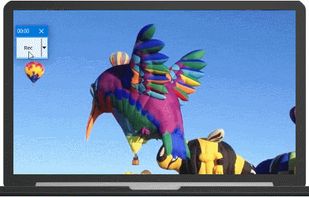
RecButton is a one button tool for capturing screen + (speaker audio or microphone or mix of both), it’s like Windows snipping tool but for capturing video & audio.

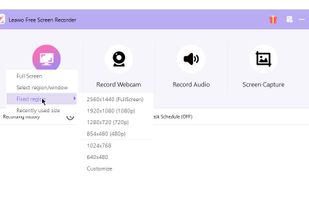
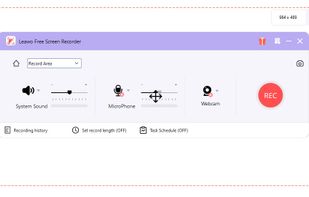
Leawo Free Screen Recorder is a 100% free screen recorder combo, allowing you to record videos with up to 4K quality from screen, webcam, system sound or/and Microphone.
 China
China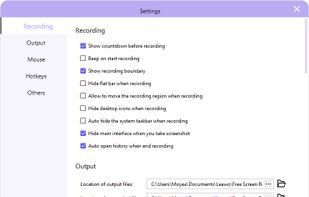


You grab Screens or Windows using the standard PrtScn and Alt-PrntScn keys and MGrab will intercept the saved data as it is sent to the clipboard and put it into your chosen folder as a BMP or JPG file leaving the clipboard free for you to take another screenshot.


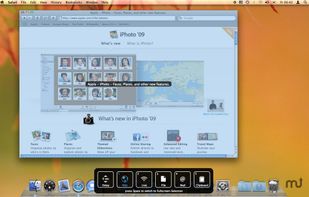
Snapplr is a revolutionary tool to efficiently take and share screenshots. It completely replaces Mac OS Xs native capabilities and works in the same way as the system tool, but offers a wide range of options. Its main feature is to upload screenshots automatically to Snapplr.


TPUCapture is an easy to use screenshot utility with a small memory footprint that resides in the system tray.
 United States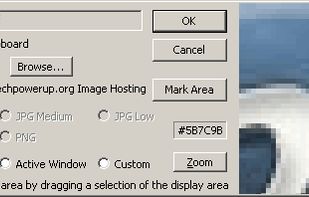


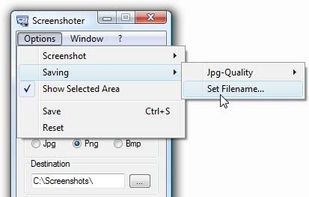
Every annoying feature is consistently excluded. Make a screenshot with a click on the button or by pushing the "Print Screen" key and it will be directly saved as an image - thats it!
 Germany
 EU
EU
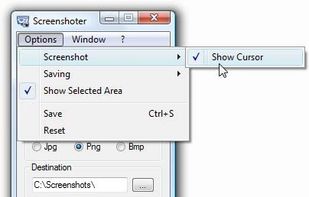


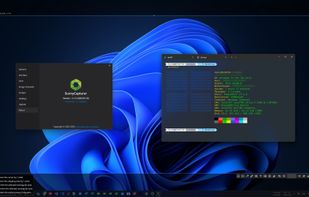
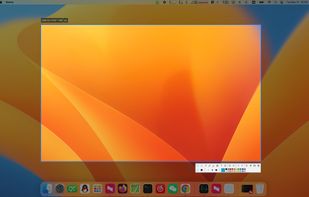
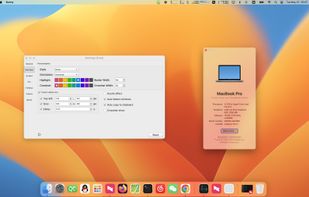
SunnyCapturer is a simple and beautiful cross-platform screenshot software that supports OCR for extracting text from images, image translation, custom stickers, and pinning images to the screen. Supports Windows, MacOS, Linux operating systems.
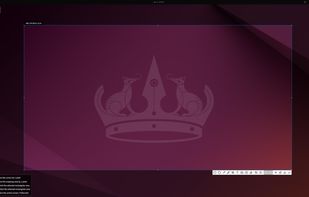


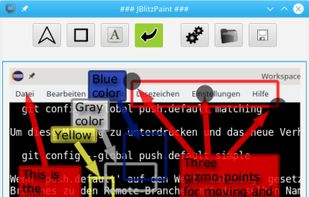
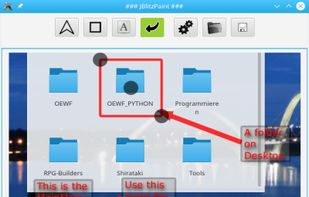


Capture is a quick-and-easy screen capture utility for Windows (and NT), which allows you to capture the entire screen, at any color depth and resolution, and save it into a Bitmap file for editing. If you are interested in only capturing one window, you can select to capture...


Bug Shooting is the perfect tool for software developers as well as testers. Bug Shooting provides you an easy way to create screen captures and attach them to items of your bug tracking or issue management system, e.g.


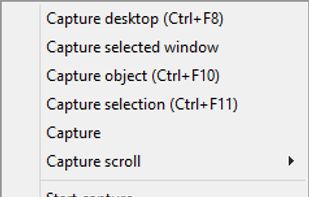
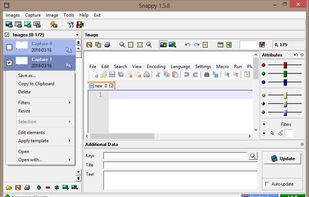
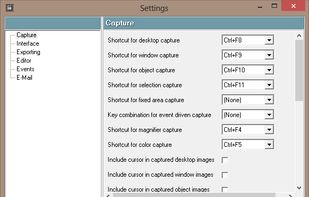
Snappy is a desktop-capture software for Microsoft Windows that allows to capture the screen of your monitor. Compared to other similar applications, Snappy could be less complete, but my purpose is to keep it as immediate as I can. Try it, and let me know if I'm wrong...