

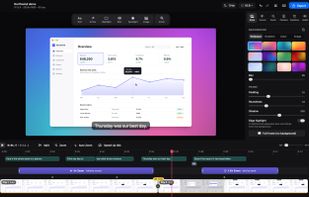
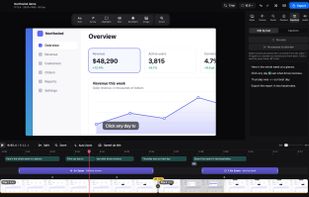
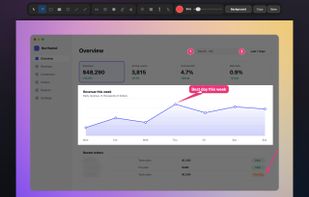
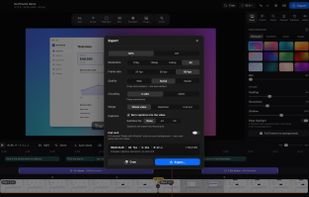
Free, open-source screenshot tool, screen recorder, and video editor for Mac. Auto-zoom, smooth cursor, captions, OCR, scrolling capture, and annotations. Native, private, no account.
 Germany
 EU








ShareX is not available for Mac but there are plenty of alternatives that run on macOS with similar functionality. The best free Mac alternative is Greenshot, which is also Open Source. If that doesn't suit you, our users have ranked more than 100 alternatives to ShareX and loads of them are free and available for Mac so hopefully you can find a suitable replacement. Other interesting free Mac alternatives to ShareX are Flameshot, macshot, Ksnip and Lightshot.
Free, open-source screenshot tool, screen recorder, and video editor for Mac. Auto-zoom, smooth cursor, captions, OCR, scrolling capture, and annotations. Native, private, no account.
GermanyEU
Enables macOS users to capture screenshots, annotate images, draw on a blank canvas, overlay image layers, use blur, mosaic, spotlight, QR code, watermark tools, add social badges, manage high-resolution export, and quickly share visuals via clipboard or file.
 China
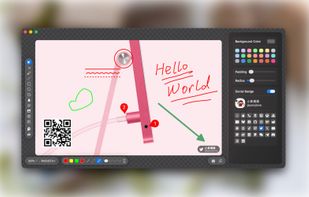
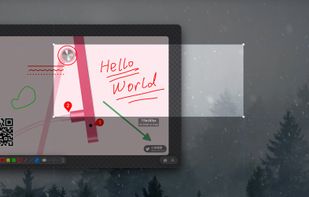
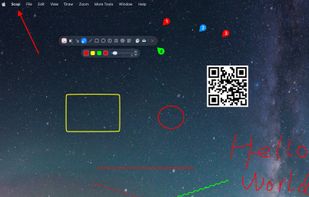
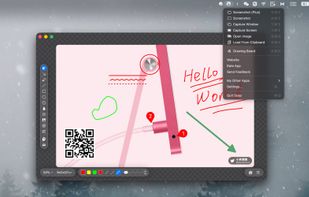


Sshot-Pin is a free screen capture tool for Windows and macOS, built for teaching and presenting.
 South Korea
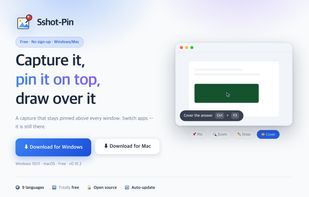
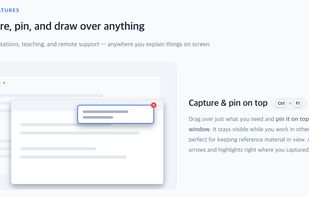


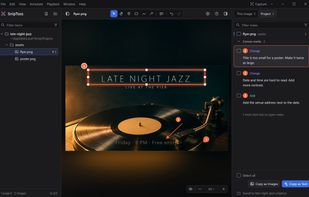
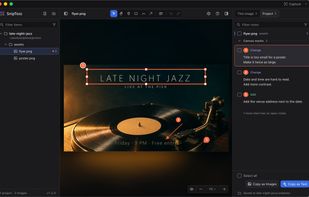
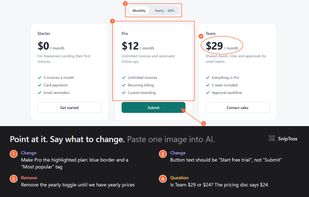
SnipToss is a free tool for reviewing what AI makes. Draw a pin, box or arrow on an image, a video or any part of your screen, write what should change, and hand the notes back.


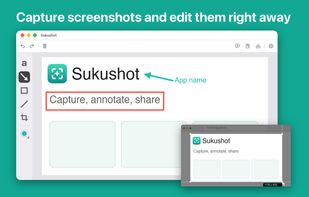
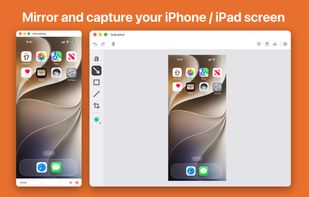
Sukushot is a menu-bar app that makes screenshots and screen recording effortless — just press your own keyboard shortcut. Add arrows, text, shapes and lines to what you capture, then copy or save it right away.
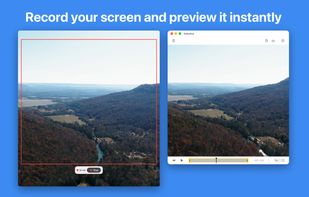
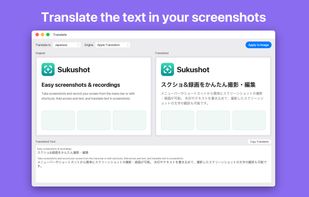


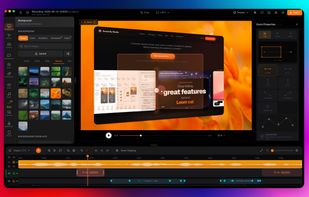
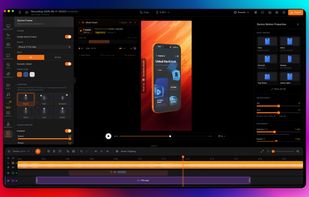
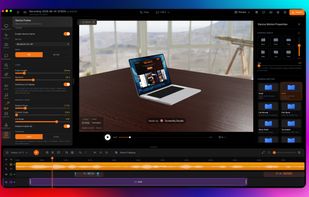
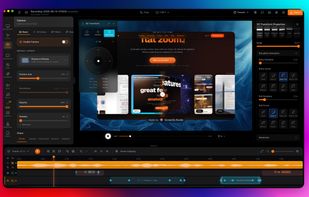
Screenify Studio is the Mac screen recorder for indie hackers and technical founders who refuse to pay the editing tax. Turn rough captures into polished product demos without leaving your machine — drive it from the timeline editor, the terminal, or from Claude Code in plain...

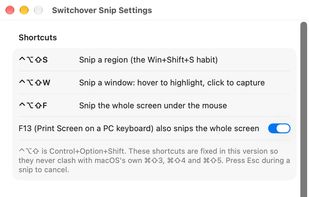
Switchover Snip is the Windows Snipping Tool rebuilt for the Mac, for people who keep reaching for Win+Shift+S out of habit.
 Australia
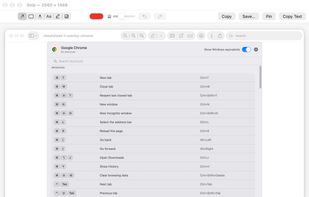



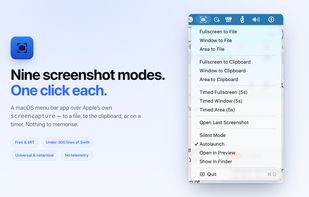
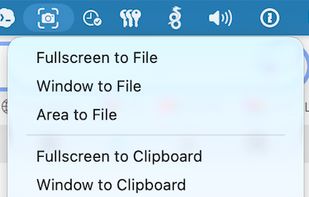
ScreenshotMenu is a small menu bar app that puts all of macOS's screenshot modes into one menu, so you don't need to remember keyboard shortcuts.
 CzechiaEU


Socorin is a free, open-source desktop app for taking screenshots, annotating images and recording your screen. It runs in the menu bar or system tray and supports configurable keyboard shortcuts.
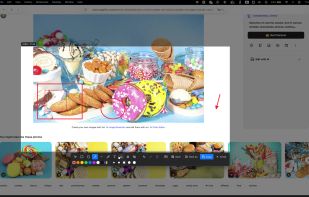

ShareX-style screenshots for macOS: ⌘C a region to the clipboard, after-capture tasks, last-region memory, scrolling capture.
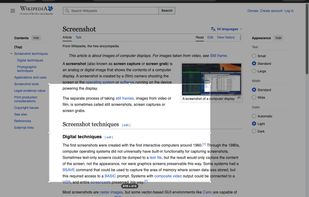
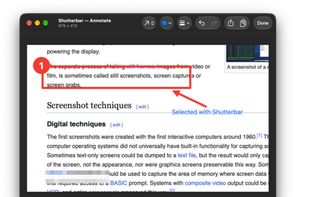


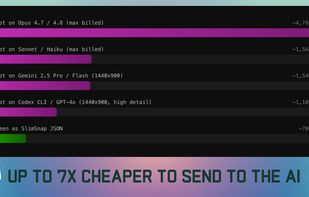
SlimSnap is a Mac app that turns a screenshot into structured JSON instead of an image. It captures the screen, runs OCR locally, and outputs the text, elements, colors, and bounding boxes, so terminal AI coding agents (Claude Code, Aider, Codex CLI) can act on the exact element...
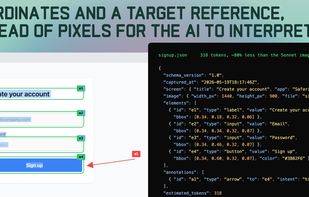
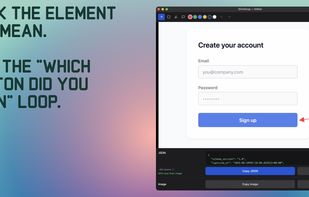


AInotate gives AI agents annotated screenshots. Ask an agent where a setting is and it captures the page or window, finds the elements by text or role, and draws numbered steps, Skitch-style arrows, boxes and labels placed where they cover the least content.
 United States