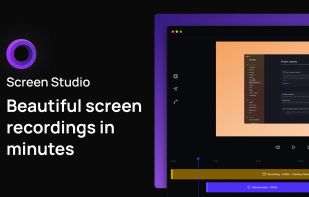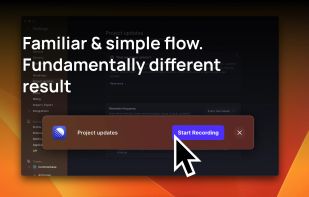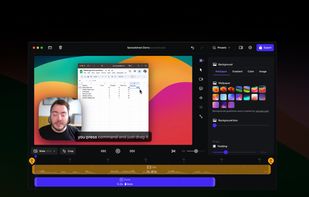

Your all-in-one tool for capturing, editing, and sharing your screen.
Cost / License
- Freemium
- Proprietary
Application typeApplication types
Platforms
- Windows
 Brazil



+1
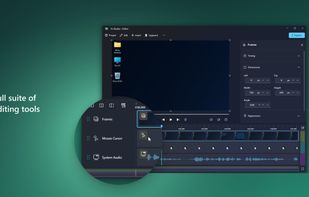




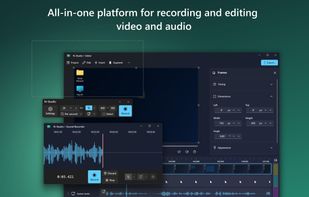
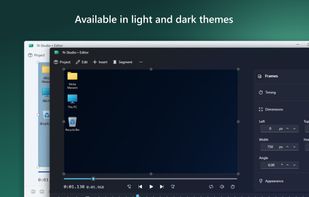
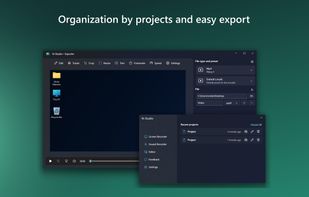
The best Screen Recorder alternative to ShareX is N-Studio, which is free. If that doesn't suit you, our users have ranked more than 100 alternatives to ShareX and loads of them are Screen Recorders so hopefully you can find a suitable replacement. Other interesting Screen Recorder alternatives to ShareX are SimpleScreenRecorder, Screenity, FastStone Capture and Snagit.
Your all-in-one tool for capturing, editing, and sharing your screen.
Brazil
SimpleScreenRecorder is a Linux screen recorder that supports X11 and OpenGL. It is easy to use, feature-rich, and has a Qt-based graphical user interface. It can record the entire screen or part of it, or record OpenGL applications directly.


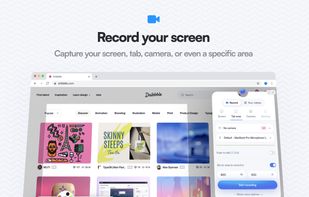
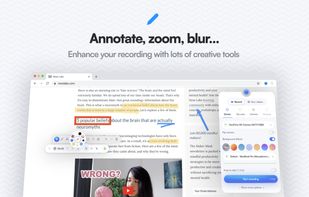
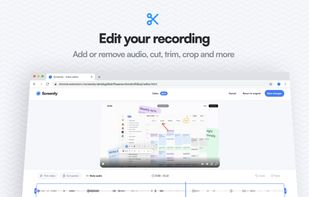
Open source screen recorder and annotation tool for Chromium browsers supporting local and offline storage, screen, tab, or camera capture, audio recording, cursor and click highlights, blur, zoom, countdowns, and UI controls. Source code available on GitHub.
 United Kingdom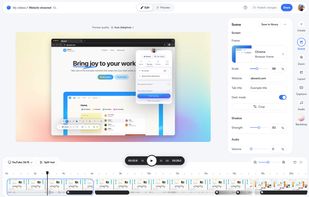


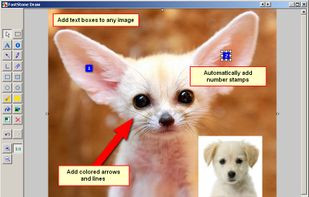
A powerful, lightweight, yet full-featured screen capture tool that allows you to easily capture and annotate anything on the screen including windows, objects, menus, full screen, rectangular/freehand regions and even scrolling windows/web pages.
 Canada


Advanced screen capture and recording tool enabling image or video captures directly from your screen. Includes editing features like callouts, transparency, and effects to enhance visuals. Organize and easily share creations through documents, presentations, or favorite applications.
 United States
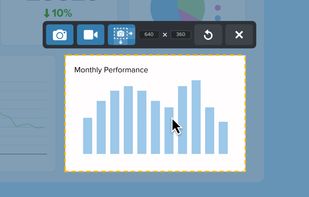
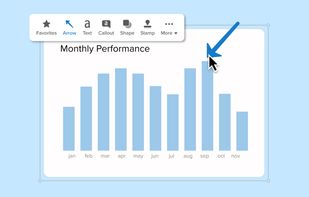
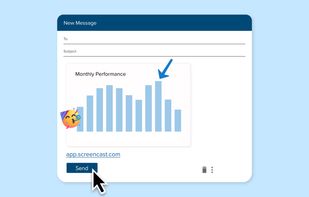

Feature-packed native macOS screenshot tool — annotate, auto-redact PII, record GIFs, OCR + translate, scroll capture, beautify, and more. No Electron, no subscription.
 Portugal
 EU
EU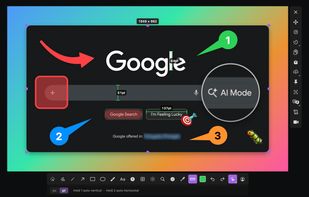


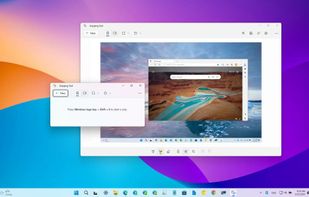
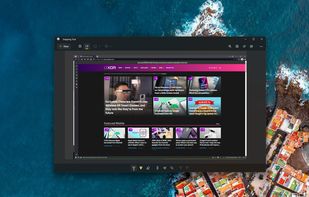
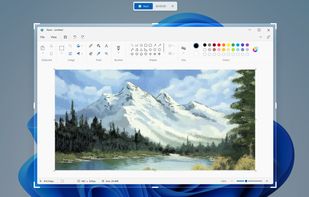
Snipping Tool is a screen capture utility that allows users to take screenshots of specific objects or full screens, annotate them, and save or share the captured images or videos.
United States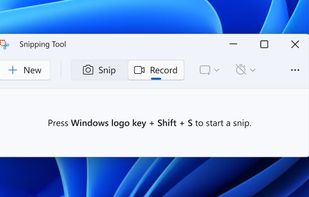


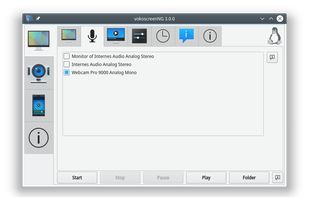
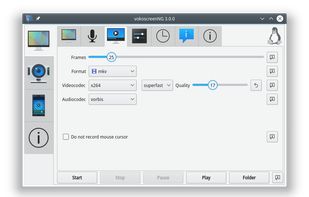
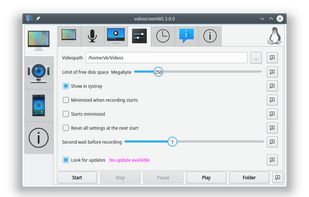
VokoscreenNG is a user friendly screencaster for Linux and Windows. It is a continuation of the now discontinued Vokoscreen project that has been totally rewritten from scratch using Qt and GStreamer.
 GermanyEU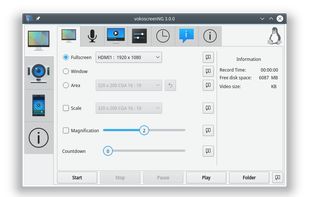


Spectacle is a simple application for capturing desktop screenshots. It can capture images of the entire desktop, a single monitor, the currently active window, the window currently under the mouse, or a rectangular region of the screen.
GermanyEU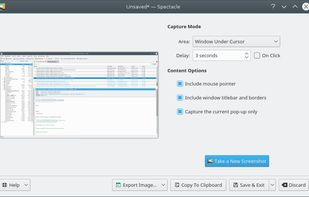


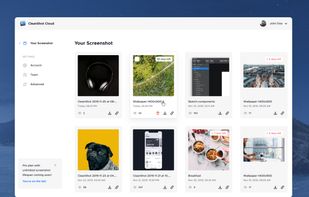
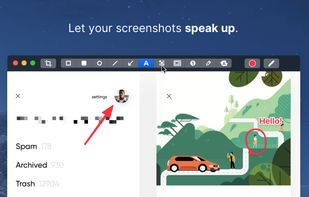
Capture and record screens on Mac with CleanShot X, featuring seamless recording, custom keyboard shortcuts, customizable wallpapers, Quick Access Overlay, and Desktop icon toggle for a tidy user interface.
 SwedenEU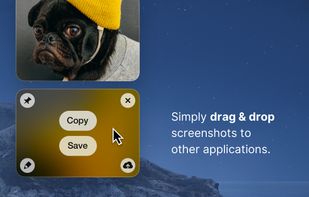
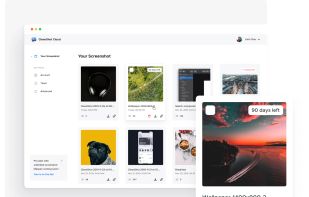


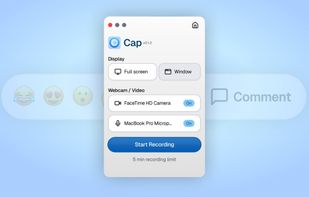
Open-source tool for screen and camera capture with 4K recording, timeline editor, instant sharing via links, privacy controls, no signup, multiple layouts, custom branding, cursor options, threaded comments, self-hosting, and paid AI-powered features available.
United States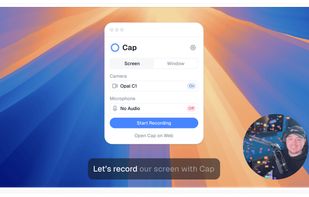
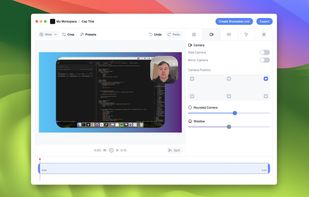
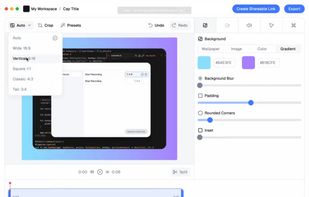


Record macOS screens with smoothed mouse movement, zoomed click highlights, cinematic motion blur, and customizable backgrounds while integrating webcam, microphone, system sound, and easy video editing. Output in HD for instructional and promotional videos.
 PolandEU