


The latest and greatest from Microsoft, Windows 11 only runs on the best hardware so it isn't for use on your older machines. The best way to get Windows 11 is to get a fresh start by dropping some coins for a brand new Surface Laptop


+2


If you want to start using the power of M$ to get your work done, you have to start with the basics! Getting the right operating system is easy because it's available right out of the box on most PCs.
The latest and greatest from Microsoft, Windows 11 only runs on the best hardware so it isn't for use on your older machines. The best way to get Windows 11 is to get a fresh start by dropping some coins for a brand new Surface Laptop

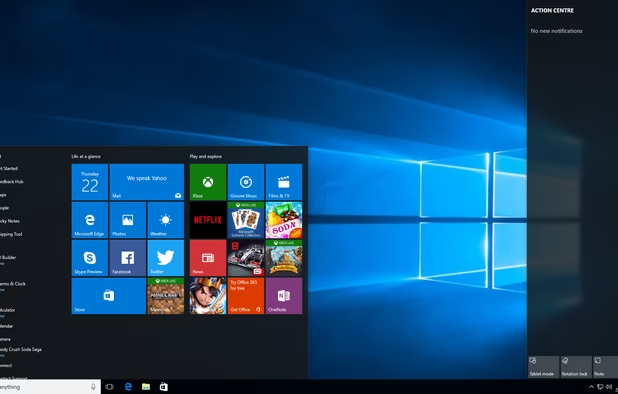
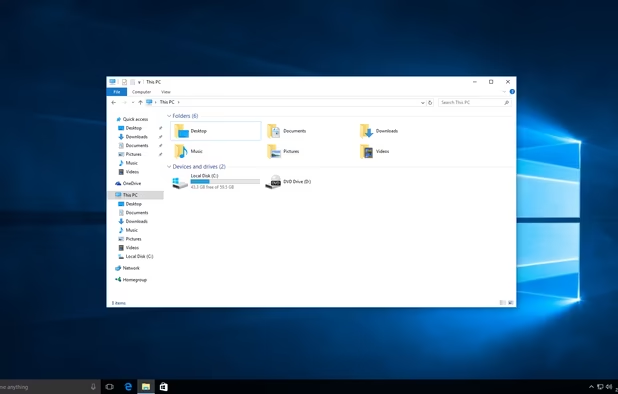
The next best thing to Windows 11, Windows 10 is still supported and supported well by Microsoft and is a stable, reliable solution to running your windows software.

The desktop is for noobs, if you really want to get your money's worth, it's time to start learning the cmd. Now called Powershell, it will bring your windows game to a new level when it comes to system administration.

Getting online with Microsoft has come a long way since Internet Explorer!

Useful for either testing your own software or just looking stuff up online, Microsoft Edge was recently rebuilt using the Chromium engine, marking it on par with Brave or Chrome when it comes to performance and security! (i hope)


C# is a language for folks looking for an enterprise language better than Java and capable of supporting everything from desktop application development, web development, game development. C# takes all comers!


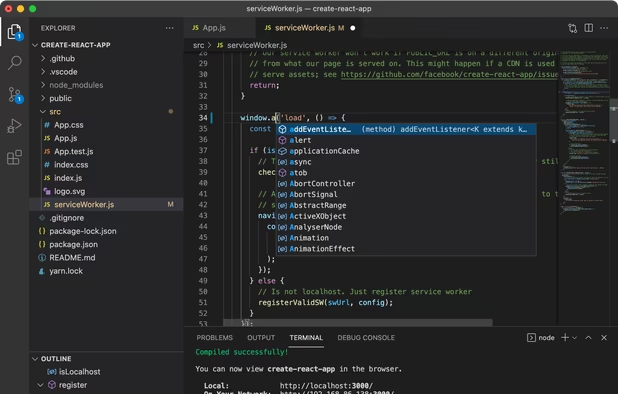
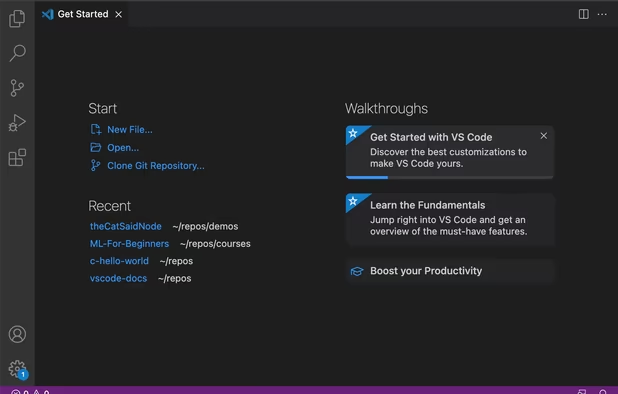
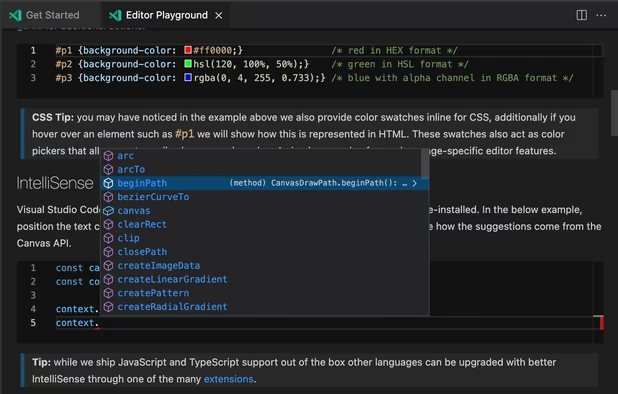
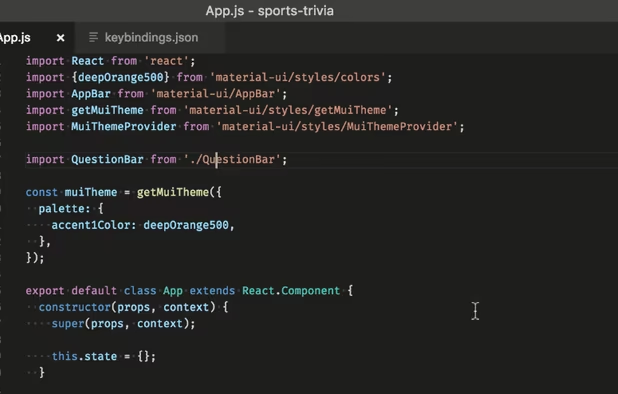
When working, nothing beats a text editor that is both slim and extensible. With the right addons, it's not hard to transform VSCode into a nearly full fledged Integrated Development Environment. A favourite among web developers!

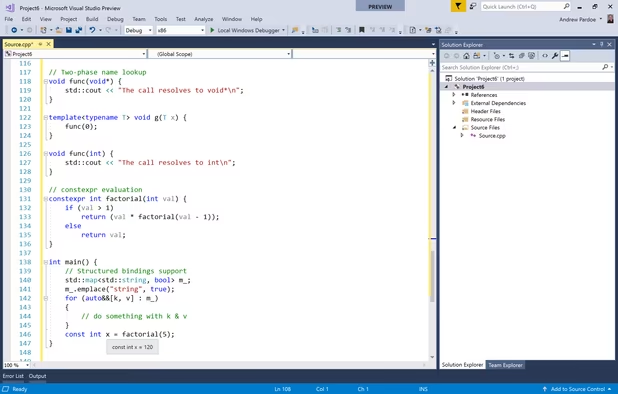
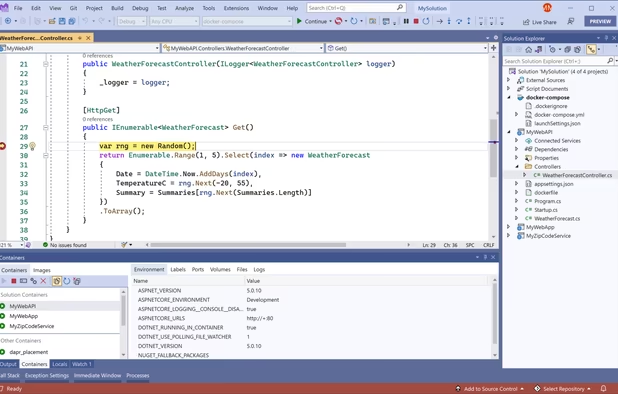
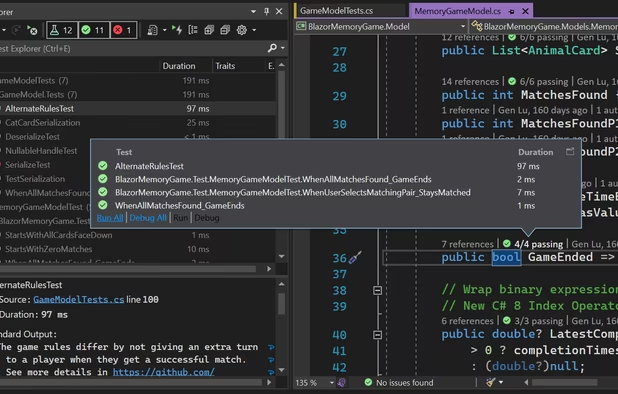
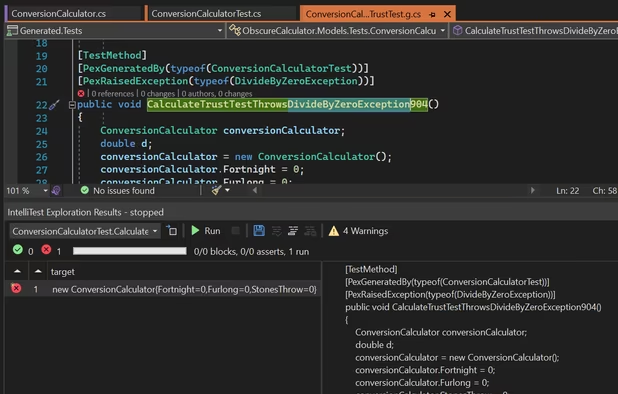
If you are looking for a fully built, ready out of the box IDE, Visual Studio is your best bet. It has a very flexible set up that allows you to develop and interoperate with various other systems and tools, including cloud deployment, data science, game development, web development, and desktop application programming.

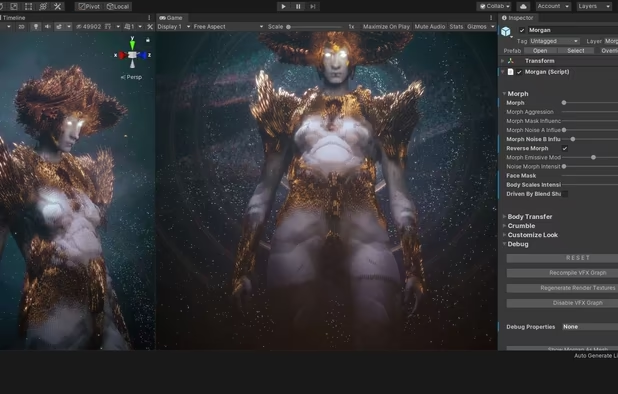
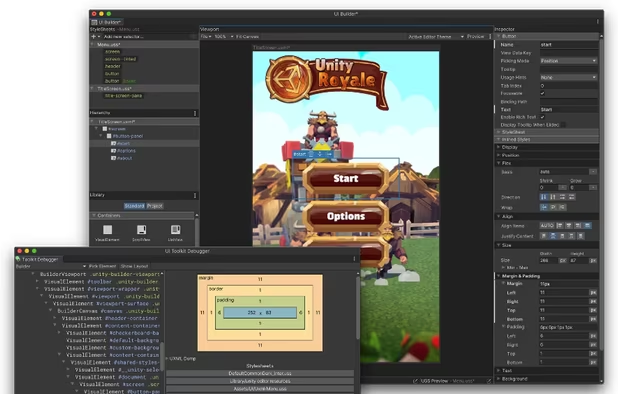
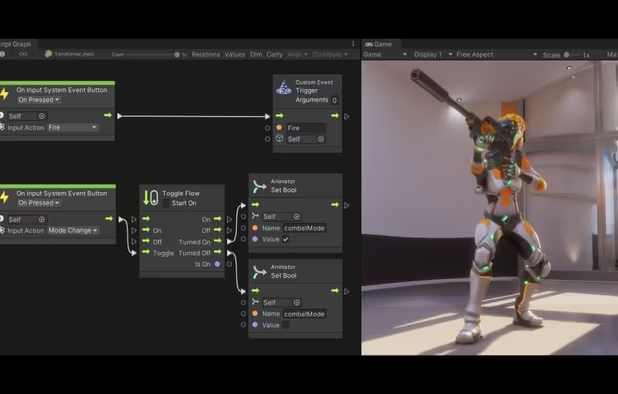
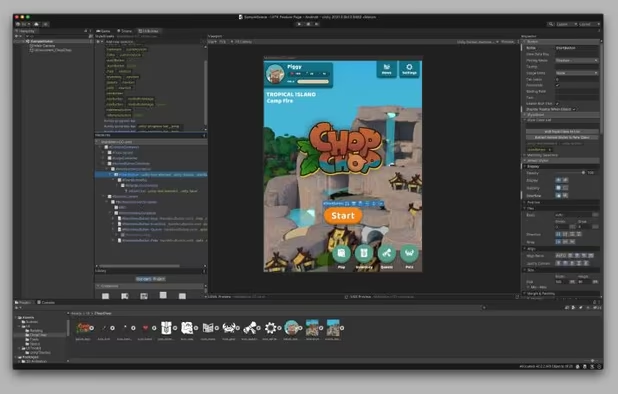
Not really a Microsoft product, but works well with C# when doing game development and operates very well with Visual Studio.

If you are looking for a simple way to make webgraphics or game sprites, Microsoft Paint has been used for some high end games, especially when it comes to 2d pixel art (if that's your thing).


Not a Microsoft product, but an opensource successor to the XNA studio used initially for XBox development, this platform is now capable of producing crossplatform games.

When you want to work well with others.

Calendar is a great way to keep on top of appointments and that always challenging to-do list. A native desktop element in Microsoft Windows.


It looks new and improved, but Outlook.com has always been a fast, reliable, and efficient email platform for all your emailing needs. Can be used on the web or with its spiffy desktop client (see below)


If you prefer real-time chat with your colleagues and partners, Microsoft Teams works fantastically well with everything from filesharing, video conferencing, team chat, and more!


If you want an easy way to manage packages in Visual Studio, look no further than NuGet that lets you get packages quick and easy (lol).

Front end development has been either improved or reinvented with Microsoft!

Did you know that you can build interactive UIs using C#? Blazor is a framework that allows you to use the power of Web Assembly to create front-end (and to a lesser extent, backend) operations using just C#. The best part is that this will let you interoperate with existing Javascript if it must. Just make sure it is in Typescript (see below).


If you can't bring yourself to reinvent your front-end with C#, the next best thing for your large project is having a type system on top of your Javascript front-end. Typescript was developed by Microsoft to allow you to create Javascript with fewer runtime errors due to its type-checking system

What good is a front-end without a Microsoft backed backend running your engine?

.Net Core is similar to .Net, but cross platform! The best backend API to support your new web application!


A backend is only as good as its database and MSSQL is a battle tested relational database that is ready to go when managing data for your backend services!


If you choose to run your own server game, Microsoft has your back with its webserver IIS, although these days, it's better to host on the cloud (see below)


Now that you have your infrastructure, frontend, backend, and languages, you need to build and ship your product. The below tools are the microsoft suite for doing so.

Github is a web-based service for hosting code and managing version control and deployments through tools like Actions (below) and Azure DevOps, and interacts directly with your Visual Studio and/or VSCode instances. It's #1 in the business when it comes to code respositories.


Useful for managing Github from a desktop application instead of through your browser to through a browser.


A great hosting solution for static websites that don't require too much interaction on the backend.


Microsoft's answer to tools like Jenkins or Circle, Github Actions is your build pipeline for code ready for release and, as you can expect, operates well with what you've got going on in Github. If you choose to host on the cloud, you've got even better options.


Continuous deliver to the cloud is easy with Azure DevOps, which can manage your code, built, and deploy process directly in your Azure instance.


Why should Bezos be the one to take your hard earned cash? Microsoft Azure is the super-cloud based hosting solution for anything you need cloud services to manage in an interactive environment. Comes with massive uptime benefits and access to services and infrastructure comparable to AWS and Google Cloud Platform.


Now that you know everything you need to get your development game on, now is the perfect time to beef up that resume and hit the job search road!

Social networking on a professional level, Microsoft owned LinkedIn has what you need when it comes to making professional connections, learning new skills on LinkedIn Learning, and checking out the latest job postings. Everybody who is anybody is on LinkedIn.


Once you get that big job at x corporation, you will need to learn all the best tools. And chances are good that your tools are going to be Microsoft tools!

Did you know that LibreOffice waited for 5 years after Excel came out with COUNTIFS to do it themselves? Or that LibreCalc still doesn't have a native means of removing duplicates in a data set? It's time to stop pretending that open source solutions can beat Excel at its spreadsheet game!


If you are looking for a great way to analyze business data, Power BI is the best way to do it. It's Microsoft's answer to Tableau and other data visualization tools and backed up by their enterprise ready infrastructure and quality.


Active Directory has been the king when it comes to identity management for decades. Microsoft has recently brought it to the cloud and now it operates with their entire suite of products and services! Let's hear it for Active Directory!


Not a lot of enterprises use Dynamics compared to Oracle and SAP, among other lighter contenders like Workday and Netsuite. Maybe they should. Microsoft has an enterprise resource planning software that comes with financial management modules, supply chain handling, and even a customer relations management suite of tools.


This list is not sponsored by Microsoft.


