
 China
China
+3
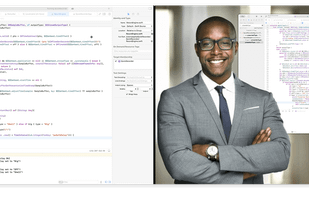



High-quality macOS app for screen recording and advanced video editing, with customizable cursor effects, camera overlay, audio capture, and simple sharing tools.
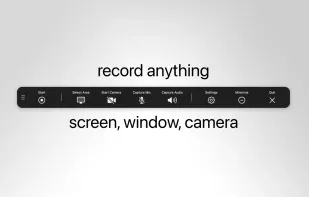
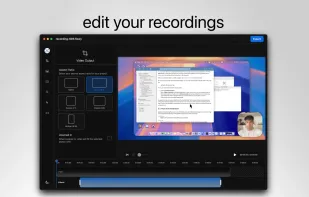
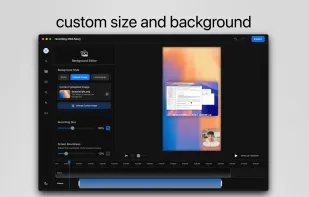
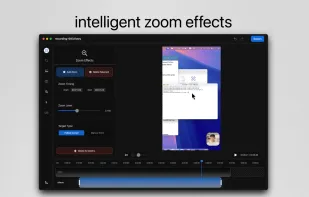

Lightweight screen recording and capture tool for Mac, offering easy screen recording and screenshot capturing with features like Quick Access Overlay.
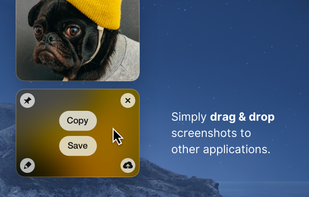
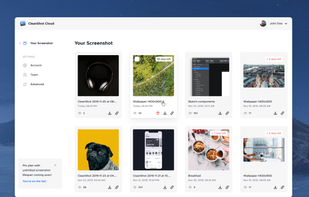

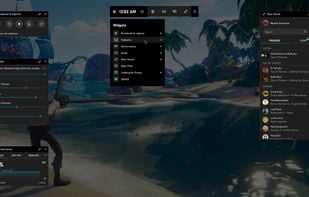
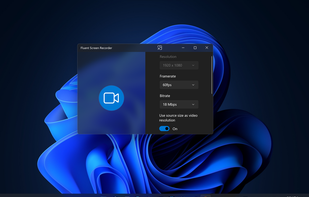
Take control of your gaming activities—such as screenshots, capturing clips, and streaming—by pressing Win+G on your keyboard.

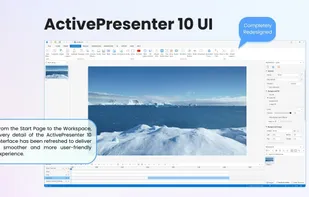
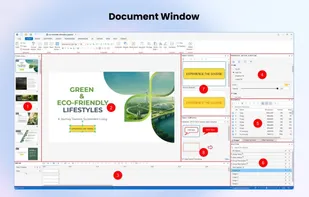
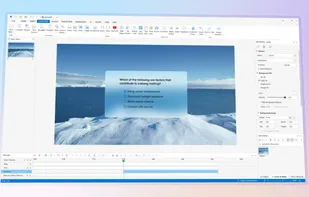
Authoring tool for interactive eLearning, screen recording, and video editing with support for flexible layouts, quiz customization, AI integration, and export to video, HTML5, SCORM, xAPI, PDF, and office formats.

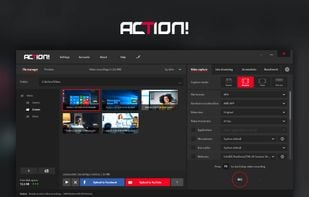
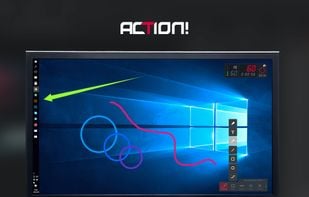
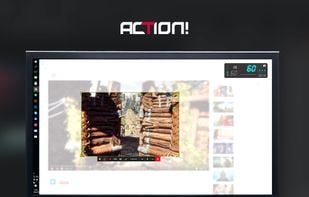
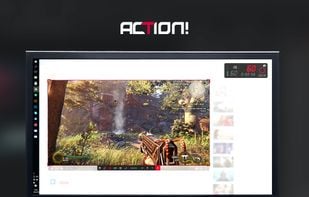
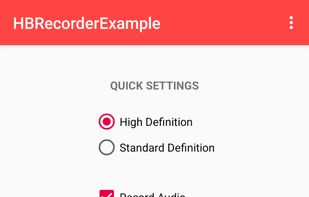
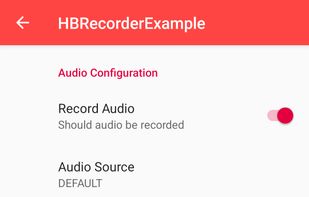
Facilitates recording and streaming in HD, 4K, HDR10, and 8K. Integrates fps displays, webcams, and commentary with overlays like chatbox.

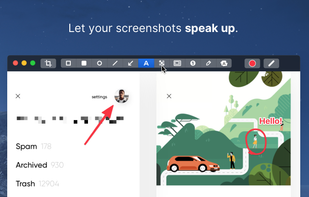
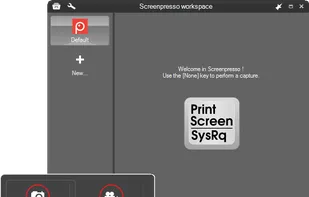
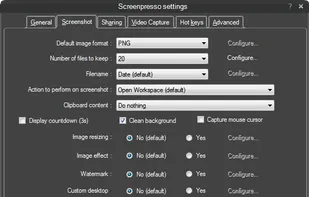
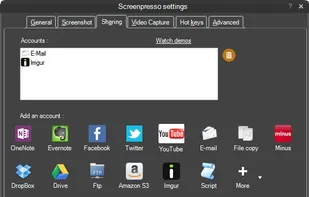
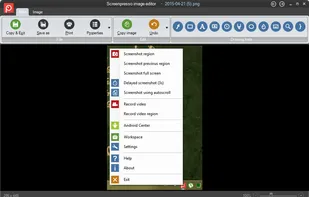
Capture full-screen, window, or region screenshots with built-in editing for cropping, resizing, arrows, text, and effects. Integrates with online services.

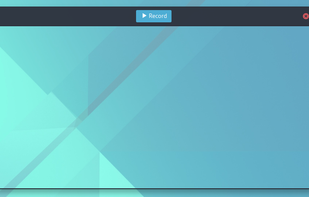
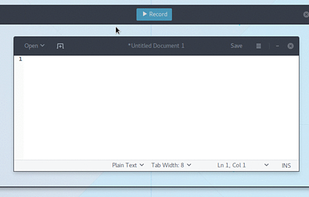
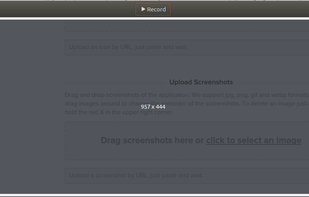
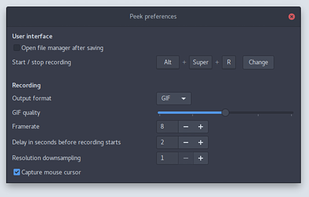
Peek makes it easy to create short screencasts of a screen area. It was built for the specific use case of recording screen areas, e.g. for easily showing UI features of your own apps or for showing a bug in bug reports.


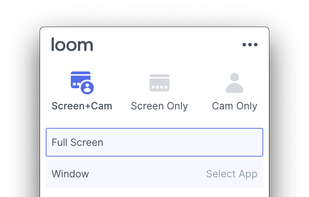
Easy and free screen recorder for Mac, Windows, and Chromebooks. Record your camera and screen with audio directly from your Chrome browser and share the video with your team, friends, and family.
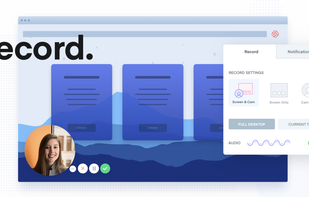


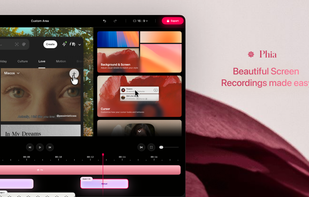
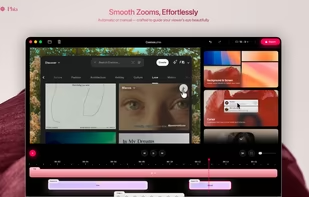
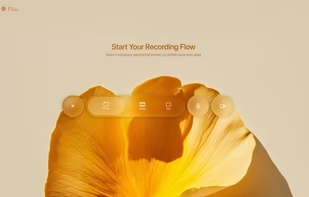
Modern screen recorder with fluid mouse motion, intelligent zoom, motion blur, custom backgrounds, animated titles, and instant sharing for seamless demos or tutorials.
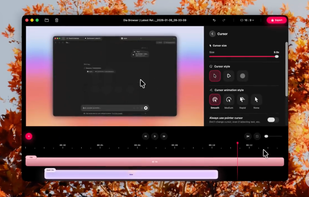

A CLI-based screen recorder for macOS with ProRes, window-only mode, app hiding, and multi-track capture—all in a 1.2 MB binary powered by one command.
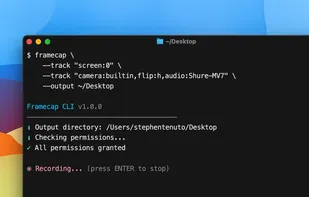
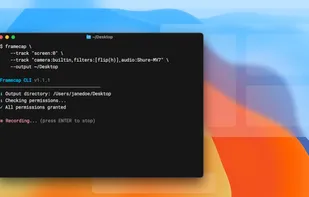

Record and share your terminal sessions,the right way. Forget screen recording apps and blurry video. Enjoy a lightweight, purely text based approach to terminal recording. Asciinema aims to be a "go to" place for every command-line user who wants to share his skills w.
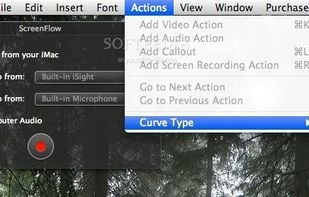
Capture the contents of your entire desktop at the same time as your video camera, microphone and computer's audio. Sophisticated editing tools allow you to create incredible screencasts in no time.
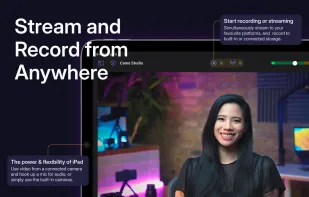
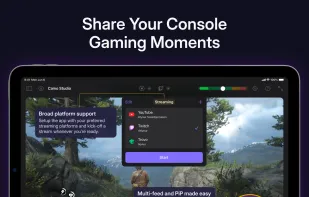
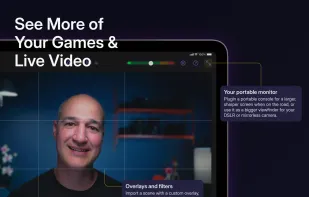
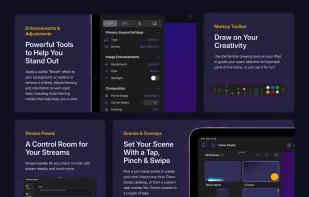
Start a stream or record your next video in a few taps – hone your scenes, connect a camera, and start creating with ease.

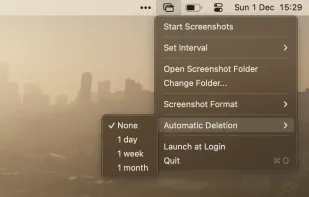
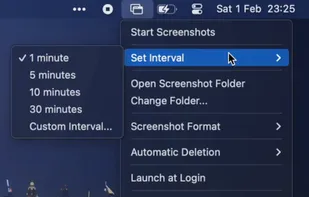
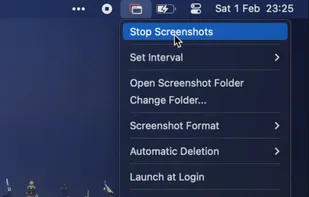
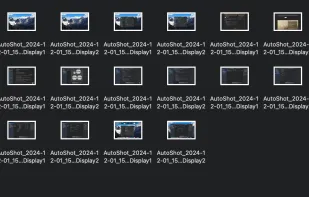
Tired of manually taking screenshots to document your work or track progress? Meet AutoShot, a macOS app that automatically captures screenshots at set intervals so you can focus on your work.

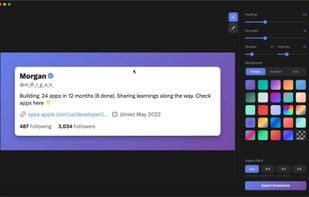
Beautiful screenshots with stunning backgrounds and powerful annotation tools. Create, edit, and share professional-quality screenshots with ease.
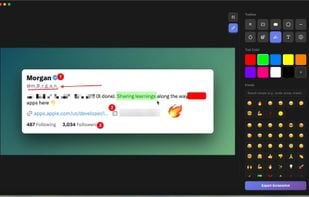

Screen capture and recording for macOS with audio, built-in editor for shapes, blur, redaction, plus video and screenshot editing, offline use, and no ads.
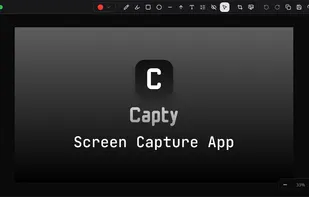
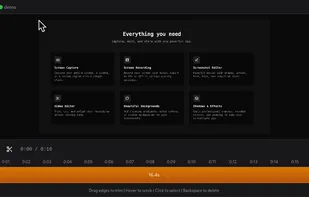
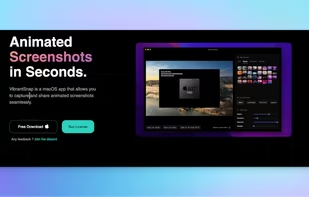
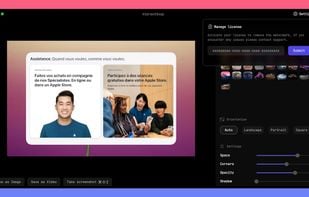
Enhances your storytelling through animated screenshot, add gradient background, images or video. Whether for presentation, social media posts, or engaging content creation, VibrantSnap provides the tools to make your visuals stand out and immersive.

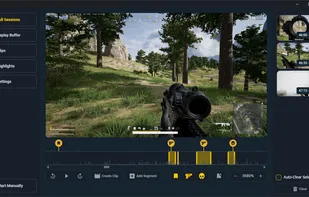
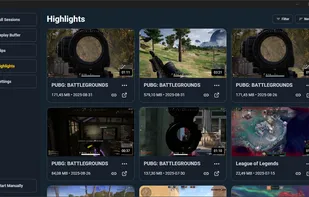
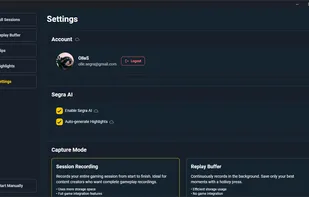
Capture your gaming moments with professional-grade quality. Built for gamers and content creators, featuring smart automation and advanced AI to ensure you never miss a highlight.



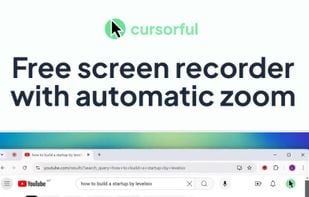
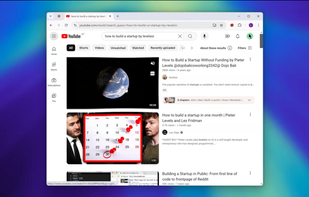
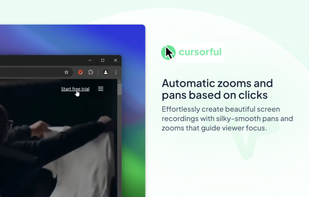
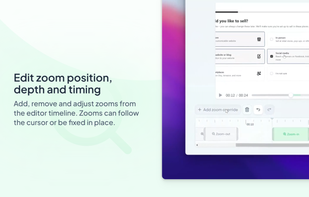
Cursorful is a browser extension that creates beautiful screen recordings with zooms and pans that guide viewer focus.

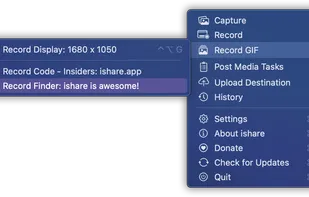
The definitive screen capture utility for macOS, designed with simplicity and efficiency in mind.

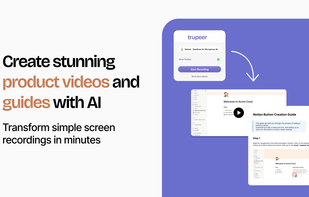
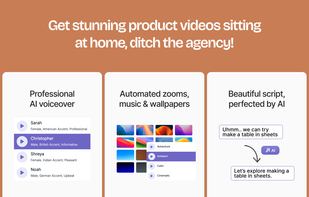
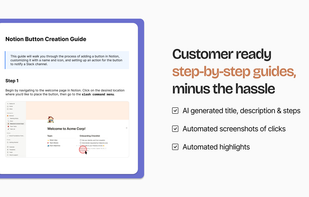
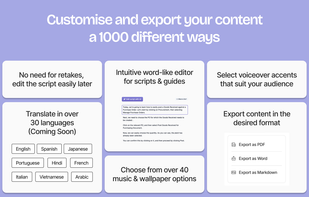
Transforms screen recordings into professional videos and step-by-step guides with AI-generated scripts, voiceovers, grammar fixes, and zoom effects.


 Sweden
 EU
EU
 United States
 Vietnam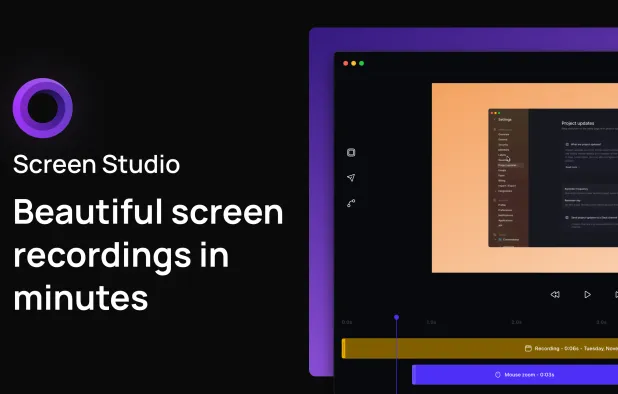


 Poland
 France
 Germany


 United Kingdom

 Portugal


 South Africa


