An open-source, instant-replay solution for Linux.
- Discontinued
- Screen Recorder
- Free • Open Source
- Linux
- Arch Linux
- Fedora
- Debian
Best alternatives are  Xbox Game Barand
 RePlays
5 alternativesXbox Game BarandRePlays

An open-source, instant-replay solution for Linux.
Xbox Game BarandRePlays
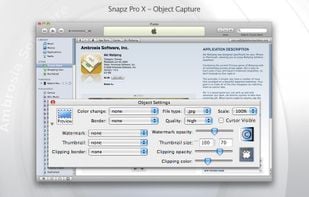
Snapz Pro X allows you to effortlessly record anything on your screen, saving it as a QuickTime® movie or screenshot that can be e-mailed, put up on the web, or passed around however you want.
 Greenshot
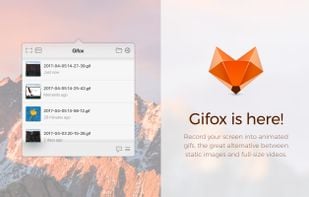
Gifox is a beautifully designed and masterfully crafted app that records your screen into animated gifs – the great alternative between static images and full-size videos. It's your best companion for:
 ShareXand
 ScreenToGif
Easily search, segmentize, and replay high-quality session replays to analyze customer's behaviour across your sites and apps.

 Clickyand
 WatchThemLive
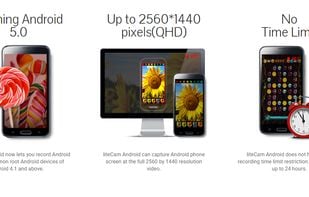
liteCam HD is the most intuitive and powerful professional screen recording software for Windows PC around. Capture and record anything on your computer screen in full HD from streaming videos, webinars, live game play, and more.
 OBS Studio
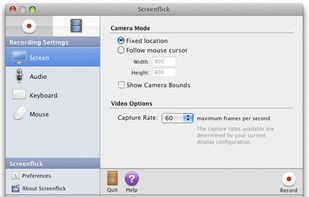
Screenflick features high performance screen capturing for smooth, fluid motion up to 60 fps. Screenflick can record any portion of the screen, simultaneously recording audio from internal or external microphones and the system audio.
 OBS Studio
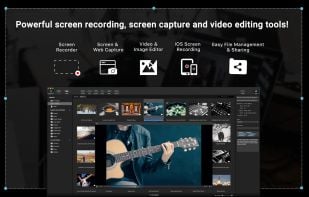
Screen and web capture, HD recording at 60 FPS, video and image editing, iOS device recording, voiceover support, file management, and sharing tools for Mac.

No-jailbreak screen recorder for iOS, Android, Linux, and more.
 OBS Studio
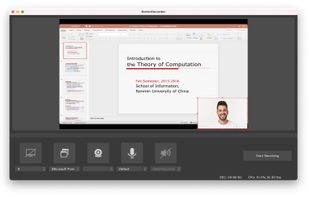
BetterRecorder is a screen recorder for mac, it can record screen with desktop internal audio, webcam video and microphone audio.
 OBS Studio
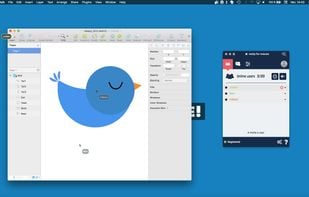
With Drovio, you can invite who you want on your screen, they all get their own mouse cursor appearing on it and can interact with your apps in real time, making you feel you are no more alone on your desktop!
 TeamViewerand
 Remmina
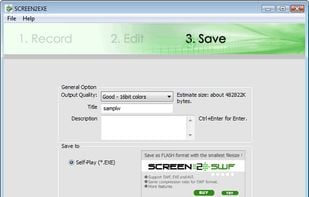
SCREEN2EXE is a free utility designed in order to create instant screen demos with the highest compression ratio in the world!
 OBS Studio
Screenbird is a browser based, no-sign in screen recorder. It's cross platform, and built for collaboration. From there you can push videos to Youtube, or create an outline for it, download a copy for backup.


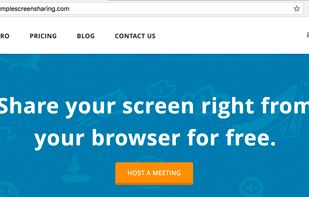
Dead Simple Screen Sharing is a screen sharing and audio conferencing solution that works out of the box.
 RustDeskand
 Jitsi Meet
PlayClaw is game video recording and streaming tool with various overlays.
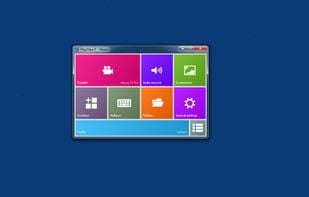 OBS Studio
Instructio allows you to create clear and beautiful step-by-step guides in minutes. You can use the editor to manually create and customize guides by adding images and videos, fonts and design styles. But you can also automate the process of creating instructions using an...

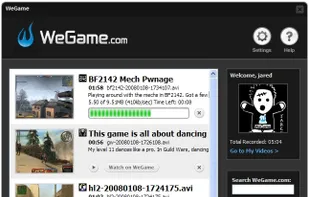
WeGame is a free game recorder that automatically records and publishes your video to the web.

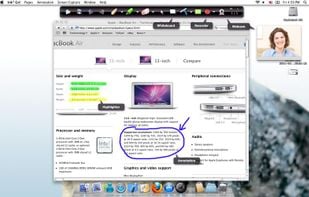
Ink2Go is an extremely simple yet powerful screen annotation and recording software. You can easily write on top of any other application that is currently active on the desktop, even on a running video.

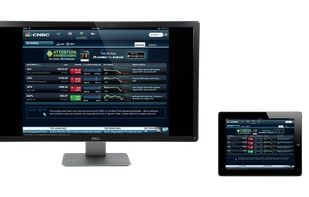
An AirPlay server that makes it simple to use your Mac to show off your iOS devices on a bigger screen, and record everything onscreen with one click.
 AirServerand
 LonelyScreen
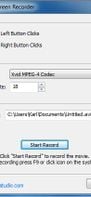
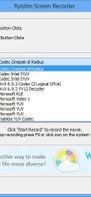
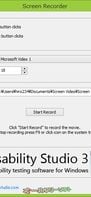
A light application for instant recording of events happening on the monitor and saving that to an AVI file at high quality.
 OBS Studio
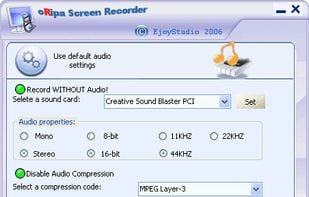
oRipa Screen Recorder is a handy tool to record your Windows desktop activities in real time and save it as a video file. oRipa Screen Recorder also captures anything you can hear on your PC, such as, music and talking through the PCs microphone.
 OBS Studio
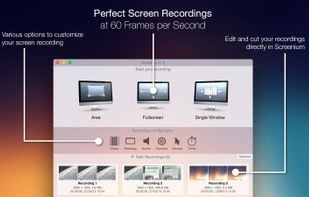
Record exactly what you see on the screen and turn it into a screencast in next to no time. Screenium lets you record at 60 frames per second, offering optimum performance for your tutorials, gameplay recordings or any other screen content you wish to record.
 OBS Studio
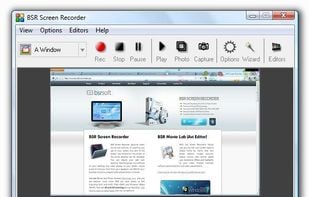
BSR Screen Recorder captures video, sound, and pictures of anything you see on your screen and records to AVI (Standard Video Format), SWF (Flash File), WMV (Windows Media Video), and EXE (Executable File). Any portion of the screen can be selected for recording.
 OBS Studio
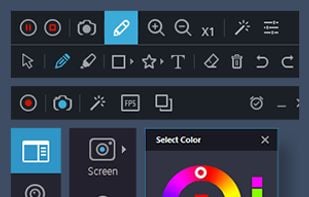
Record what you see on your PC screen exactly as it appears. GOM Cam also records all audio outputs from your PC, allowing you to make more dynamic videos. Record your computer screen, webcam video or games, and share with others on YouTube, Google Drive or Facebook.
 OBS Studio
DU Recorder is a free, stable, high-quality screen recorder for Android that helps you record smooth and clear screen videos.

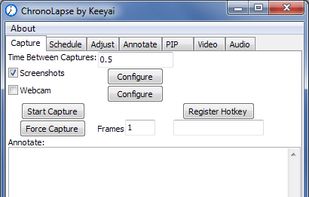
Chronolapse is a tool for creating time lapses and stop motions. It can take screenshots or webcam captures (or both simultaneously) at user defined intervals then help you process them into a video file.