

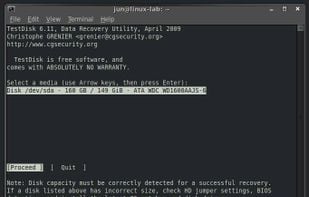
Free command-line tool for recovering lost partitions, repairing non-booting disks, supporting multiple file systems and converting disks to basic format.
 France
 EU
EU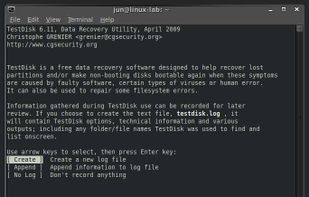
+1

4.8
Excellent17 reviews


Free command-line tool for recovering lost partitions, repairing non-booting disks, supporting multiple file systems and converting disks to basic format.

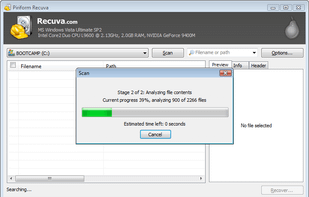
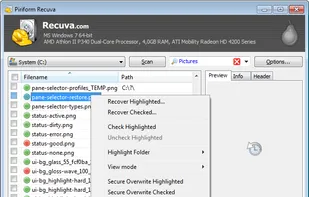
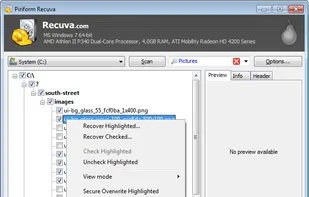
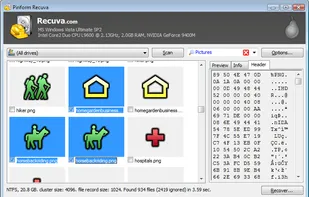
Retrieve lost files from your PC, recycle bin, or portable devices with a free and user-friendly tool offering deep scans and secure overwrites.

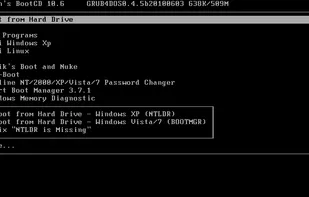
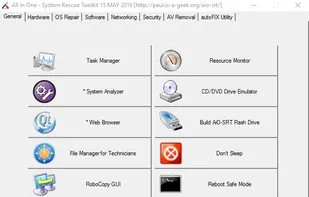
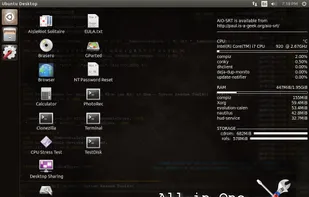
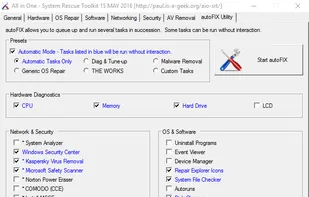
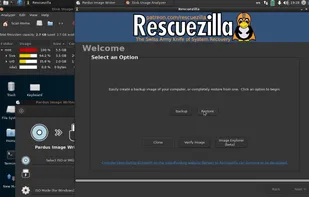
A free bootable CD that contains a multitude of tools for analyzing, recovering, and fixing your computer even if its operating system does not start.


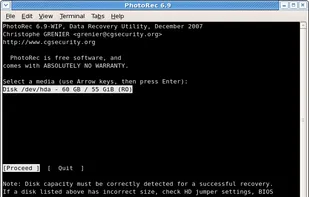
PhotoRec is file data recovery software designed to recover lost files including video, documents and archives from hard disks, CD-ROMs, and lost pictures.


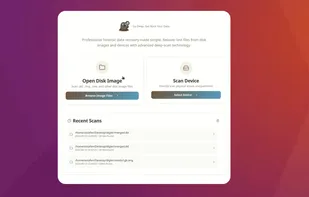
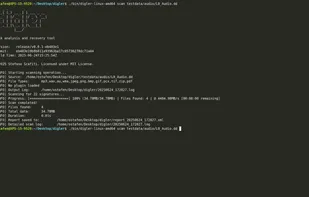
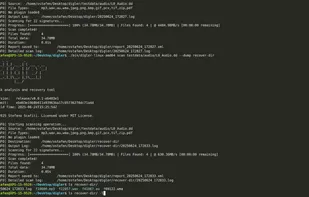
Forensic tool for disk analysis and file recovery supporting broad image formats, physical disks, DFXML reporting, plugin extensity, and efficient CLI operation.

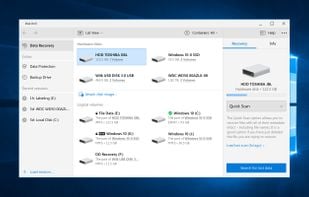
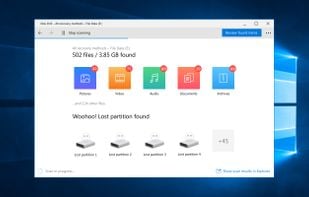
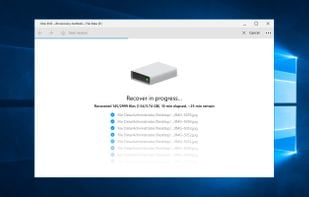
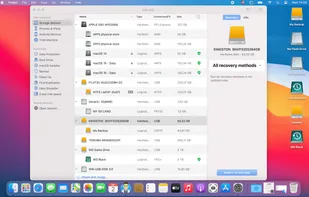
Recover deleted files with free trial and protect data using Recovery Vault. Supports diverse drives and file types, offering advanced scanning modes.


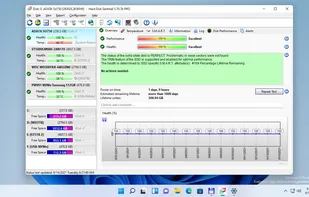
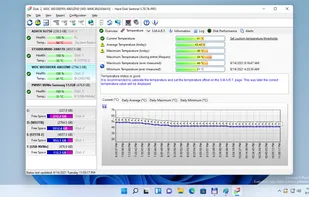
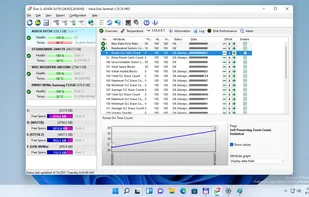
Monitor hard drive health, predict failures with S.M.A.R.T. diagnostics, schedule backups, run performance tests, log temperatures, and repair errors.
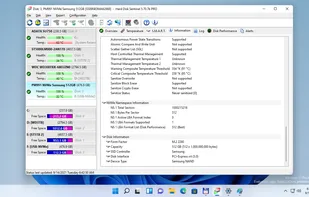


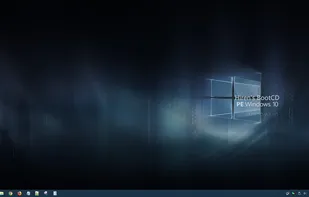
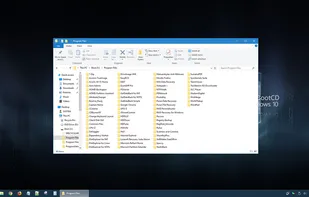
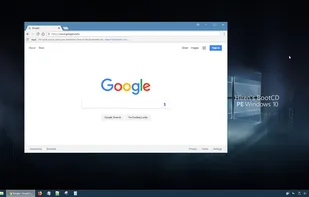
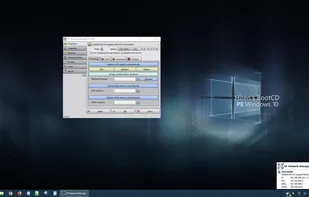
Hiren’s BootCD PE (Preinstallation Environment) is a restored edition of Hiren’s BootCD based on Windows 10 PE x64. PE version is being developed by Hiren’s BootCD fans. it supports UEFI booting and requires minimum 2 GB RAM.
 Rescuezillaand

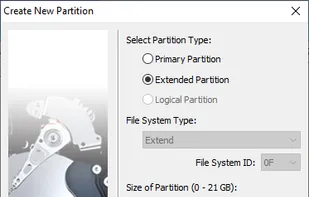
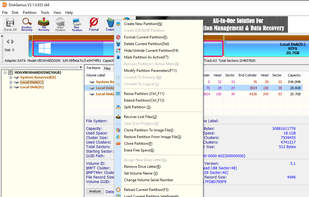
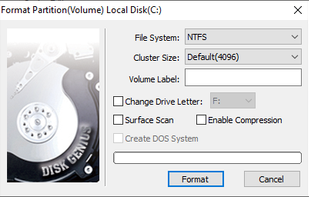
DiskGenius is full-featured partition manager. It also lets you edit UEFI entries with ease, so if you want to install a different bootloader like Clover, DiskGenius can help set it up quickly.
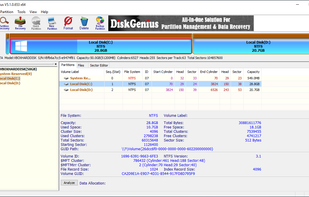

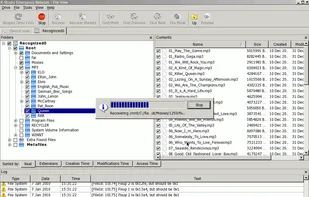
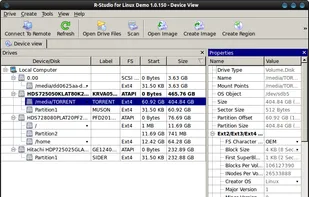
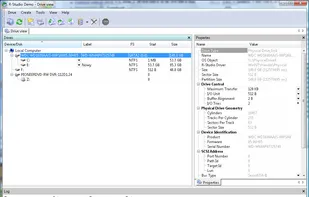
Offers comprehensive recovery for FAT12/16/32, exFAT, NTFS, HFS/HFS+, and EXT file systems on local and network disks, even if formatted or deleted.

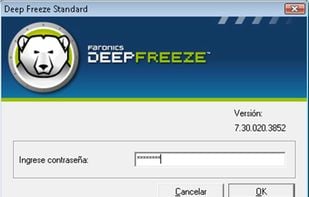
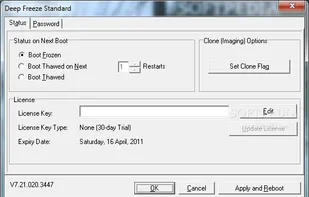
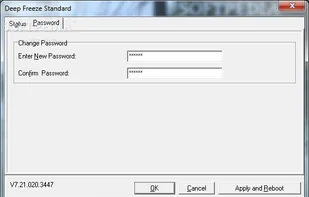
Locks down computer settings and data, restoring original state upon reboot, for total change prevention, data protection and asset control.


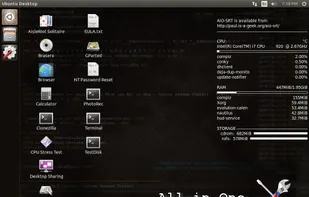
This utility disc is designed to quickly and efficiently aid a technician with troubleshooting and repairing Windows based PCs.


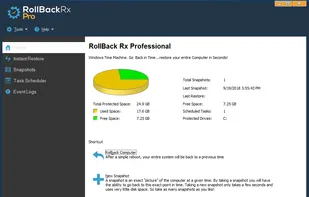
RollBack Rx client is a system restore utility that enables home users and IT professionals to easily restore a PC to a time before certain events occurred.
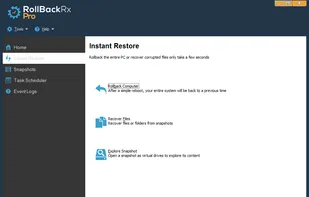
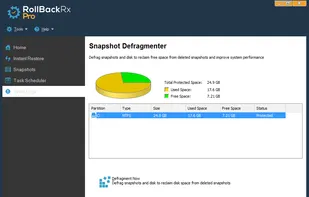
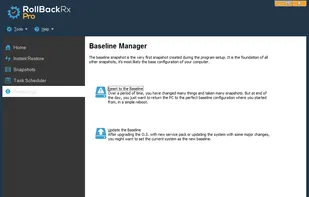 Rescuezillaand
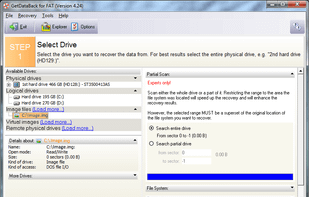
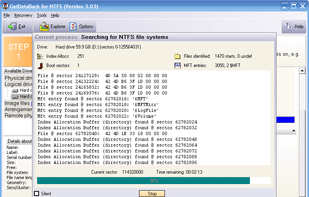
GetDataBack, for FAT or NTFS drive and partitions, will recover your data if the hard drive's partition table, boot record, FAT/MFT or root directory are lost or damaged, data was lost due to a virus attack, the drive was formatted, fdisk has been run, a power failure has...

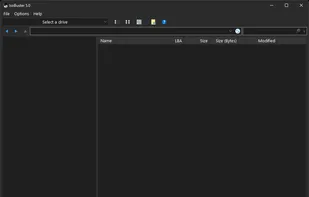
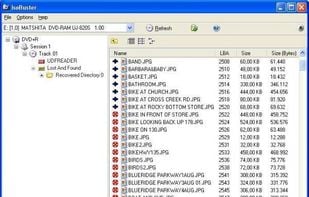
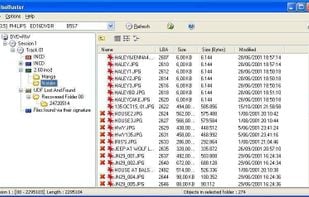
Low cost utility to recover data from damaged, scratched, or otherwise defective discs. Highly specialized but still easy to use to read damaged CDs, DVDs, Blu-Ray or HD-DVD media. Free version has some limited functionality but is worth it to attempt data recovery.

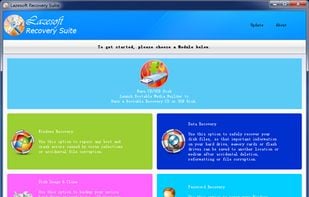
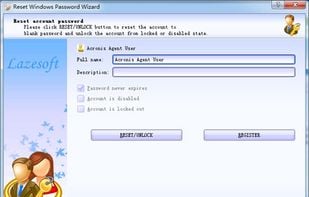
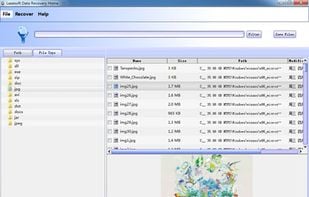
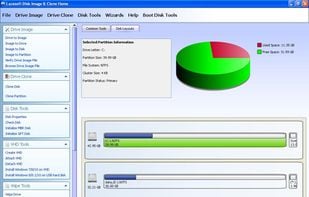
Lazesoft Recovery Suite is a very easy to use ALL-IN-ONE boot disk that repair your crashed Windows, recover data from deleted, formatted, damaged partition, clone or backup disk, reset your forgotten Windows password.

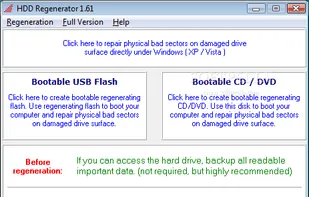
HDD Regenerator is a unique program for regeneration of physically damaged hard disk drives. It does not hide bad sectors, it really restores them!.

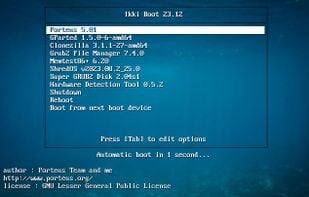
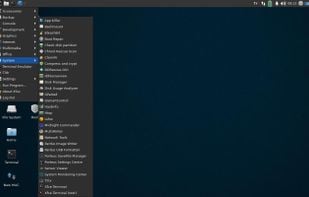
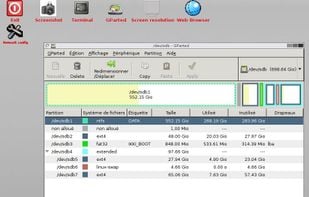
Ikki Boot is a Live DVD/USB multiboot which aims troubleshooting, disk partitioning, rescue, backup and restore data.

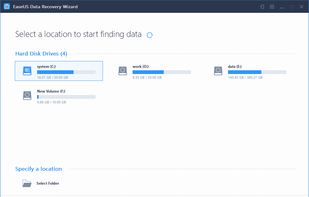
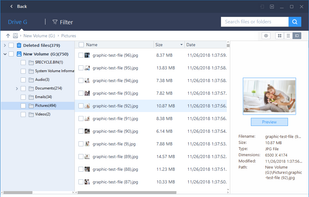
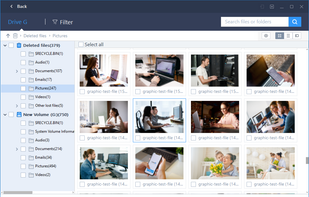
Recovers deleted, formatted, or lost files from hard drives, USB drives, SD cards, memory cards and RAID arrays on Windows, with scan options and file preview.

Bootable CD with useful tools for analyzing, recovering and fixing your computer even if the primary operating system can not be booted.
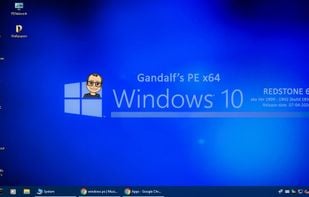
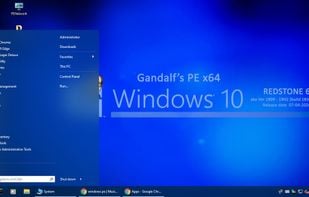
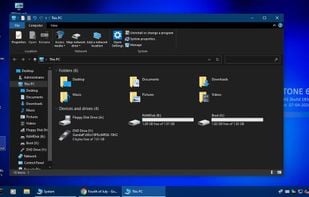

DM Disk Editor and Data Recovery (DMDE) is a disk editor which can help you to understand NTFS. Its capable to view your hard disk sector wise, on MFT level, to disect mft attributes and to edit bytes on your hard disk.
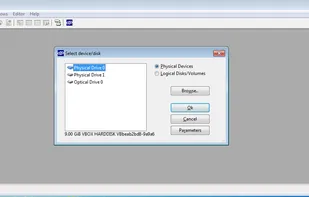
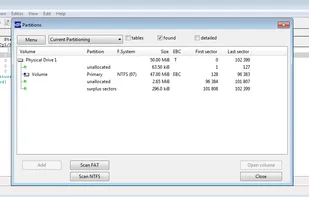
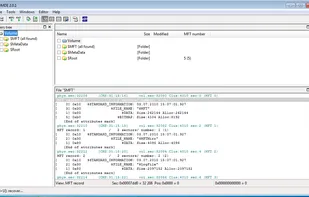

Efficiently recovers various file types with a 96% success rate from scenarios like accidental deletions, system crashes, and formatted disks on Windows.
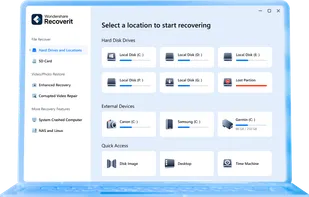
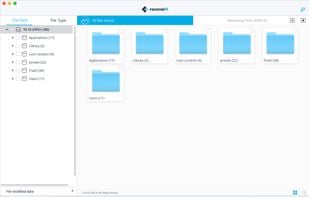
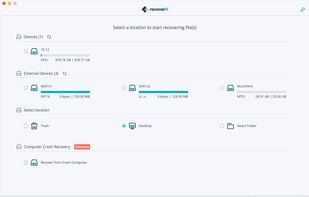
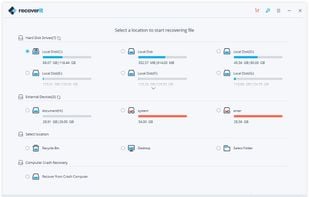

Hoek’s Tools is a vast collection of portable utilities for the management, diagnosis and repairing of computer problems, recover lost or deleted files or cracking passwords. There are literally hundreds of utilities.
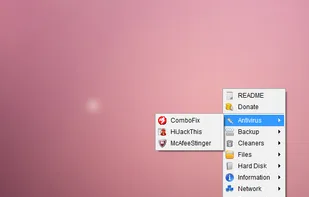

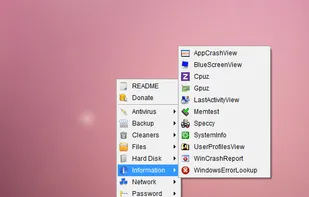

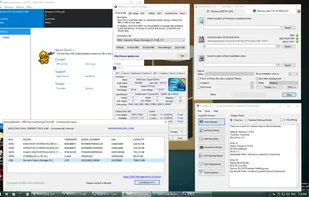
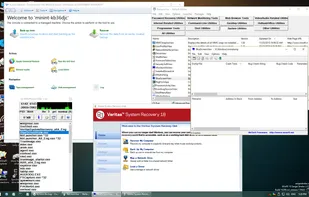
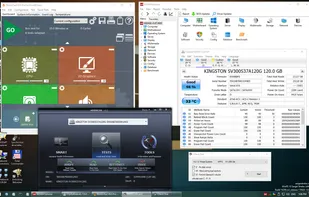
Bootable disk Windows 11 and 10 PE - for maintenance of computers, hard disks and partitions, backup and restore disks and partitions, computer diagnostics, data recovery, Windows installation.
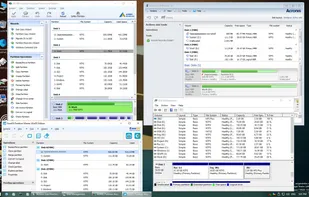

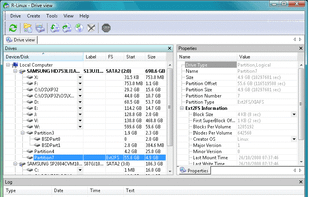
A free recovery utility for Ext2/Ext3/Ext4 FS, offering fast, reliable file recovery on Linux using IntelligentScan. Lacks network data recovery.


 United Kingdom

 India
India

 Italy
Italy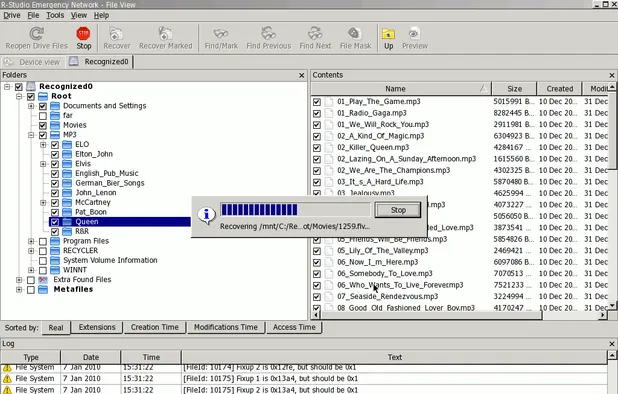


 United States
 Hungary

 China
China
 Canada


 Belgium


 Hong Kong SAR China
 Ukraine


 Russia

 Poland
