Hard Disk Utilities

All apps in Hard Disk Utilities category. Use the filters below to narrow down your search. 

Popular filters:

Copy a direct link to this comment to your clipboard
  1. TreeSize icon
     296 likes

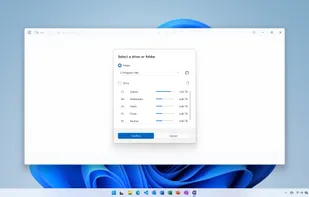
    Analyze disk space usage with in-depth insights and interactive visualizations across local and network drives, including mobile devices.

    Cost / License

    • Freemium
    • Proprietary

    Platforms

    • Windows
    • PortableApps.com
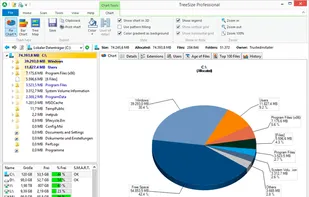
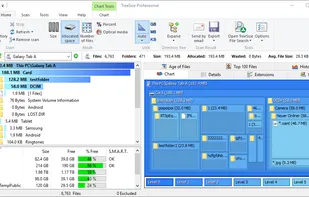
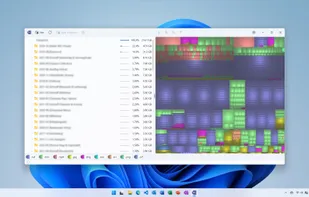
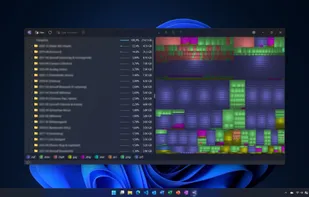
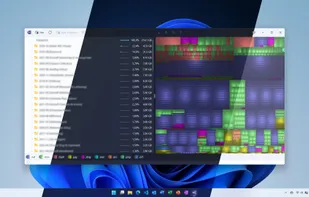
    The main window is split into the file system tree on the left and the details view on the right.
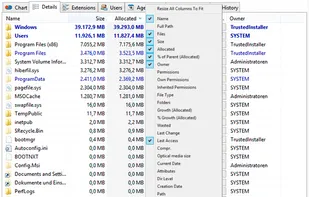
    Details view offers valuable information about the disk usage like the folder size, the disk space wasted due to the file system structure, the last access date, the NTFS compression rate and the owner.
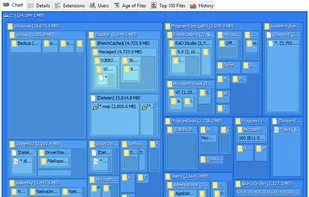
    The tree map is an hierarchical chart visualizing the size of all subfolders.
    +5
    Treesize Professional can scan Mobile Devices via MTP
    90 alternatives
    4.3
    Very Good11 reviews
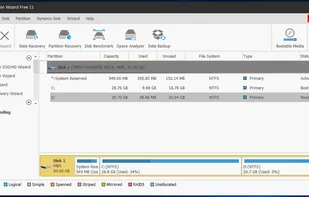
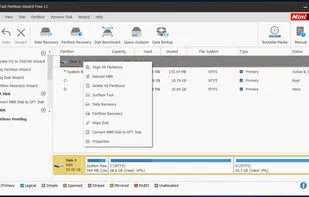
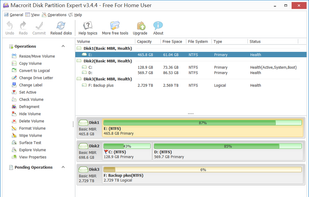
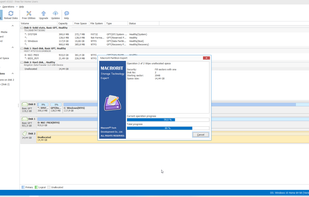
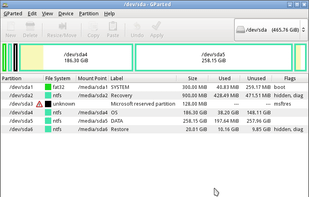
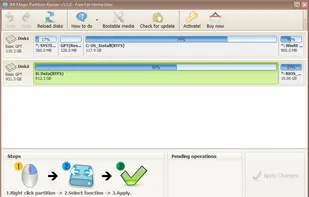
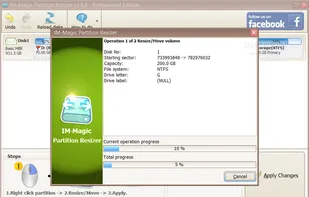
  2. Manage partitions with MBR/GPT conversion, NTFS/FAT32 support, and robust data recovery on 32/64 bit Windows. Free Edition available for users.

    Cost / License

    • Freemium
    • Proprietary

    Application type

    Alerts

    • Bundleware

    Platforms

    • Windows
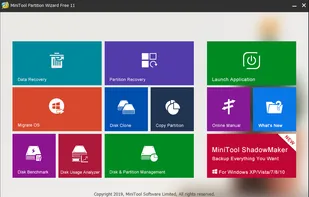
    Home Window
    Main Window
    Right Click on a Disk
    +13
    Right Click on a Partition
    24 alternatives
    3.1
    Fair20 reviews
  3. iStat Menus icon
     120 likes

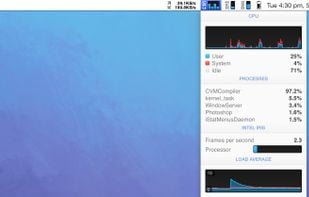
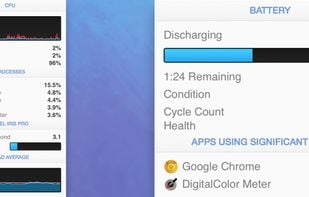
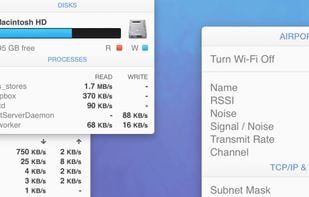
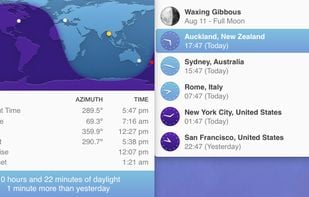
    iStat is a series of system monitor apps. It's available in different versions: iStat Menus, iStat for iOS and iStat Server as a companion application to the iStat for iOS app that lets you remotely monitor your computers (free for Windows and Mac).

    Cost / License

    • Paid
    • Proprietary

    Platforms

    • Mac
    • iPhone
    iStat Menus screenshot 1
    iStat Menus screenshot 1
    iStat Menus screenshot 2
    +1
    iStat Menus screenshot 3
    74 alternatives
  4. DaisyDisk icon
     114 likes

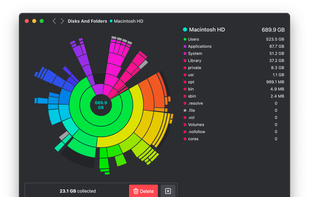
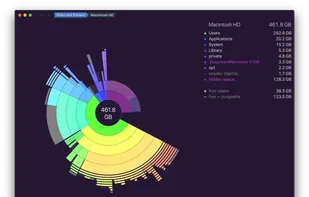
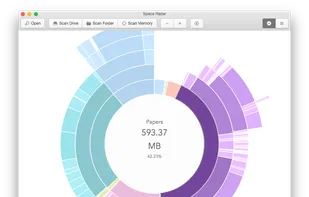
    Visually analyzes disk space with an interactive sunburst map, identifies and previews large files, and enables efficient removal to reclaim storage space.

    Cost / License

    • Paid
    • Proprietary

    Application type

    Platforms

    • Mac
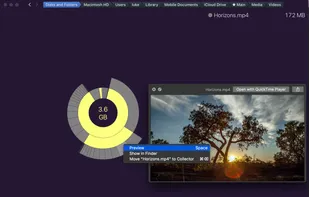
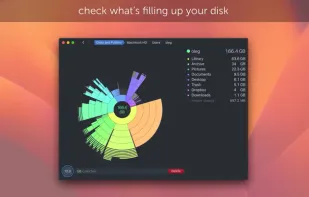
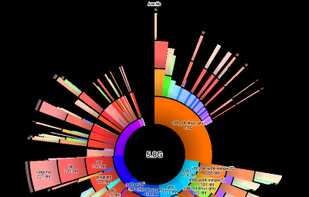
    DaisyDisk 4 showing HD level scan, including free space on the disk. Hidden volumes are revealed in DaisyDisk that you normally can't see in Apple's utilities.
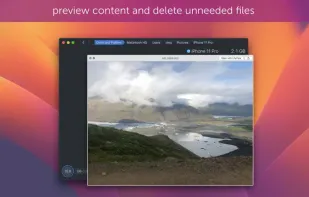
    Dynamic functions like preview or show in finder make it easy to distinguish files.
    DaisyDisk screenshot 2
    +2
    DaisyDisk screenshot 3
    88 alternatives
  5. Deep Freeze icon
     107 likes

    Locks down computer settings and data, restoring original state upon reboot, for total change prevention, data protection and asset control.

    Cost / License

    • Paid
    • Proprietary

    Application type

    Platforms

    • Mac
    • Windows
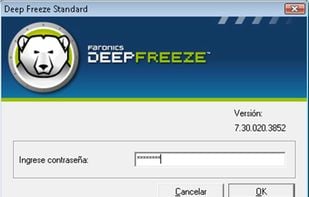
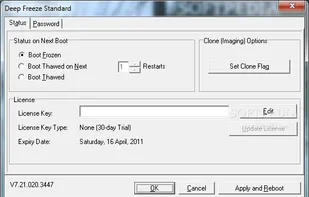
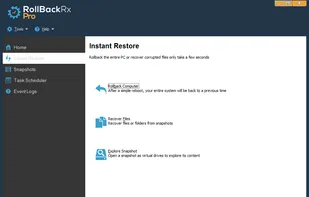
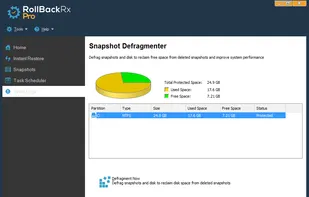
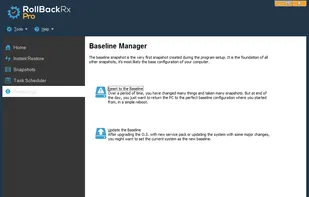
    Deep Freeze Standard
    Deep Freeze screenshot 1
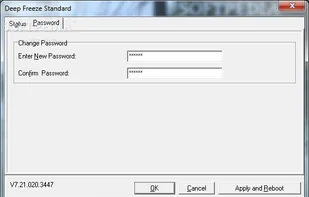
    Deep Freeze screenshot 2
    13 alternatives
    3.0
    Fair7 reviews
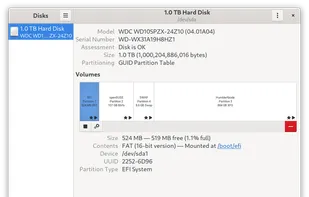
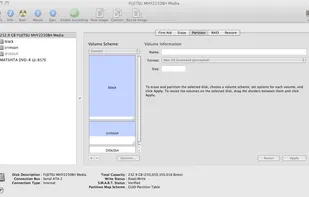
  6. Reliable partitioning tool to create, resize, copy, and format partitions. Advanced features include merging and redistributing space with no data loss.

    Cost / License

    • Free Personal
    • Proprietary

    Application type

    Platforms

    • Windows
    Paragon Partition Manager screenshot 1
    Paragon Partition Manager screenshot 1
    Paragon Partition Manager screenshot 2
    28 alternatives
  7. HDD Regenerator icon
     42 likes

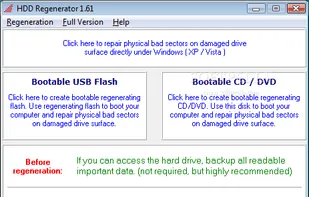
    HDD Regenerator is a unique program for regeneration of physically damaged hard disk drives. It does not hide bad sectors, it really restores them!.

    Cost / License

    • Paid
    • Proprietary

    Application type

    Alerts

    • Discontinued

    Platforms

    • Windows
    HDD Regenerator screenshot 1
    9 alternatives
  8. SuperDuper! icon
     34 likes

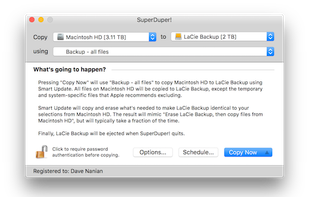
    SuperDuper makes recovery painless, because it makes creating a fully bootable backup painless. Its incredibly clear, friendly interface is understandable, easy to use, and its built-in scheduler makes it trivial to back up automatically.

    Cost / License

    • Freemium
    • Proprietary

    Platforms

    • Mac
    SuperDuper! screenshot 1
    33 alternatives
  9. DriveDx icon
     22 likes

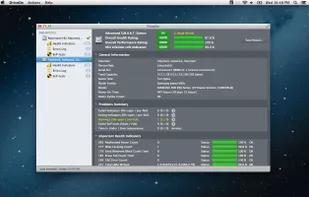
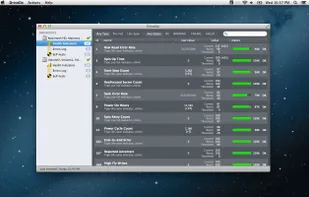
    DriveDx is advanced drive health diagnostic and monitoring utility. Unlike most drive utilities, DriveDx does not only monitor the drive’s built-in S.M.A.R.T. status, but also analyzes the changes of all drive health indicators that are closely related to HDD or SSD failures...

    Cost / License

    • Paid
    • Proprietary

    Platforms

    • Mac
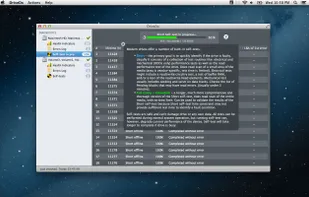
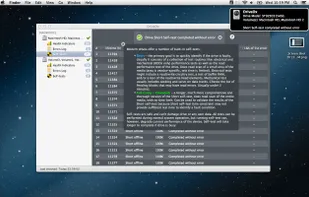
    DriveDx Drive Health Dashboard
    DriveDx Drive Health Indicators
    DriveDx Drive Self-tests
    +2
    DriveDx Drive Self-test completed
    41 alternatives
  10. Duc icon
     5 likes

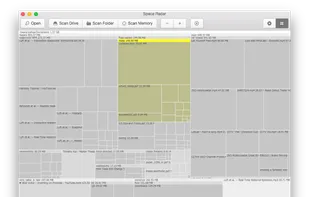
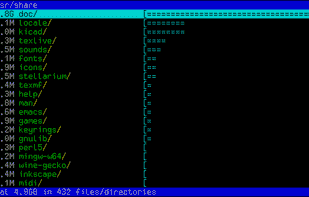
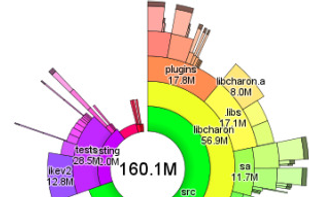
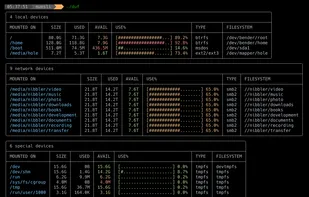
    Duc is a collection of tools for inspecting and visualizing disk usage.

    Duc scales quite well, it has been tested on systems with more than 500 million files and several petabytes of storage.

    Cost / License

    Application type

    Platforms

    • Mac
    • Linux
    Duc screenshot 1
    Duc screenshot 1
    Duc screenshot 2
    71 alternatives
  11. Sponge is an Android app that makes cleaning and organizing your photo gallery a breeze. With just a swipe, you can easily delete unwanted photos and videos from your gallery.

    Cost / License

    • Freemium
    • Proprietary

    Platforms

    • Android
    Sponge - Gallery Cleaner screenshot 1
    Sponge - Gallery Cleaner screenshot 2
    Sponge - Gallery Cleaner screenshot 3
    13 alternatives
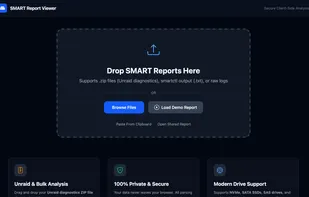
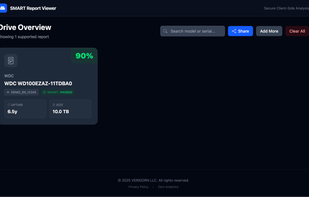
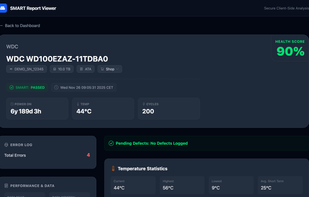
  12. SMART Report Viewer helps visualize the output of smartctl tests, entirely in your browser. Drag and drop txt, log, or zip files (including Unraid diagnostics) to quickly understand the health of your drives.

    Cost / License

    • Free
    • Proprietary

    Platforms

    • Online
    SMART Report Viewer screenshot 1
    SMART Report Viewer screenshot 1
    SMART Report Viewer screenshot 2
    18 alternatives
  13. DiskFresh icon
     9 likes

     DiskFresh is a simple yet powerful tool that can refresh your hard disk signal without changing its data by reading and writing each sector and hence making your disk more reliable for storage. It also informs you if there are any damaged/bad sectors so you know the right...

    Cost / License

    • Free Personal
    • Proprietary

    Platforms

    • Windows
    DiskFresh screenshot 1
    4 alternatives