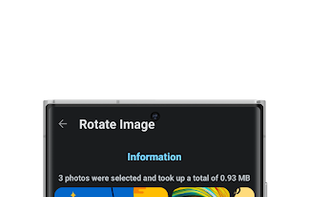
Effortlessly edit images with batch compression, scaling, cropping, rotation, and format conversion. Convert PDFs to images, create PDFs from images, package images, and more. Explore EXIF data, preview material themes, and pick colors from images.
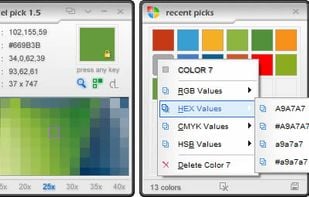
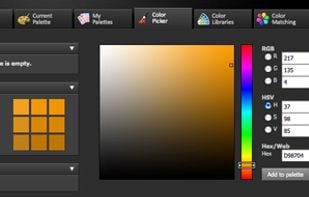
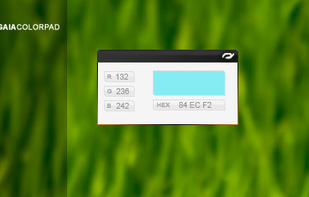
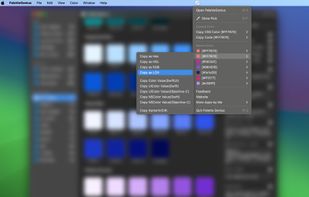
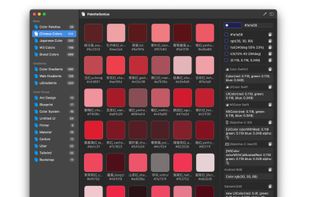
Pixel Pick is a free color picker tool that pick the pixels color under your mouse cursor on the desktop and translates it into a number of different color formats such as RGB, CMYK, HSB, HEX or Web Color format. A free color picker for grabbing color under your mouse .
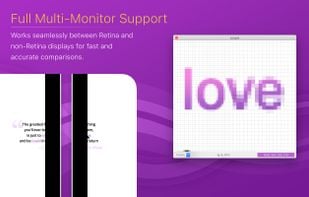
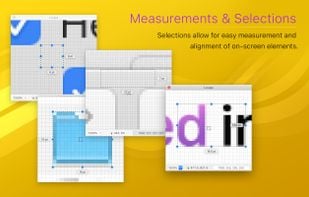
Loupe provides a magnified view of what’s on-screen under your mouse cursor?—?designed from the start to be easy on your computer while also being feature rich. Whether you’re a graphic designer needing to inspect artwork, or a developer trying to align UI elements, Loupe can...
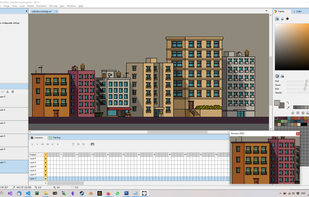
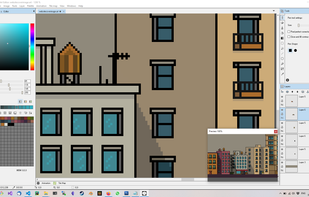
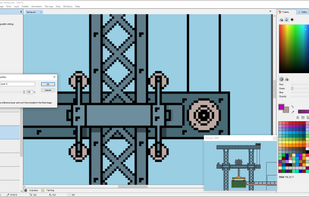
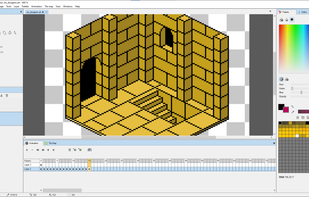
Lightcube is a pixel art editing tool for game developers and artists alike, with a wide range of features including multiple layers, animation frames and a range of tools include pen, eraser, magic wand selection, paint bucket, line draw and pattern brushes.
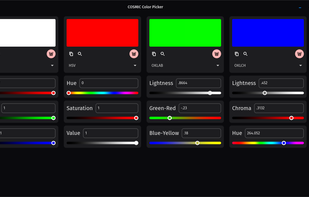
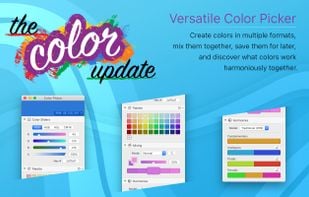
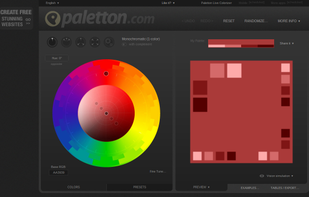
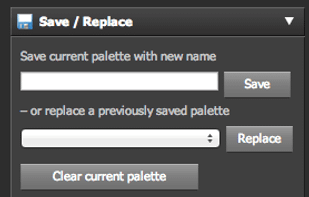
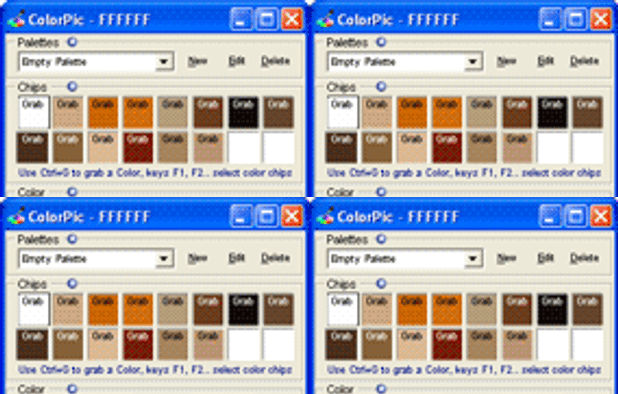
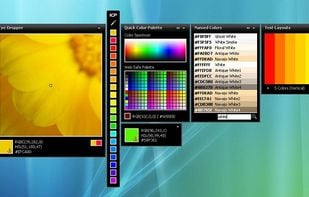
Ever tried using a color picker on a high resolution monitor? Its impossible. Thats why this color picker has a magnifier attached. Grab palettes of up to 16 colors at once and use four advanced color mixers to select a spectrum of possibilities.
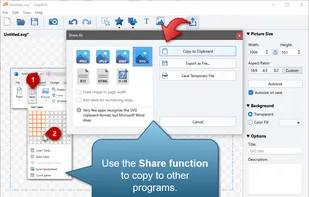
SnipSVG is designed to be really simple to use and very fast. Plenty of clever helper functions such as auto-remembered styling and a favorites gallery deliver stunning results with just a few mouse clicks.
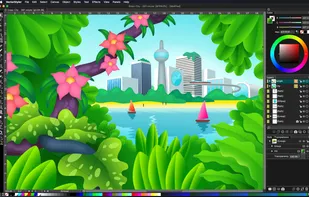
VectorStyler (for Mac) is an advanced vector graphics and illustration software, with a competitive feature set, and several new features and workflow enhancements. VectorStyler is developed with the goal of providing all the capabilities, designers and illustrators are familiar...
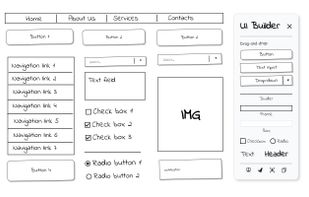
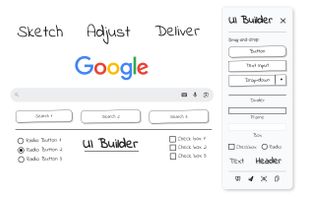
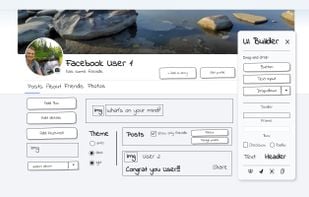
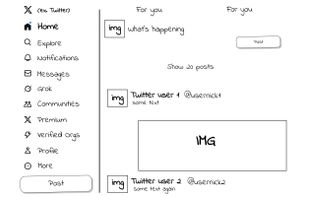
UI Builder – Mockup Tool is a fast Web Wireframe & Web Design Tool that lets you sketch UI layouts on any live page or on a new blank page. Quickly show clients possible design changes directly on the live website, without switching tools.
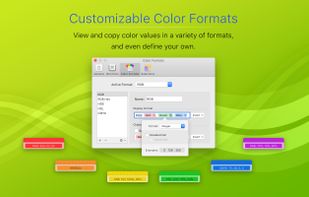
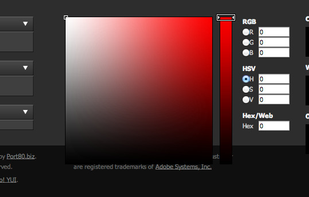
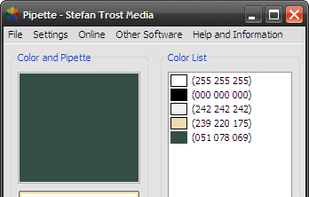
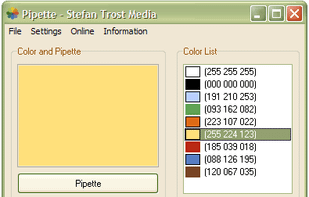
With the pipette you are able to edit, convert and pick up colors from your screen. Pipette also supports a lot of standards or color models (RGB, CMY, CMYK, HSV, TColor and XYZ0). Color models are nothing but theoretical descriptions of colors using certain numeric values.
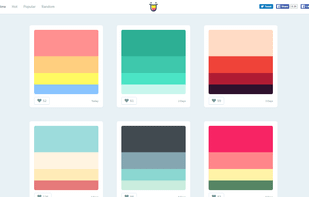
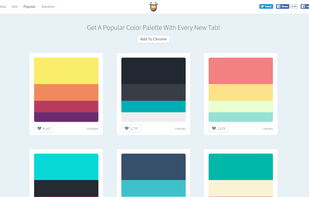
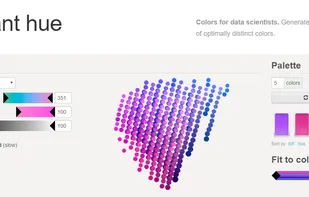
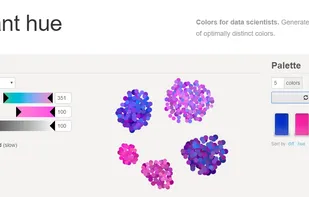
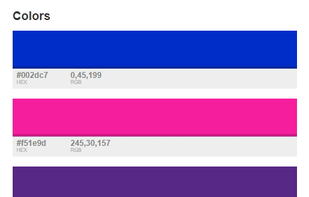
iWantHue allows you to generate palettes of colors. It is about mastering the properties of a palette by setting a range of Hue, Chroma (unbiased saturation) and Lightness. You can generate palettes of any size or just get the generator for a javascript project.
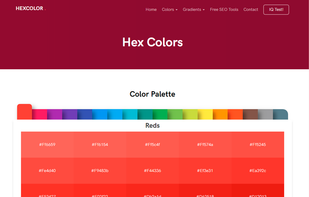
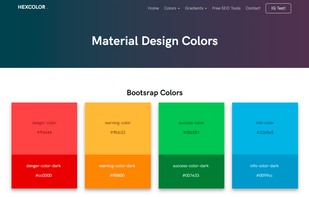
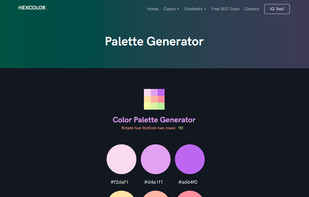
hexcolor.co gives information about colors including color models, triadic colors, monochromatic colors and analogous colors calculated in color page. HTML color code is an identifier used to represent a color on the web.
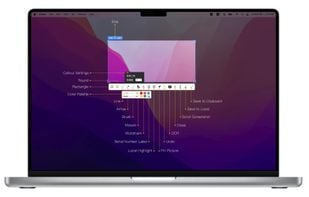
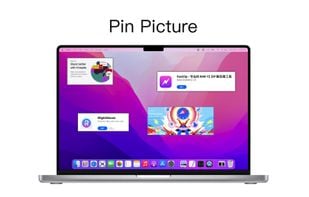
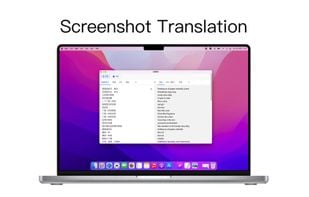
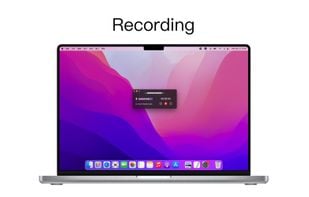
iShot is an excellent, full-featured area screenshot, window screenshot, multi-window screenshot, long screenshot, shell screenshot, time-lapse screenshot, quick annotation, texture, color picking, screen recording, audio recording, OCR, screenshot translation tool on Mac .


















 PixiEditor




 Figmaand













 China
China


 Czechia
 EU
EU


 United Kingdom

 Austria

 Finland


 Estonia
 Germany
 France


 United States


