Clio Studio is revolutionizing the world of commercial photography and advertising. We leverage advanced AI to enable marketers, advertisers, and e-commerce businesses to create bespoke, high-quality images, tailored precisely to their needs - no photo shoot required.
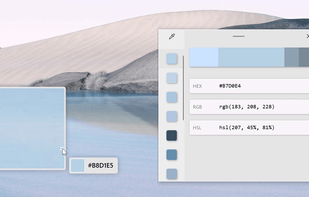
Free Color Picker is a program that lets you capture the color of any pixel displayed on the screen. To capture a color, just move the cursor to the desired position and press the F4 key. The color below the cursor will be added to the color palette located in the right part of...
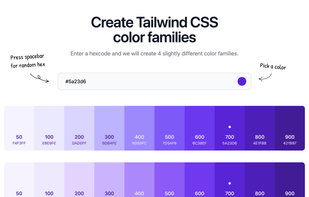
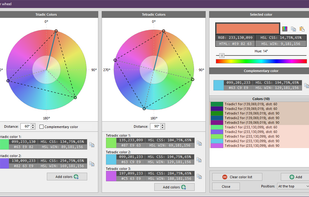
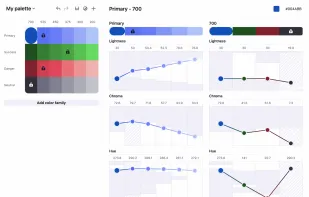
Atmos gives you the tools to create professional color palettes. Built with UI designers in mind. With tools like Color generator, Color wheel, Shade generator, and LCH color tool. You can create a professional color palette in minutes.
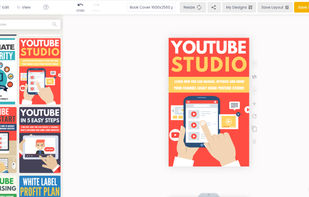
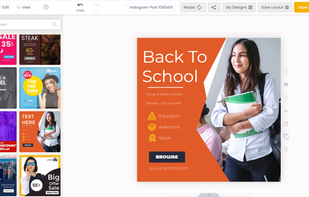
Plasfy is the ultimate easy-to-use online design editor with thousands of customizable templates and millions of high-quality photos, cliparts, and icons.
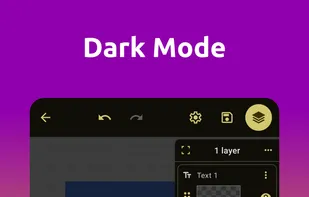
Want to edit photos, create logos or make designs with ease ? You've found the perfect app for that. With easy to use editing tools you can add text to an image, make beautiful designs, create stunning graphics and much more with just couple of taps.
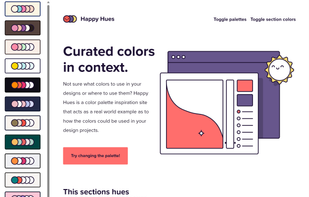
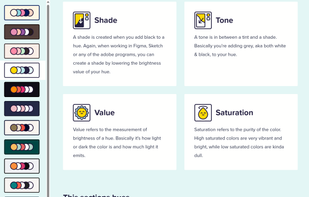
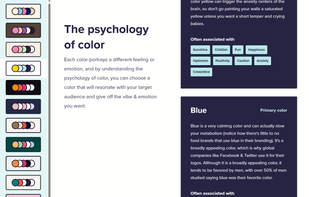
Not sure what colors to use in your designs or where to use them? Happy Hues is a color palette inspiration site that acts as a real world example as to how the colors could be used in your design projects.
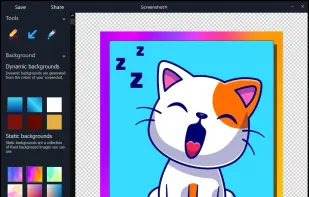
ScreenshotX is a new, lightweight app for Windows for creating beautiful screenshots. It's freeware, it doesn't come with any spyware and you can also share your screenshots without the need to register or any other nonsense.
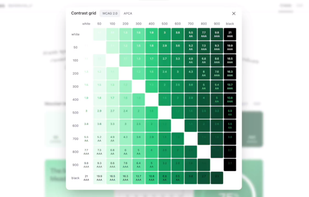
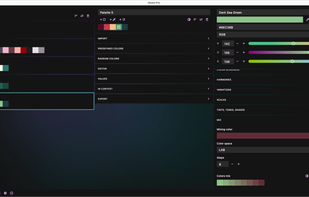
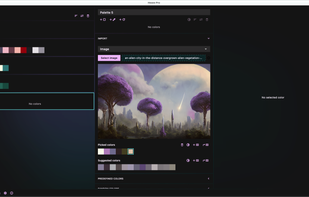
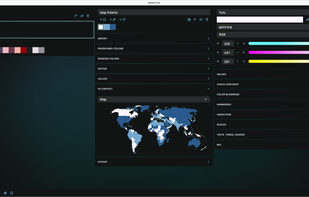
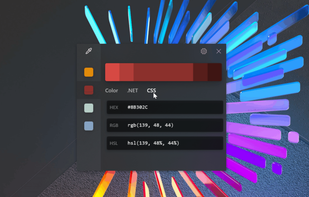
Hexee Pro is a set of advanced color tools for designers and artists. With it, you can create, edit, and organize your color palettes, fine-tune colors, generate tints and shades, and check for accessibility. Import and export to various formats. All in a single app.
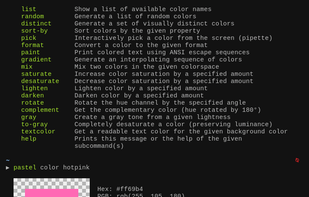
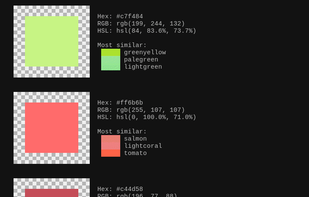
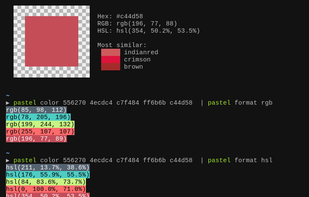
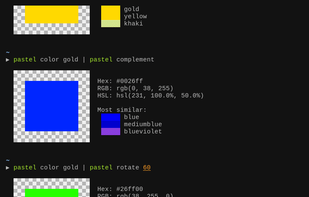
pastel is a command-line tool to generate, analyze, convert and manipulate colors. It supports many different color formats and color spaces as well as ANSI 8-bit and 24-bit representations.
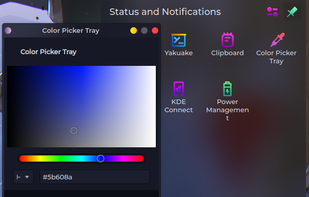
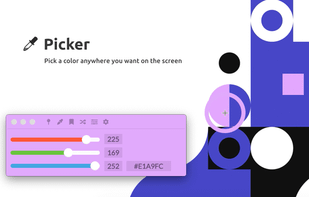
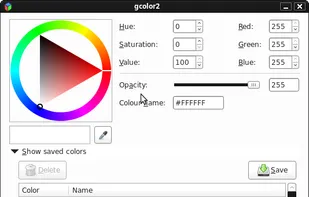
gcolor2 is a basic colourpicker utility that allows you to select any colour on your screen, and, well, grab it's colour. It also allows you to save the colour you create to a file, which shows up as a list in the application.
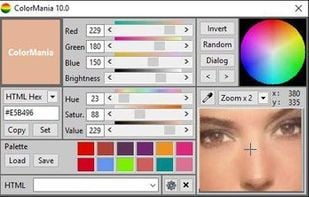
ColorMania is a colorpicker for Windows. It's the perfect solution for previewing, identifying, testing and organizing color values. It can be a very difficult job to get your colors right for a unique or appealing design.
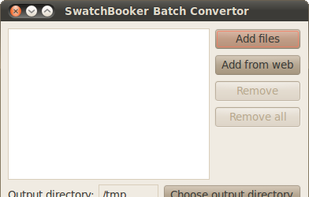
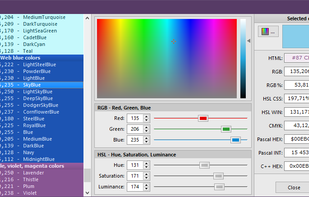
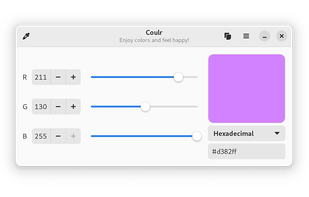
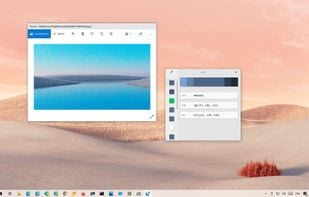
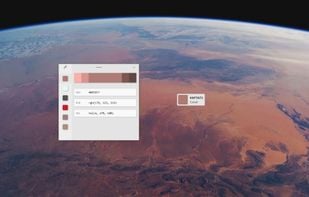
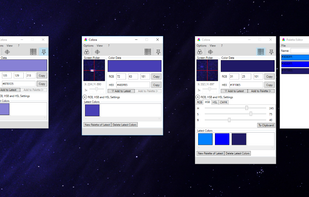
Color converter, screen color picker and color palettes for Windows. Colora is a small but powerful color converter and screen color picker for Windows.
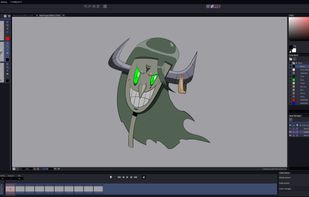
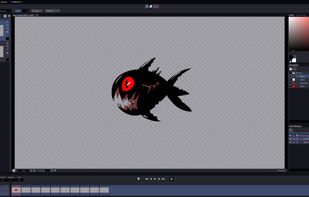
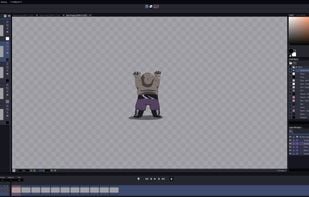
AnimatorME is a tradigital 2D Animation Software focused on an inviting, friendly user interface and professional toolset designed from scratch. Tradigital classic frame by frame animation, Background Painting, Stop Motion, Game Asset Creation and ANYTHING you can imagine!.
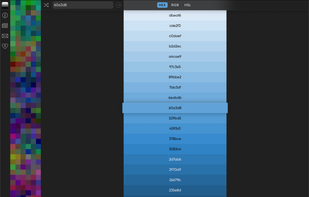
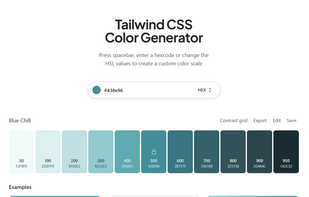
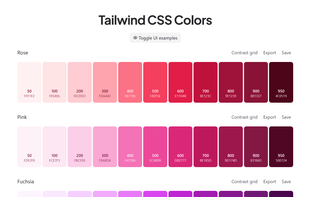
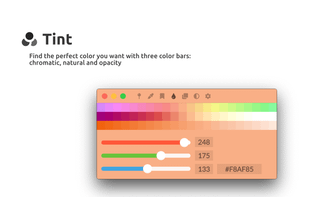
Simple online tool for generating tints and shades from any hex color, displaying lighter and darker variations instantly for hover, border, and gradient effects.
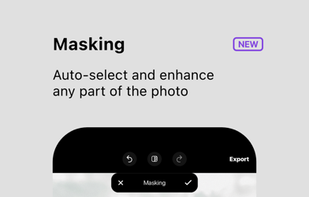
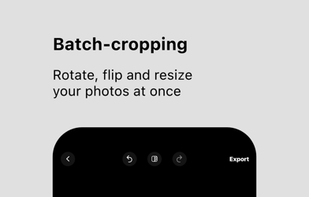
Your multi-photo editor with all the tools you need: AI Masking, the ability to edit up to 25 photos at once, object removal, batch-cropping tool, 100+ filters, selective hue, color standout, curves and all the basic adjustments.
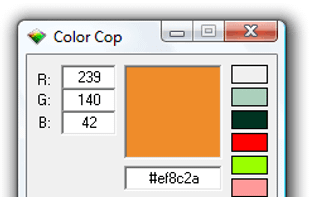
Color Cop is a multi-purpose color picker for web designers and programmers. It features an eyedropper, magnifier, variable magnification levels, 3 by 3 and 5 by 5 average sampling, snap to websafe, color history, and a 42 color complementary palette.
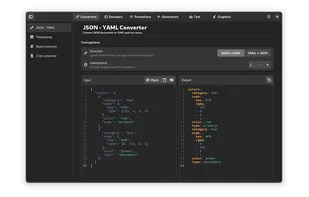
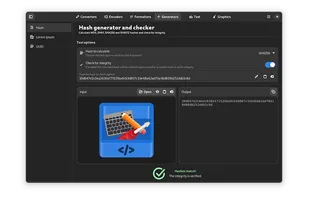
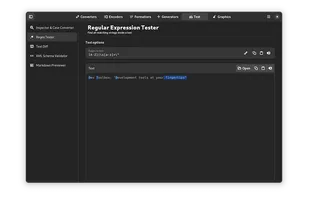
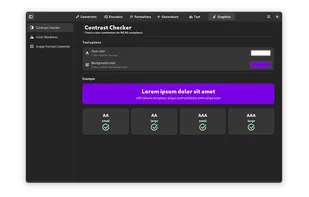
If you're tired of endlessly looking online for the right tool, or to find again that website of which you don't recall the name to do a quick conversion, this is the right app for you.


 Canada


 United States


 Poland
 EU
EU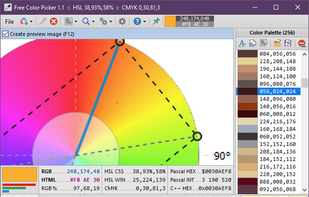







 France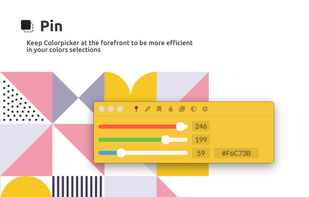










 Italy
Italy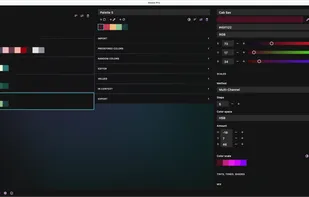









 Netherlands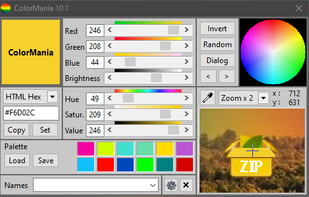


 Germany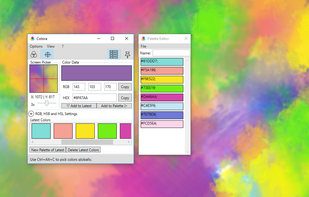


 Israel