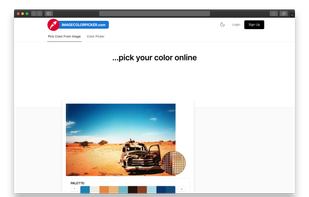
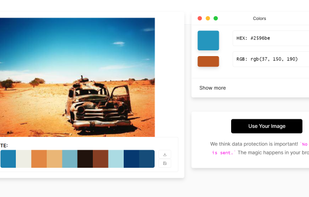
imagecolorpicker.com aims to find a color code on an image faster than launching a software on your computer. The color picker also offers more information about the color.
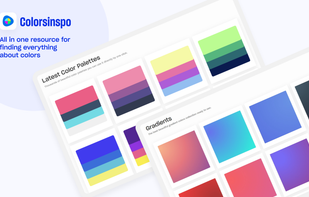
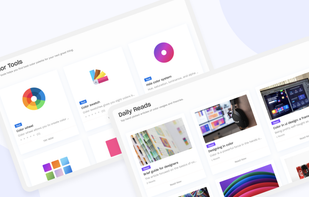
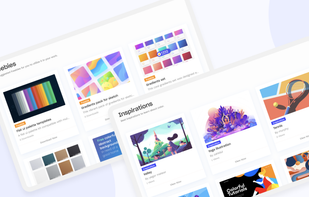
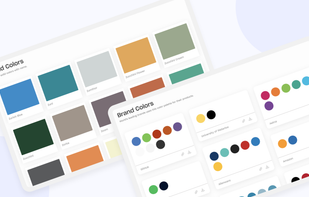
Colorsinspo is all in one resource for finding everything about color with extreme ease. No more surfing on internet to find the right color combinations & tools, resource!We’ve got you covered. We simplify the process of choosing colors for your design.
Welcome to Xspiral, the new-generation hybrid design visualization platform that seamlessly integrates 2D and 3D capabilities for real-time collaboration.
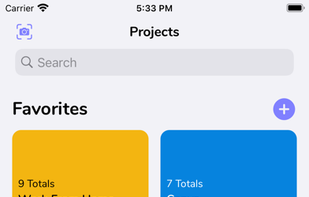
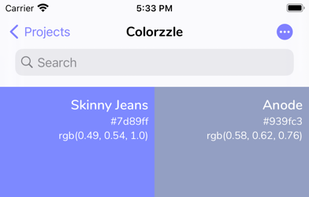
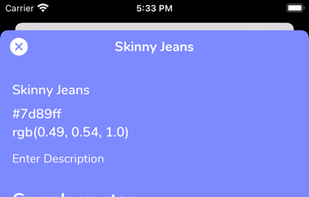
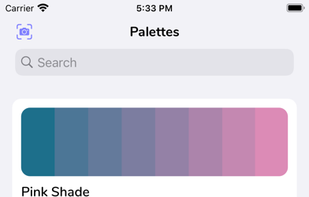
Pick real life colors and save them in Palettes or Projects and get the Hex codes or RGB values for your Digital Art or Designs. Also has a tool to create your own gradients.
PixelSake is Windows App to measure distance any element image on screen. It's a tool to make Web Developer / Web Designer easier to measure things so they can save more times than just measure manually the screenshot with old way.
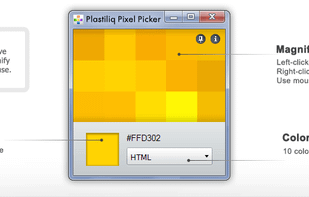
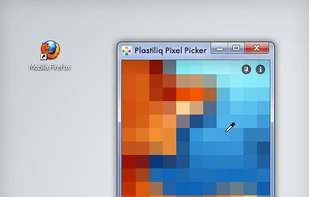
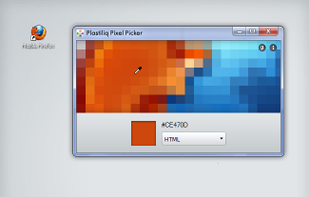
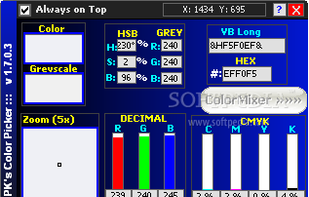
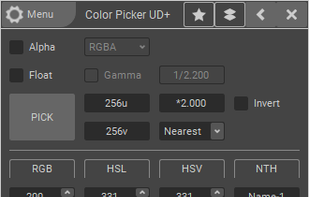
Plastiliq PixelPicker is a useful color picker tool that gets the pixels color under your mouse pointer on the screen and translates it into a number of different color formats.
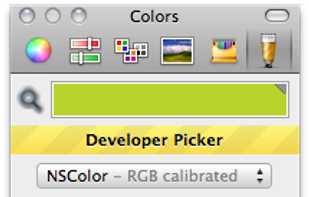
A custom color picker designed specifically for developers. Makes getting colors out of Photoshop/Acorn mock-ups quick and easy. Currently supports NSColor, UIColor, CGColorRef, CSS and HTML styles.
With Colllor it is much easier to generate a consistent color palette with just a few clicks. You should use colors consistently, so you have a common look and feel throughout your design. All the alternative proposals produced by Colllor derive from the same color and they all...
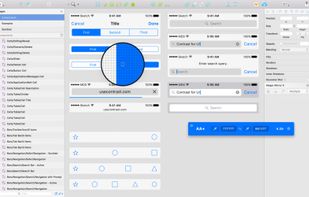
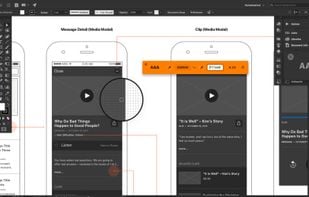
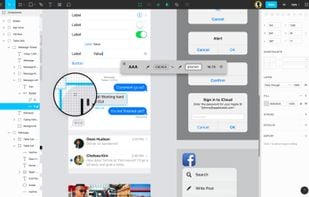
MouseZoom is a nice but small utility. It zooms the current mouse position (50x) and show the color value and the absolute + relative position of the point where the mouse is.
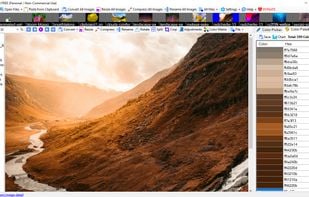
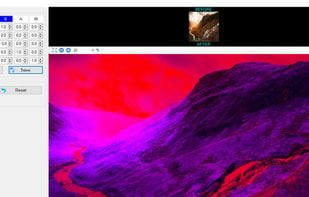
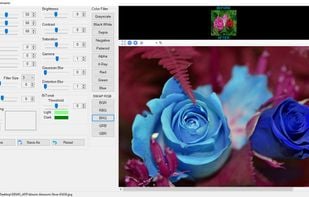
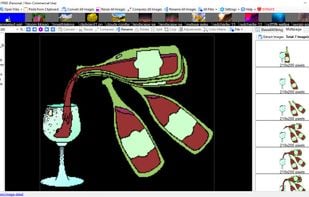
A new image viewer that has nice features like identifying and generating colors from image, changing colors of image with color adjustment and color matrix tools, crop & split image for Instagram, TIF/GIF Animated extractor, batch functions.
Html color generator and color picker focused into readability/accessibility of text and background combinations. It helps with html, stylesheet(css) and web design.
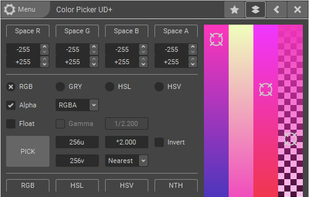
ColorPicker is a professional color creator and picker which has advanced features for artists and designers.
It is written with C++ and Qt for the best performance and flexibility.
Contrast is a color tool that gives you quick and easy access WCAG (Web Content and Accessibility Guidelines ) color contrast ratios to help ensure your designs aren't too light. Enter hex codes manually or use the built in color picker for sampling colors directly from your...
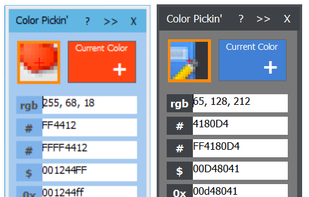
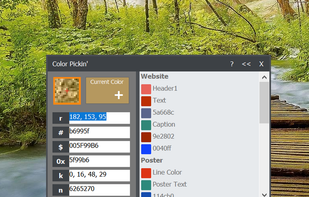
Hopefully, the last desktop color picker you will ever need. For developers/graphic designers, having simple and easy tools is essential. Created out of necessities, Color Pickin' is that kind of tool: simple, no fluff, just works.
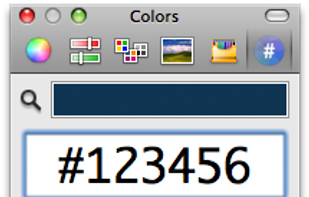
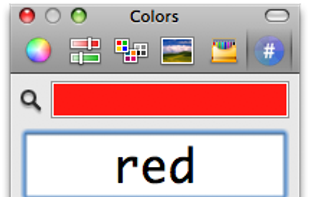
Hex Color Picker puts an extra tab in the system-wide color panel. Instantly see the hex color code for any color, and edit it just the same with a number of shorthands.
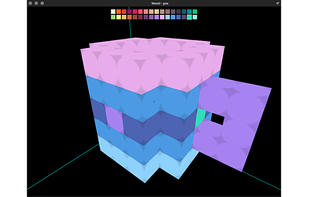
Woxel uses intuitive controls akin to Minetest and Minecraft, while providing a design experience similar to Goxel and Magicalvoxel. Woxel paves the way to transitioning Minecraft/Minetest players to 3D asset creators for games.






 Hong Kong SAR China









 Russia


 Germany
 EU
EU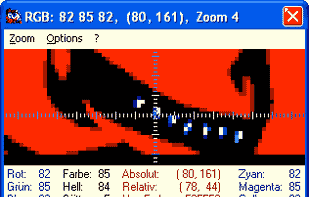




 Japan
Japan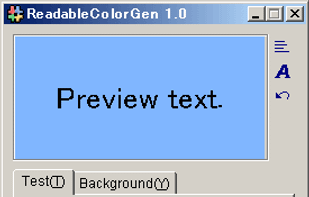




 United States






 Hungary






 Italy
Italy




 United Kingdom