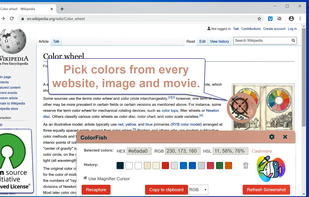
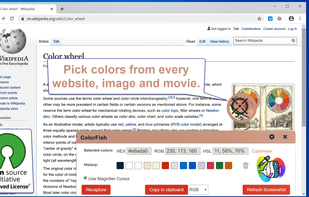
Pick Color Online is the best way to pick any color from your screen. With just one click you can easily extract any color from a PDF file, website, image or anywhere on your screen.
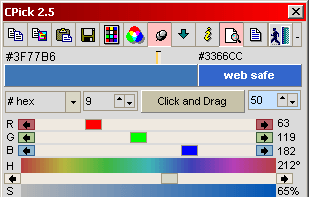
Program to get colors from your screen with the build in magnifier. Zoom 1 to 10. Modify colors with the RGB or HSV slide bars. Copy the color to the clipboard as Hex, Decimal, RGB or HSV value. Direct changing the RGB and HSV values.
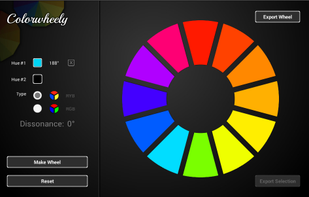
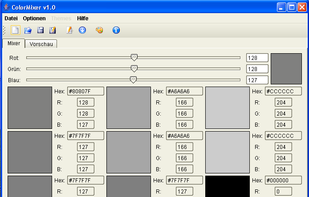
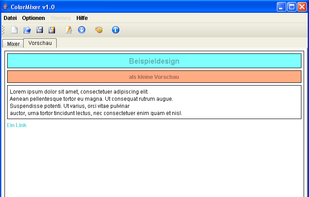
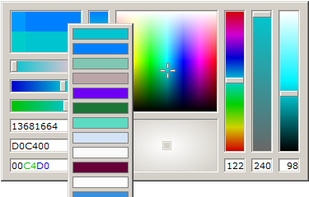
ColorMixer is a powerful application for mixing colors. You choose a color and ColorMixer will calculate 8 harmonic colors based on the one you’ve chosen. It’s user interface offers lots of utilities to choose colors.
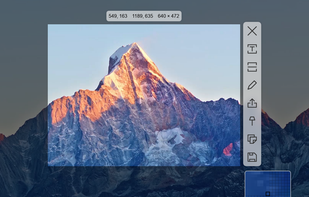
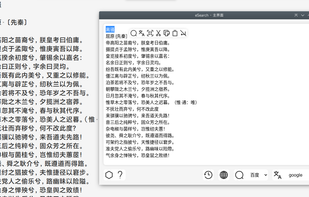
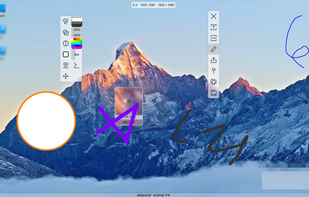
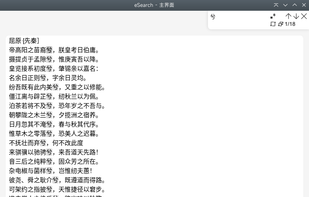
Supports screenshots for simple annotation or to paste images on the screen. Images can be recognised by OCR for searching or translation. Images can be searched. The screen can be recorded for simple editing.
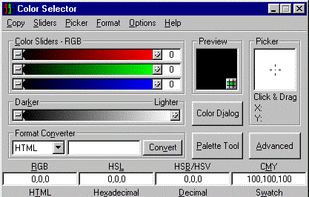
This color picker is an extensive and easy to use color selection tool for web designers, graphic producers and developers. Supported color number formats: decimal, vrml, hexadecimal and RGB hex.
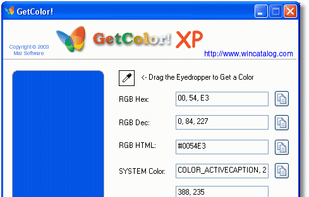
GetColor! - Free Color Picker for Windows. GetColor! allows you to retrieve the color of any pixel on your desktop easily: just move the eyedropper tool into any place of your desktop and GetColor! will show you the color value!
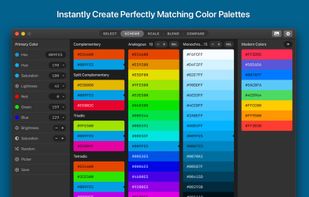
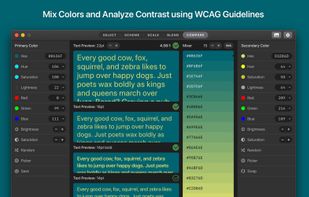
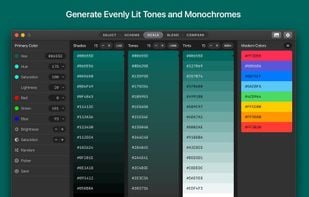
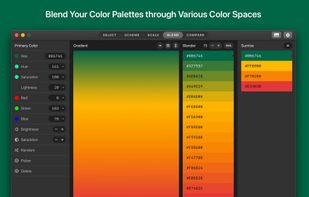
In today's world of simple designs, choosing the right colors matters more than ever. Paletter offers flexible controls that will help you find all the colors and variants you could ever need.
ColorSlurp is the ultimate color tool for developers and designers. Pick any color on your screen using the high-precision magnifier. Create and edit colors using advanced selection and editing tools. Organize colors into collections.
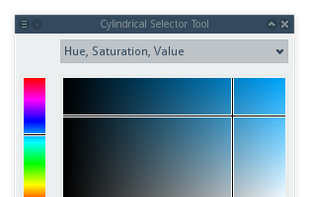
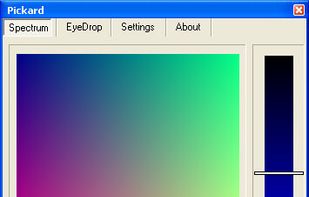
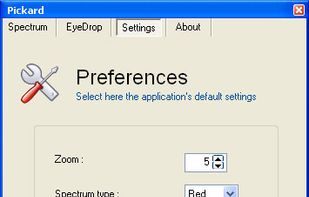
Pickard is an open source color selection tool, licensed under the GNU General Public License, that has many features of the color pickers you can find in high-level image processing applications (like Photoshop, Paint Shop Pro or GIMP), its features includes:
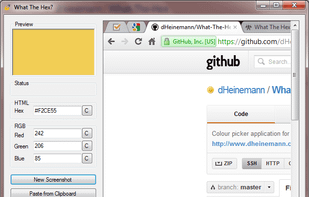
What The Hex? is a free and open-source colour picking tool, just like the eyedrop tool in image editors such as GIMP. But unlike those editors, What The Hex? is designed to provide you with the Hex or RGB information you're looking for in the fastest way possible.
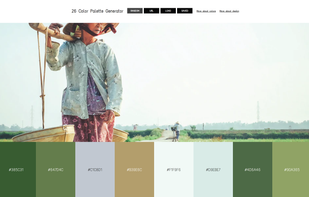
loads of color palettes made from images. Paletly is an online color styling community that empowers users to discover, share and buy ensembles created around color palettes. With easy to use color tools and a thriving community of designers and shoppers, Paletly hopes to become...
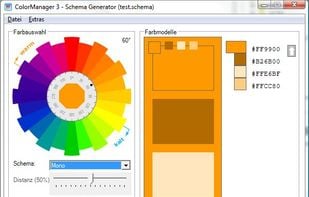
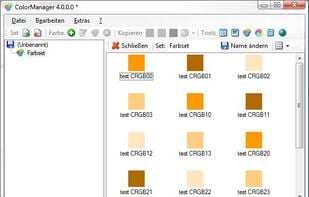
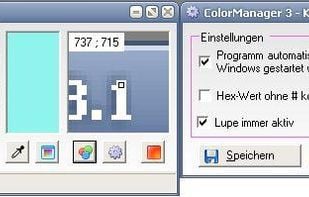
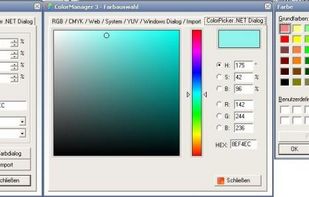
Color Manager is a color management utility. Color Manager expects colors in RGB, CMYK, HSV, YUV and hex value to for all sorts of purposes (for example, colors of an application or website). In the pipette mode can also easily one color can be chosen from the active desktop.
Visual Color Picker is very easy to use and powerful RGB-HSV-HSL-CMYK-HEX color selector. The program allows you to easily capture color value from any position of the screen even if program does not have input focus. The program has small screen capture preview area.
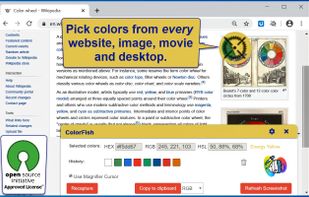
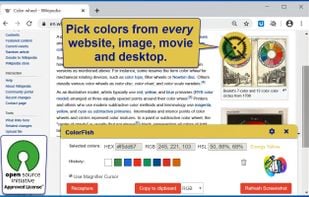
Open-Source Color Picker for Websites and Desktop Apps. It is an eyedropper tool to select color values from websites and desktop. Get a color reading from any point in your browser and from any point in your desktop.
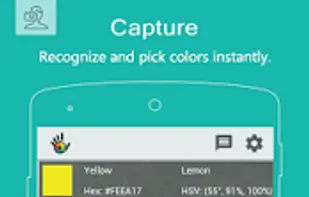
A color analytics mobile applications suite used by graphic designers, artists, professionals and anyone who loves colors in development and production. We are all colors nerds.





















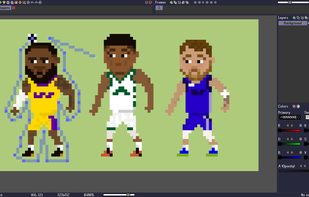
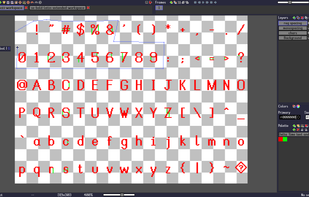
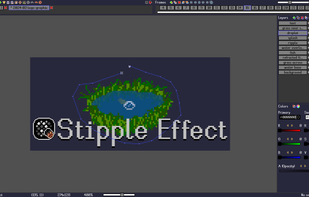

 PixiEditor










 Netherlands
 EU
EU




 Denmark

 Germany


 United States


