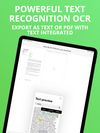
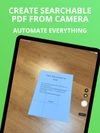
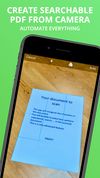
The app is 100% FREE, with NO ads and NO data collection. Donations are possible to support the project.
Cost / License
- Free
- Proprietary
Application type
Platforms
- iPhone
- iPad
 Italy
Italy EU
EU



Best alternatives are 
96 alternatives

The app is 100% FREE, with NO ads and NO data collection. Donations are possible to support the project.
ItalyEU
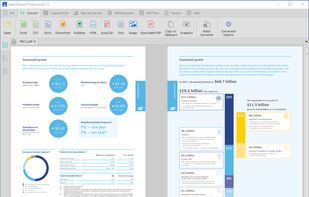
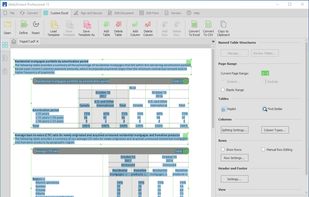
Professional PDF tool for Windows offering editing, markup, batch processing, 3D PDFs, OCR, forms, collaboration, security, file organization, and CAD integration.
 United States


🎮 Real-time Game Translation Tool | OCR + AI Translation | Windows Gaming | Open Source.
 Vietnam
 Google Translate
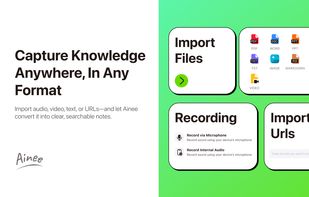
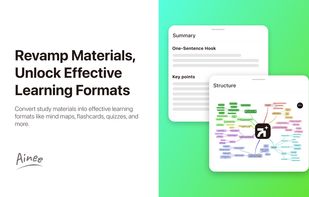
Your AI-driven notetaking companion for smarter learning. Capture real-time lecture notes and convert audio, text, files, and YouTube videos into formatted notes, mindmaps, flashcards, and more.
 Singapore



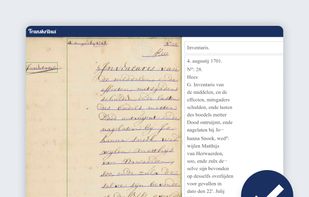
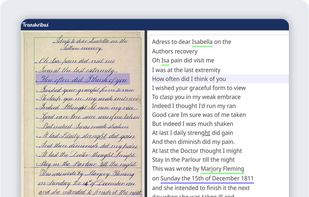
Work with historical documents. Transcription of handwritten documents. Possible use of computational Handwritten Text Recognition.
 AustriaEU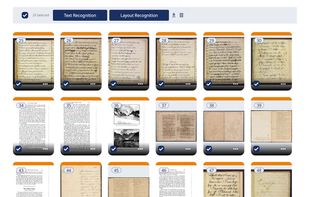



 Paperless-ngx
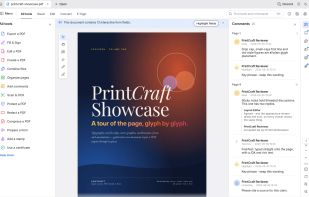
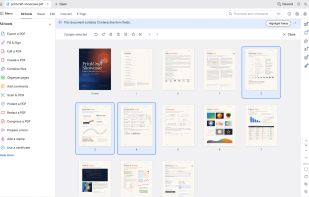
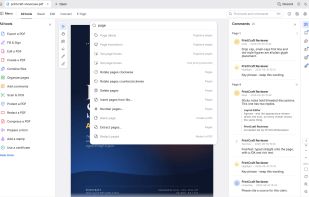
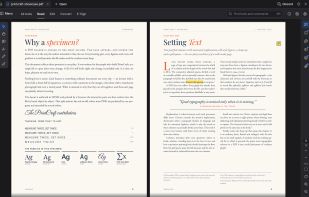
Read, organize, combine, split and secure PDFs in a fast, native app written in Rust from the ground up. No account, no telemetry, no cloud.


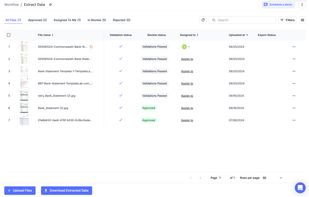
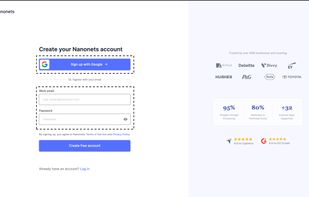
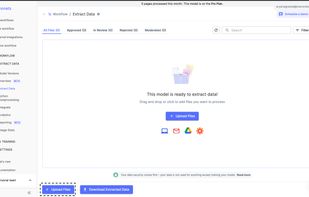
Nanonets is an LLM based OCR solution that that automates document processing and data extraction workflows. With models that do not rely on pre-defined document templates, Nanonets helps companies automate document-heavy business processes like accounts payable, order...
United States


 India
India


Privacy-first document scanner for Android. Scan, organize, and export multi-page PDFs with AES-256 encryption, biometric lock, and searchable PDF support. No ads, no cloud required.
United States


OCR software and web service to extract text from image files and PDF. The application is available as online OCR web app, OCR API, or simple to install Windows store application.
 GermanyEU

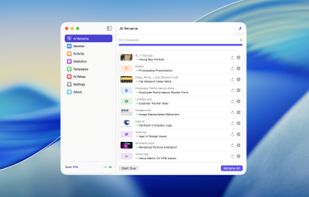
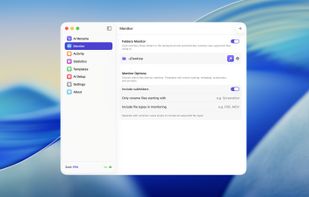
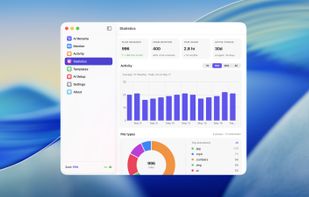
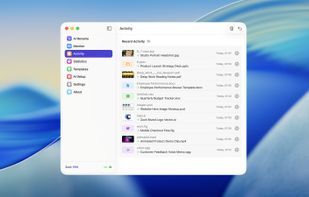
AI file renamer and organizer for Mac and Windows, with folder sorting, reusable Templates, batch preview, and local AI options.


 PortugalEU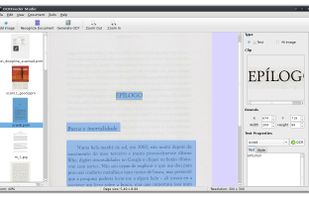


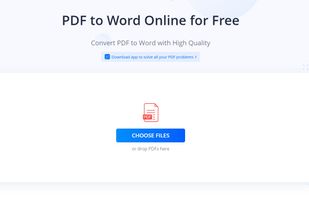
Cloud-based toolkit offers 20+ PDF editing, conversion, OCR, merge, split, and annotation tools, free online use, no watermarks, multi-platform support.
 Hong Kong SAR China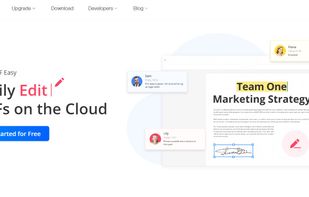
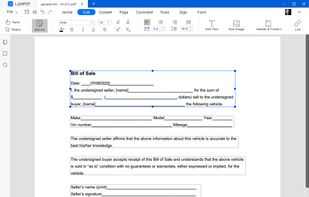
 Foxit PDF Reader
Cross-platform PDF suite with precise conversion to Word, Excel, PowerPoint, and AutoCAD, advanced editing, annotation, redaction, batch tools, and secure digital signatures.
United States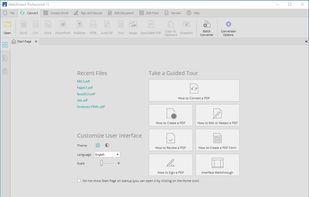
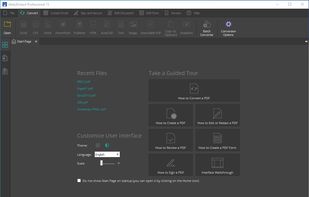
 Adobe Acrobat DC
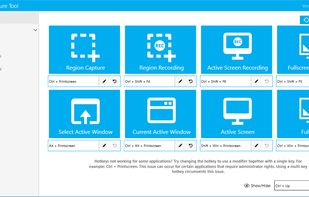
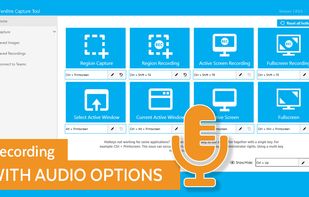
The Fenêtre Capture Tool for making professional screenshots and screen recordings. With advanced functions and abilities that other free capture tools don't offer.
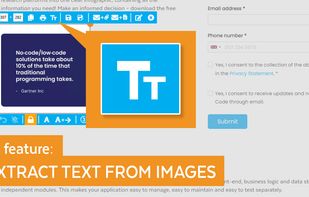
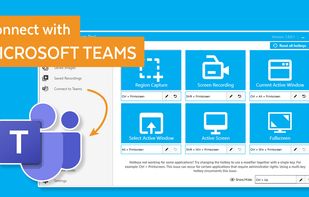

Meet MiniSnip, the smallest and fastest way to capture your screen and extract text with OCR on Windows. Open-source, feather-light, uses minimal resources, and stays completely out of your way.
Just one hotkey (Ctrl+Shift+C) is all you need to start.
United States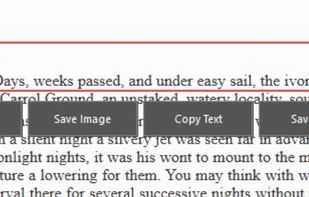

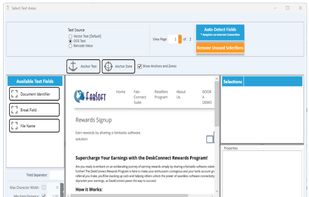
DeskConnect is an AI and machine learning software that automates data extraction from workstation documents and files. It automates printing from Windows applications, routes documents to the correct location, and simplifies desktop document processes.
 Midship
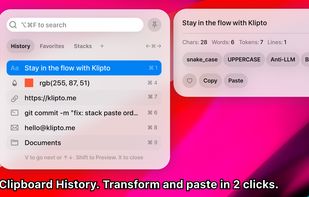
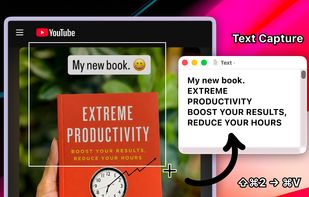
Clipboard tool for macOS built around a paste queue: collect several items, then paste them back one at a time in order, with text transformations and text capture from images.


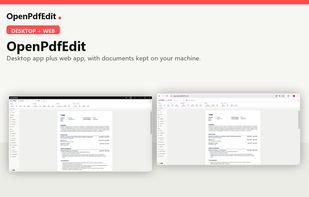
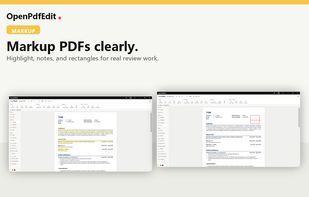
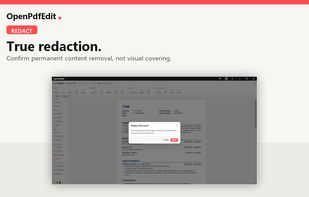
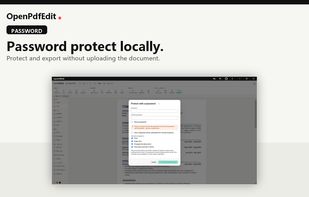
OpenPdfEdit is a PDF editor that does all of its work on your own device. The same Rust core runs natively on macOS and Windows and as WebAssembly in the browser, so there is no server to send a document to. It also runs as a Microsoft Edge extension.
 BentoPDF
 EstoniaEU