


Cost / License
- Paid
- Proprietary
Application type
Platforms
- Mac



Best alternatives are 
17 alternatives


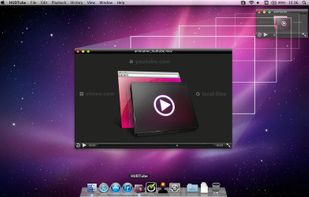
Stream videos to your AppleTV! Watch outside the box! Drag & drop YouTube, Vimeo or local clips into HUDTube and enjoy browser-free watching! ??

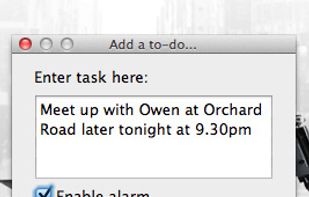
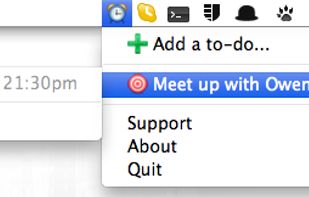
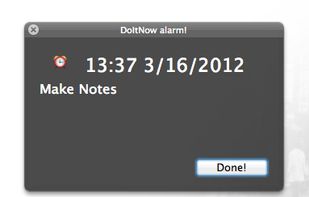
Do it now is a simple todo list for Mac OSX 10.6 and newer. Creating tasks can't be any simpler - just type it into the text box, and DoItNow! should automatically parse the to-do info from your input, using natural language.


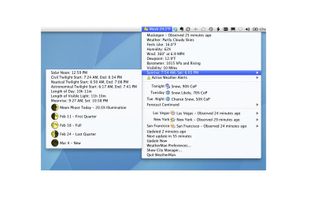
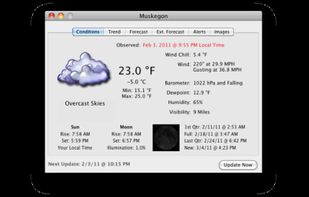
WeatherMan grabs and displays weather information for cities worldwide. Weather three ways for as many cities as you'd like.
Using data from the National Weather Service, WeatherMan shows... • Current Conditions; • Extended Forecasts - Highs, Lows, Chance of precipitation,.
 United States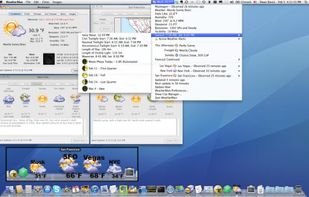


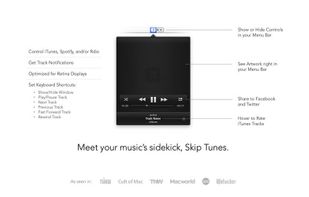
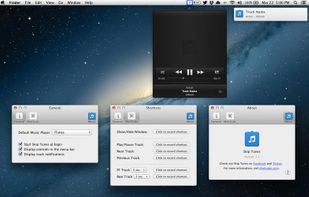
Meet your music's sidekick, Skip Tunes. A simple Mac OS X application which allows you to easily control iTunes, Spotify, and Rdio from your Menu Bar.


Having two monitors on OSX is both a joy and a pain. Simple things like viewing a movie or playing a game quickly become a hassle when you have one screen playing and the other blasting full brightness your face.



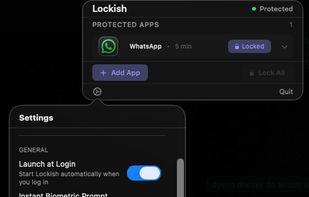
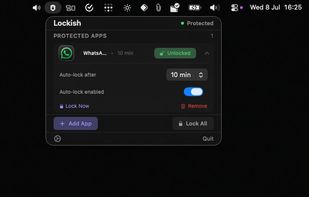
Lockish puts Touch ID in front of the apps you choose, like Messages, WhatsApp, your bank or your email, and leaves the rest of your Mac open. Lock them yourself with one click when you step away (everything at once, or one app), or let each app lock itself after you switch away...
 United Kingdom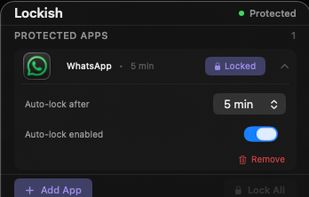


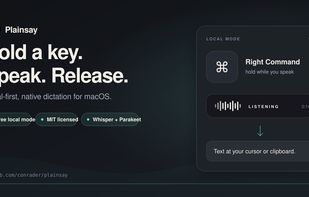
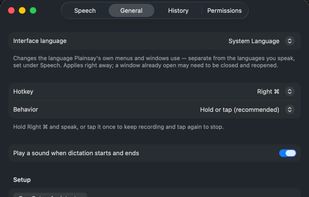
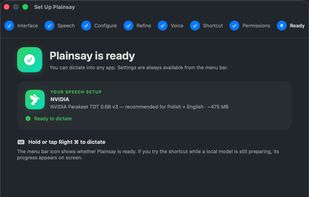
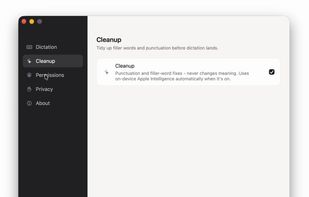
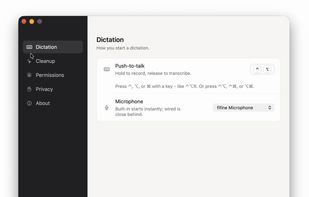
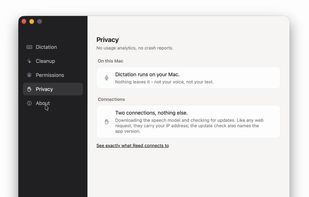
Open-source Mac dictation: hold a key, speak, release, and Whisper or Parakeet transcribes on your Mac and pastes the text at your cursor.



Quickly create a clean, professional menu using ready templates for restaurants and cafés. Edit text, photos, and branding in minutes with simple tools — no designer needed.
 Kazakhstan


 MenuSquaredand

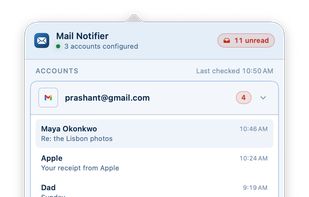
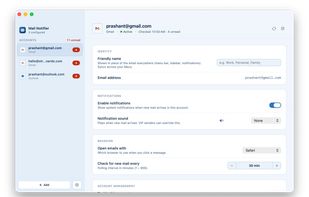
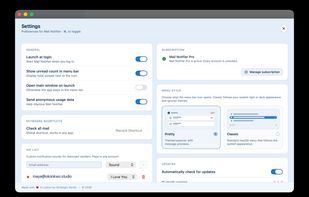
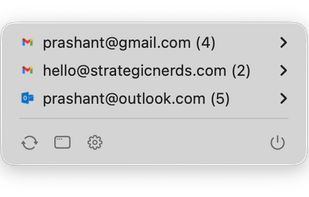
Mail Notifier is a native macOS menu bar app for Gmail and Microsoft Outlook / 365. It delivers unread counts and native notifications without leaving a browser tab open. Supports multiple accounts, VIP sender sounds, Focus-mode friendly notifications, read-only OAuth, and keeps...


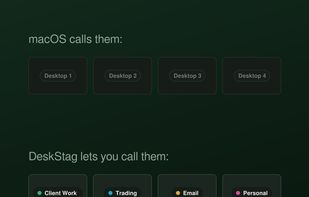
DeskStag lets you name and colour-code your macOS desktops (Spaces), with the names rendered directly on the Mission Control thumbnails, not just in the menu bar. It runs on a stock Mac with SIP intact, is notarised by Apple, and your desktop names never leave your machine.
United Kingdom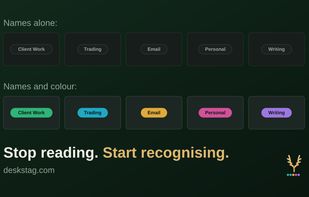
Free, open-source dictation for Mac. Hold a shortcut, speak, release: clean text appears at your cursor, processed entirely on your Mac.
United States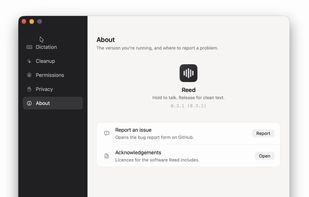
 Handy STTand
 Vibe Transcribe
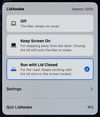
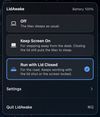
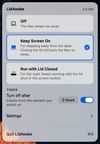
LidAwake is a macOS menu bar app that keeps your Mac awake, including with the lid closed and no external display. It has two modes: Keep Screen On for stepping away from the desk and Run with Lid Closed for a laptop that has to keep working while closed.
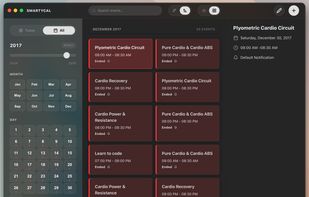
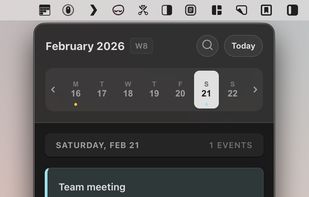
An AI-powered Google Calendar client for macOS with a menu bar scroller, global search, and natural language event creation.
United States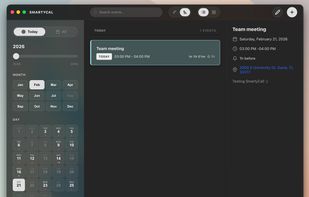
 Google Calendar
TickerNotch is a Swift application designed to transform your MacBook's notch into an interactive ticker bar. It displays your watchlist and position P&L on one side, while scrolling through RSS news headlines on the other.
 Greece
 EU
EU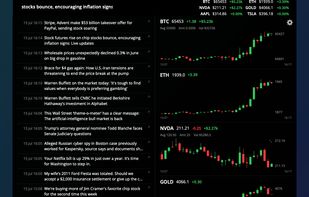




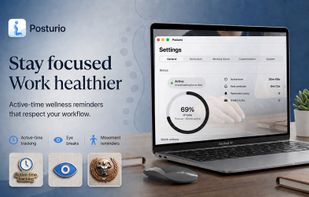
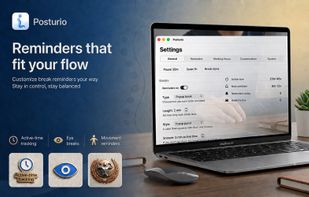
Posturio is a native macOS menu bar app that helps desk workers build healthier work habits with active-time reminders for posture, eye breaks, eye exercises, movement, hydration, and guided stretching.
 NetherlandsEU

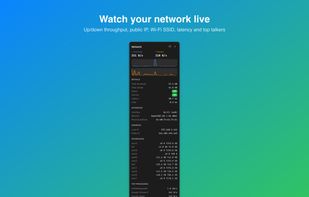
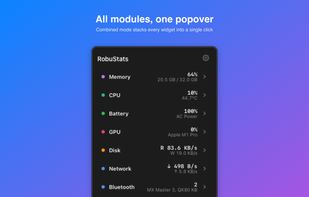
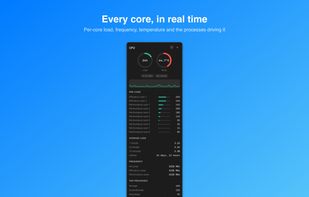
RobuStats is a menu-bar system monitor for macOS. Watch CPU, GPU, memory, network, and battery health at a glance, with live charts one click away. RobuStats is included in every getapps.cafe subscription.
United States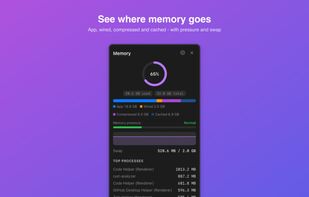



 Taiwan

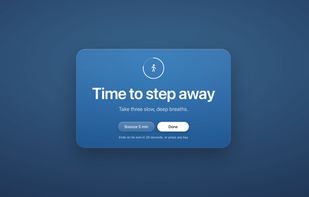
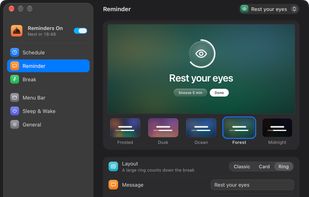
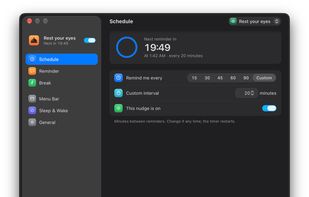
Free, open source menu bar reminders that cover your screen until you dismiss them. Designed with ADHD and hyperfocus in mind.
United States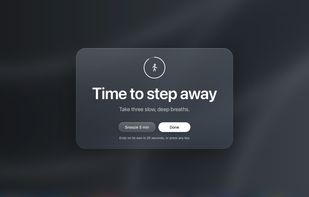

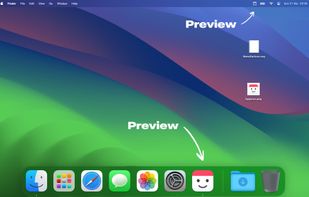
Preview how your macOS app icon will look in the Dock and how your menu bar item icon will appear.
 Norway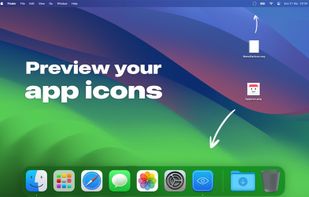


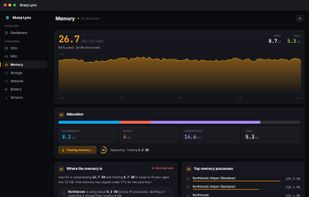
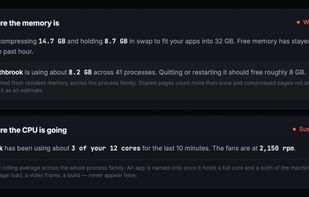
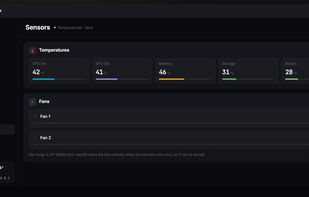
Shows Mac resource stats in menu bar and dashboard, explains system activity in plain language, reclaims memory on demand, monitors storage, network, temperatures, and requires no account or tracking.
 Hong Kong SAR China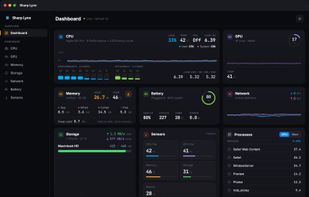


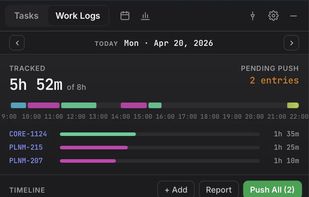
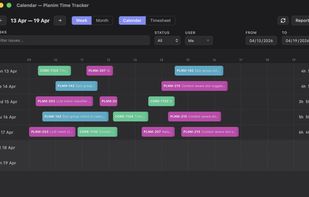
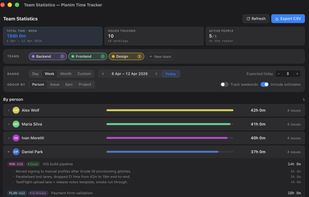
Planim Time Tracker is a menu bar app for logging time on Jira issues without opening the Jira web UI. It lives in the system tray (the menu bar on macOS) and opens a small popover when you click the icon.
 Serbia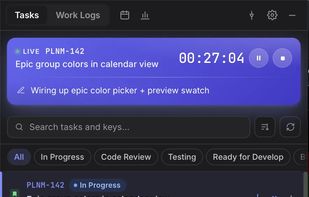

 Clockify



 Czechia


