




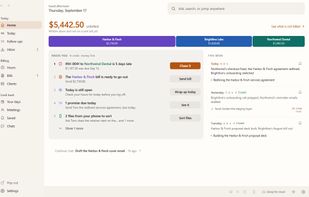
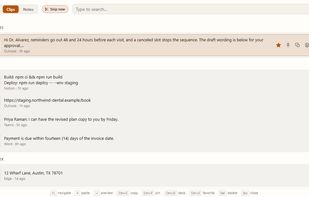
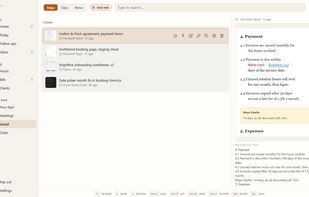
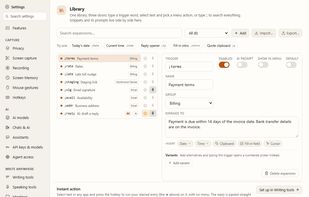
KeptInFlow is a Windows 10 and 11 app that stops you retyping what is already on your screen. It works where your cursor already is, in every app: Outlook, Word, Slack, your browser, your code editor.



+2


The top-rated alternative to Snagit is ShareX, which is free and open source. People also recommend Greenshot, Flameshot, OSS Document Scanner and Snipping Tool. Screenshot Capture Tools like Snagit are a crowded field, with more than 100 alternatives for Windows, Mac, Linux, the web and iPhone.
KeptInFlow is a Windows 10 and 11 app that stops you retyping what is already on your screen. It works where your cursor already is, in every app: Outlook, Word, Slack, your browser, your code editor.
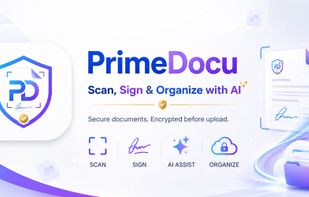
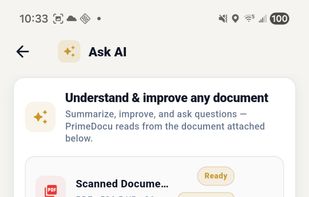
AI document assistant for web, iOS and Android with scanning, PDF signing, OCR, conversion, translations and reminders. Features device-based AES-256 encryption, end-to-end privacy, no watermarks, and secure zero-knowledge storage for sensitive files.


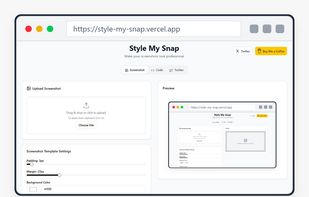
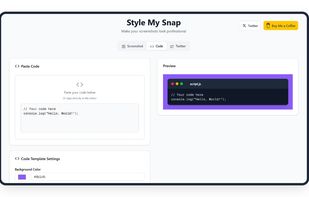
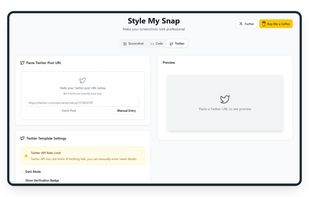
Style My Snap is a free online tool that helps you create professional-looking screenshots, code snippets, and Twitter posts. Perfect for developers, designers, and content creators who want to make their images stand out on social media and documentation.
 India

Enables macOS users to capture screenshots, annotate images, draw on a blank canvas, overlay image layers, use blur, mosaic, spotlight, QR code, watermark tools, add social badges, manage high-resolution export, and quickly share visuals via clipboard or file.
 China
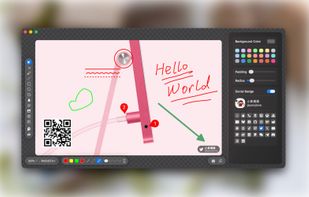
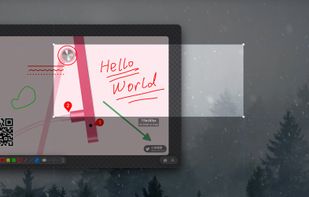
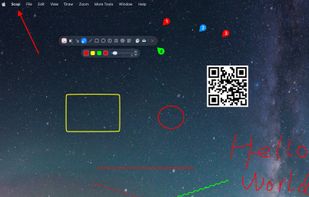
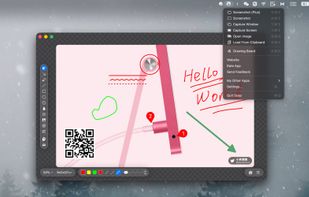

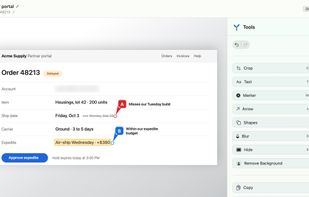
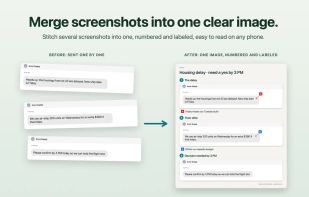
Mac screenshot tool for collecting related captures into labeled groups and exporting them as one numbered image. Add text, arrows, shapes, highlights, crops, blur, redaction, markers, and notes; import existing files while preserving originals, then copy or save the result.
 United States
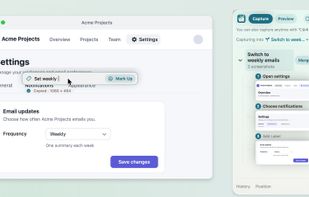
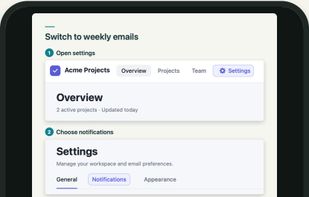


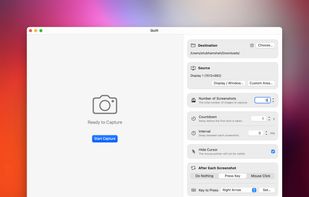
Quilt is your utility for effortlessly turning anything on your screen from books in apps like Apple Books, HTML slides or textbooks even into a PDF with custom keybinds or mouse clicks.
 Canada


Fast, lightweight and offline-first Snipping tool for Windows with integrated high-accuracy OCR. Capture any screen area and extract text instantly without any cloud processing.
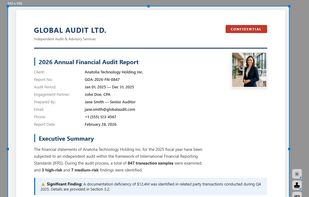

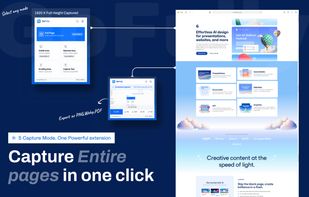
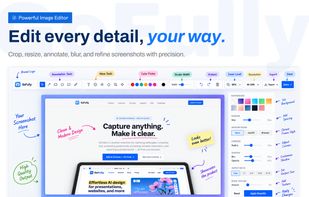
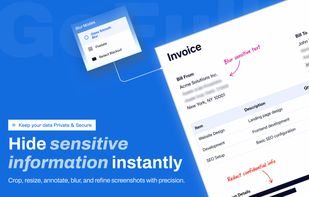
Free, 100% on-device Chrome extension for full-page screenshots, local OCR text extraction, visual annotation, and PDF export.
India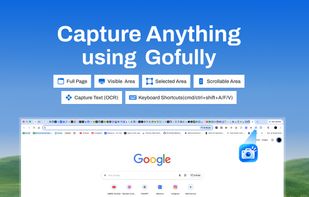


AI-powered screenshot utility for region, window, and full-screen capture, featuring background removal, optical character recognition, image enhancement, annotation, watermark, and signature tools. Supports creatives, professionals, and content sharing workflows.
China

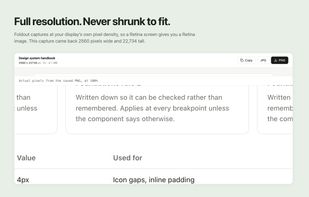
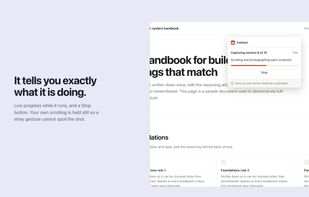
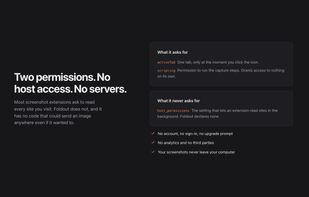
Foldout captures an entire web page as a single image, including everything below the fold. Click the button and it scrolls the page, captures each section, and stitches them together in the browser.
Canada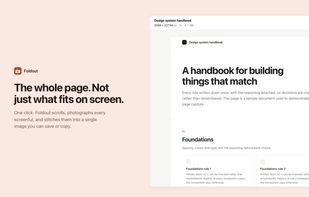
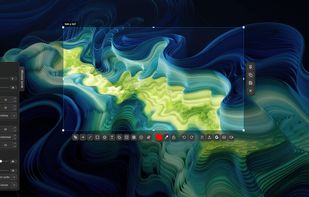
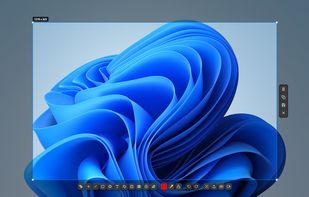
Fast, lightweight screenshot and screen recording tool for Windows and Linux with annotations, OCR, uploads, pinned captures, GIF and MP4 recording.
 Türkiye


 Ukraine


