
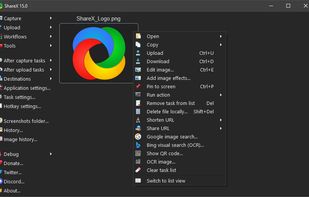
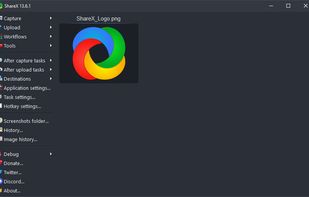
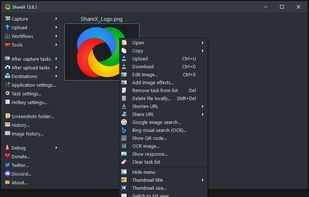
Open-source screen capture and file sharing tool with recording, editing, and annotation features. Supports 4K, dark mode, theming, offline use, and offers a lightweight, ad-free experience without tracking user data.
 United States



+9
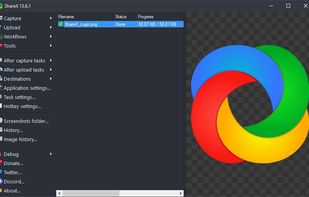




Apps similar to KeptInFlow include ShareX, which is free and open source. Other options are Microsoft PowerToys, CopyQ, Greenshot and Ditto. You can choose from more than 10 Clipboard Managers like KeptInFlow for Windows, Mac, Linux, iPhone and iPad.
Open-source screen capture and file sharing tool with recording, editing, and annotation features. Supports 4K, dark mode, theming, offline use, and offers a lightweight, ad-free experience without tracking user data.
United States
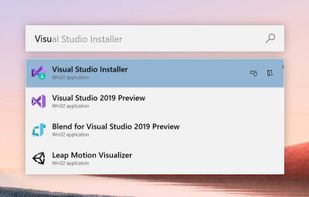
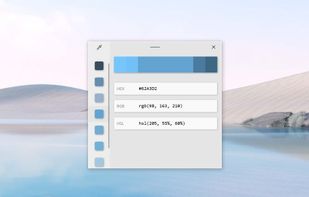
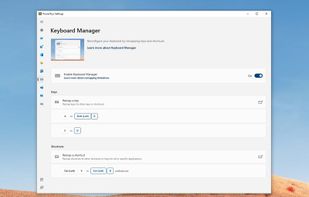
Open-source utilities for Windows include FancyZones for window management, PowerRename for bulk renaming, and Keyboard Manager for custom shortcuts. Ad-free, supports multi-monitor setups, no registration needed, lightweight resource usage, and works offline.
United States

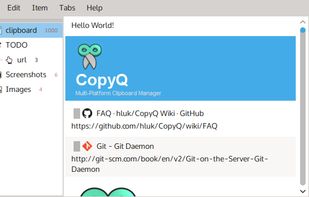
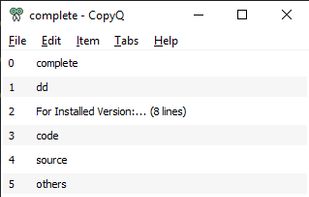
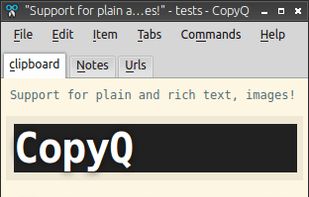
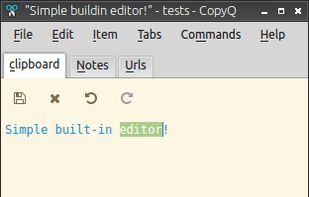
Cross-platform clipboard manager capturing and organizing diverse data in custom tabs, offering search, scripting, editable history, keywords, notes, tags, Vim-like shortcuts, advanced filtering, customizable commands, and full interface customization for users.
 Czechia
 EU


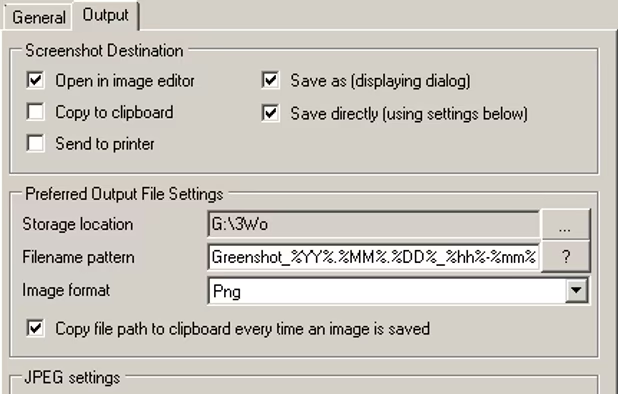
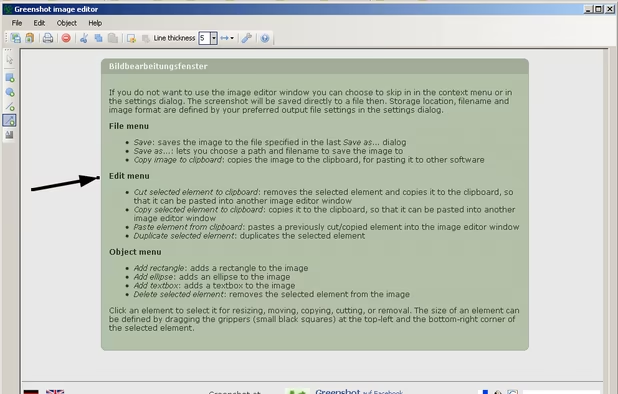
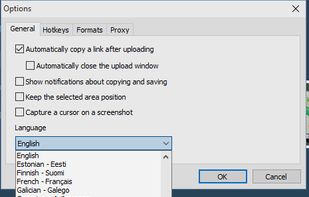
Lightweight screenshot tool offering OCR, exports to Office apps and online storage, integration with external commands, supporting 32 languages and minimal space requirement.
 GermanyEU



Extends clipboard history by saving every copied item, including text, images, and HTML. Enables search, thumbnail previews, and secure network sync across devices. Accessible via tray or hotkey, supports Unicode, offers 17 translations, and uses SQLite storage.
United States


 ItalyEU
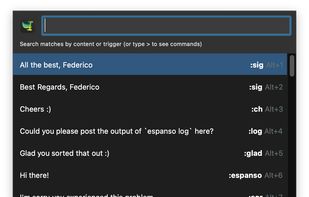


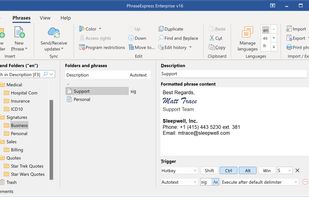
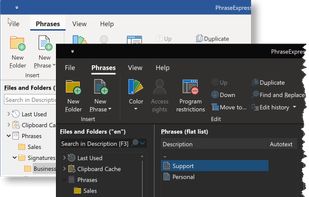
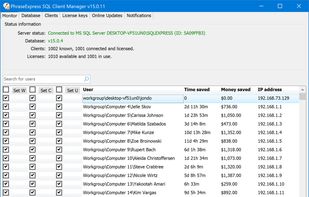
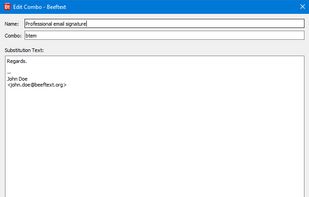
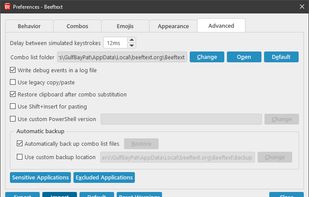
Autotext and snippet expander organizes reusable phrases in folders, inserts text by shortcuts or abbreviations, syncs phrase libraries across devices, includes macros, clipboard management, email integration, dynamic templates, and supports AES encryption for data.
GermanyEU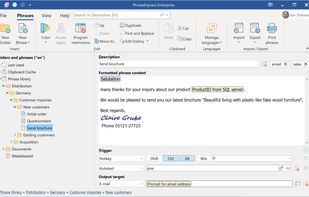


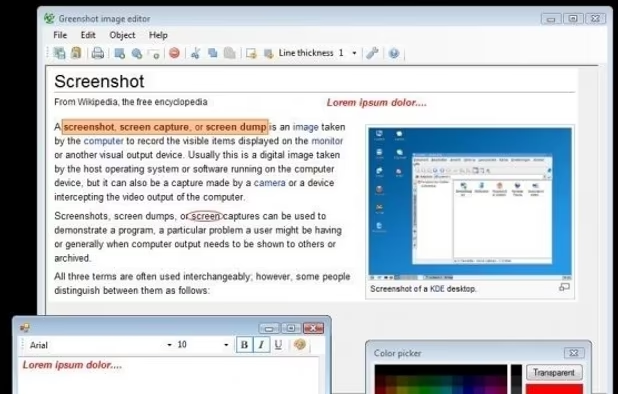
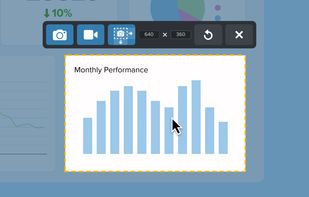
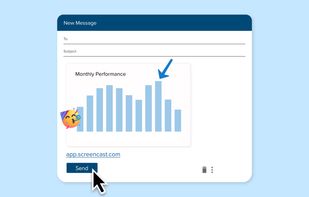
Advanced screen capture and recording tool enabling image or video captures directly from your screen. Includes editing features like callouts, transparency, and effects to enhance visuals. Organize and easily share creations through documents, presentations, or favorite applications.
United States



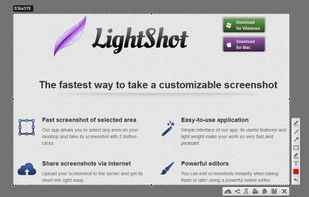
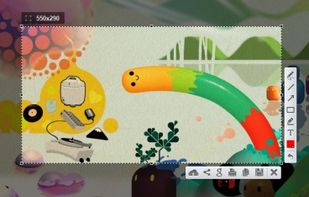
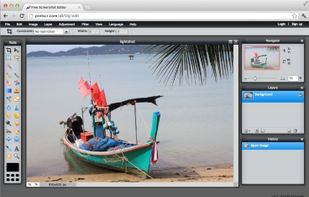
Captures selectable screen regions for Windows and Mac, offers instant uploading, quick editing, and sharing through short URLs, supports saving locally, annotating, clipboard copying, browser add-ons, upload history access, and operates without heavy system use.
 Russia


Boosts team efficiency by managing, creating, and sharing reusable text snippets across all platforms with support for fill-in fields, advanced customization, and insightful analytics to drive productivity and performance enhancement.
United States


 FranceEU


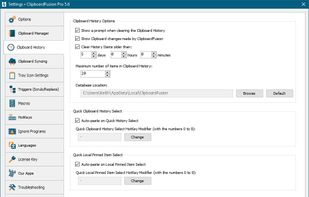
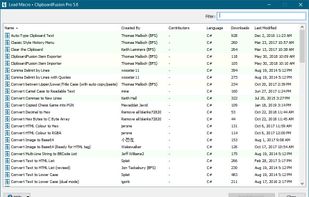
ClipboardFusion is a powerful clipboard manager, complete with HotKeys, text scrubbing, text replacing and completely customizable clipboard Macros. ClipboardFusion can remember your clipboard history, and even sync it between computers using the ClipboardFusion Online service.
 Canada