

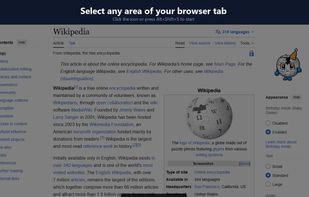
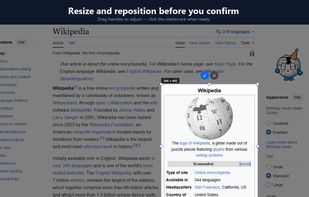
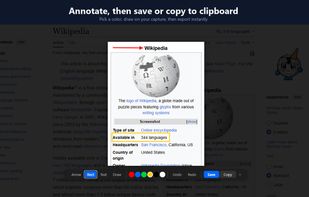
ClearShot captures any area of your browser tab, lets you annotate with arrows, rectangles, text, and freehand drawing, then saves as PNG or copies to clipboard. Everything stays on your device — no upload, no account, no tracking.
 United States







Apps similar to ShareX include Greenshot, which is open source with a free version. Other options are Flameshot, Screenity, SimpleScreenRecorder and N-Studio. There's no shortage of Screenshot Capture Tools like ShareX, with more than 100 alternatives for Windows, Mac, the web, Linux and Android.
ClearShot captures any area of your browser tab, lets you annotate with arrows, rectangles, text, and freehand drawing, then saves as PNG or copies to clipboard. Everything stays on your device — no upload, no account, no tracking.
United States
AInotate gives AI agents annotated screenshots. Ask an agent where a setting is and it captures the page or window, finds the elements by text or role, and draws numbered steps, Skitch-style arrows, boxes and labels placed where they cover the least content.
United States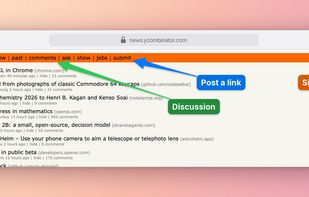


 Japan
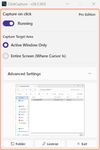
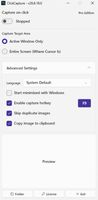
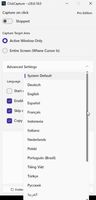


Screen Capture for macOS is a native Swift + ScreenCaptureKit screenshot utility, 100% free and open source (Apache-2.0), Apple Developer ID signed and notarized.
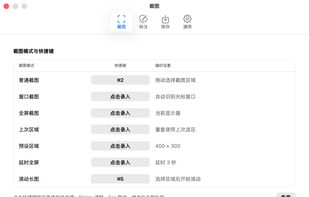

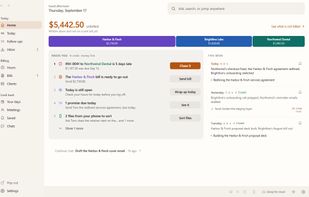
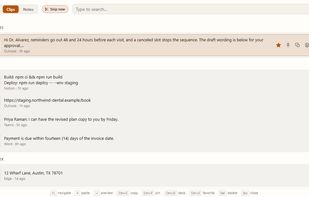
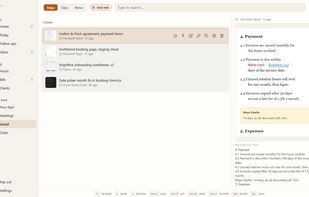
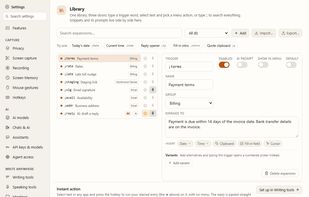
KeptInFlow is a Windows 10 and 11 app that stops you retyping what is already on your screen. It works where your cursor already is, in every app: Outlook, Word, Slack, your browser, your code editor.


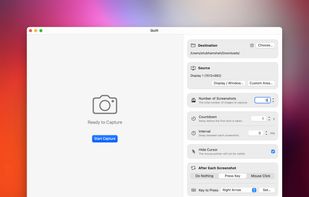
Quilt is your utility for effortlessly turning anything on your screen from books in apps like Apple Books, HTML slides or textbooks even into a PDF with custom keybinds or mouse clicks.
 Canada

Native macOS screen recorder, screenshot tool, and video editor with on-device AI a one-time purchase, no subscription, nothing uploaded.
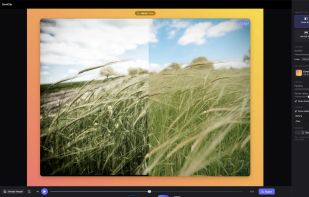
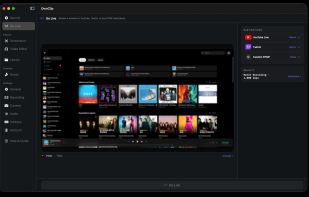
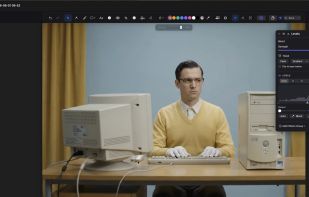
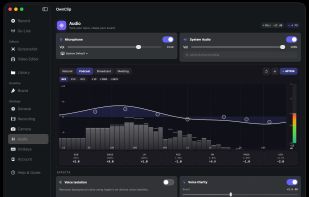

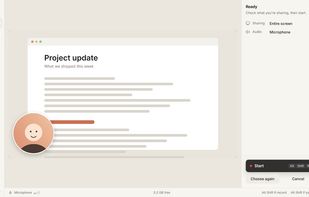
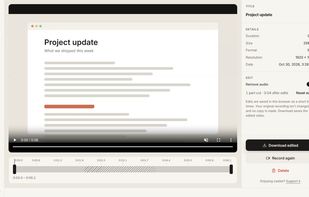
A free screen recorder that runs in your browser. Record screen, camera and mic, then cut and download. No account, nothing uploaded.
 Philippines
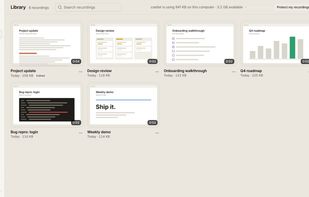

Chrome/Edge extension to capture full pages, areas or the screen as image, PDF or MHTML, record video/audio, annotate, and batch-capture URLs.
United States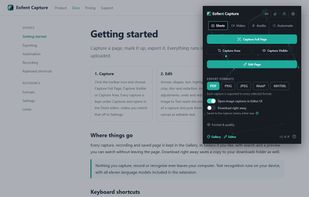
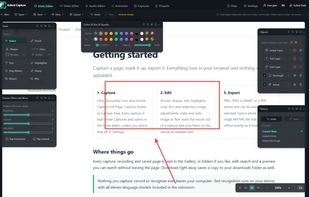
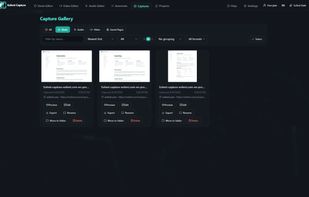
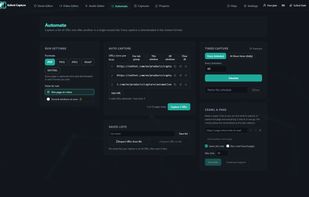

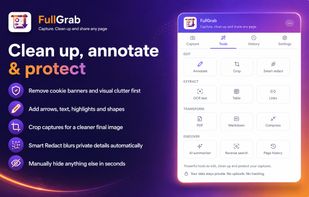
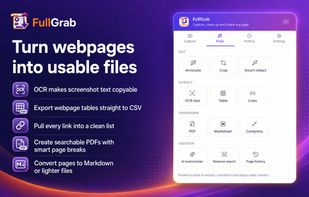
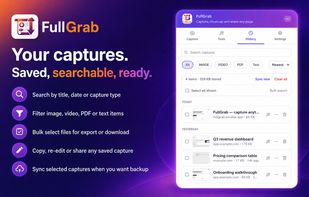
Capture visible areas, full pages, regions, elements and screen recordings, then remove clutter, annotate or redact details. Extract OCR text, tables, links or Markdown; create searchable PDFs, share results or send them to AI while keeping captures local by default.
United States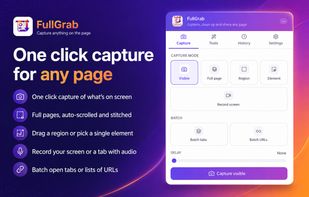

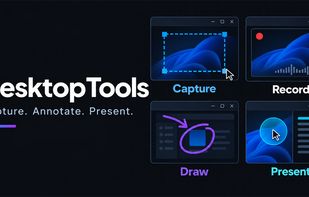
DesktopTools brings screenshots, screen recording, image annotation, and presentation tools into one Windows 11 app. Capture a region, window, or monitor, add arrows or text, record walkthroughs with microphone and system audio, draw over the desktop, use a spotlight or...




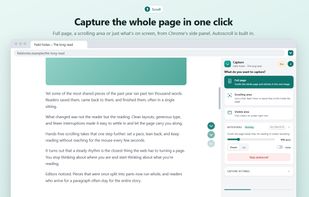
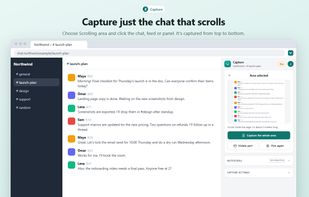
Chrome extension for full page and scrolling screenshots, including chats and feeds that scroll inside a page, plus a free screen recorder.
United States