


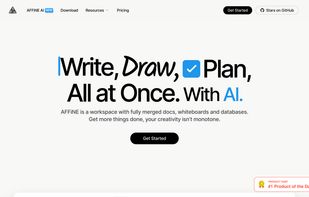
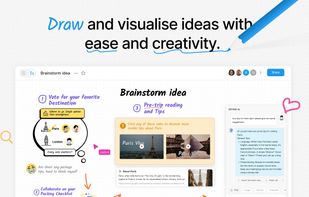
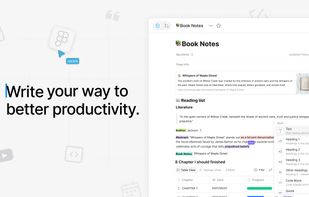
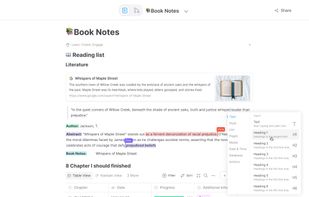
Open-source, privacy-focused workspace combining note-taking, project and task management, Kanban board, interactive whiteboard, Pomodoro timer, Markdown support, offline access, real-time team collaboration with @mentions, goal tracking, subtasks, and customizable features.
Cost / License
- Freemium
- Proprietary
Application typeApplication types
Platforms
- Mac
- Windows
- Linux
- Online
- Android
- iPhone
- Self-Hosted
 Singapore



+3





 Netherlands
 EU
EU


 China
China


 Italy
Italy


 United States


 Switzerland


 Austria


 Estonia


