

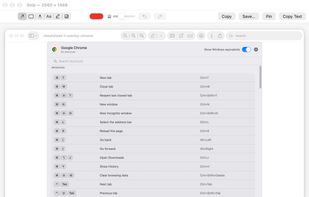
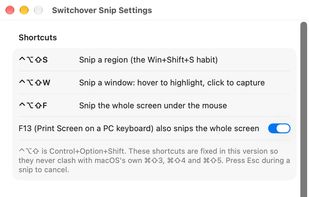
Switchover Snip is the Windows Snipping Tool rebuilt for the Mac, for people who keep reaching for Win+Shift+S out of habit.
 Australia




The best Screenshot Capture alternative to Flameshot is ShareX, which is both free and Open Source. If that doesn't suit you, our users have ranked more than 100 alternatives to Flameshot and loads of them are Screenshot Capture Tools so hopefully you can find a suitable replacement. Other interesting Screenshot Capture Tool alternatives to Flameshot are Greenshot, Snipping Tool, Ksnip and macshot.
Switchover Snip is the Windows Snipping Tool rebuilt for the Mac, for people who keep reaching for Win+Shift+S out of habit.
Australia
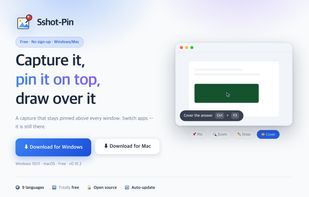
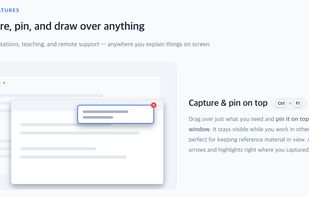
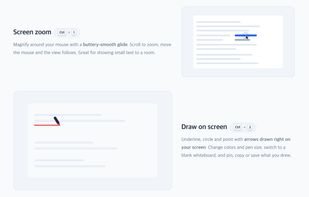
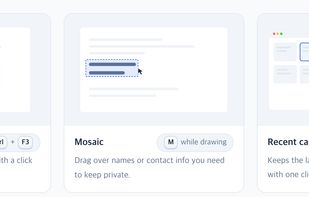
Sshot-Pin is a free screen capture tool for Windows and macOS, built for teaching and presenting.
 South Korea

ScreenX is a native Windows screenshot utility designed for speed and aesthetics. Built on a lightweight Rust (Tauri) backend, it replaces slow, memory-heavy Electron apps with a buttery-smooth React interface.
 Nigeria
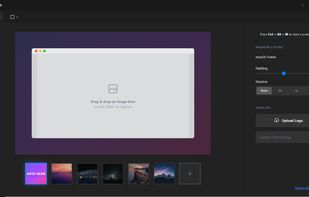

Capture any part of your screen and turn it into a floating card. On-device OCR, scroll capture, dock-to-edge gestures. Runs entirely on your Mac.
 Ukraine

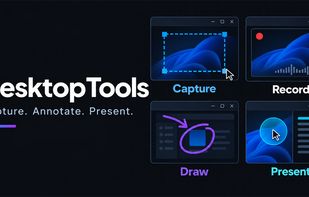
DesktopTools brings screenshots, screen recording, image annotation, and presentation tools into one Windows 11 app. Capture a region, window, or monitor, add arrows or text, record walkthroughs with microphone and system audio, draw over the desktop, use a spotlight or...




Fast, lightweight and offline-first Snipping tool for Windows with integrated high-accuracy OCR. Capture any screen area and extract text instantly without any cloud processing.


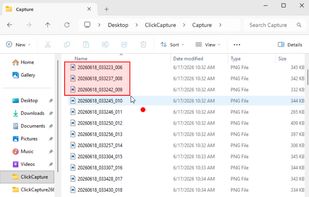
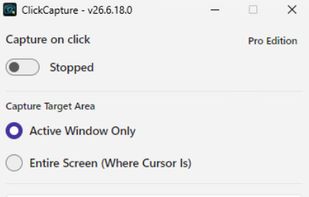
EasyCapture Pro is a screenshot utility designed for Windows users who need a quick and simple way to take screenshots and save images locally.
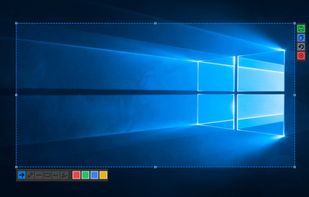
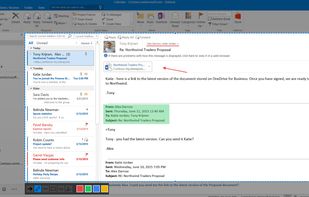
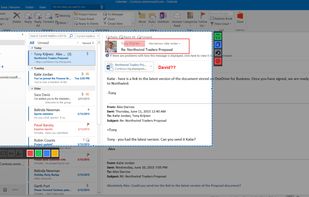


AI-powered screenshot utility for region, window, and full-screen capture, featuring background removal, optical character recognition, image enhancement, annotation, watermark, and signature tools. Supports creatives, professionals, and content sharing workflows.
 China



 Japan

 South Korea



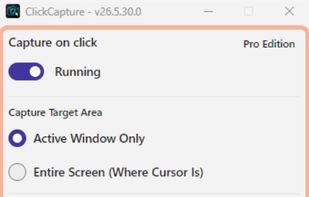
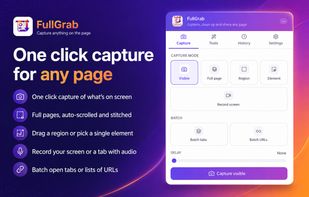
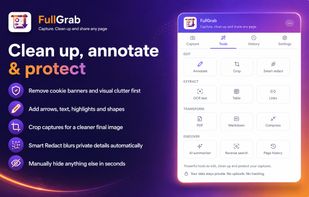
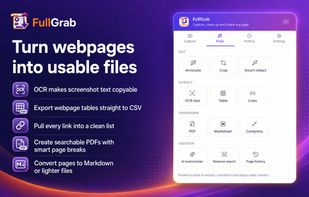
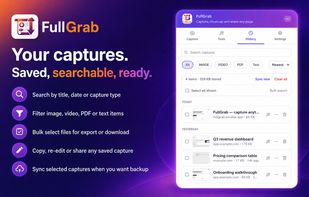
Capture visible areas, full pages, regions, elements and screen recordings, then remove clutter, annotate or redact details. Extract OCR text, tables, links or Markdown; create searchable PDFs, share results or send them to AI while keeping captures local by default.
 United States


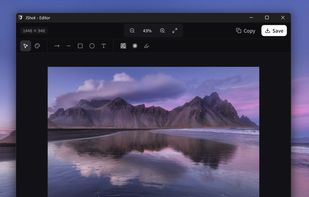
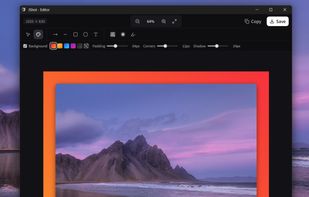
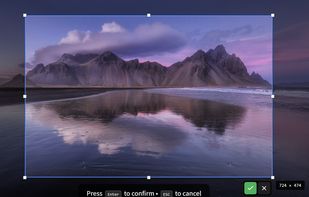
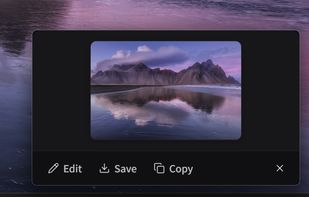
JShot turns your screen captures into finished images in seconds. No clutter, no friction — just the perfect flow.