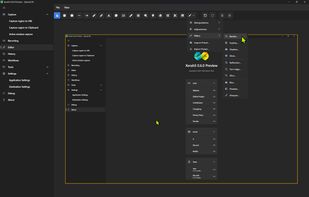
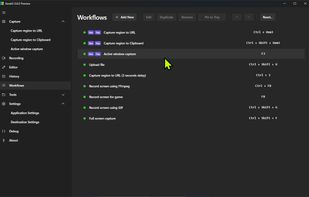
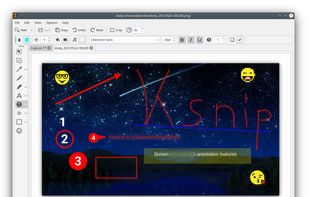
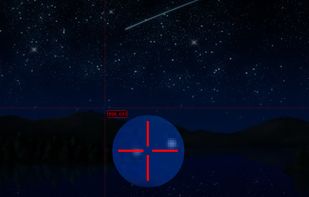
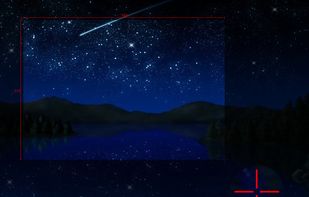
Ksnip is a Qt based cross-platform screenshot tool that provides many annotation features for your screenshots.
Cost / License
- Free
- Open Source (GPL-3.0)
Application type
Platforms
- Mac
- Windows
- Linux
- Snapcraft
- Flathub
 Germany
 EU
EU



+6



There are many alternatives to Flameshot for Linux if you are looking for a replacement. The best Linux alternative is Ksnip, which is both free and Open Source. If that doesn't suit you, our users have ranked more than 100 alternatives to Flameshot and many of them are available for Linux so hopefully you can find a suitable replacement. Other interesting Linux alternatives to Flameshot are Gradia, Shutter, Spectacle and Snipaste.
Ksnip is a Qt based cross-platform screenshot tool that provides many annotation features for your screenshots.
GermanyEU
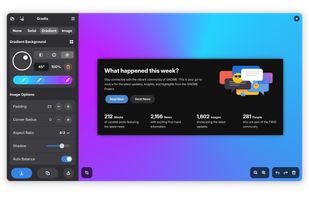
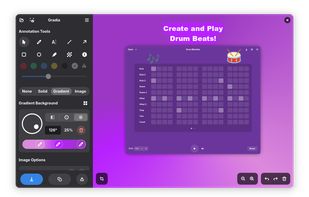
Make your screenshots ready for the world. Gradia allows you to quickly modify screenshots of application windows to put them better in context.
 BelgiumEU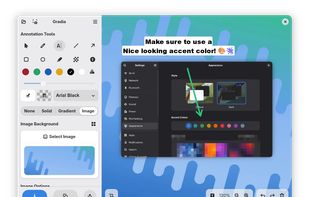
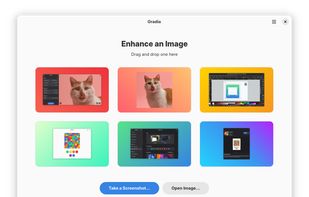


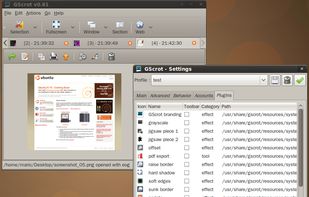
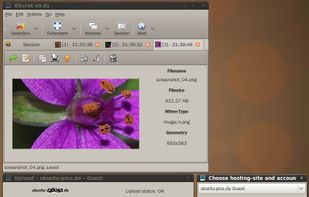
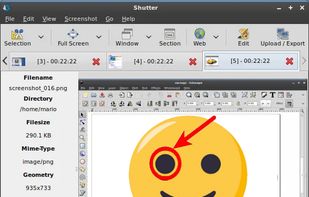
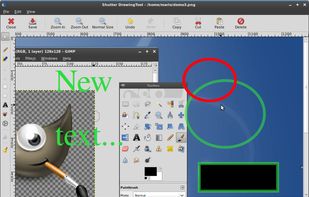
Shutter is a feature-rich screenshot program for Linux based operating systems. It is free, open-source, and licensed under GPL v3.


Spectacle is a simple application for capturing desktop screenshots. It can capture images of the entire desktop, a single monitor, the currently active window, the window currently under the mouse, or a rectangular region of the screen.
GermanyEU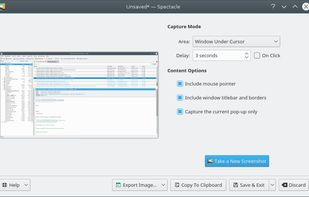


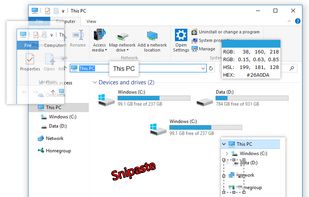
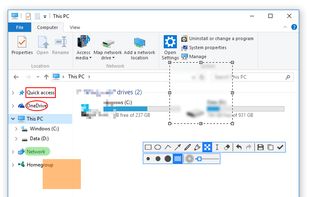
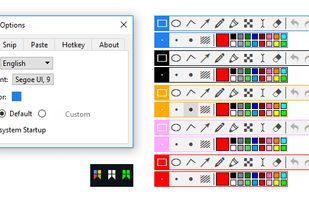
Snipaste is a simple but powerful snipping tool, and also allows you to pin the screenshot back onto the screen. Snip. Then paste. Free. Customizable. Portable.
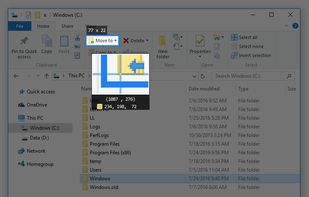


Gyazo lets you instantly grab the screen and upload the image to the web. You can easily share on Chat, Social, Email, or anywhere!
 United States


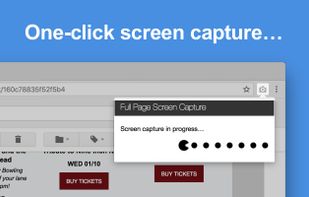
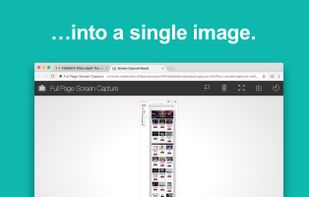
The simplest way to take a full page screenshot of your current browser window. Click on the extension icon (or press Alt+Shift+P), watch the extension capture each part of the page, and be transported to a new tab of your screenshot where you can download it as an image or PDF...
United States


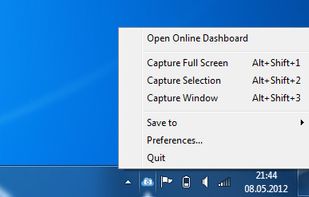
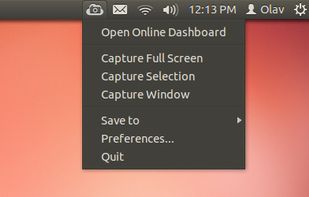
ScreenCloud is an easy to use screenshot sharing application. Take a screenshot using one of the 3 hotkeys or simply click the ScreenCloud tray icon. You can choose where you want to save your screenshot.


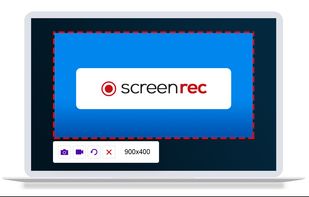
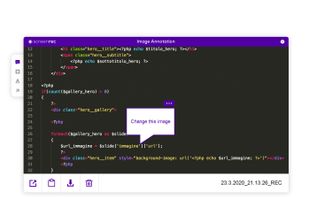
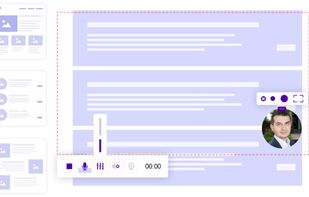
ScreenRec is a free screen recorder for Windows, Linux, and Mac with webcam, microphone, and system audio capture. Record without a watermark or time limit, store videos in free cloud storage, and share instantly with private links.
 BulgariaEU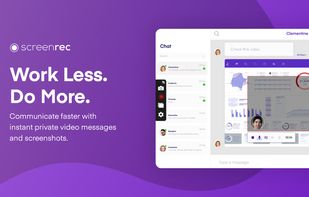


Swappy is a Wayland screenshot editing tool featuring brushes, text, shapes, arrows, and blur. Images can be saved locally or copied directly to the clipboard.
 FranceEU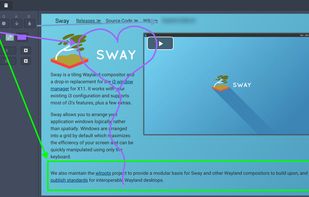


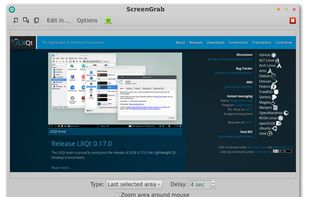


The most advanced screen capture tool for Windows, macOS, and Linux. ShareX reimagined with modern UI technologies, built from the ground up for cross-platform performance.
United States