
Lightweight screenshot tool offering OCR, exports to Office apps and online storage, integration with external commands, supporting 32 languages and minimal space requirement.
 Germany
 EU

+9
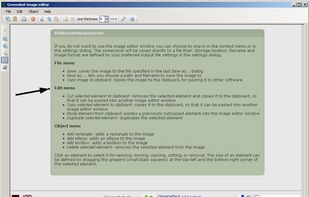
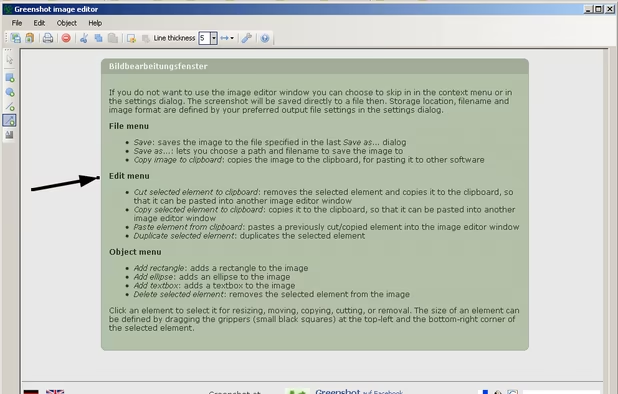



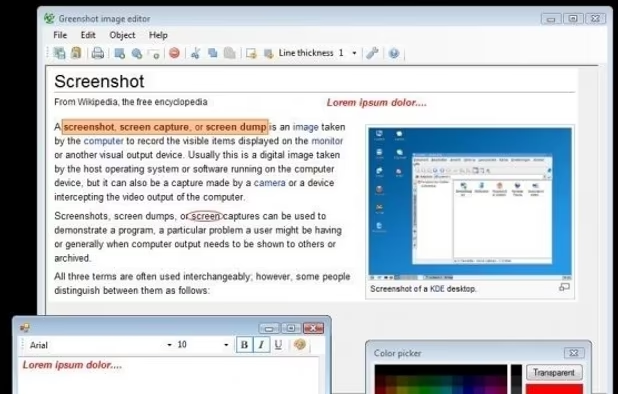
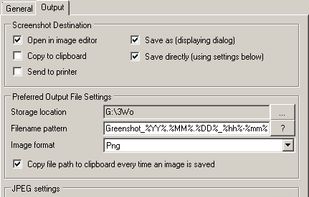
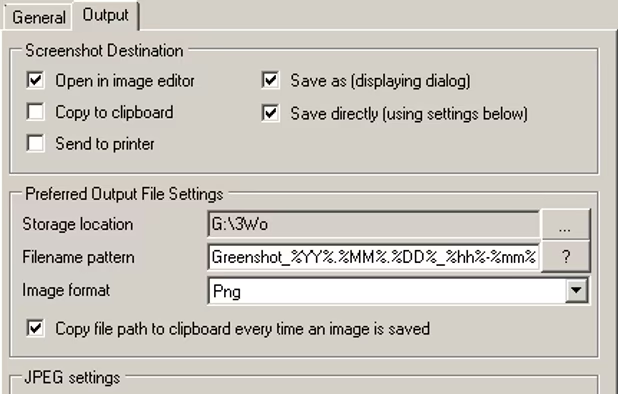
Apps similar to Obry include Greenshot, which is open source with a free version. Other options are Flameshot, Spectacle, Snagit and CleanShot X. You're spoiled for choice with Screenshot Capture Tools like Obry: we list more than 25 alternatives for Mac, Windows, the web, Linux and iPhone.
Lightweight screenshot tool offering OCR, exports to Office apps and online storage, integration with external commands, supporting 32 languages and minimal space requirement.
GermanyEU
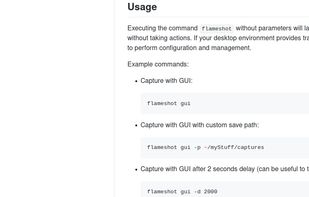
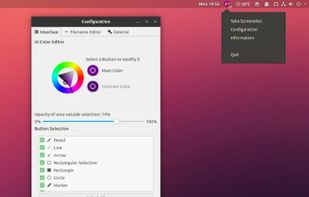
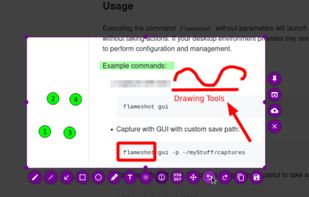
Flameshot is a free, open-source screenshot tool that is cross-platform compatible, offering customization, editing features, CLI scripting, and direct Imgur uploads for seamless sharing. It provides an intuitive user experience through features like area selection, annotations, and saving options.
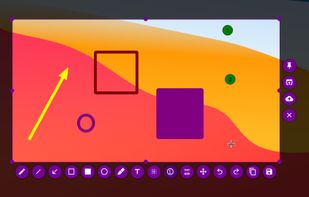


Spectacle is a simple application for capturing desktop screenshots. It can capture images of the entire desktop, a single monitor, the currently active window, the window currently under the mouse, or a rectangular region of the screen.
GermanyEU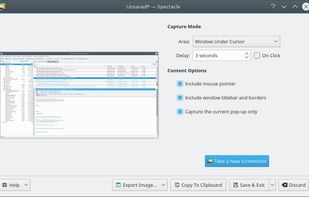


Advanced screen capture and recording tool enabling image or video captures directly from your screen. Includes editing features like callouts, transparency, and effects to enhance visuals. Organize and easily share creations through documents, presentations, or favorite applications.
 United States

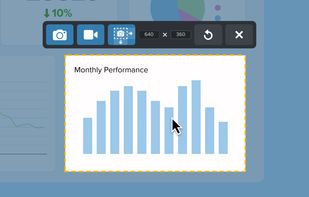
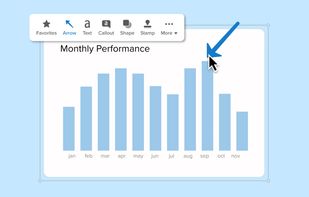
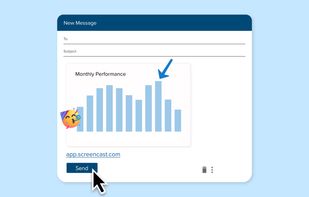


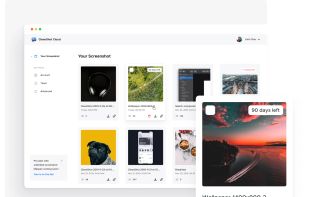
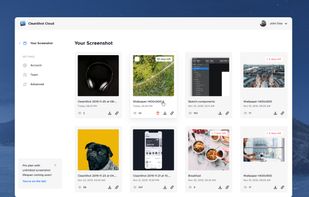
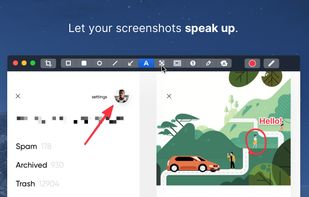
Capture and record screens on Mac with CleanShot X, featuring seamless recording, custom keyboard shortcuts, customizable wallpapers, Quick Access Overlay, and Desktop icon toggle for a tidy user interface.
 SwedenEU
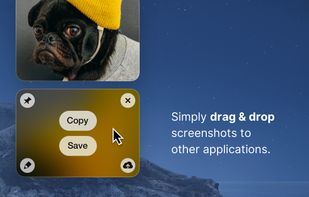


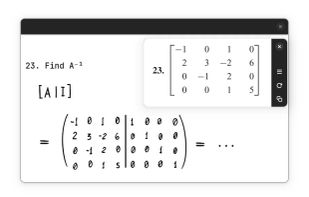
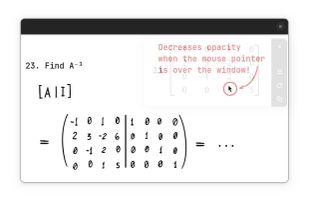
Take screenshots and put them on small floating windows; the application also allows you to decrease the window opacity when the mouse pointer is over it.


Beautiful screenshots with stunning backgrounds and powerful annotation tools. Create, edit, and share professional-quality screenshots with ease.
 PortugalEU
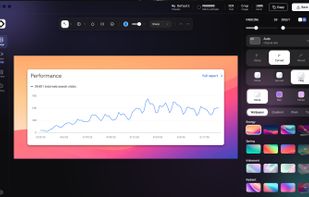


Vibrantsnap turns one rough screen recording into the tutorials and product demos your customers need. Record a tab, a window or your whole screen with the Chrome extension, or import a video you already have, and talk through your product however it comes out.
 Canada
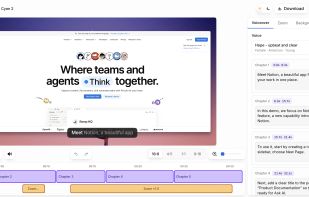
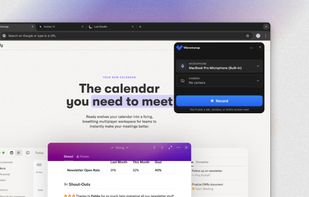


Enables screen and webcam capture, detailed video and screenshot editing, organized meeting notes, AI-powered transcription, and cloud-based instant sharing of annotated visual content via direct links or drag-and-drop integration with communication apps on Windows and Mac.
United States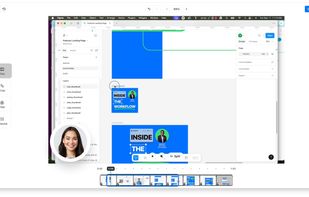
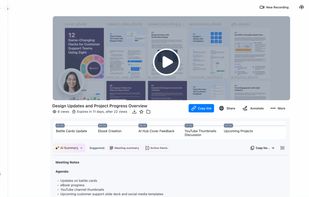
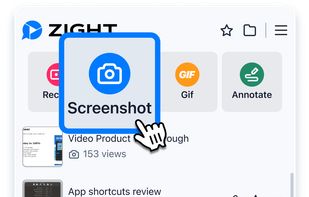
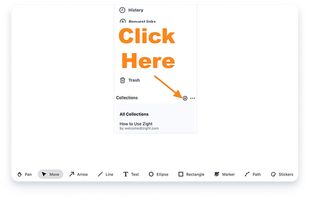


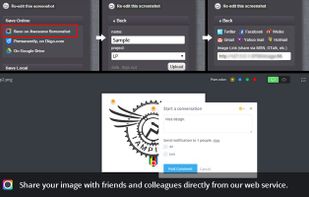
Capture the whole page or any portion, annotate it with rectangles, circles, arrows, lines and text, one-click upload to share.
United States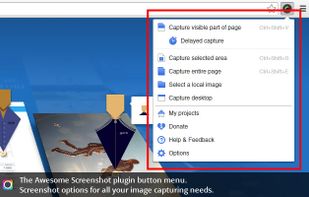



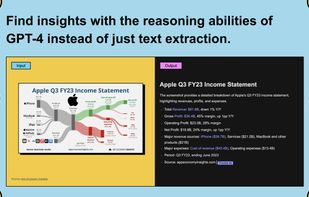
Trickle helps you summarize and organize screenshots, extracting insights for easy search and query. Transform visual chaos into an intelligent archive, allowing you to screenshot anything and effortlessly retrieve and utilize its contents later.




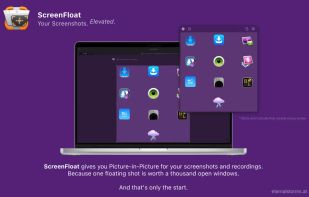
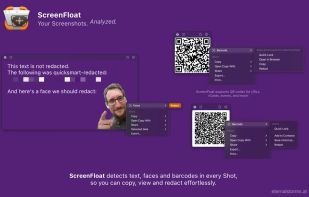
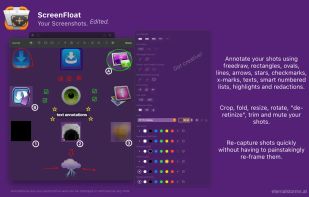
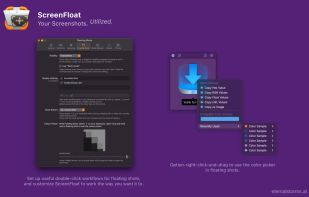
Maximize productivity on Mac with intuitive screen captures, Picture in Picture, and versatile annotation capabilities.
 AustriaEU