

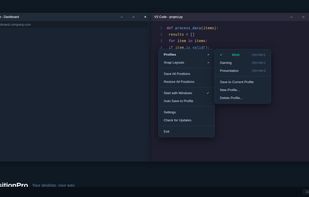
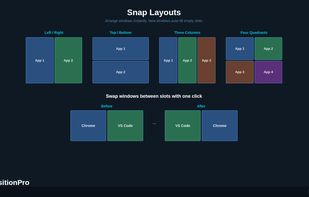
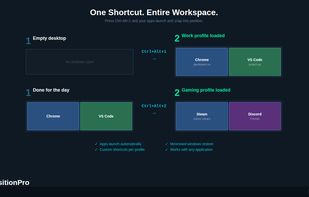
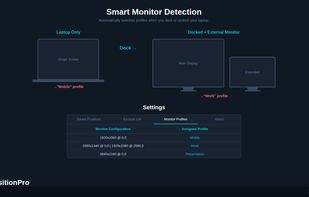
Save, restore and manage window positions on Windows 10 & 11. Create desktop profiles, auto-detect monitors, snap layouts, and switch workspaces with hotkeys. One-time $9.99 purchase.



+1


There are many alternatives to DisplayFusion for Windows if you are looking for a replacement. The best Windows alternative is Dual Monitor Tools, which is both free and Open Source. If that doesn't suit you, our users have ranked more than 50 alternatives to DisplayFusion and many of them are available for Windows so hopefully you can find a suitable replacement. Other interesting Windows alternatives to DisplayFusion are AquaSnap, Actual Multiple Monitors, Actual Window Manager and Ultramon.
Save, restore and manage window positions on Windows 10 & 11. Create desktop profiles, auto-detect monitors, snap layouts, and switch workspaces with hotkeys. One-time $9.99 purchase.

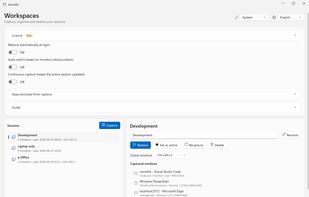
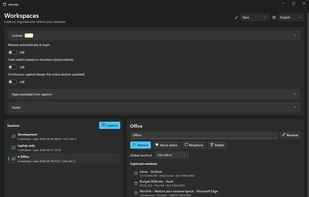
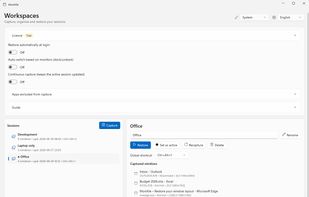
Windows tray utility that saves sessions with each app window’s position and monitor, then restores them when displays are docked, removed or changed. It reuses open windows to avoid duplicates; Pro adds monitor-based session switching, hotkeys and continuous capture.


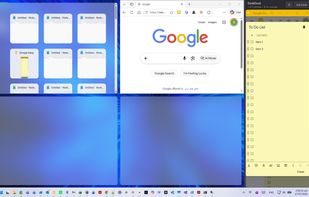
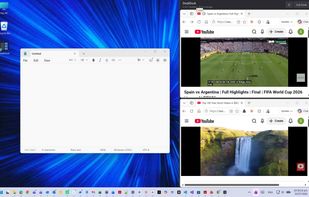
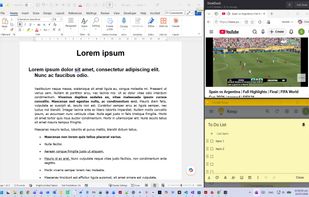
Reserve space on your desktop for three always-visible apps that never get covered. Supports notes, chat, reference, calculators, video calls, or tutorials. Easily dock, resize, reorder, or hide the area. Compatible with all Windows programs and works fully offline.

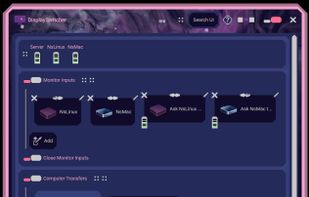
DisplaySwitcher is a desktop application for Linux, macOS, and Windows that combines monitor input switching with text and file transfers between computers.
 United States


Save and restore your Windows workspace, including browser tabs, documents, editor projects and PDF pages. Context data stays on your device. A free tier is available without an account.
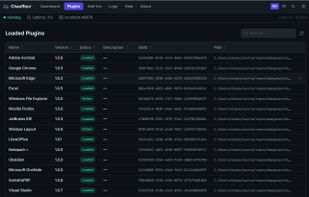

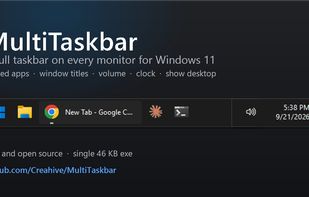
Free, open-source taskbar for your second monitor on Windows 11: pinned apps, window titles, volume, clock and show desktop on every screen.
United States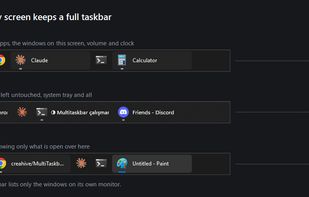


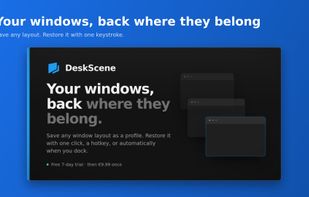
Save your window arrangements as named profiles and restore them with a click, a hotkey, or automatically when your monitors change.
 Austria
 EU

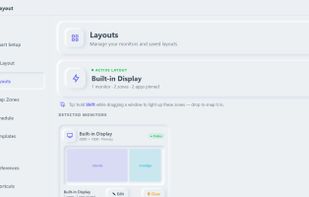
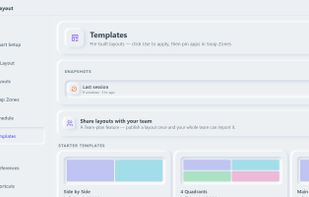
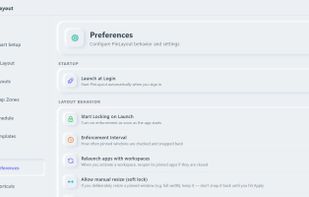
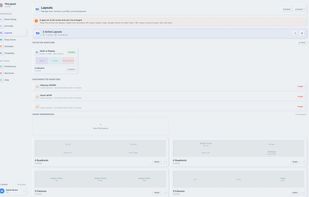
Defines zones on each display, assigns apps to fixed positions, and restores saved workspaces after restarts, crashes, docking, or monitor changes. It includes unlimited layouts, hotkeys, undo and move history, AI suggestions, ultrawide support, and team layout sharing.
 IrelandEU

Free, open-source, lightweight Windows utility for advanced window control, interactive Picture-in-Picture, transparency, floating Anchors, and visual effects.
 Taiwan
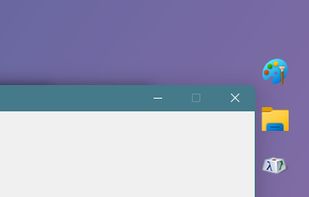
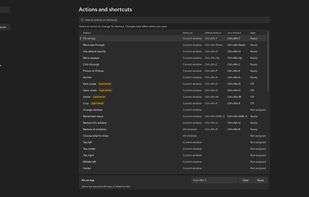
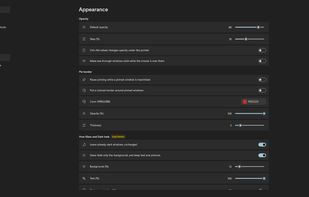
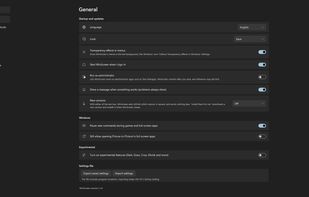

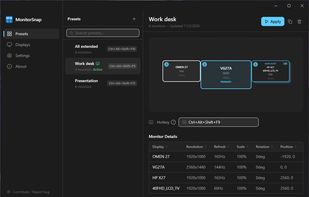
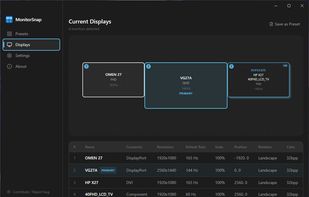
MonitorSnap is a free, open-source Windows desktop app for saving and restoring display configurations. It is designed for multi-monitor desks, KVM switches, docking stations, and PCs connected to TVs.

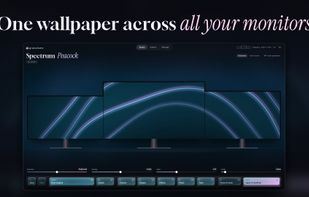
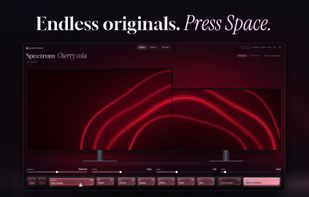
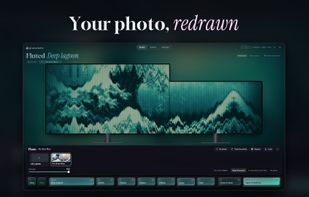
granalume makes original wallpapers on your own PC and spreads each one across all your monitors: dual, triple, ultrawide, stacked or portrait screens, even when they have different sizes and scaling. Every monitor gets its own native pixels and the picture lines up from one...
 ItalyEU
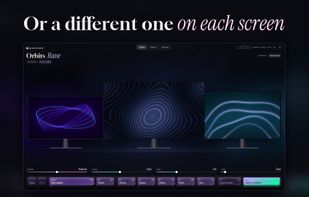

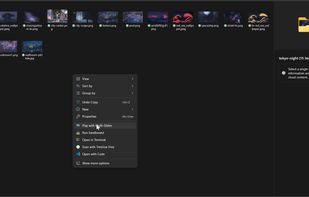
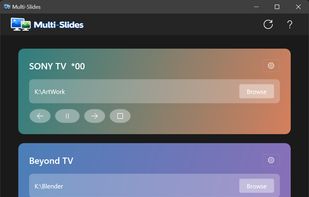
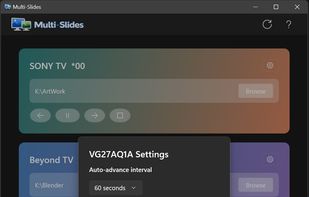
Native Windows 11 app that runs truly independent image slideshows on each monitor — own folder, own pacing, own transitions per display.
 United Kingdom