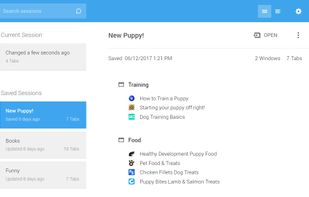
Save and restore the state of windows and tabs. It also supports automatic saving and cloud sync.
Cost / License
- Free
- Open Source (MPL-2.0)
Application type
Platforms
- Google Chrome
- Mozilla Firefox
- Microsoft Edge
 Japan
Japan

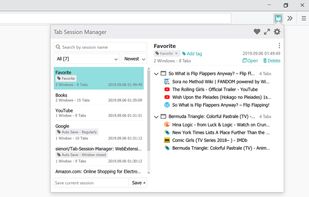

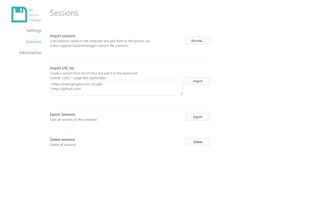


Apps similar to Chauffeur include Tab Session Manager, which is free and open source. Other options are OneTab, DisplayFusion, Session Buddy and Toby For Tabs. In total there are nine Tab Managers like Chauffeur for Mac, Windows, Linux, the web and Android.
Save and restore the state of windows and tabs. It also supports automatic saving and cloud sync.
Japan
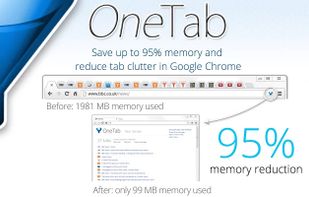
Whenever you find yourself with too many tabs, click the OneTab icon to convert all of your tabs into a list. When you need to access the tabs again, you can either restore them individually or all at once.



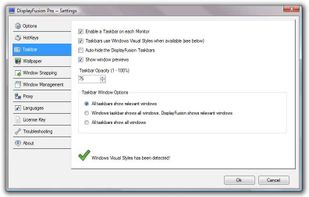
Enables multi-monitor taskbars with advanced wallpaper management, scripted macros, remote access, screen savers, and desktop profile features; offers window snapping, customizable hotkeys, logon backgrounds, and multi-language support for home or business use.
 Canada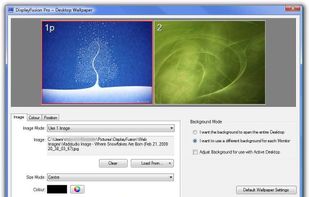


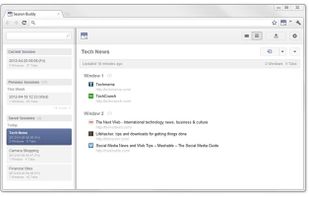
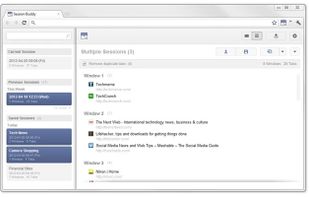
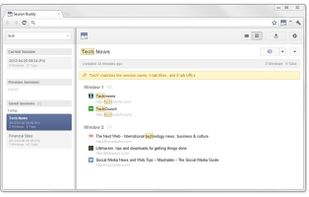
Manage Your Browser Sessions View and save the state of all open browser tabs in the current or past browser sessions. Quickly restore your tabs and resume your web surfing after a browser or system crash. Edit the sessions you've saved and restore them into the desired set o.


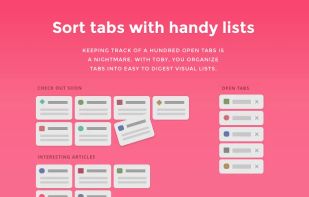
A Chrome and Firefox extension enhances tab management by saving and organizing tabs, offering session management, drag-and-drop organization, and a clutter-free experience with easy access to essential tabs using category spaces, effortless search, and link organization.
Canada
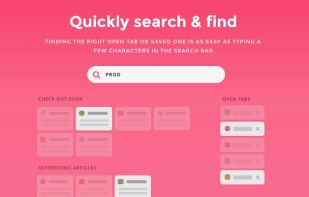


Enables organizing browser tabs into modular workspaces for project management, meetings, and workflows across Chrome and Firefox, helping reduce clutter, maintain focus, and access all resources or dashboards in one place, supporting seamless collaboration and context switching.
 United States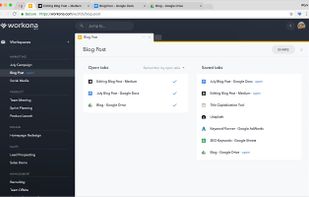

One macOS hotkey to switch entire project contexts: browser profiles (10 browsers), apps, window layouts, terminal env vars, and Spaces - all restored instantly. Native, unsandboxed, with iCloud sync.
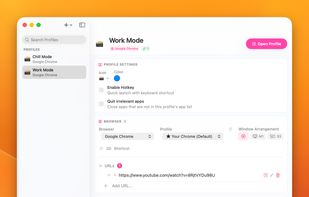
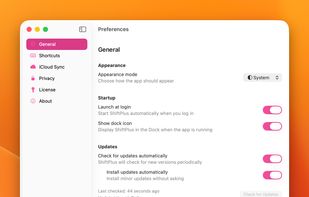
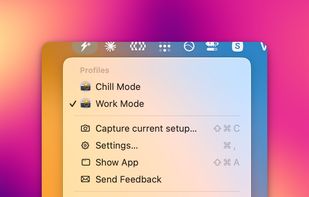

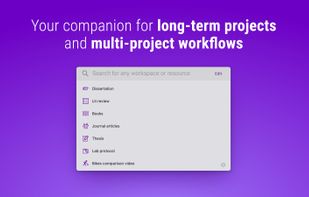
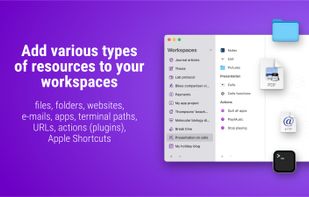
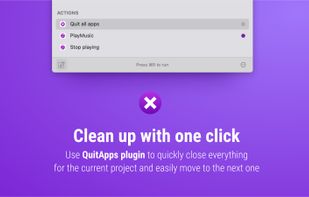
A native project launcher for Mac that opens the apps, files, folders, websites, emails, Terminal commands and Shortcuts needed for a project, then runs cleanup actions when you finish.
 Poland
 EU
EU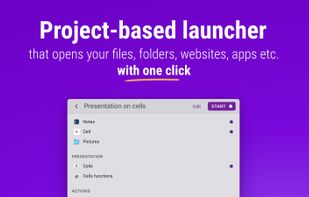


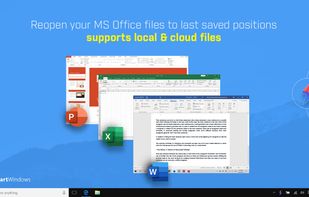
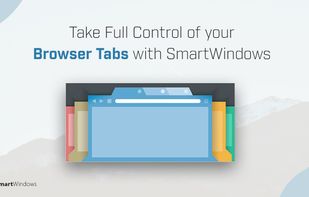
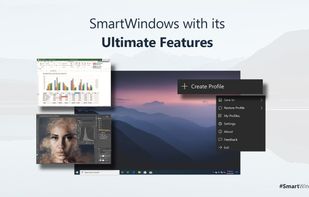
SmartWindows streamlines the way you work. It is perfect for professionals looking to optimize the overall work experience or switch between projects. You can save display preferences for applications with the help of a few clicks.
 Pakistan