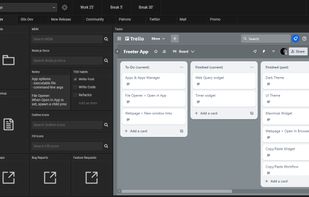
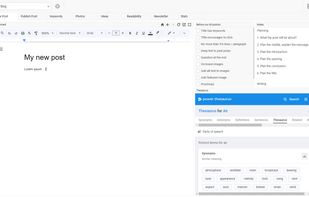
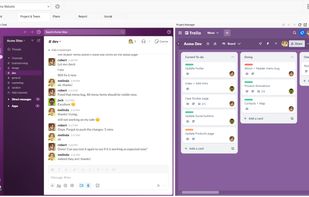
The smartest way to work on your computer. Freeter is a productivity app that allows you to gather everything you need for work in one place, organized by projects and workflows, and have a quick access to them.


Workspaces is described as 'Straightfoward productivity tool for Mac to recreate your work environment in two clicks. Simply drop files, folders, apps and websites into the application and select the ones you want to auto-launch. Open them all by clicking the START button' and is a application launcher in the office & productivity category. There are seven alternatives to Workspaces for Mac, Windows and Linux. The best Workspaces alternative is Freeter, which is both free and Open Source. Other great apps like Workspaces are Putback, ControlPlane, Chauffeur and SomLauncher.
The smartest way to work on your computer. Freeter is a productivity app that allows you to gather everything you need for work in one place, organized by projects and workflows, and have a quick access to them.


Automatically restores window layouts on macOS when display setups change, offering instant position recovery, desk scene customization with app placement and wallpaper settings, hotkey triggers, undo feature, strong privacy protections, and no subscription needed.


Custom automation profiles for Mac with rule creation based on WiFi, Bluetooth, network, monitor, or USB changes, automating apps, scripts, display, lock, and notifications, and offering open-source support for context-driven macOS adjustments.


Save your whole working setup — open files, editor tabs, browser tabs, PDF pages and projects — as a named context and restore it with one click. Runs fully locally: no account, no cloud, no telemetry.


Bunch is a little macOS utility that sits in your Dock (or your Menu Bar). It doesn’t have any windows. When you right/ctrl-click the Dock icon (or click the menu item), it gives you a list of “Bunches” you can select from, each one launching a group of applications that you...