





Multi-Slides
Like
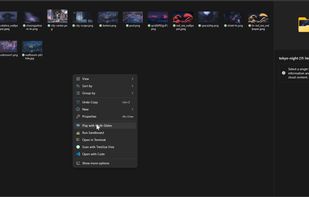
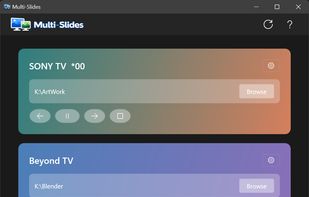
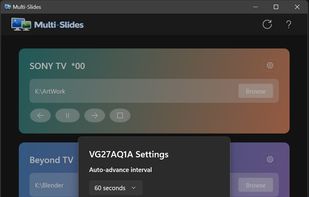
Native Windows 11 app that runs truly independent image slideshows on each monitor — own folder, own pacing, own transitions per display.

Cost / License
- Pay once
- Proprietary
Platforms
- Windows


Add Alternatives

0likes
0alternatives
0articles
Features
Multi-Slides News & Activities
Highlights All activities
Recent activities
 Korye-Creations added Multi-Slides as alternative to PicView
- Korye-Creations added Multi-Slides
 Korye-Creations added Multi-Slides as alternative to Rectangle, Dual Monitor Tools, SnapZones, AquaSnap and 49 more


Multi-Slides information
Developed by
 Korye Creations
 Licensing
Proprietary and Commercial product.Pricing
One time purchase (perpetual license) that costs $5.Alternatives
0 alternatives listedBadge
Get an embeddable badge for Multi-SlidesSupported Languages

No comments or reviews, maybe you want to be first?