Optimize your desktop environment with this management tool offering window docking, snapping, multi-monitor support, and keyboard shortcuts for enhanced productivity.
 France
 EU



+9
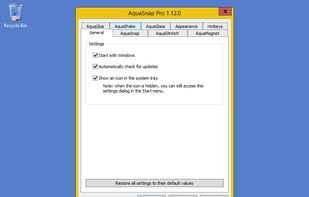


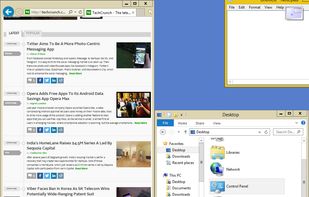
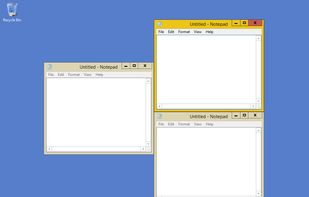
Apps similar to WinScreen include Microsoft PowerToys, which is free and open source. Other options are DisplayFusion, AquaSnap, AltSnap and SmartSystemMenu. You can choose from more than 10 Window Managers like WinScreen for Windows.
Optimize your desktop environment with this management tool offering window docking, snapping, multi-monitor support, and keyboard shortcuts for enhanced productivity.
FranceEU
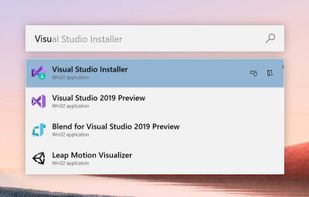
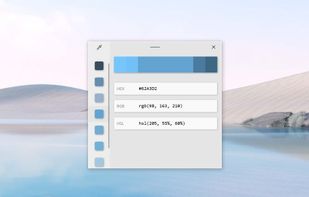
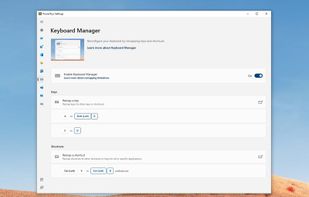
Open-source utilities for Windows include FancyZones for window management, PowerRename for bulk renaming, and Keyboard Manager for custom shortcuts. Ad-free, supports multi-monitor setups, no registration needed, lightweight resource usage, and works offline.
 United States


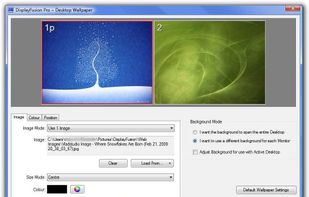
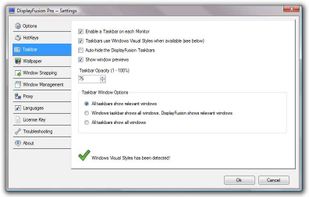
Enables multi-monitor taskbars with advanced wallpaper management, scripted macros, remote access, screen savers, and desktop profile features; offers window snapping, customizable hotkeys, logon backgrounds, and multi-language support for home or business use.
 Canada


A fork of the unmaintained AltDrag, this allows you to move and resize windows by holding the Alt key and clicking anywhere within the window instead of relying on very precise clicking of the window edges.


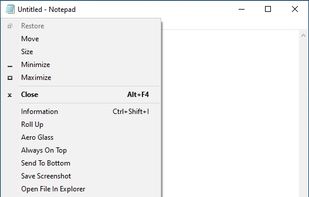
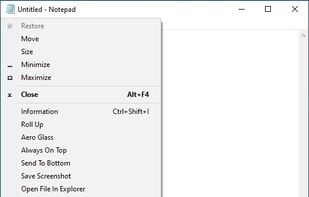
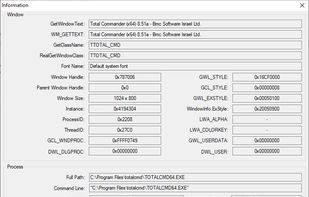
SmartSystemMenu extends system menu of all windows in the system. It appends next custom items to menu:
United States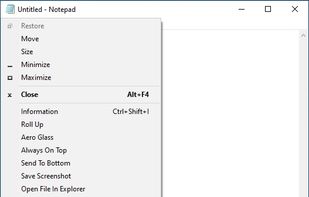


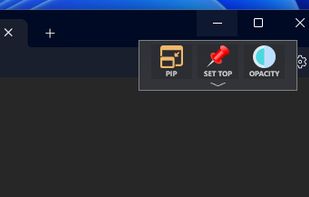
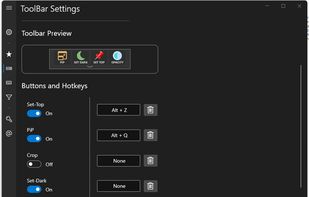
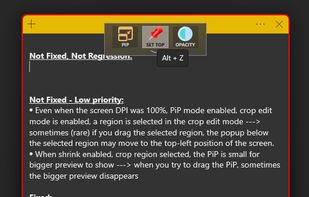
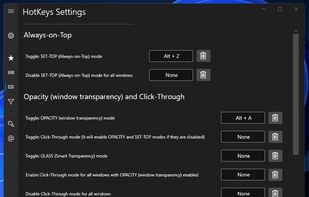
Boost your multitasking with Always-on-Top, Interactive Picture-in-Picture & Crop, Opacity & Click-Through, Anchors, Dark Mode and more!.


Actual Multiple Monitors is a software utility which offers the comprehensive solution to improve the functionality of Windows user interface for comfortable and effective work with multi-monitor configurations.
 Russia


SmartContextMenu adds a context menu to all windows in the system. This program is enhanced version of SmartSystemMenu. I hope it will be more convenient, because it supports all types of windows, including windows without a system menu.
United States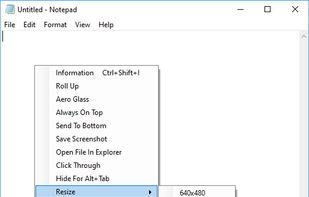


A lightweight application that provides a real-time thumbnail replica of any window of your choice. OnTopReplica will stay always on top, allowing you to keep track of the original window while working and without having to keep the keyboard focus on it.
 ItalyEU


DeskPins can be used to make any application topmost, that is, to keep it above all other windows. Just grab a pin from the DeskPins icon in the system notification area (a.k.a. taskbar tray) and click on any window.
 GreeceEU


Like the "Always on Top" feature that some programs have? TurboTop lets you set any window to be "Always on Top!"
United States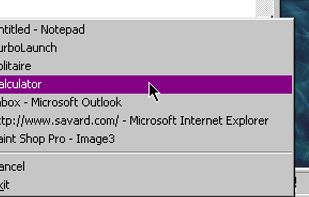


WindowSpace is a powerful desktop enhancement utility for large monitors, widescreens and multi-monitor systems. Once installed, it allows you to manipulate windows in many new amazing ways – snap windows to the screen edges and other windows, move and resize them with keyboard...
Russia
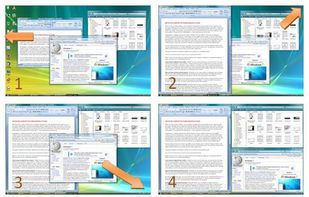


PiP tool is a software to use the Picture in Picture mode on Windows. This feature allows you to watch content (video for example) in thumbnail format on the screen while continuing to use any other software on Windows.
FranceEU